
SCHOOLS & HIGHER EDUCATION
CMMS Software for Schools & Universities
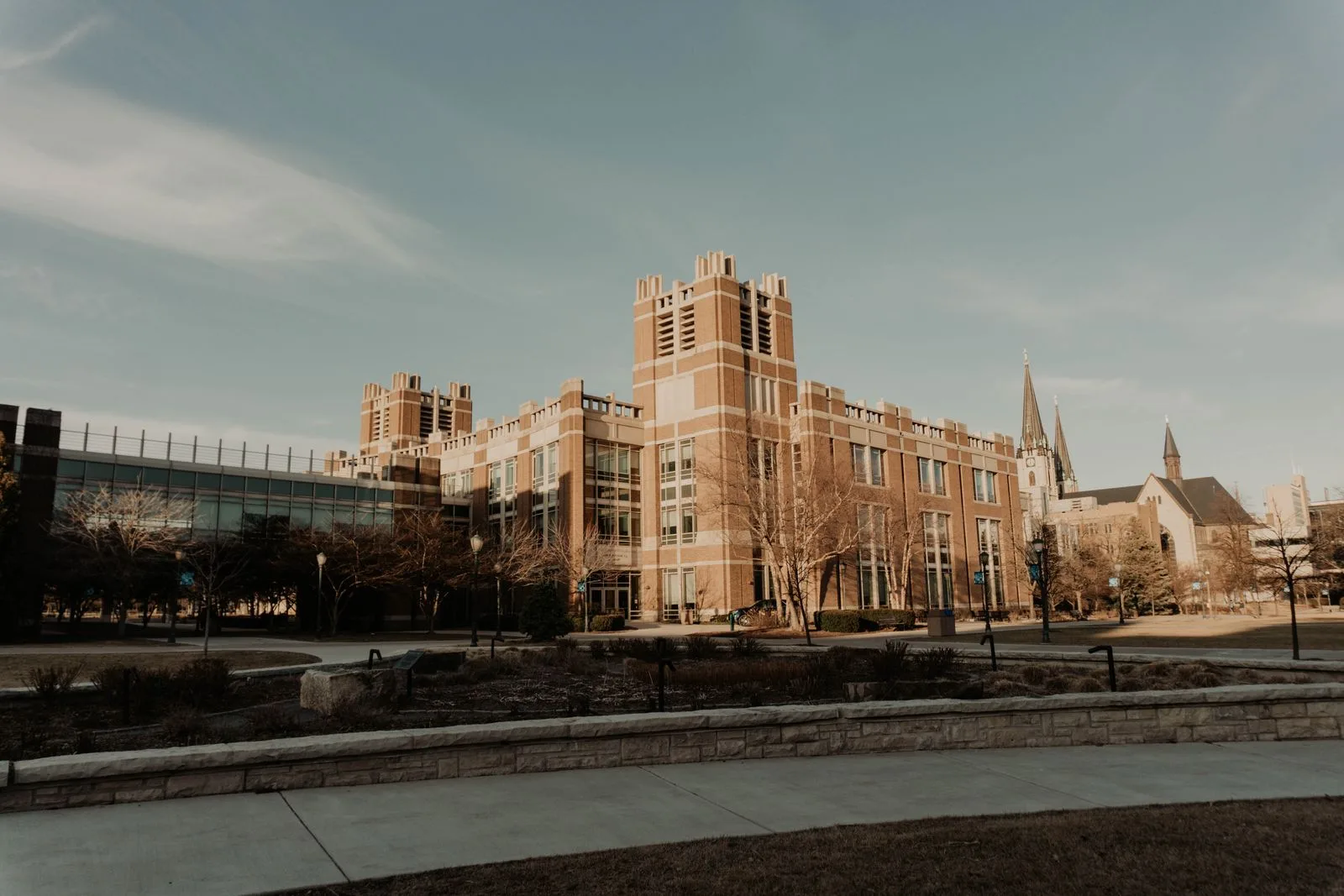
A campus is a portfolio, run by a small team.
Buildings, grounds, and buses on one system, with work requests from any staff member and a maintenance record that survives a budget review.
- Free staff requests
- Buses and buildings together
- Multi-building by default










WHAT CHANGES
What a CMMS changes on a campus
Campus teams are chronically short-staffed and the buildings are old. These are the four things they tell us they are trying to fix.
Teachers and staff report problems by email and in person, and the maintenance team works from memory and a paper list.
Anyone submits from a phone with the building and room attached, and the whole backlog is visible in one place.
Summer is the only window for real work, and planning it depends on remembering what needs doing.
Deferred work sits in the system against the asset, so the summer plan is built from a real list.
Buses are maintained on a separate spreadsheet by a separate person.
Vehicles are maintained on mileage or hours in the same queue as the buildings, by the same team if you want.
The board asks what deferred maintenance costs and the answer is a guess.
Asset condition and repair history support a number rather than an estimate at budget time.
RESULTS
Results from campus maintenance teams
Measured across UpKeep customers in an independent Forrester study.
90%
Reduction in technician time spent filing work orders and finding asset information
KEY WORKFLOWS
Maintenance workflows across a campus
Buildings, grounds, and transportation are one team’s problem on most campuses. These are the hand-offs that matter.
A bus comes due for service
Summer work needs planning
- CMMS Deferred work is already recorded against each asset through the year.
- Facilities Condition and cost history show which buildings need the window most.
- Nova Ask what deferred work is outstanding by building, and what it would cost.
NOVA
Build the number your board asks for
Nova is UpKeep's AI assistant, and it builds apps. Describe the report or checklist you need in plain language and Nova builds it against your own campus data, without waiting on IT.
See how Nova works- What deferred maintenance is outstanding by building, and what has it cost so far?
- Build a summer readiness checklist for every classroom.
- Which assets have had the most emergency repairs in the last two years?
PRODUCTS
School maintenance software features
These are apps, not an edition. Most districts start with the CMMS and add Fleet for buses and Capital Planning for the budget cycle.
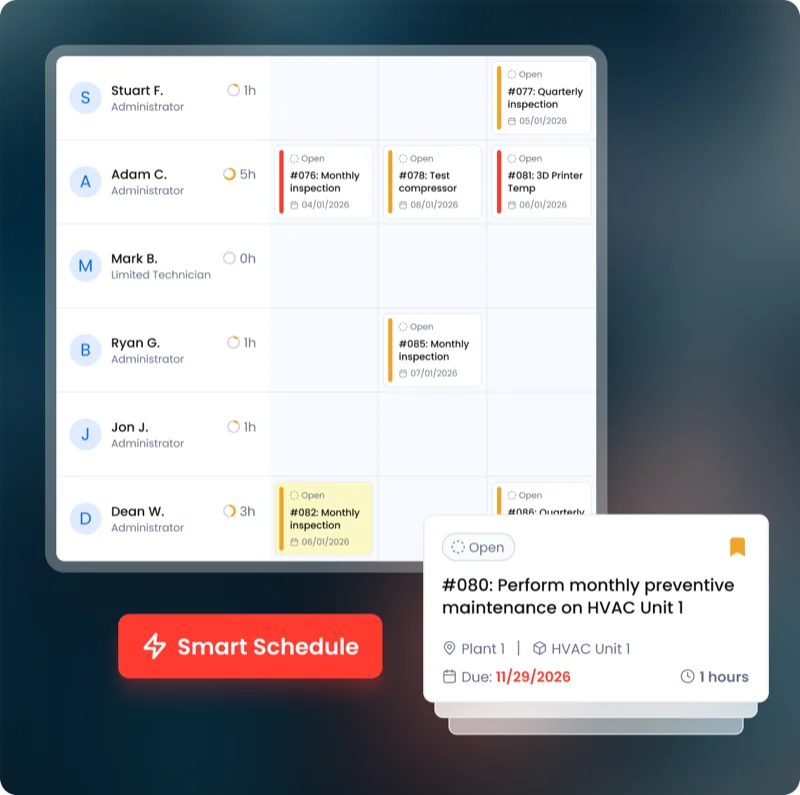 Maintenance CMMS
 Work orders, preventive maintenance, asset history, and parts. The system of record everything else hangs off.
Explore CMMS →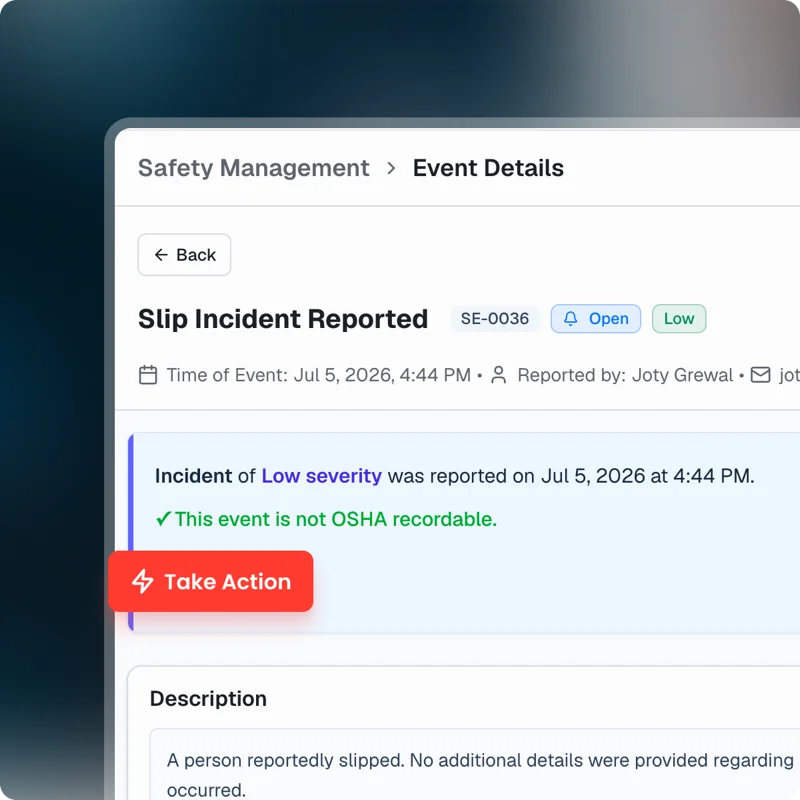 EHS Safety
 Incident capture from the floor by phone or voice, with OSHA 300, 300A, and 301 recordkeeping.
Explore Safety →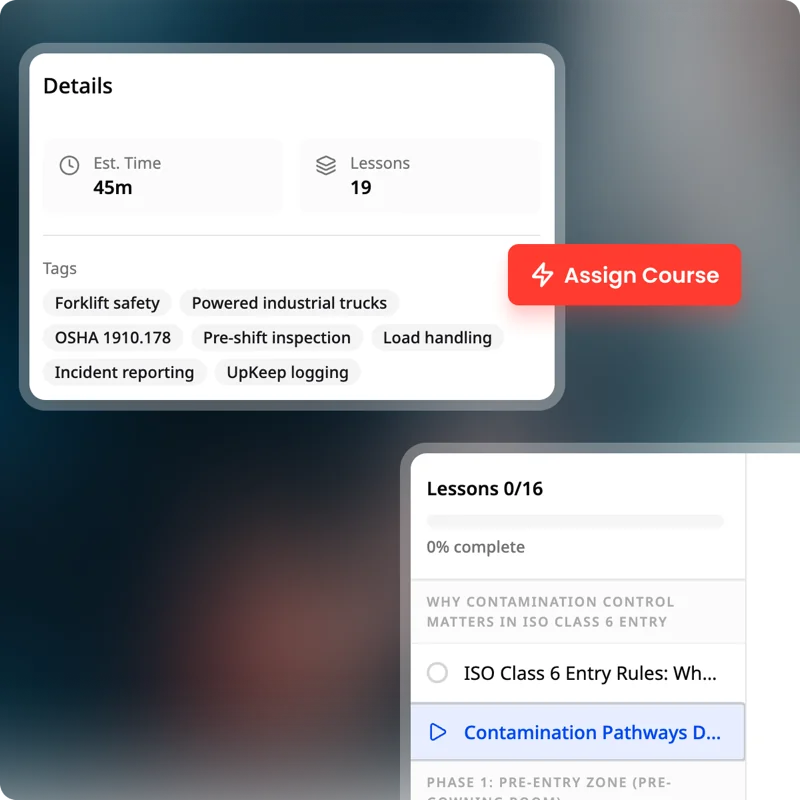 Training Learn
 Procedures, courses, and certifications tied to the people who do the work.
Explore Learn → Work Orders Requests in, work assigned, and a record of what was done, from any phone on the floor.
Preventive Maintenance Schedule preventive maintenance for the whole campus based on dates or meter readings, so HVAC and boilers are serviced before term starts.
Facilities Run classrooms, labs, dorms, and athletics on one plan, with work scheduled around terms and exam weeks.
Fleet Service buses and grounds vehicles on mileage or hours, with inspection records kept for every vehicle.
Asset Management Every asset with its history, cost, documents, and hierarchy, from the site down to the component.
Parts & Inventory Spare parts, stock levels, and reorder points, consumed against the work order that used them.
Capital Planning Asset condition and replacement forecasting, so next year’s budget is based on real history.
Nova The AI assistant that answers questions about your data and builds custom apps from a description.
CUSTOMER STORIES
Teams running maintenance on UpKeep

Moved campus crews off paper and onto digital preventive maintenance and work orders.
Caltech
Read the story →
Kept track of work orders arriving from schools across the district.
Alum Rock Union School District
Read the story →
Keeps kitchen equipment running across a footprint measured in thousands of sites.
Chick-fil-A
Read the story →
One operator runs maintenance across every restaurant he owns from a phone.
McDonald's
Read the story →
Standardized maintenance across one of the largest custom restorative labs in the world.
Glidewell
Read the story →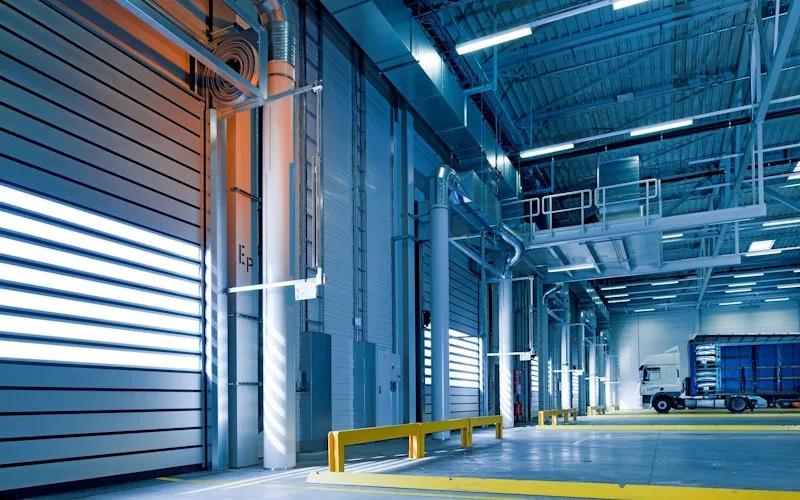
Moved from 60% reactive work to 20% by putting every asset on a recurring PM schedule.
Industrial manufacturer
Read the story →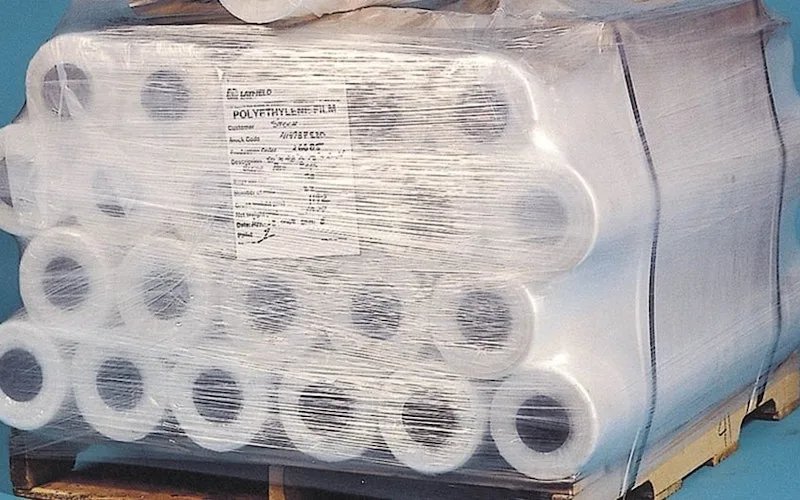
Shifted work from reactive to preventive and brought maintenance costs down with it.
Layfield Group
Read the story →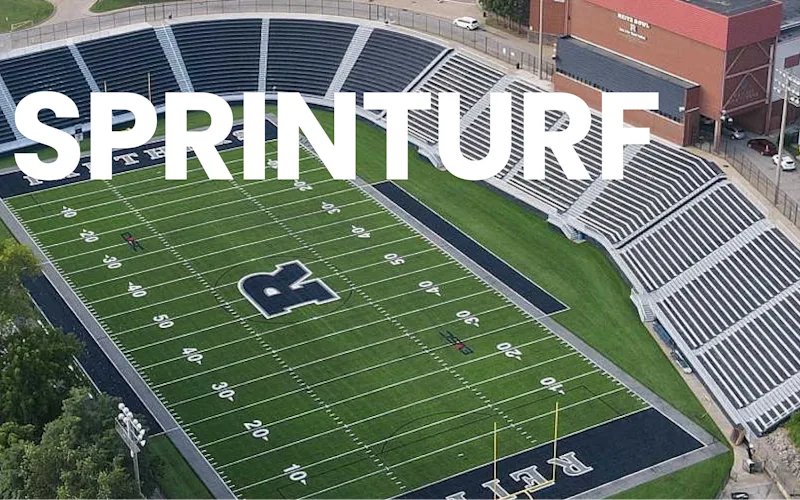
Replaced paper tracking and manual data entry across the plant using Nova.
Sprinturf
Read the story →School maintenance software: common questions
What is school maintenance software?
It is the system a district or campus uses to take in work requests from staff, schedule preventive maintenance on buildings and grounds, and keep the record of what has been done to each asset.
On a campus the defining constraints are a small team, an old building stock, and a summer window that has to be planned from something better than memory.
Can UpKeep manage school buses?
Yes, through Fleet. Buses and grounds vehicles are maintained on mileage or hours, and the work orders sit in the same queue as the buildings.
Driver and technician certifications are tracked in Learn, so an expired credential is visible before it becomes a problem.
Can teachers and staff submit requests without a license?
Yes. Anyone can submit from a phone or by scanning a QR code, with no account and no paid seat, and the building and room come attached.
Does UpKeep help with deferred maintenance reporting?
Yes. Deferred work stays recorded against the asset rather than in someone’s head, and asset condition plus repair history through Capital Planning supports a real number at budget time.
If your district runs a formal facility condition assessment programme with a specialist provider, UpKeep complements it rather than replacing the assessment itself.
How much does school maintenance software cost?
UpKeep is priced per user per month, based on the people creating and closing work orders rather than square footage or student count. Staff submitting requests are free. See the pricing page for current tiers.
Can UpKeep handle multiple schools in a district?
Yes. Assets are organized by location, so cost, open work, and PM compliance can be viewed for one school or across the district using one naming scheme.
How long does implementation take?
Weeks, and summer is the usual window. Most districts start by importing the asset list for one or two buildings, setting PMs on HVAC and life safety, and opening request intake to staff.
FREE RESOURCES
Go deeper on maintenance
Practical guides and research from the UpKeep team. No cost, no sales call required.
 Guide
GuideThe Reliability Playbook: Capturing 20 Years of Know-How Before It Walks Out the Door
A fully staffed plant still loses hours to failures a retired technician would have caught in minutes. This playbook reframes the problem: knowledge is disappearing because no system was built to capture it. It lays out a three-part framework for closing that gap and shows what changed at one plant that stopped hiring its way out and instead started capturing what its people already knew.
Get the guide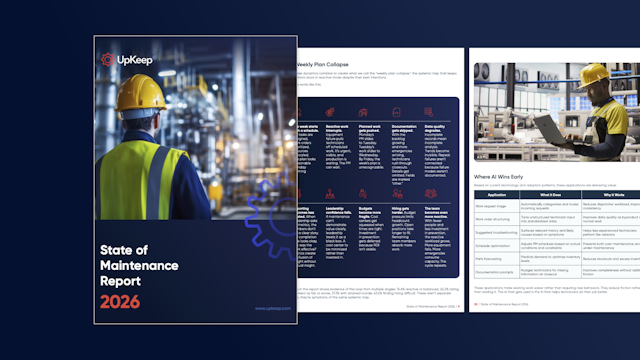 Report
The 2026 State of Maintenance Report
This year's report reflects a fundamental shift in how maintenance creates competitive advantage. While 90% of teams recognize what drives reliability, only 25% can consistently execute it. The gap between knowing and doing has become the defining challenge and opportunity of 2026.
Get the report Guide
GuideChange or Be Left Behind: The Urgent Need for Change Management in Maintenance
Effectively managing change enables maintenance teams to implement new technologies, streamline processes, and foster continuous improvement, all of which are necessary to thrive in today’s fast-paced environment. This guide outlines essential change management models
Get the guide
GET STARTED
See it against your own campus
We will walk through your building list, your summer plan, and the requests that take longest to close.