
FITNESS & RECREATION
CMMS Software for Gyms & Recreation Facilities
Broken equipment is a cancelled membership.
Cardio and strength equipment, pool plant, and HVAC maintained across every club, with staff able to flag a machine the moment it fails.
- Multi-club by default
- Free staff reporting
- PMs on usage hours








WHAT CHANGES
What a CMMS changes in a fitness business
Members notice broken equipment before management does. These are the four things operators tell us they are trying to fix.
A treadmill goes down and sits with a paper sign on it for a week because nobody logged it.
Staff flag it from a phone by scanning the machine, and it enters a queue with the club and unit attached.
Service is scheduled by calendar, so heavily used machines are under-served and quiet ones over-served.
PMs trigger on usage hours, so the machines carrying the load get attention first.
Pool plant and HVAC inspections are tracked on a clipboard in a back office.
Inspections are scheduled work with photos and sign-offs, so the compliance record exists as a by-product.
You run twelve clubs and cannot tell which is costing the most to keep open.
Cost, downtime, and repeat failures roll up by club and by equipment type.
RESULTS
Results from fitness and recreation operators
Measured across UpKeep customers in an independent Forrester study.
90%
Reduction in technician time spent filing work orders and finding asset information
KEY WORKFLOWS
Maintenance workflows across a fitness business
Equipment, plant, and multi-club reporting are one workflow. These are the hand-offs that matter.
Cardio equipment hits a service interval
- CMMS The PM triggers on usage hours rather than a date on a calendar.
- Parts & Inventory Belts and consumables come off stock against the work order.
- CMMS Overdue service is visible by club before members notice.
Pool plant needs its inspection
NOVA
Build the equipment report you keep rebuilding
Nova is UpKeep's AI assistant, and it builds apps. Describe the tracker or report you need in plain language and Nova builds it against your own equipment and work order data.
See how Nova works- Which machines were out of service longest across all clubs last quarter?
- Build an opening checklist that logs pool chemistry at each club.
- Show me maintenance cost per club for the year.
PRODUCTS
Gym maintenance software features
These are apps, not an edition. Most operators start with the CMMS and add Providers for the vendors who service the equipment.
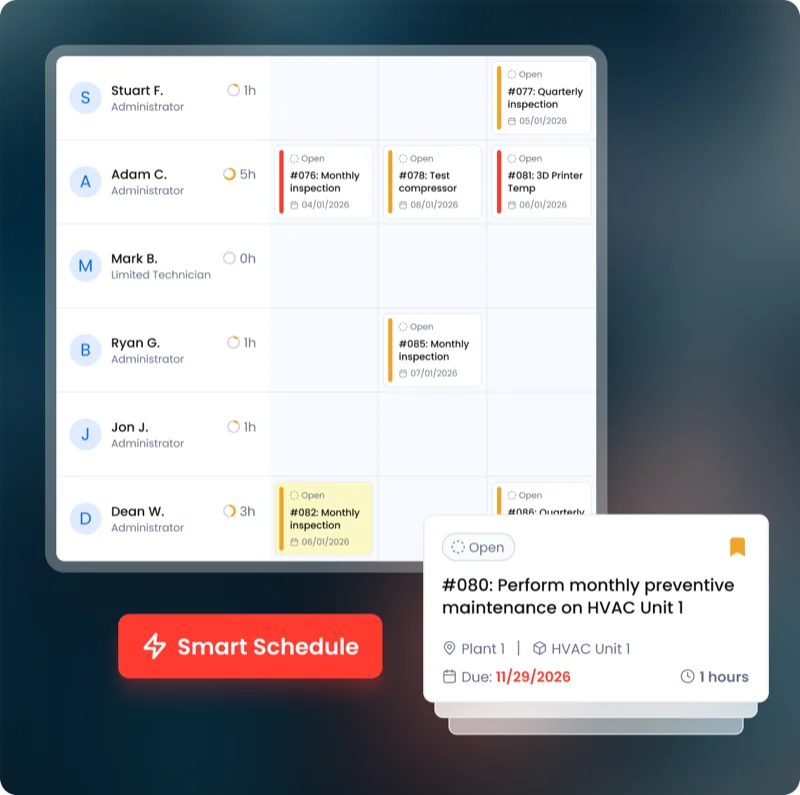 Maintenance CMMS
 Work orders, preventive maintenance, asset history, and parts. The system of record everything else hangs off.
Explore CMMS →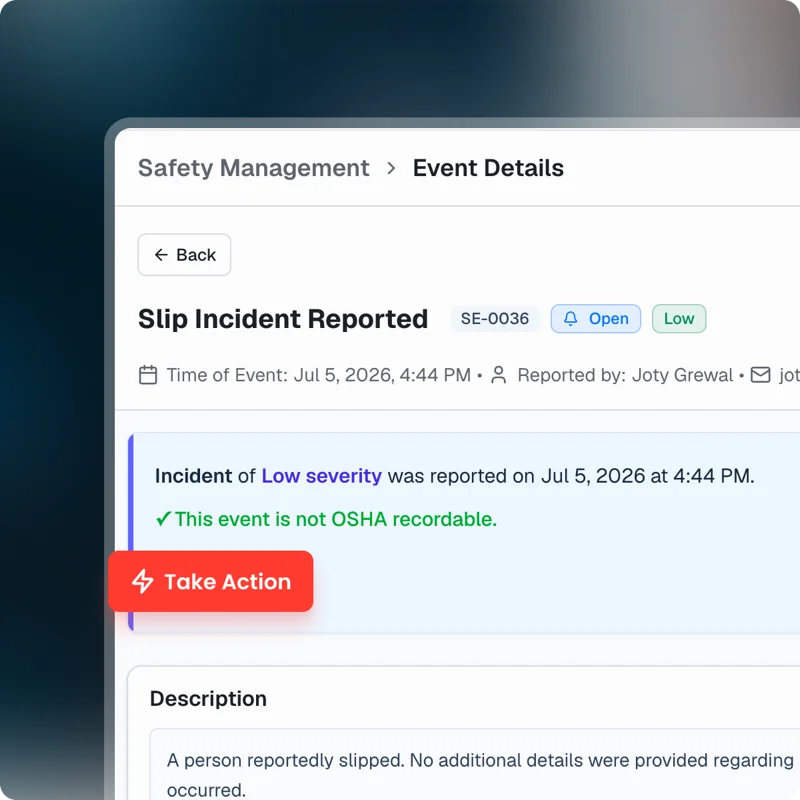 EHS Safety
 Incident capture from the floor by phone or voice, with OSHA 300, 300A, and 301 recordkeeping.
Explore Safety →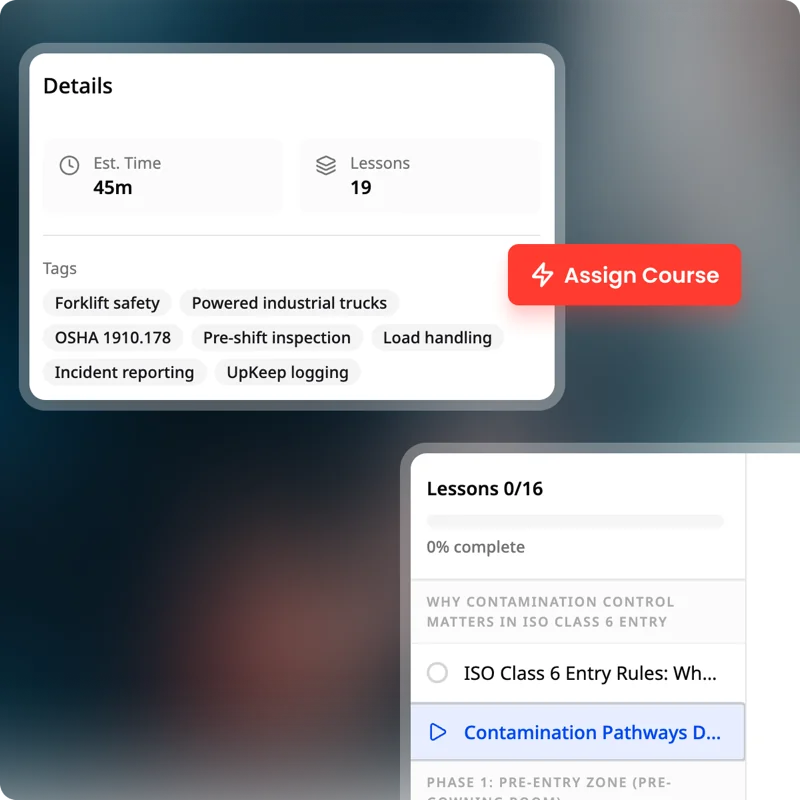 Training Learn
 Procedures, courses, and certifications tied to the people who do the work.
Explore Learn → Work Orders Staff report a broken machine from the floor, and the request reaches the technician with the asset history attached.
Preventive Maintenance Set gym equipment preventive maintenance on usage hours or dates, so treadmills, pools, and HVAC stay open for members.
Asset Management Every asset with its history, cost, documents, and hierarchy, from the site down to the component.
Facilities Keep locker rooms, pools, and studios on a maintenance schedule members never have to notice.
Providers Outside contractors working in the same system, with their work visible alongside your own.
Parts & Inventory Spare parts, stock levels, and reorder points, consumed against the work order that used them.
Nova The AI assistant that answers questions about your data and builds custom apps from a description.
CUSTOMER STORIES
Teams running maintenance on UpKeep

Keeps kitchen equipment running across a footprint measured in thousands of sites.
Chick-fil-A
Read the story →
One operator runs maintenance across every restaurant he owns from a phone.
McDonald's
Read the story →
Moved campus crews off paper and onto digital preventive maintenance and work orders.
Caltech
Read the story →
Standardized maintenance across one of the largest custom restorative labs in the world.
Glidewell
Read the story →
Moved from 60% reactive work to 20% by putting every asset on a recurring PM schedule.
Industrial manufacturer
Read the story →
Shifted work from reactive to preventive and brought maintenance costs down with it.
Layfield Group
Read the story →
Replaced paper tracking and manual data entry across the plant using Nova.
Sprinturf
Read the story →
Moved maintenance off paper and onto a system the whole team can see.
Old Trapper
Read the story →Gym maintenance software: common questions
What is gym maintenance software?
It is the system a fitness operator uses to log broken equipment, schedule preventive maintenance on machines and plant, and track what each club costs to keep open.
The measure that matters is how long a machine sits out of service, because that is what members actually experience.
Can service be scheduled on usage rather than dates?
Yes. PMs can trigger on usage hours or meter readings, which matters in a club where a handful of machines carry most of the load and the rest are barely touched.
Can staff report a broken machine without a license?
Yes. Staff scan a QR code on the machine and submit from a phone with no account and no paid seat. The club and the unit come attached.
Does UpKeep manage our equipment service vendors?
Yes, through Providers. Vendors are assigned work orders directly, and what they did lands on the machine record rather than living in an email thread.
Does UpKeep cover pool and spa plant?
Yes, as assets with their own inspection schedules. Readings, photos, and corrective actions stay on the asset, which is what a health inspection asks for.
How much does UpKeep cost?
UpKeep is priced per user per month, based on the people creating and closing work orders rather than the number of clubs or machines. Staff reporting problems are free. See the pricing page for current tiers.
How long does implementation take?
Weeks. Most operators start with one or two clubs: import the equipment list, put QR codes on the machines, and set PMs on the equipment that fails most. The same setup then rolls to every other club.
FREE RESOURCES
Go deeper on maintenance
Practical guides and research from the UpKeep team. No cost, no sales call required.
 Guide
GuideThe Reliability Playbook: Capturing 20 Years of Know-How Before It Walks Out the Door
A fully staffed plant still loses hours to failures a retired technician would have caught in minutes. This playbook reframes the problem: knowledge is disappearing because no system was built to capture it. It lays out a three-part framework for closing that gap and shows what changed at one plant that stopped hiring its way out and instead started capturing what its people already knew.
Get the guide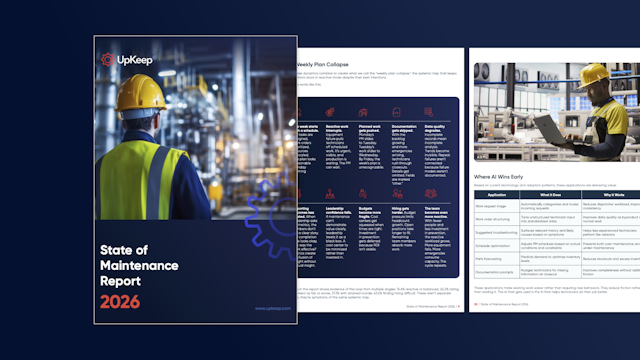 Report
The 2026 State of Maintenance Report
This year's report reflects a fundamental shift in how maintenance creates competitive advantage. While 90% of teams recognize what drives reliability, only 25% can consistently execute it. The gap between knowing and doing has become the defining challenge and opportunity of 2026.
Get the report Guide
GuideChange or Be Left Behind: The Urgent Need for Change Management in Maintenance
Effectively managing change enables maintenance teams to implement new technologies, streamline processes, and foster continuous improvement, all of which are necessary to thrive in today’s fast-paced environment. This guide outlines essential change management models
Get the guide
GET STARTED
See it against your own clubs
We will walk through your equipment list, your service intervals, and the machines that are down most often.