
ASSET MAINTENANCE SOFTWARE
Asset Maintenance Software for the Full Asset Lifecycle
Track and maintain every asset across every site. UpKeep's asset maintenance software gives you real-time visibility into asset health, maintenance history, and total cost of ownership.








INDUSTRIES SERVED
Built for asset-intensive industries
From production lines to building systems and fleets, UpKeep supports the verticals where uptime and asset visibility matter most.
Manufacturing & Plants
Production equipment, presses, conveyors and packaging lines.
Food & Beverage Manufacturing
Refrigeration, packaging, and audit-ready records for GFSI/FDA/FSIS.
Facility Management
HVAC, electrical, plumbing and life-safety systems.
Energy & Utilities
Generation, transmission and distribution assets across sites.
Healthcare
Medical devices, clinical infrastructure and facility uptime.
Fleet Management
Vehicles, telematics, DVIRs and mileage-based preventive maintenance.
Property Management
Commercial buildings, common areas, grounds and tenant requests.
Schools & Higher Education
Campus facilities, academic buildings and athletic infrastructure.
WHY UPKEEP ASSET MAINTENANCE
Know What Every Asset Is Costing You
Full Lifecycle Tracking From Day One
Every stage of an asset's life is captured in one record: purchase, warranties, depreciation, repair history, and the labor and parts spent keeping it alive. When the maintenance spend starts outrunning the replacement cost, you'll see it coming.
Purchase
Maintain
Retire
Asset Analytics with Nova AI
Nova is included on every plan, not gated to the top tier. Ask which assets failed most last quarter and why, or schedule a weekly health audit that lands in your feed before Monday's planning meeting.
QR Codes & Documentation
Print a QR sticker for any asset. A technician scans it at the machine and gets the manual, warranty status, repair history, and open work orders without walking back to a desk.
First-Party IoT Sensors
UpKeep Edge sensors watch vibration, temperature, and runtime around the clock. A drift outside normal range opens a work order with the readings attached. No third-party sensor vendor required.
CAPABILITIES
Enterprise Asset Management Capabilities
Asset Registry
Centralized database for every asset across all locations. Store specs, serial numbers, purchase dates, vendor info, and custom fields in one searchable registry.
Lifecycle Tracking
Follow every asset from procurement through active service to decommission. Capture every event, cost, and decision along the way.
Downtime Analysis
Track unplanned downtime by asset, location, and root cause. Identify your worst offenders and take targeted action to improve uptime.
Depreciation Schedules
Automatically calculate and track asset depreciation using straight-line or declining balance methods. Export reports for finance and compliance teams.
Asset Hierarchy
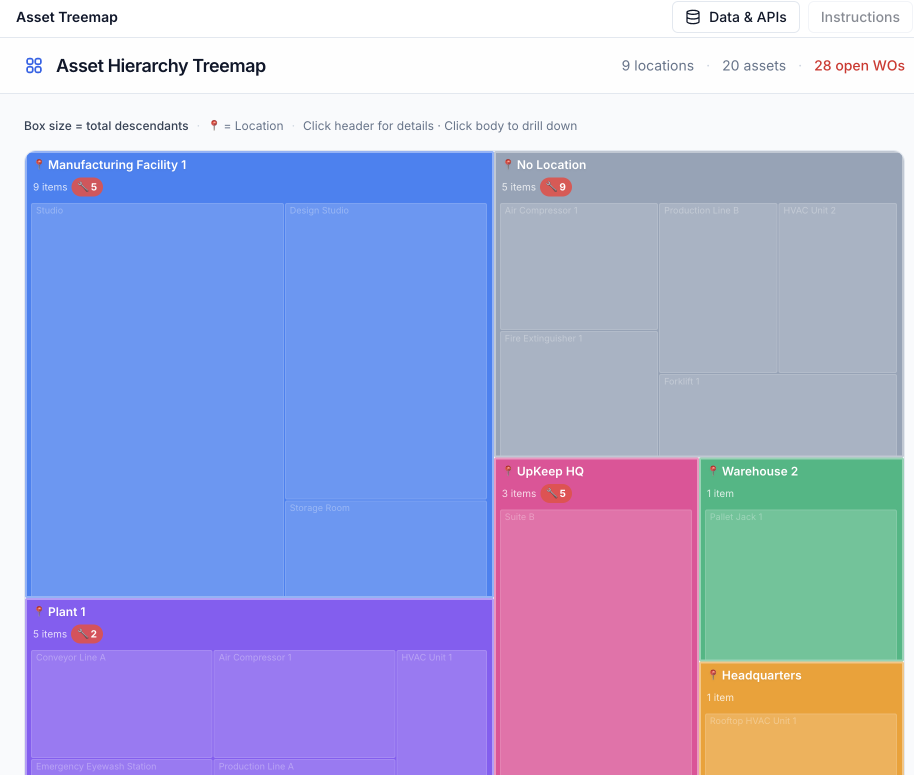
Build parent-child relationships between assets, locations, and components. Visualize your entire asset tree and understand how failures cascade.
Mobile Asset Lookup
Scan a QR code or search by name to pull up any asset's full history, attached documents, and open work orders from your phone. Offline mode keeps it working in basements and remote sites.
FROM THE FIELD
What Our Customers Say
Customer story · Icon Entertainment
A failing refrigerator compressor would have spoiled $8,000 worth of Wagyu beef. UpKeep Edge caught the temperature drift first. Icon Entertainment has since replaced manual equipment checks with 24/7 remote monitoring across five restaurant locations.
Read their story →"If I equip the best technicians with a bad system, their skill doesn't matter. That's why we chose UpKeep."
"The work order analytics alone provided incredible value, showing us exactly where we could improve efficiency and reduce costs."
"UpKeep met our teams where they are, in the field."
Recognized by the industry



ASSET MANAGEMENT FOR EVERY ROLE
One Asset Record, Three Very Different Jobs
A reliability engineer, a technician at the machine, and a VP planning next year's capital budget all need the same asset data in very different shapes. UpKeep serves each one without making the others compromise.
For Reliability Engineers
Failure mode analysis, asset health scoring, and reliability-centered maintenance planning. Use real data to optimize maintenance strategies and extend asset life.
Reliability teams →For Technicians
Scan a QR code at the machine and the asset's details, history, and documents are already open. Work gets logged in real time from the field, and the paperwork never piles up.
Maintenance teams →For Operations Leaders
Executive dashboards with total cost of ownership, depreciation tracking, and uptime KPIs across every location. Make capital planning decisions backed by real-time data.
Operations teams →CUSTOMER STORIES
Teams running maintenance on UpKeep
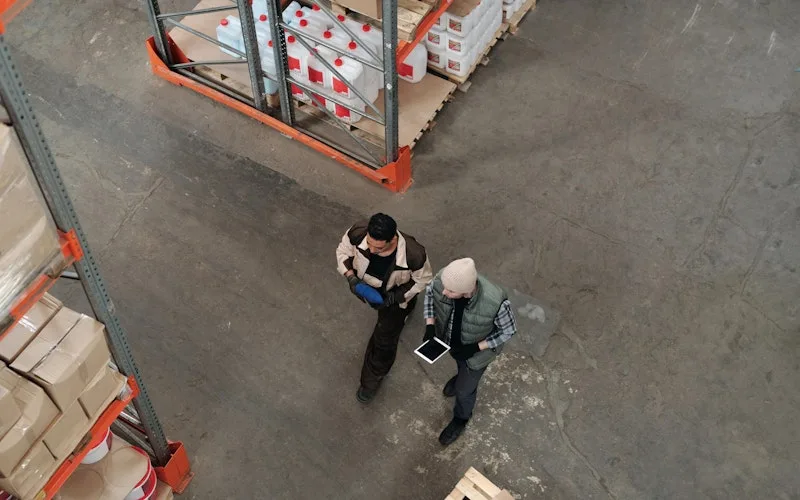
Standardized work orders and asset records across a multi-product distribution operation.
Distribution company
Read the story →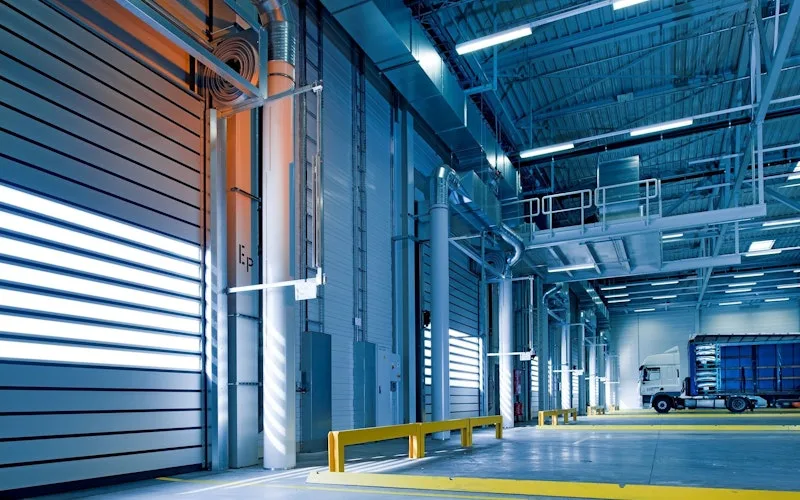
Moved from 60% reactive work to 20% by putting every asset on a recurring PM schedule.
Industrial manufacturer
Read the story →
Keeps kitchen equipment running across a footprint measured in thousands of sites.
Chick-fil-A
Read the story →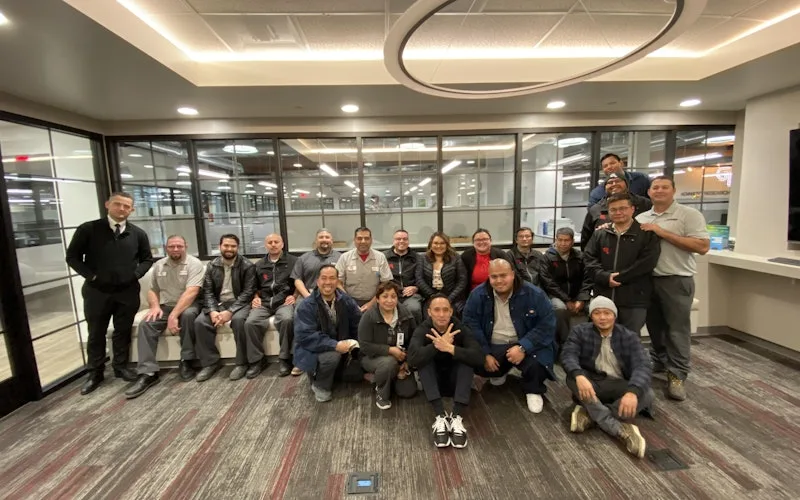
Standardized maintenance across one of the largest custom restorative labs in the world.
Glidewell
Read the story →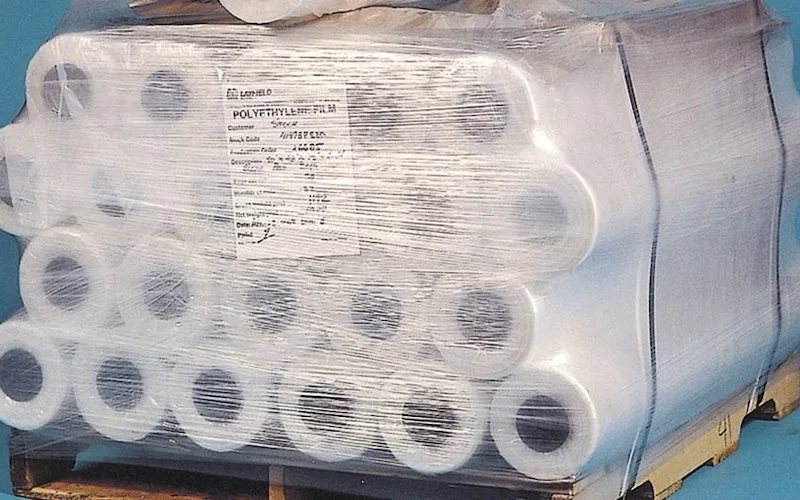
Shifted work from reactive to preventive and brought maintenance costs down with it.
Layfield Group
Read the story →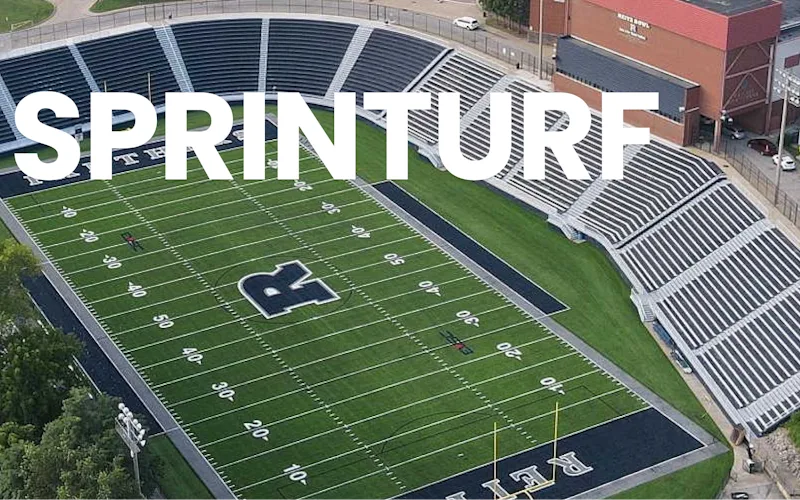
Replaced paper tracking and manual data entry across the plant using Nova.
Sprinturf
Read the story →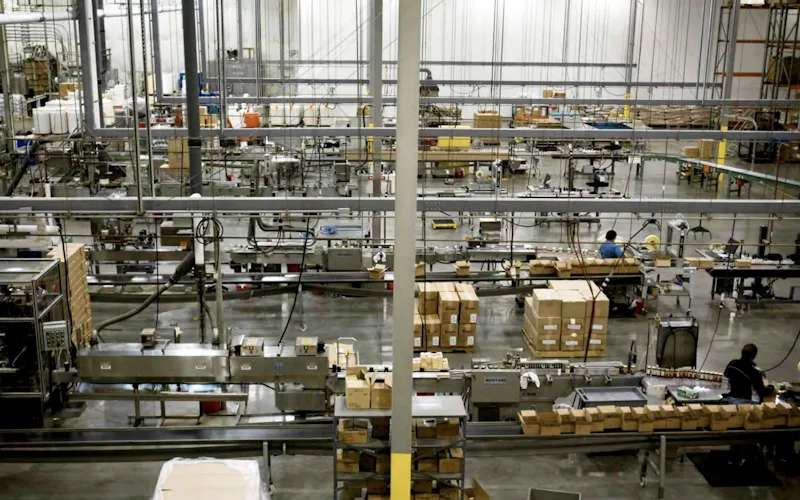
Moved maintenance off paper and onto a system the whole team can see.
Old Trapper
Read the story →
Traced a recurring building problem to its root cause instead of repairing it again.
FMLY
Read the story →Frequently asked questions
What's the difference between asset management and asset maintenance software?
Asset management is the broader practice of tracking what you own, where it lives, what it cost, and how it depreciates over time. Asset maintenance software is the operational layer on top of that, scheduling preventive work, recording repair history, tying parts to work orders, and keeping assets running. UpKeep gives you both in one platform: a complete asset register with location, hierarchy, cost and lifecycle data, plus the maintenance workflows technicians actually use day-to-day.
What's the difference between a CMMS, EAM, and asset maintenance software?
A CMMS (computerized maintenance management system) automates day-to-day maintenance: work orders, PMs, parts and asset records. An EAM (enterprise asset management) is the wider system covering the entire asset lifecycle, procurement, depreciation, multi-site accounting and disposal. Every EAM contains a CMMS. Asset maintenance software is the part of either system focused on keeping the asset healthy and running, which is where UpKeep concentrates. If you need full lifecycle and financial governance, you're shopping for an EAM. If you need maintenance done right, you're shopping for asset maintenance software.
Can I import asset data from spreadsheets, our ERP, or another CMMS?
Yes. Most teams bring in asset lists, location hierarchy, meter readings, parts inventory and maintenance history from spreadsheets, ERPs (SAP, Oracle, NetSuite, Microsoft Dynamics) or other CMMS platforms. UpKeep customer success handles the data mapping and validates everything with you before it goes live in production.
How do QR codes and asset tagging work in the field?
Print a QR sticker for any asset directly from UpKeep, place it on the equipment, and any team member can scan it from their phone to pull up the asset's full history, open work orders, attached manuals, warranty status, parts list and meter readings. No login or app required for read-only scans, so even contractors and outside vendors can identify what they're looking at.
How does UpKeep handle asset hierarchy across multiple sites?
UpKeep supports unlimited locations, sub-locations and asset parent/child relationships. Roll up reporting at the corporate level, drill down by region, site, building, line or individual asset. Role-based permissions control who sees which sites, and cross-site work orders and parts transfers are first-class.
Does UpKeep track warranties, depreciation and total cost of ownership?
Every asset record holds purchase date, purchase cost, warranty terms, depreciation method, vendor, parent asset and custom fields. Maintenance labor and parts costs roll up automatically, so total cost of ownership reflects what the asset actually costs to keep running, not just what you paid for it. Reports surface TCO trends, end-of-life candidates and the assets costing more to maintain than they're worth.
Can technicians see full asset history from mobile?
Full feature parity with the desktop app. Technicians can pull up any asset's complete maintenance history, open work orders, parts used, attached photos and documents, meter readings and warranty info from their phone. Offline mode is built in, so a dead zone in the plant doesn't break the workflow.
How long does it take to implement asset maintenance software?
Most UpKeep deployments go live in 2 to 6 weeks. Single-site teams typically launch in under 30 days; multi-site enterprises with custom integrations and complex asset hierarchies take 60 to 90 days. UpKeep's customer success team handles data import, hierarchy setup, integration configuration and team training throughout.
FREE RESOURCES
Go deeper on maintenance
Practical guides and research from the UpKeep team. No cost, no sales call required.
 Guide
GuideThe Reliability Playbook: Capturing 20 Years of Know-How Before It Walks Out the Door
A fully staffed plant still loses hours to failures a retired technician would have caught in minutes. This playbook reframes the problem: knowledge is disappearing because no system was built to capture it. It lays out a three-part framework for closing that gap and shows what changed at one plant that stopped hiring its way out and instead started capturing what its people already knew.
Get the guide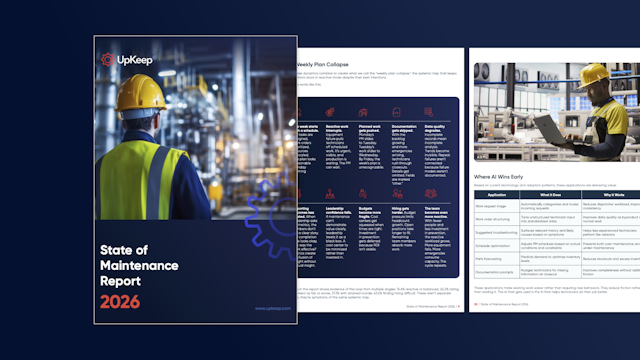 Report
The 2026 State of Maintenance Report
This year's report reflects a fundamental shift in how maintenance creates competitive advantage. While 90% of teams recognize what drives reliability, only 25% can consistently execute it. The gap between knowing and doing has become the defining challenge and opportunity of 2026.
Get the report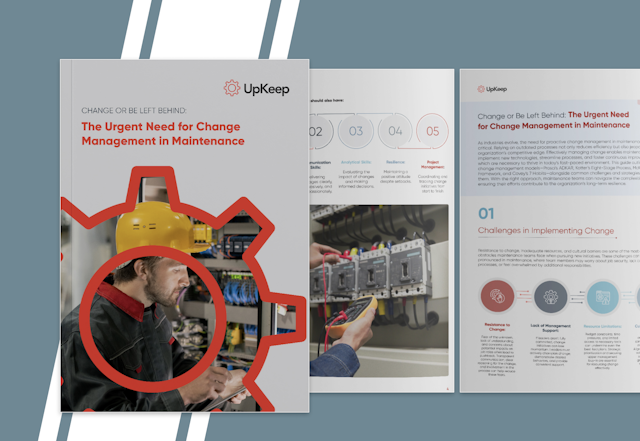 Guide
GuideChange or Be Left Behind: The Urgent Need for Change Management in Maintenance
Effectively managing change enables maintenance teams to implement new technologies, streamline processes, and foster continuous improvement, all of which are necessary to thrive in today’s fast-paced environment. This guide outlines essential change management models
Get the guide
4,000+ COMPANIES RELY ON UPKEEP
Stop Guessing Which Asset Fails Next
Your asset data doesn't belong in spreadsheets. Put every asset's health, history, and true cost in one place, and the repair-or-replace call stops being a debate.