
UPKEEP PROJECTS
Run the outage where the work already lives
Shutdowns, turnarounds, installs, and capital projects planned and executed as work orders, against the same crew, parts, and assets as your daily maintenance. Not a plan in one tool and the work in another.
- Scope from your deferred backlog
- Tasks execute as work orders
- Live budget versus actual









SOLUTIONS
Operations projects, not generic task tracking
A shutdown competes with routine maintenance for the same people and the same parts. Only a tool that holds both can plan it honestly.
The shutdown plan lives in a spreadsheet and the work lives somewhere else.
Project tasks are work orders. The plan and the execution are the same records, so progress is what technicians actually closed rather than what someone updated in a status column.
A turnaround task and a Thursday PM need the same millwright.
Project work and daily maintenance draw from one crew, one parts inventory, and one asset list, so the conflict shows up while it can still be resolved instead of on the day.
Building the outage work list takes weeks of asking around.
The list comes from the deferred backlog you already have. Filter by asset, area, and criticality, pull the work into the project, and the scope is built from the record rather than from memory.
Project cost is known a month after the project ends.
Labor, parts, and contractor cost roll up as the work happens, from the same work orders and purchase orders doing the job. Budget against actual is current, not retrospective.
Parts for the shutdown are ordered late and staged badly.
Kits are built against the project, reserved out of stock, and their purchase orders tracked to arrival. You find out a long-lead item is late in week two, not on the morning of the outage.
When the project closes, the asset record does not reflect what changed.
Because the work was done as work orders against assets, the history, replaced components, and updated documentation are already in place. Close-out is a review rather than a data-entry project.
FEATURES
Plan it, staff it, stage it, close it
Sized for the outages and capital work a plant or facilities team actually runs.
Project record
Scope, budget, phases, owner, site, and the assets involved. One place that answers what this project is and where it stands.
Work breakdown
Break a project into phases and tasks, where tasks become assignable work orders. The link between plan and execution is the whole point.
Timeline and dependencies
Sequence work, set dependencies, and see the critical path. Enough scheduling to run an outage, without a scheduling tool nobody updates.
Resource loading
Assign against the same technician pool maintenance draws from, with crew capacity and certifications respected.
Budget and actuals
Labor, parts, and vendor cost accruing from the work itself. Committed spend from open purchase orders included, not just what has been invoiced.
Parts staging
Build kits against the project, reserve stock so it is not consumed by daily work, and track long-lead items to arrival.
Permits and contractors
Lockout and permit-to-work on project tasks, plus contractor scopes, rate cards, and compliance documents for the outside crews on site.
Documents and change
Drawings, submittals, and specs attached where the work happens, with change orders recorded against scope and budget.
Portfolio view
Every active project across sites with status, spend, and slippage, so a director can see the whole program without asking for updates.
CONNECTED WORKFLOWS
Built to work with the rest of UpKeep
Projects is deliberately a container rather than a second execution system, which is what lets these connections be direct.
Projects CMMS
Project tasks execute as work orders in the app technicians already use, and the deferred maintenance backlog is where the outage scope comes from. Nothing is re-entered in either direction.
Explore UpKeep CMMS →Projects Capital Planning
An approved capital item becomes a project without being rewritten, and the actual spend flows back so next year’s plan is built on what this year really cost.
Explore UpKeep Capital Planning →Projects Workforce
Project hours are part of crew capacity rather than an invisible extra load, so the same person is not committed to a shutdown task and a PM in the same window.
Explore UpKeep Workforce →Projects Procurement
Material and contractor purchase orders raised for the project carry its cost code, so committed spend is visible while the work is still in progress.
Explore UpKeep Procurement →Projects Inventory
Kits are reserved out of the storeroom so shutdown parts are not quietly consumed by routine work in the weeks beforehand.
Explore UpKeep Inventory →Projects Facilities
Building projects, renovations, and system replacements run through the same structure, against spaces and building systems instead of production lines.
Explore UpKeep Facilities →CUSTOMER STORIES
Teams running maintenance on UpKeep
Moved from 60% reactive work to 20% by putting every asset on a recurring PM schedule.
Industrial manufacturer
Read the story →
Shifted work from reactive to preventive and brought maintenance costs down with it.
Layfield Group
Read the story →
Replaced paper tracking and manual data entry across the plant using Nova.
Sprinturf
Read the story →
Moved maintenance off paper and onto a system the whole team can see.
Old Trapper
Read the story →
Standardized work orders and asset records across a multi-product distribution operation.
Distribution company
Read the story →
Traced a recurring building problem to its root cause instead of repairing it again.
FMLY
Read the story →
Built a safety-focused culture on the same platform running cleanroom maintenance.
Innovative Micro Technology
Read the story →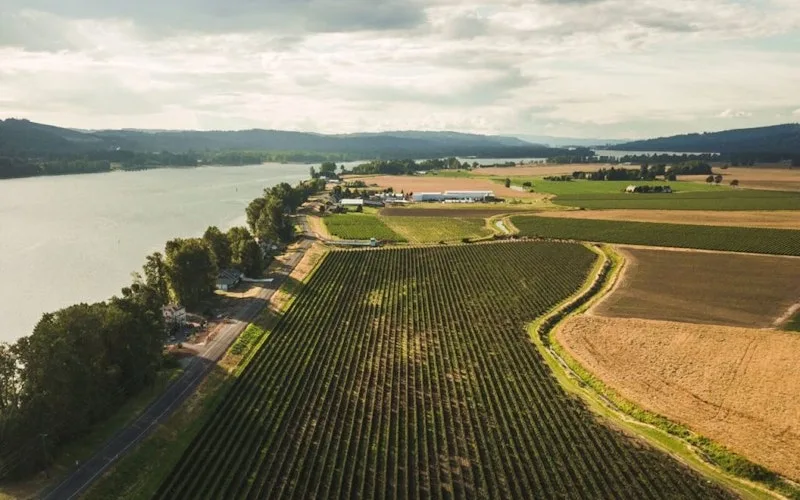
Organized technician workload and built a preventive schedule around cold storage equipment.
Columbia Fruit
Read the story →Frequently asked questions
How is UpKeep Projects different from Asana, Smartsheet, or Microsoft Project?
Those are general project tools and they are good at plans. They have no idea that a task and a preventive maintenance job need the same millwright on Thursday, that a part is reserved in a storeroom, or that a task is really work on a specific asset with twenty years of repair history. UpKeep Projects is narrower on purpose: operations projects, executed as work orders, against your assets and your crew. If you are running a marketing program, use Asana.
What kind of projects is this built for?
Shutdowns, turnarounds, and outages; capital project execution; equipment installation and commissioning; multi-site rollouts; building renovations and system replacements; and PM program overhauls. The common thread is that the work is done by maintenance or facilities crews against physical assets.
Is UpKeep Projects a construction project management tool?
No. Procore, Autodesk Construction Cloud, and their peers own new-build construction, with submittals, RFIs, and progress billing built for general contractors. UpKeep Projects is for the owner-operator side: the work your own team and your service vendors do on assets you already own and will keep maintaining afterwards.
Do we need UpKeep CMMS to use Projects?
Yes, in practice. Projects is a container that groups work orders, budget, and schedule, so the work order engine is what actually executes the project. Without it you would have a plan and no execution, which is the problem this is meant to solve.
Can we plan an outage from our maintenance backlog?
That is the main workflow. Filter deferred work by asset, area, criticality, and estimated hours, pull the selected items into the project, and you have a scoped work list with estimates attached. Most teams find this is the fastest part of planning once the backlog is in one place.
How do contractors fit in?
Contractor work is planned as project tasks and procured as service purchase orders with scopes, rate cards, and not-to-exceed limits. Compliance documents and insurance certificates sit on the vendor record. Vendors sourced through UpKeep Providers work the same way.
Does UpKeep Projects do critical path and resource leveling?
It does dependencies and a critical path, and it shows resource conflicts against real crew capacity. It does not attempt the optimization-heavy leveling that a dedicated turnaround planning tool like Prometheus does for very large refinery outages. For a plant or facilities team running outages measured in days and weeks, it is sized right.
What does close-out look like?
Because the work ran as work orders against assets, the maintenance history, replaced components, updated meters, and attached documentation are already in place when the last task closes. Close-out is reviewing final cost against budget and confirming the asset records reflect what changed, rather than rebuilding a record after the fact.
FREE RESOURCES
Go deeper on maintenance
Practical guides and research from the UpKeep team. No cost, no sales call required.
 Guide
GuideThe Reliability Playbook: Capturing 20 Years of Know-How Before It Walks Out the Door
A fully staffed plant still loses hours to failures a retired technician would have caught in minutes. This playbook reframes the problem: knowledge is disappearing because no system was built to capture it. It lays out a three-part framework for closing that gap and shows what changed at one plant that stopped hiring its way out and instead started capturing what its people already knew.
Get the guide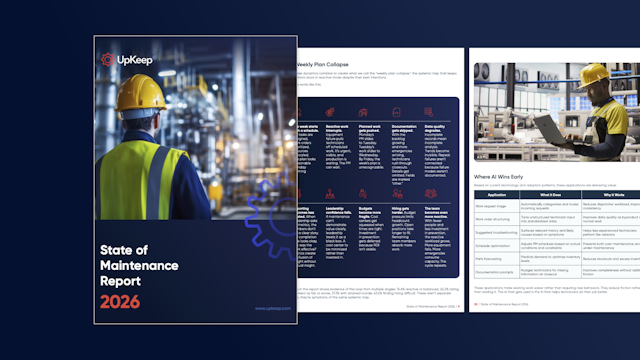 Report
The 2026 State of Maintenance Report
This year's report reflects a fundamental shift in how maintenance creates competitive advantage. While 90% of teams recognize what drives reliability, only 25% can consistently execute it. The gap between knowing and doing has become the defining challenge and opportunity of 2026.
Get the report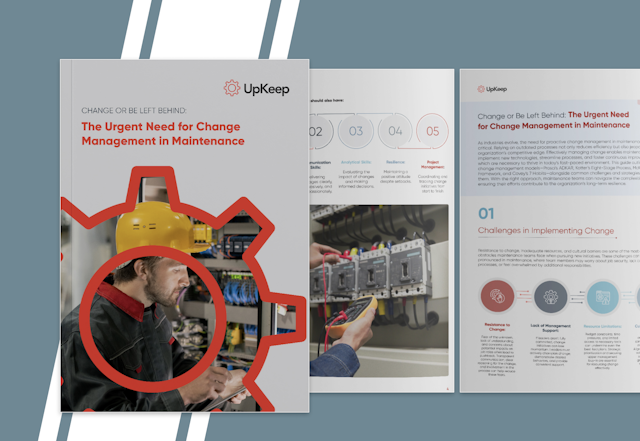 Guide
GuideChange or Be Left Behind: The Urgent Need for Change Management in Maintenance
Effectively managing change enables maintenance teams to implement new technologies, streamline processes, and foster continuous improvement, all of which are necessary to thrive in today’s fast-paced environment. This guide outlines essential change management models
Get the guide
Plan your next shutdown with us
Bring the outage you are already dreading. We will build the work list from your backlog and show you where the resource conflicts are.