
SAFETY & COMPLIANCE
Compliance Records That Build Themselves
Attach inspection checklists to work orders and PMs, capture photo evidence in the field, and walk into every audit with the documentation already done.







WHY UPKEEP SAFETY & COMPLIANCE
Audit Prep That Happens While the Work Happens
Logged the Moment It Happens
Who completed the inspection, what they found, when they signed off: every action is captured automatically with timestamps and digital signatures. When an auditor asks for evidence, you export a PDF instead of reconstructing six months of history from filing cabinets and spreadsheets.
Log Action
Auto-Document
Audit-Ready
Checklists That Ride Along With the Work
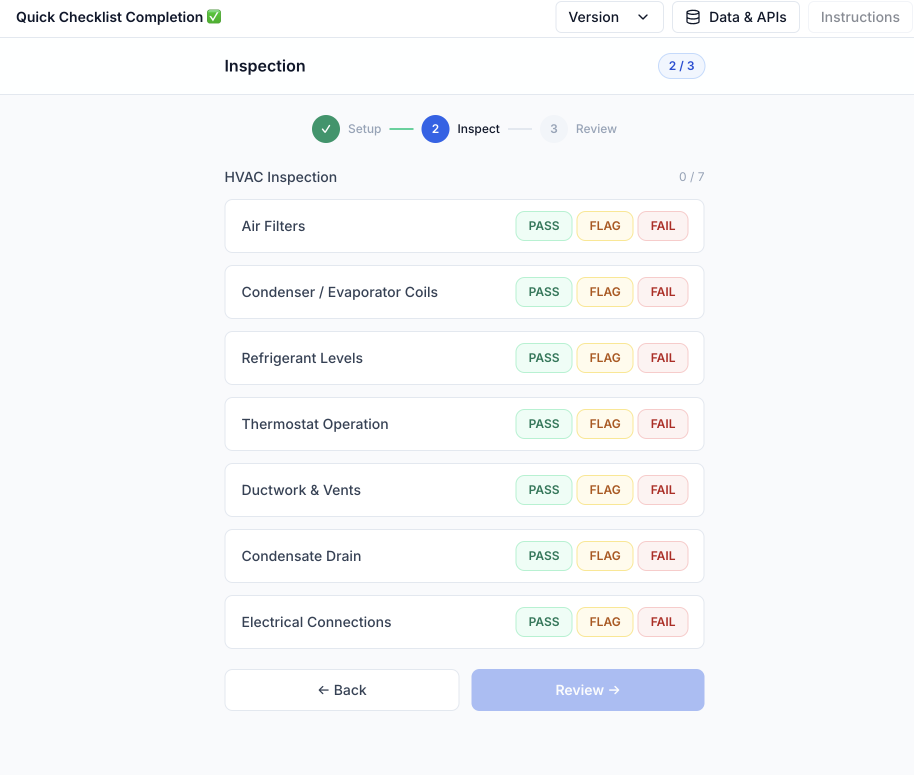
Build digital inspection checklists for any regulation or standard and attach them to work orders and PM schedules. Technicians complete them as part of the job, with photo evidence captured from any mobile device.
From Near Miss to Closed Action
Report safety issues from the field and track root causes, corrective actions, and resolution timelines in one place. Management sees the status of every open item instead of chasing email threads.
Reports That Are Already Written
Every inspection, incident, and corrective action across all locations lives in one centralized record. Export compliance data in PDF or CSV the moment someone asks for it.
CAPABILITIES
Everything the Auditor Will Ask For
Digital Inspection Checklists
Build checklists for any standard and attach them to work orders and PM schedules. Technicians complete them on a phone with photos and signatures, even offline.
Automatic Audit Trails
Every inspection, work order, and corrective action is logged the moment it happens, with timestamps and user attribution. The record exists before anyone asks for it.
Safety Documentation
Centralize SOPs, safety data sheets, and lockout/tagout procedures. The right document lives with the asset and the job, not on a shared drive nobody can navigate.
Compliance Dashboards
Compliance rates, overdue inspections, and open corrective actions across every location, visible in real time without anyone compiling a report.
Corrective Action Tracking
Flag a failed inspection item and assign the follow-up on the spot. Owners, due dates, and resolution are tracked so nothing failed stays failed.
One-Click Exports
Export inspection histories and compliance records as PDF or CSV the moment an auditor, insurer, or customer asks for evidence.
"If I equip the best technicians with a bad system, their skill doesn't matter. That's why we chose UpKeep."
SAFETY & COMPLIANCE FOR EVERY ROLE
One Inspection, Three Audiences
The technician completing a checklist, the compliance officer pulling records, and the ops leader scanning the dashboard all work from the same data, captured once.
For Safety Managers
Compliance status, overdue inspections, and open incidents across all sites on one dashboard. Configure inspection schedules, assign corrective actions, and let the audit-ready reports generate themselves.
UpKeep Safety →For Compliance Officers
Complete audit trails with every action timestamped and attributed. Export documentation in PDF or CSV, track regulatory deadlines, and keep one centralized record of inspections and corrective actions.
Safety & compliance →For Operations Leaders
Safety KPIs, compliance rates, and incident trends across every facility, without commissioning a report. Spot the site that needs attention before it shows up in an audit finding.
Operations teams →UPKEEP SAFETY (EHS)
Looking for the full EHS platform?
The checklists and audit trails on this page are built into UpKeep's maintenance platform. UpKeep Safety goes further: frontline incident reporting via QR codes in under 30 seconds, voice input in any language, automated OSHA 300/300A/301 logs, and CAPA workflows that close the loop on every event.
CUSTOMER STORIES
Teams building a safety record that holds up

Built a safety-focused culture on the same platform running cleanroom maintenance.
Innovative Micro Technology
Read the story →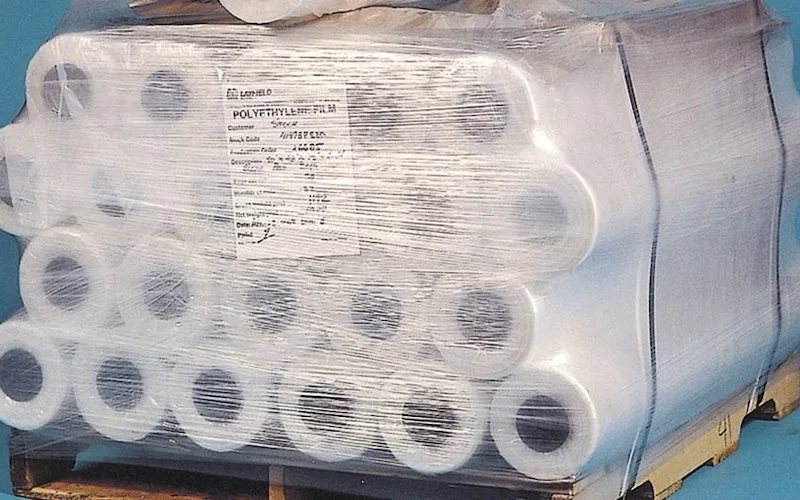
Shifted work from reactive to preventive and brought maintenance costs down with it.
Layfield Group
Read the story →
Saved $8K by catching refrigeration problems with sensors before stock spoiled.
Icon Entertainment
Read the story →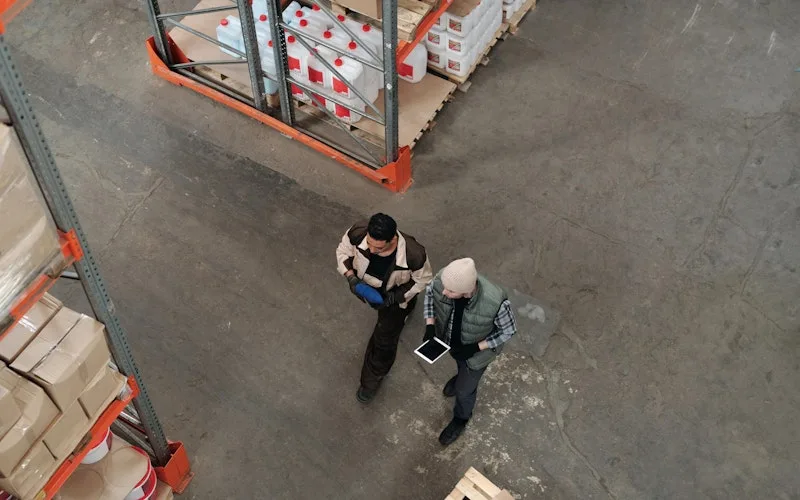
Standardized work orders and asset records across a multi-product distribution operation.
Distribution company
Read the story →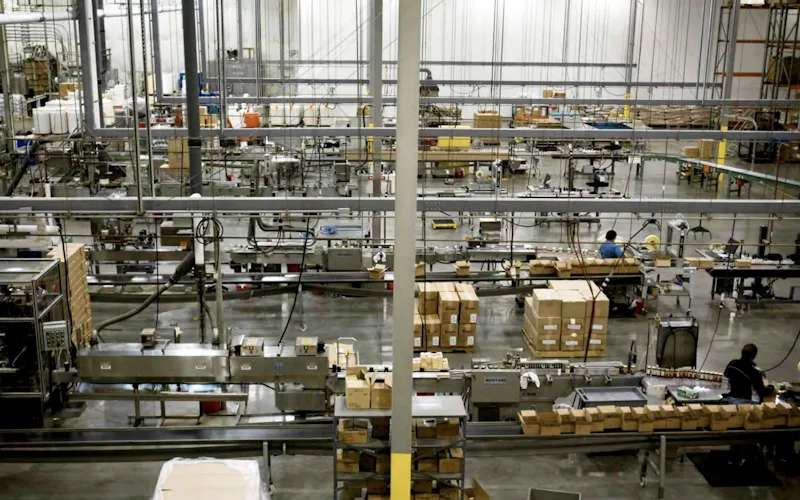
Moved maintenance off paper and onto a system the whole team can see.
Old Trapper
Read the story →
Traced a recurring building problem to its root cause instead of repairing it again.
FMLY
Read the story →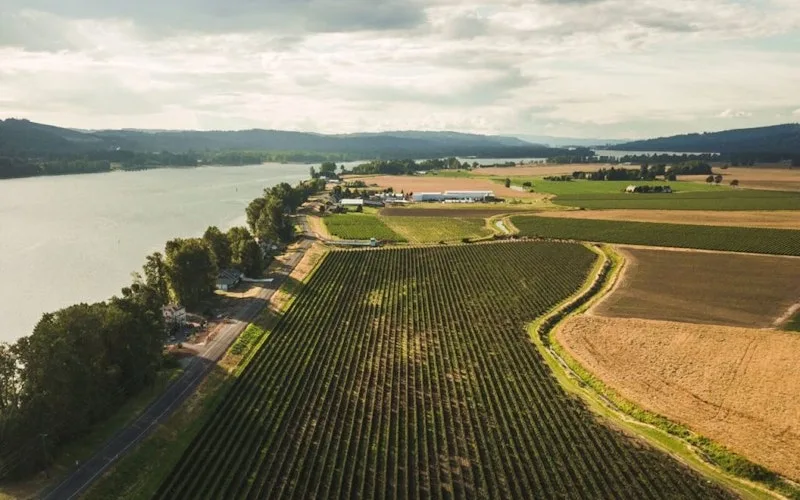
Organized technician workload and built a preventive schedule around cold storage equipment.
Columbia Fruit
Read the story →
Keeps kitchen equipment running across a footprint measured in thousands of sites.
Chick-fil-A
Read the story →Frequently asked questions
How do safety checks attach to work orders and PMs?
Inspection checklists attach directly to work orders and preventive maintenance schedules. When a technician opens the job, the safety checklist is part of the close-out: each item gets checked off, photo evidence attaches on the spot, and the completed checklist stays with the asset's history.
What does the audit trail actually capture?
Who completed the inspection, what they recorded, when it happened, and any photos or signatures attached. Logging is automatic, with no separate documentation step. The trail builds itself as work gets completed, and you can export it as PDF or CSV when an auditor asks.
Does UpKeep handle OSHA recordkeeping?
Yes. UpKeep Safety auto-populates OSHA 300, 300A, and 301 forms from your incident data, with smart validation to catch errors and privacy controls for sensitive cases. Recordable incidents flow into agency-ready forms instead of a year-end spreadsheet scramble.
How is this different from UpKeep Safety (EHS)?
This page covers the compliance capabilities built into the UpKeep maintenance platform: inspection checklists, audit trails, and centralized safety documentation. UpKeep Safety is the dedicated EHS product on top of it, adding QR-code incident reporting, voice reporting in any language, CAPA workflows, and automated OSHA logs. They share the same asset registry, so incidents and maintenance work stay connected.
Can inspections be completed offline?
Yes. Technicians can complete checklists and capture photos in areas without cellular or WiFi, like basements, mechanical rooms, and remote sites. Everything syncs automatically when connectivity returns, so the compliance record has no gaps.
Can we restrict who sees sensitive safety records?
Yes. Role-based permissions control who can view, edit, and export safety records. Sensitive incident details stay limited to the people who need them, while leadership keeps aggregate visibility through dashboards.
FREE RESOURCES
Go deeper on maintenance
Practical guides and research from the UpKeep team. No cost, no sales call required.
 Guide
GuideThe Reliability Playbook: Capturing 20 Years of Know-How Before It Walks Out the Door
A fully staffed plant still loses hours to failures a retired technician would have caught in minutes. This playbook reframes the problem: knowledge is disappearing because no system was built to capture it. It lays out a three-part framework for closing that gap and shows what changed at one plant that stopped hiring its way out and instead started capturing what its people already knew.
Get the guide Report
The 2026 State of Maintenance Report
This year's report reflects a fundamental shift in how maintenance creates competitive advantage. While 90% of teams recognize what drives reliability, only 25% can consistently execute it. The gap between knowing and doing has become the defining challenge and opportunity of 2026.
Get the report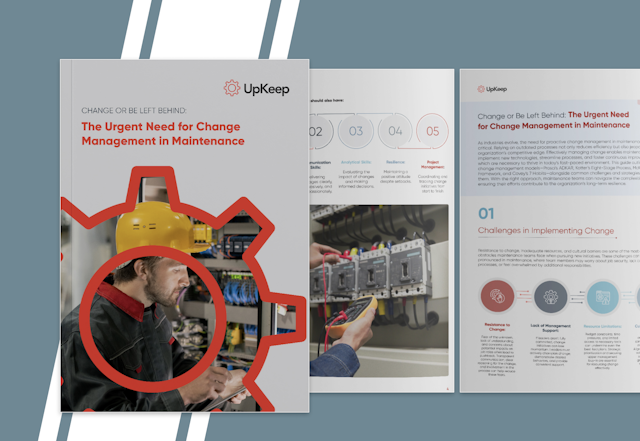 Guide
GuideChange or Be Left Behind: The Urgent Need for Change Management in Maintenance
Effectively managing change enables maintenance teams to implement new technologies, streamline processes, and foster continuous improvement, all of which are necessary to thrive in today’s fast-paced environment. This guide outlines essential change management models
Get the guide
4,000+ COMPANIES RELY ON UPKEEP
Be Ready Before the Auditor Calls
Inspection records, audit trails, and corrective actions, all captured as part of everyday maintenance work. See what compliance looks like when nobody has to prepare for it.