
UPKEEP FORMS
Build the form, route the answer, keep the record
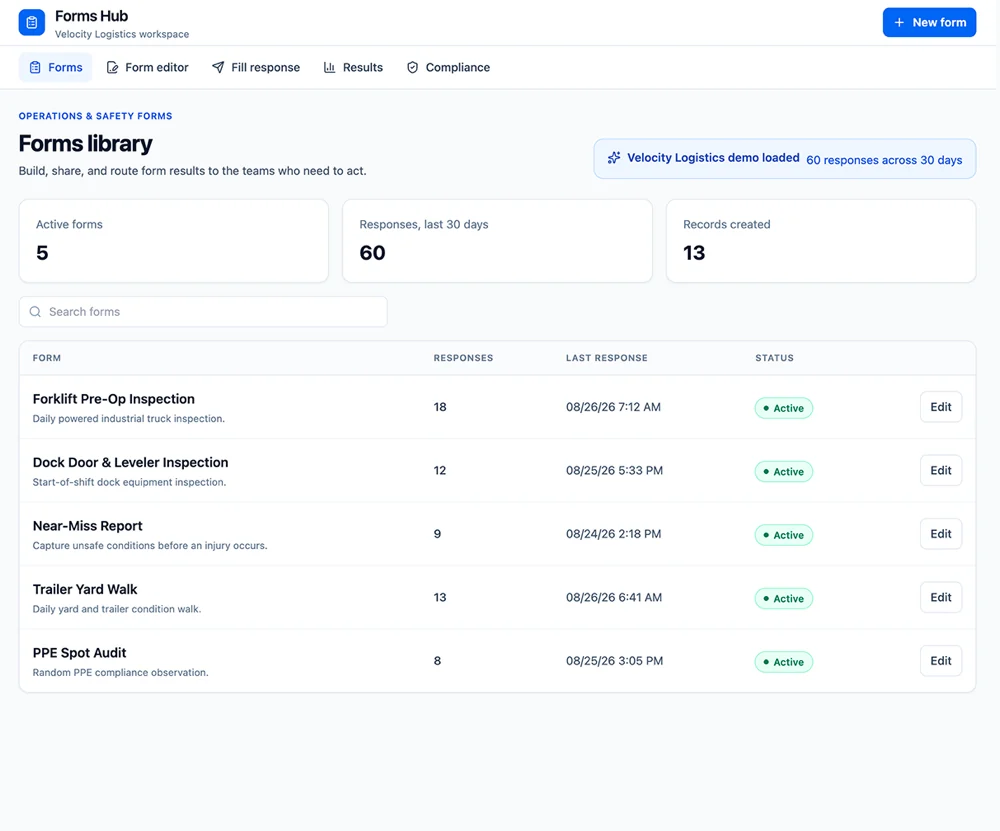
Pre-op checks, equipment inspections, near-miss reports, spot audits, built by the people who run the process, filled on a phone at the point of work, and routed to whoever has to do something about the answer.
- Built without a developer
- Failed answers raise work
- Completion tracked by site and shift








SOLUTIONS
The answer has to reach someone
Most inspection programs fail at the same point: the form gets filled in and nothing happens. This is built around what the answer triggers.
The form you need does not exist in any system, so it is a Google Form and a spreadsheet.
Build the form yourself in an afternoon, fields, required answers, pass and fail items, photos, and publish it to the sites and shifts that need it. No ticket, no developer, no export step to make the answers usable.
A form gets filled in and the answer goes nowhere.
A failed item does something: raises a work order against the asset, notifies the supervisor who owns that area, or opens an incident. The response is the start of the work rather than the end of the paperwork.
Nobody can prove the daily check actually happened.
Every response carries who filled it, when, at which location, and against which asset, with photos attached. "We do it every shift" becomes a list of dates you can hand to an auditor.
Every site has its own version of the same inspection.
One library holds the current version of each form, published to every site that uses it. When the form changes it changes everywhere, and the old responses stay attached to the version they were filled against.
You hear about the near miss at the monthly meeting.
A near-miss or unsafe-condition report submitted from a phone reaches the right person immediately, with the location and a photo. The gap between noticing and telling someone is where these get lost.
Compliance reporting means chasing paper for a week.
Completion is tracked per form, site, and shift, so you can see which checks were missed while there is still time to do something, rather than reconstructing the month afterwards.
FEATURES
From a blank form to a compliance record
Build it, schedule it, fill it at the point of work, and keep what comes back.
Form builder
Sections, field types, required answers, pass and fail items, numeric ranges, signatures, and photo capture. Built by the person who knows the process.
Result routing
Decide what a failed answer triggers: a work order on the asset, a notification to an owner, or an incident. Routing is part of the form, not a manual step afterwards.
Attached to assets and locations
A response is filled against a specific forklift, dock door, or building, so the record lands on the thing that was inspected and shows up in its history.
Schedules and reminders
Recurring forms due per shift, per day, or per week, with reminders to the people responsible and visibility when one is missed.
Response records
Every submission kept with its answers, photos, timestamps, and the person who filled it, retained for as long as your retention policy requires.
Compliance view
Completion rates by form, site, and shift, and what was skipped. The number a regulator or a customer audit asks for.
Results and trends
The same item failing on the same asset, or one shift reporting far fewer problems than the others, patterns a stack of paper hides.
Permissions
Who can build forms, who fills them, and who reviews the results, set by role and site.
Mobile and offline
Filled on a phone at the point of work, including with no signal. Responses sync when the connection returns.
CONNECTED WORKFLOWS
Built to work with the rest of UpKeep
A form is worth filling in only if the answer goes somewhere. These are the places it goes.
Forms CMMS
A failed item becomes a work order on the asset it was found on, with the response attached as evidence. The technician who picks it up sees the photo and the answer that raised it, not a one-line summary.
Explore UpKeep CMMS →Forms Safety
A near-miss or unsafe condition captured on a form opens a Safety record, where severity, OSHA recordability, and corrective action are handled. Forms is the intake; Safety is the regulated record it becomes.
Explore UpKeep Safety →Forms Quality
A failed quality check raises a nonconformance in Quality with the response attached, so the CAPA process starts from the observation rather than from a retyped summary.
Explore UpKeep Quality →Forms Production
Start-of-shift and changeover checks are tied to the line and the run, so a check that was skipped is visible against the production record instead of only in a forms report.
Explore UpKeep Production →Forms Facilities
Building walks, restroom checks, and site audits are filled against the location, and what they find lands in the same queue as occupant requests for that building.
Explore UpKeep Facilities →Forms Nova
Ask which checks were missed last week, or which item fails most often on a given asset class. Nova reads the response record directly.
Explore UpKeep Nova →CUSTOMER STORIES
Teams running maintenance on UpKeep

Moved campus crews off paper and onto digital preventive maintenance and work orders.
Caltech
Read the story →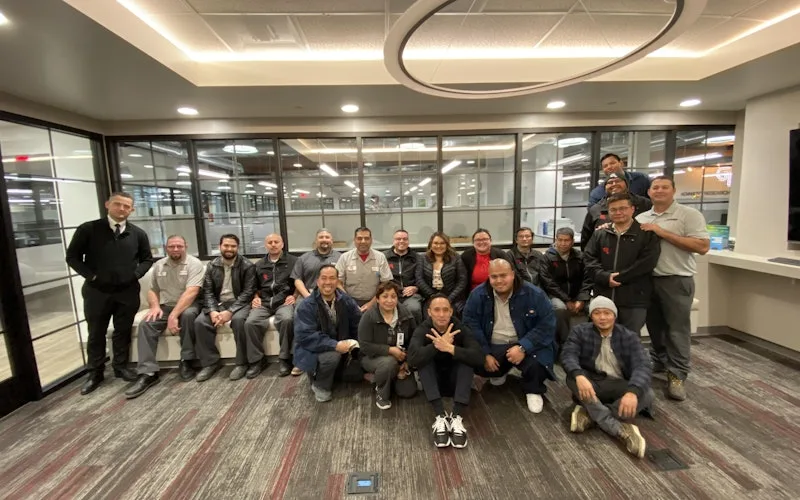
Standardized maintenance across one of the largest custom restorative labs in the world.
Glidewell
Read the story →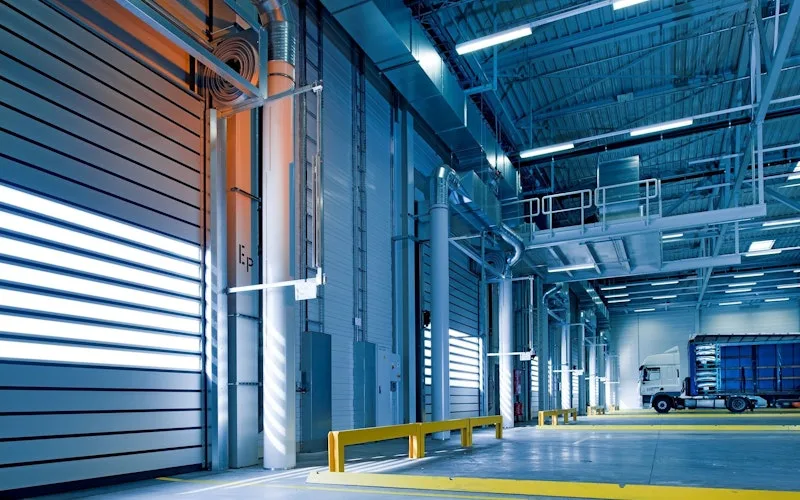
Moved from 60% reactive work to 20% by putting every asset on a recurring PM schedule.
Industrial manufacturer
Read the story →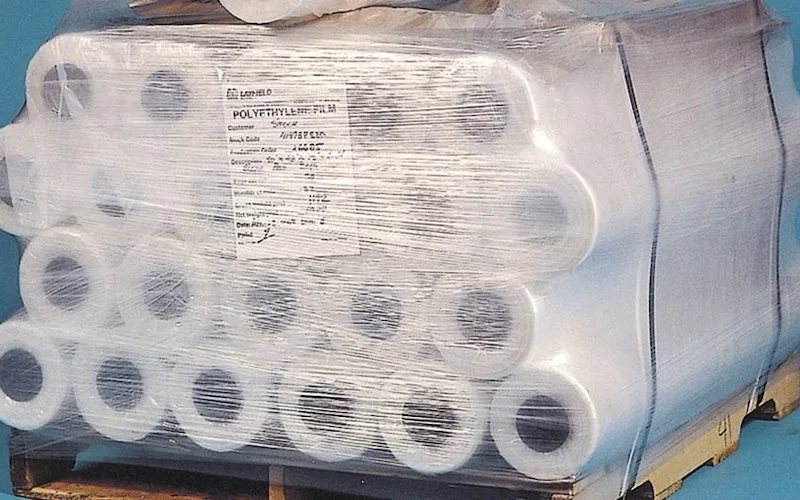
Shifted work from reactive to preventive and brought maintenance costs down with it.
Layfield Group
Read the story →
Replaced paper tracking and manual data entry across the plant using Nova.
Sprinturf
Read the story →
Moved maintenance off paper and onto a system the whole team can see.
Old Trapper
Read the story →
Standardized work orders and asset records across a multi-product distribution operation.
Distribution company
Read the story →
Traced a recurring building problem to its root cause instead of repairing it again.
FMLY
Read the story →Frequently asked questions
When should UpKeep Forms be a form rather than a checklist on a work order?
A checklist is a set of steps inside a job someone was already assigned, do this, then this, sign off. A form is a record that stands on its own and often has no work order behind it: a pre-op check before a shift, a spot audit, a near-miss report. The rule of thumb is whether the work exists first. If it does, use a CMMS checklist. If the record comes first and may create work, use a form.
And when should it be a Safety inspection instead?
UpKeep Safety owns the regulated EHS program: incidents with OSHA recordability, formal audits, corrective actions, and the reporting those obligations require. Forms is for everything operational that is not that, the forklift pre-op, the dock door check, the yard walk. When a form finds something that belongs in the safety record, it routes there rather than living in two places.
Do the people filling in forms need a paid seat?
Not usually. Forms are filled by technicians and operators in UpKeep, and requester seats are free and unlimited, so operators submitting a pre-op check or a near-miss do not add license cost. You pay for the people who build forms, work the results, and review compliance.
Can we build a form without involving IT?
Yes, and that is the point of it. The builder is used by supervisors, EHS coordinators, and maintenance planners. Most teams rebuild their existing paper forms one at a time, starting with whichever one is filled in most often.
Does a failed answer create a work order automatically?
Only if you set it to. Routing is configured per item: some failures should raise a work order immediately, some should notify a supervisor to judge, and some are just data. Making every failure a work order is how teams end up with a backlog nobody trusts.
Can a form be filled by someone with no UpKeep account at all?
For internal forms, no, the record needs an identified person, which is what makes it worth keeping. For intake from people outside the system, such as tenants or occupants reporting a problem, use the UpKeep Request Portal, which needs no login and hands off into the same queue.
Can we bring our existing forms across?
Yes, by rebuilding them in the builder, which is usually a few minutes each. There is no automatic import from a PDF or a spreadsheet, the field types, required answers, and routing are decisions that have to be made deliberately, and a converted form nobody reviewed is worse than a paper one.
Is this a validated system for regulated electronic records?
No. It does not provide FDA 21 CFR Part 11 electronic signature non-repudiation, immutable audit trails, or validation documentation. That is the same boundary UpKeep Quality states. Forms is built for general operational and safety recordkeeping; GxP electronic records need a validated system.
FREE RESOURCES
Go deeper on maintenance
Practical guides and research from the UpKeep team. No cost, no sales call required.
 Guide
GuideThe Reliability Playbook: Capturing 20 Years of Know-How Before It Walks Out the Door
A fully staffed plant still loses hours to failures a retired technician would have caught in minutes. This playbook reframes the problem: knowledge is disappearing because no system was built to capture it. It lays out a three-part framework for closing that gap and shows what changed at one plant that stopped hiring its way out and instead started capturing what its people already knew.
Get the guide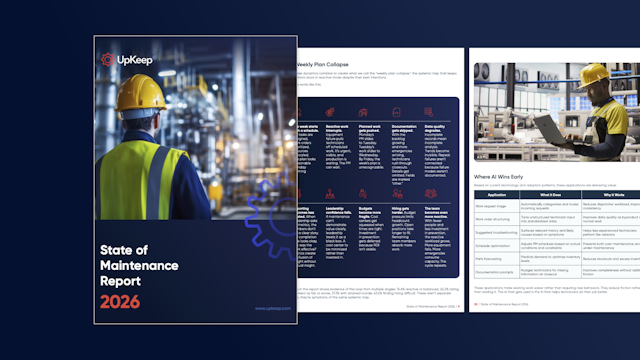 Report
The 2026 State of Maintenance Report
This year's report reflects a fundamental shift in how maintenance creates competitive advantage. While 90% of teams recognize what drives reliability, only 25% can consistently execute it. The gap between knowing and doing has become the defining challenge and opportunity of 2026.
Get the report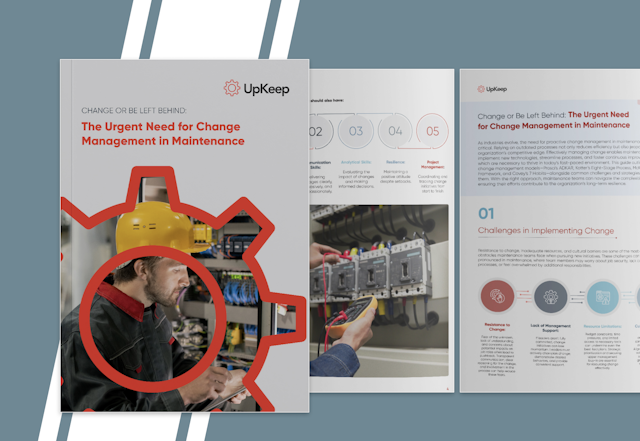 Guide
GuideChange or Be Left Behind: The Urgent Need for Change Management in Maintenance
Effectively managing change enables maintenance teams to implement new technologies, streamline processes, and foster continuous improvement, all of which are necessary to thrive in today’s fast-paced environment. This guide outlines essential change management models
Get the guide
Bring the form you fill in most often
Pick the paper form your team completes every shift. We will rebuild it live and show you where a failed answer ends up.