MOBILE CMMS
Mobile CMMS software your technicians will actually open
Work orders, asset history and parts on a phone that works in a basement. Built so a shift is spent on the equipment rather than on the paperwork about it.
- Works offline
- iOS and Android
- Free unlimited requesters





SOLUTIONS
Adoption is won or lost on the phone
A CMMS nobody updates is a worse record than the paper it replaced. These are the things that decide whether a rollout survives contact with a shift.
Work gets written on paper and typed up at the end of the shift, if at all.
The job is opened, updated and closed in front of the asset. Photos attach where they were taken and time is logged as it is spent, so the record is a by-product of the work rather than a second task after it.
The plant room has no signal, so the app is useless exactly where the work is.
Assigned work, asset history and procedures are on the device before the technician walks down. Updates queue locally and sync when the phone reconnects, without anyone having to remember to press anything.
Finding the manual, the last repair and the part number means three systems and a phone call.
Scanning the QR code on the asset opens its record: what it is, what was done to it last, which parts fit, and the procedure for the job in hand.
Operators report problems by text, hallway and memory.
Anyone submits from a phone by scanning a code, with no account and no seat. The request arrives with the asset and location already attached instead of "the pump by the door".
Rollout dies because technicians will not use the thing.
Adoption is a phone problem, not a training problem. The measure that matters is whether a technician can close a job in under a minute with gloves on, which is what the app is built around.
FEATURES
What a technician can do without going back to a desk
Everything below happens in front of the asset, on the device already in their pocket.
Work orders on the phone
Open, update, reassign and close from the device. Add photos, notes, labor time and parts used without going back to a desk.
Works with no signal
Assigned work and asset records are cached on the device. Changes queue while the phone is out of range and sync on reconnect, with conflicts surfaced rather than silently overwritten.
Scan an asset
A QR or barcode on the equipment opens its full record: history, documents, parts, open work and meter readings.
Free requester app
Operators, tenants and staff submit and track requests from a phone with no licence. Only technicians consume a paid seat.
Voice and Nova
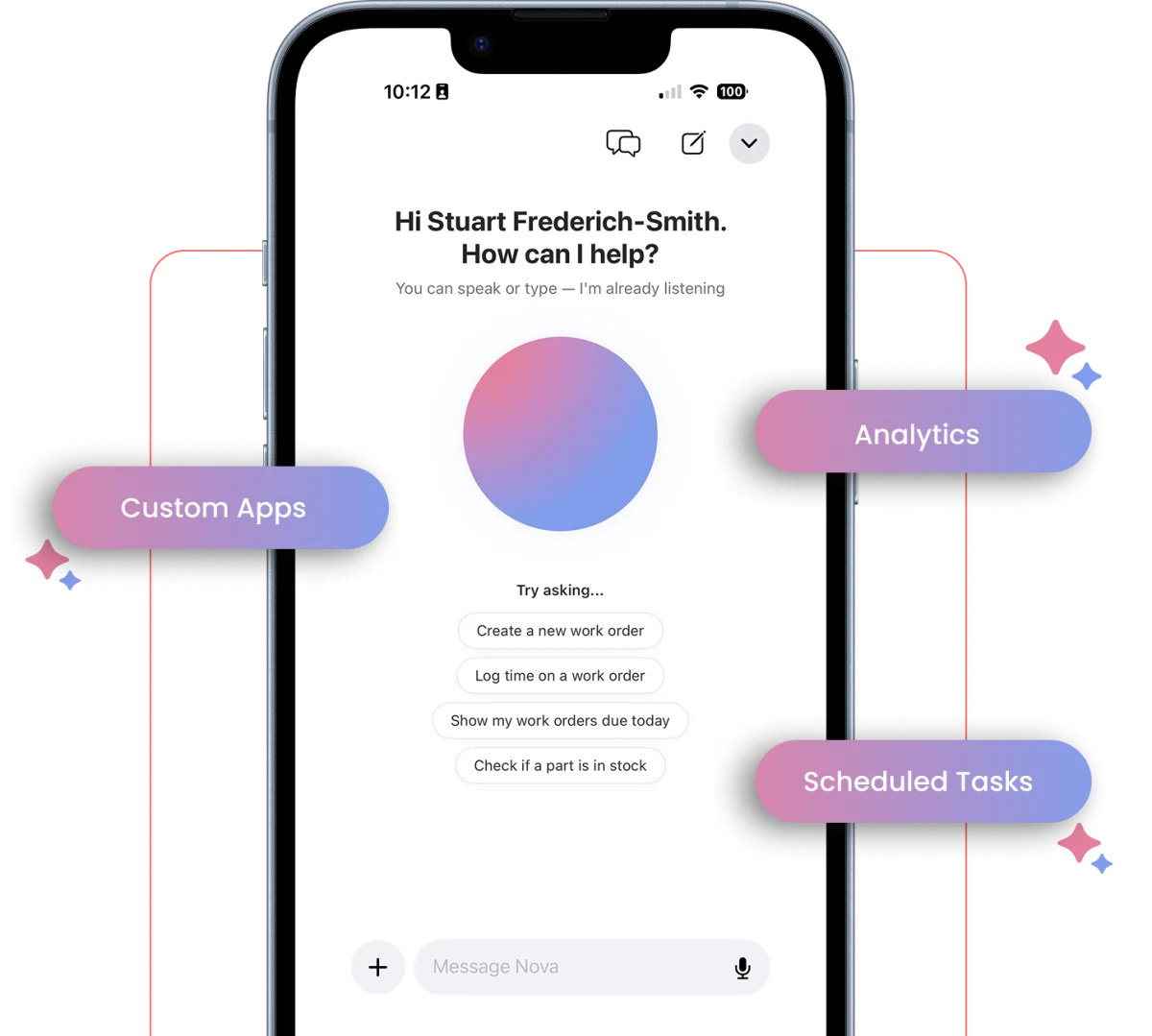
Dictate a work order, ask what was done to an asset last time, or have Nova draft the job from a photo and a sentence.
Inspections and sign-off
Run a checklist, capture a reading, attach evidence and sign, so the compliance record exists without a second system.
CONNECTED WORKFLOWS
Built to work with the rest of UpKeep
The app is not a separate product. It is the same record, reached from the floor.
Mobile CMMS
The mobile app is the same record as the desktop CMMS, not an export of it. Anything closed on a phone is in the work history the moment it syncs.
Explore UpKeep CMMS →Mobile Parts & Inventory
Parts are consumed against the job from the phone, so on-hand quantity and the cost on the asset are both right without a storeroom trip to reconcile them.
Explore UpKeep Parts & Inventory →Mobile Learn
The procedure for the job is on the job, and the record shows whether the assigned technician is signed off to do it.
Explore UpKeep Learn →Mobile Nova
Ask a question about an asset in front of it, by voice, and get an answer from your own maintenance history rather than a manual.
Explore UpKeep Nova →CUSTOMER STORIES
Teams running maintenance on UpKeep
Keeps kitchen equipment running across a footprint measured in thousands of sites.
Chick-fil-A
Read the story →
One operator runs maintenance across every restaurant he owns from a phone.
McDonald's
Read the story →
Moved campus crews off paper and onto digital preventive maintenance and work orders.
Caltech
Read the story →
Standardized maintenance across one of the largest custom restorative labs in the world.
Glidewell
Read the story →
Moved from 60% reactive work to 20% by putting every asset on a recurring PM schedule.
Industrial manufacturer
Read the story →
Shifted work from reactive to preventive and brought maintenance costs down with it.
Layfield Group
Read the story →
Replaced paper tracking and manual data entry across the plant using Nova.
Sprinturf
Read the story →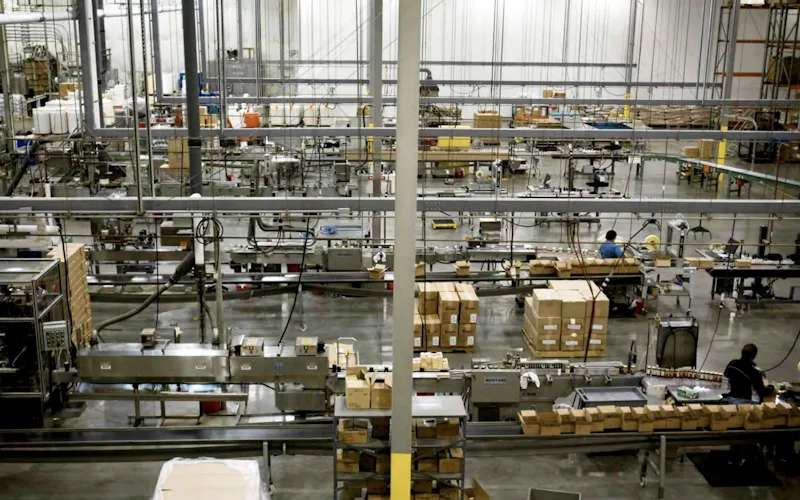
Moved maintenance off paper and onto a system the whole team can see.
Old Trapper
Read the story →Frequently asked questions
What is a mobile CMMS?
A mobile CMMS is maintenance management software whose primary interface is a phone or tablet, not a desktop. Technicians receive work, record what they did, and look up asset history in front of the equipment.
The distinction that matters is whether the mobile app is the system or a companion to it. A companion app tends to be read-only in practice, so the record still gets typed up later and the data is only as good as somebody’s memory at 4pm.
Does the UpKeep mobile app work offline?
Yes. Assigned work orders, asset records and procedures are available without a connection, and updates queue on the device and sync when it reconnects.
This is the feature to test hardest in a trial, because plant rooms, basements and remote sites are exactly where the work is and exactly where coverage fails.
Which devices does UpKeep support?
UpKeep runs on iOS and Android phones and tablets, and in any modern browser on a desktop. The same account and the same permissions apply everywhere.
Do technicians need training to use the mobile app?
Most teams are running work orders on it within a day. The thing worth checking in a demo is not the feature list but whether someone can open, update and close a job on a phone in under a minute, in gloves, without a manual. If that is awkward in a demo it will be worse on a shift.
Can people report problems without a paid seat?
Yes. Requesters are free and unlimited. An operator scans a QR code on the equipment or opens a link, describes the problem, adds a photo and gets a ticket number. No account, no licence.
Is the mobile app the same product as the desktop CMMS?
Yes. It is one system with one record. Work closed on a phone is immediately in the same history a planner sees on a desktop, and permissions, sites and roles carry across.
What does the UpKeep mobile app not do?
Bulk data work is better on a desktop: importing an asset register, building PM schedules across hundreds of assets, or configuring approval rules. The phone is built for doing and recording the work, not for administering the system.
FREE RESOURCES
Go deeper on maintenance
Practical guides and research from the UpKeep team. No cost, no sales call required.
 Guide
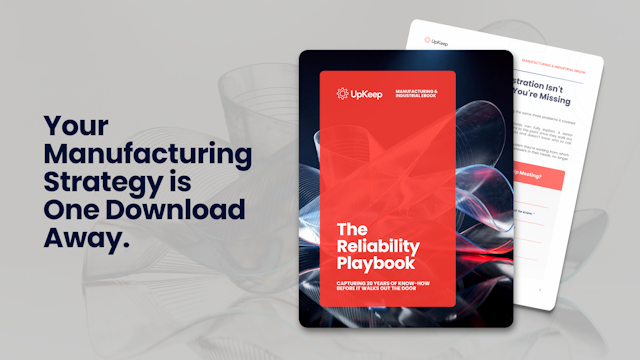
GuideThe Reliability Playbook: Capturing 20 Years of Know-How Before It Walks Out the Door
A fully staffed plant still loses hours to failures a retired technician would have caught in minutes. This playbook reframes the problem: knowledge is disappearing because no system was built to capture it. It lays out a three-part framework for closing that gap and shows what changed at one plant that stopped hiring its way out and instead started capturing what its people already knew.
Get the guide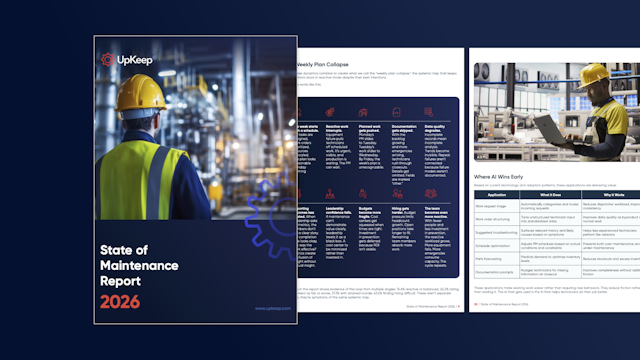 Report
The 2026 State of Maintenance Report
This year's report reflects a fundamental shift in how maintenance creates competitive advantage. While 90% of teams recognize what drives reliability, only 25% can consistently execute it. The gap between knowing and doing has become the defining challenge and opportunity of 2026.
Get the report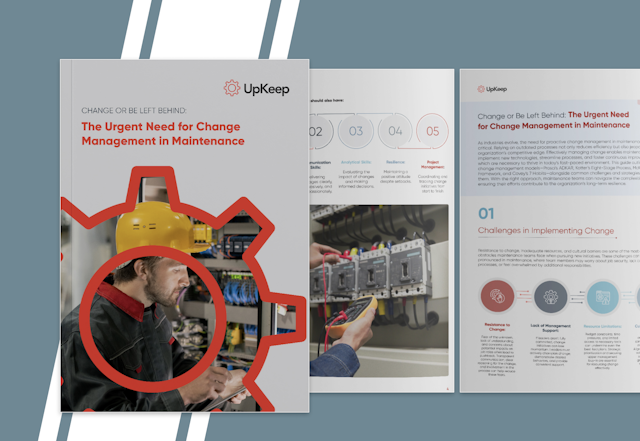 Guide
GuideChange or Be Left Behind: The Urgent Need for Change Management in Maintenance
Effectively managing change enables maintenance teams to implement new technologies, streamline processes, and foster continuous improvement, all of which are necessary to thrive in today’s fast-paced environment. This guide outlines essential change management models
Get the guide
Put it in a technician's hands
Bring a job your team ran last week. We will walk through it on a phone, from request to close, on your own kind of assets.