
UPKEEP TOOL TRACKING
Know who has the tool and when it is due back
A tool catalog, check-out and returns, and a kiosk for supervised issue at the crib counter. Borrowers are your employees and contractors, and the tools are live UpKeep assets, so history follows the tool instead of a clipboard.
- Due and overdue in one list
- Counter kiosk for the crib
- Contractors as borrowers too








SOLUTIONS
The clipboard replaced by a record
Tool loss is rarely theft. It is a check-out nobody wrote down, a return nobody checked, and a due date nobody was watching.
The sign-out sheet is a clipboard, and the last three entries are illegible.
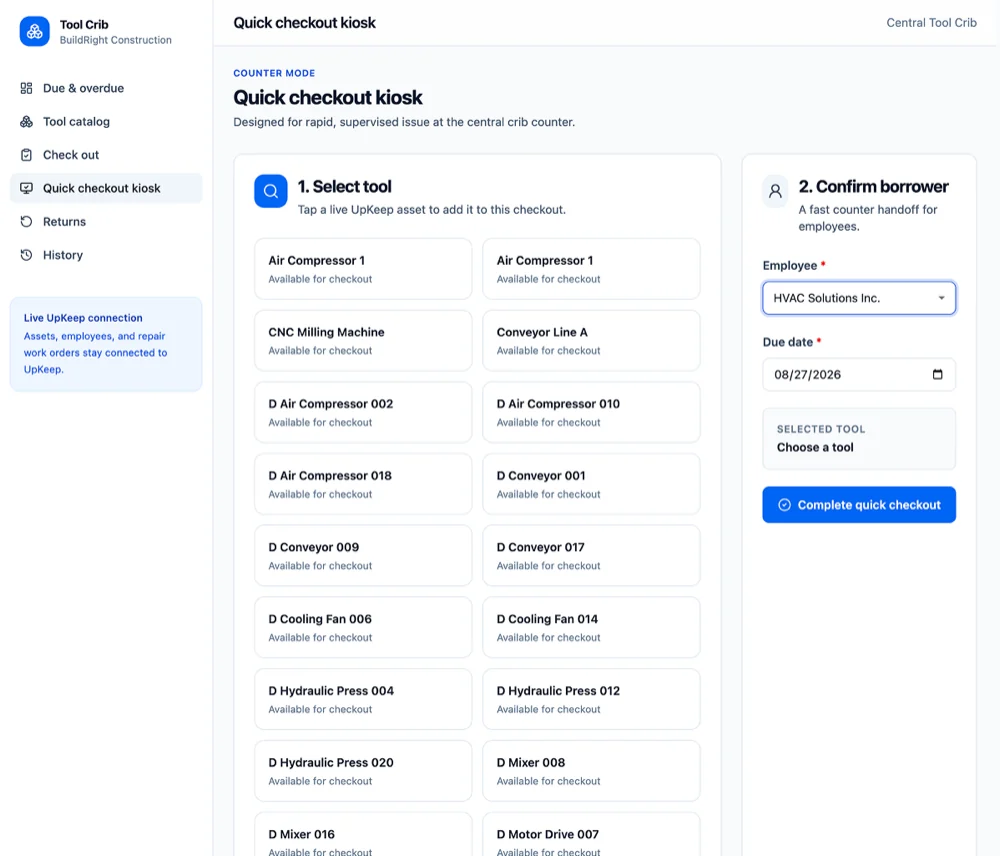
A check-out takes a few seconds at the counter or on a phone: pick the tool, pick the borrower, set a due date. The record is legible, timestamped, and attached to a real person.
A four-thousand-dollar torque wrench is missing and nobody knows since when.
Every tool has a current holder and a date. "Missing" becomes "checked out to Dana on the fourteenth and eleven days overdue", which is a conversation rather than a write-off.
Tools come back broken and it is nobody’s fault.
Condition is recorded at return, with damage and missing accessories noted against both the tool’s history and the borrower’s. A damaged tool goes out of service and generates the repair rather than sitting on the shelf waiting to fail in someone’s hands.
You buy a fourth impact driver because the three you own cannot be found.
Availability is visible before a purchase request is raised, what you own, where it is, and how often it is actually out. Duplicate buying is usually the largest cost of not tracking tools.
Contractors borrow tools and the crib has no record of it.
Contractors are borrowers like employees, tied to their vendor record. What a firm has out is visible while they are still on site, not at the end of the job when the van has left.
Overdue tools are noticed only when somebody else needs one.
Due and overdue is a list the crib works from, with reminders to the borrower before the due date passes. Recovery happens while people still remember having the tool.
FEATURES
Catalog, counter, and the list of what is late
Everything between a tool arriving in the crib and coming back in one piece.
Tool catalog
Every tool with its identifier, category, crib location, condition, and current status, available, checked out, or out of service.
Check out
Issue a tool to an employee or a contractor with a due date, from the counter or from a phone in the field.
Quick checkout kiosk
Counter mode for supervised issue at the crib: tap the tool, confirm the borrower, set the due date, done. Built for a queue of people waiting.
Returns
Check a tool back in with its condition, any damage, and missing accessories. Returns that are not clean do not silently become the next borrower’s problem.
Due and overdue
What is out, what is due today, and what is late, with the holder named. Reminders go out before the date rather than after it.
Borrowers
Employees and contractors with what each currently holds and their return history, so a pattern of late returns is visible.
Repairs and out of service
A damaged tool raises a work order and stays unavailable until the repair closes, so nobody checks out something that does not work.
Tool history
Every issue, return, repair, and condition change for a tool, kept for as long as you own it.
Multiple cribs
Tools organized by crib and site, with transfers between them recorded, for operations that run more than one counter.
CONNECTED WORKFLOWS
Built to work with the rest of UpKeep
A tool is an asset, a borrower is a person or a vendor, and a damaged tool is a work order. These hand-offs are why the crib does not need its own system.
Tool Tracking CMMS
Tools are live UpKeep assets, so a tool has an asset record, a history, and a maintenance schedule like anything else you own. A damaged tool on return becomes a work order, and a check-out can be tied to the job it is for.
Explore UpKeep CMMS →Tool Tracking Inventory
The dividing line is whether it comes back. Blades, bits, and consumables are inventory and get consumed against a work order; tools are checked out and expected to return. Both live in the same storeroom, counted the way each should be.
Explore UpKeep Inventory →Tool Tracking Quality
Calibrated instruments have two questions: where is it, and is it in calibration. Tool Tracking answers the first, Quality answers the second, and an instrument out of calibration can be held back from issue.
Explore UpKeep Quality →Tool Tracking Providers
A contractor holding your equipment is visible on their vendor record alongside their insurance and their work. Nothing walks off a site attached to a firm nobody can identify.
Explore UpKeep Providers →Tool Tracking Workforce
Crews, shifts, and certifications come from Workforce, so the crib knows who is on shift and which tools a person is qualified to be issued.
Explore UpKeep Workforce →Tool Tracking Nova
Ask what is overdue, which tools never came back last quarter, or which category is short at a site before a purchase is approved.
Explore UpKeep Nova →CUSTOMER STORIES
Teams running maintenance on UpKeep

One operator runs maintenance across every restaurant he owns from a phone.
McDonald's
Read the story →
Moved campus crews off paper and onto digital preventive maintenance and work orders.
Caltech
Read the story →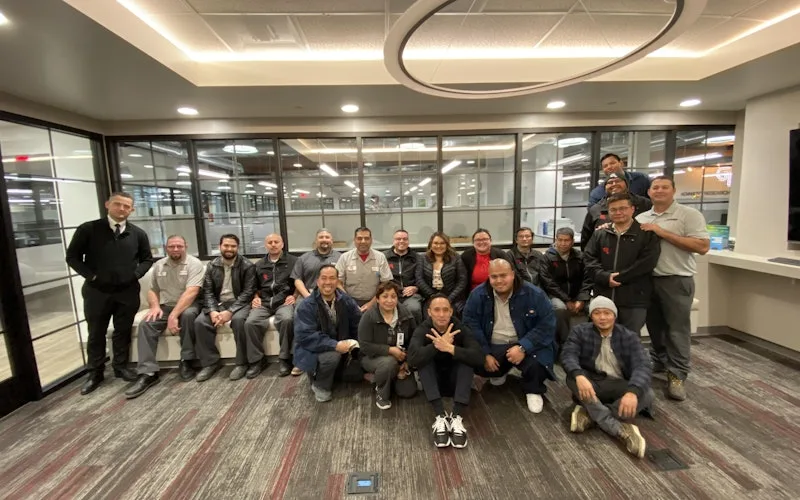
Standardized maintenance across one of the largest custom restorative labs in the world.
Glidewell
Read the story →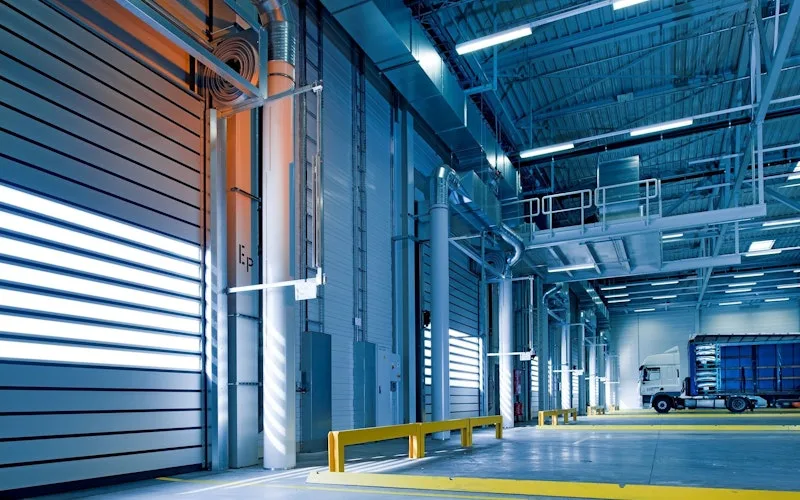
Moved from 60% reactive work to 20% by putting every asset on a recurring PM schedule.
Industrial manufacturer
Read the story →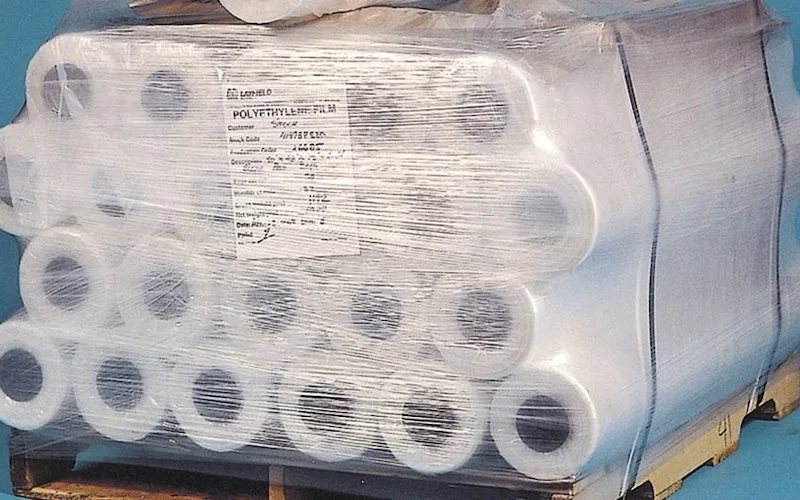
Shifted work from reactive to preventive and brought maintenance costs down with it.
Layfield Group
Read the story →
Replaced paper tracking and manual data entry across the plant using Nova.
Sprinturf
Read the story →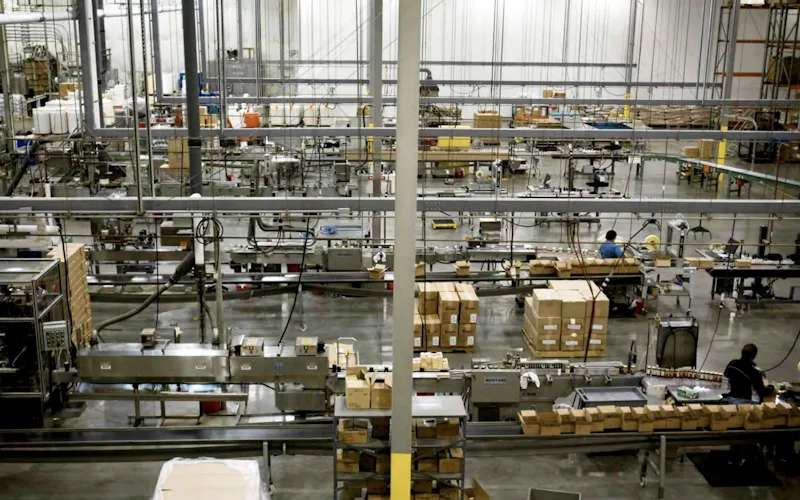
Moved maintenance off paper and onto a system the whole team can see.
Old Trapper
Read the story →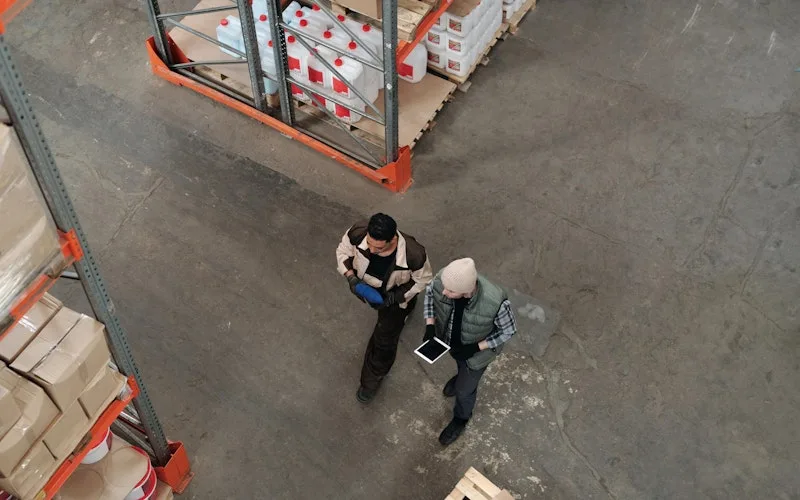
Standardized work orders and asset records across a multi-product distribution operation.
Distribution company
Read the story →Frequently asked questions
Is UpKeep Tool Tracking calibration management?
No. Calibration, intervals, certificates, as-found and as-left readings, and out-of-tolerance handling, lives in UpKeep Quality, because it is a quality record with regulatory weight. Tool Tracking answers where an instrument is and who has it. The two work together, and Quality can hold an out-of-calibration instrument back from being issued, but do not buy this expecting a calibration system.
What counts as a tool rather than an inventory part?
Whether it comes back. A tool is issued and returned, and it keeps its identity and history, a specific torque wrench, a specific meter. A part is consumed on a job and drawn down from stock. Blades, filters, and fasteners belong in Inventory; the driver they go into belongs here.
Do we need barcodes or QR codes on everything?
No, but it helps. Tools can be selected from the catalog by name at the counter, which is how most cribs start. Adding a QR code or barcode to each tool makes a check-out a scan instead of a search, and UpKeep generates the codes for you. Teams usually tag the expensive half first.
Can contractors check out tools?
Yes. Contractors are borrowers alongside employees and are tied to their vendor record, so what a firm currently holds is visible while they are still on site. This is the single most common source of unexplained tool loss, and it is worth turning on first.
Does every borrower need a license?
No. The kiosk is supervised counter mode operated by whoever runs the crib, and borrowers are people in your directory rather than seats you pay for. You license the crib and the technicians who work in UpKeep, not everyone who borrows a drill.
Can we run more than one crib?
Yes. Tools belong to a crib and a site, transfers between them are recorded, and availability can be read per location. Multi-site operations usually find that "we need to buy more" is really "they are all at the other plant".
What happens when a tool comes back damaged?
The damage is recorded at return, the tool goes out of service so it cannot be issued again, and a repair work order is raised against its asset record. When the repair closes, it returns to available with the incident in its history.
Does UpKeep Tool Tracking handle tool depreciation and asset value?
It holds purchase information and history, but it is not a fixed-asset register and it does not produce depreciation schedules. Financial asset accounting stays in your finance system; capital replacement of tooling belongs in UpKeep Capital Planning.
FREE RESOURCES
Go deeper on maintenance
Practical guides and research from the UpKeep team. No cost, no sales call required.
 Guide
GuideThe Reliability Playbook: Capturing 20 Years of Know-How Before It Walks Out the Door
A fully staffed plant still loses hours to failures a retired technician would have caught in minutes. This playbook reframes the problem: knowledge is disappearing because no system was built to capture it. It lays out a three-part framework for closing that gap and shows what changed at one plant that stopped hiring its way out and instead started capturing what its people already knew.
Get the guide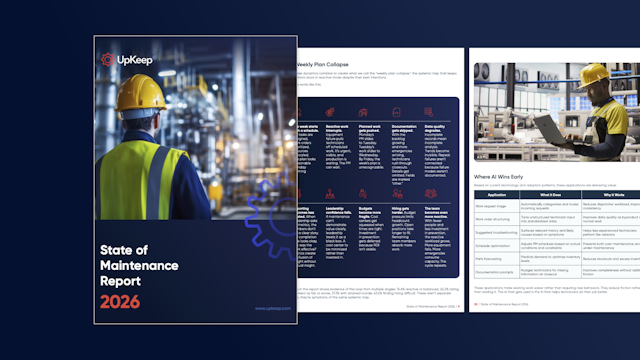 Report
The 2026 State of Maintenance Report
This year's report reflects a fundamental shift in how maintenance creates competitive advantage. While 90% of teams recognize what drives reliability, only 25% can consistently execute it. The gap between knowing and doing has become the defining challenge and opportunity of 2026.
Get the report Guide
GuideChange or Be Left Behind: The Urgent Need for Change Management in Maintenance
Effectively managing change enables maintenance teams to implement new technologies, streamline processes, and foster continuous improvement, all of which are necessary to thrive in today’s fast-paced environment. This guide outlines essential change management models
Get the guide
Start with the expensive half of the crib
Bring a list of the tools you would most hate to lose. We will walk through what check-out, return, and the overdue list look like on a real counter.