
UPKEEP REQUEST PORTAL
A way in for everyone without a login
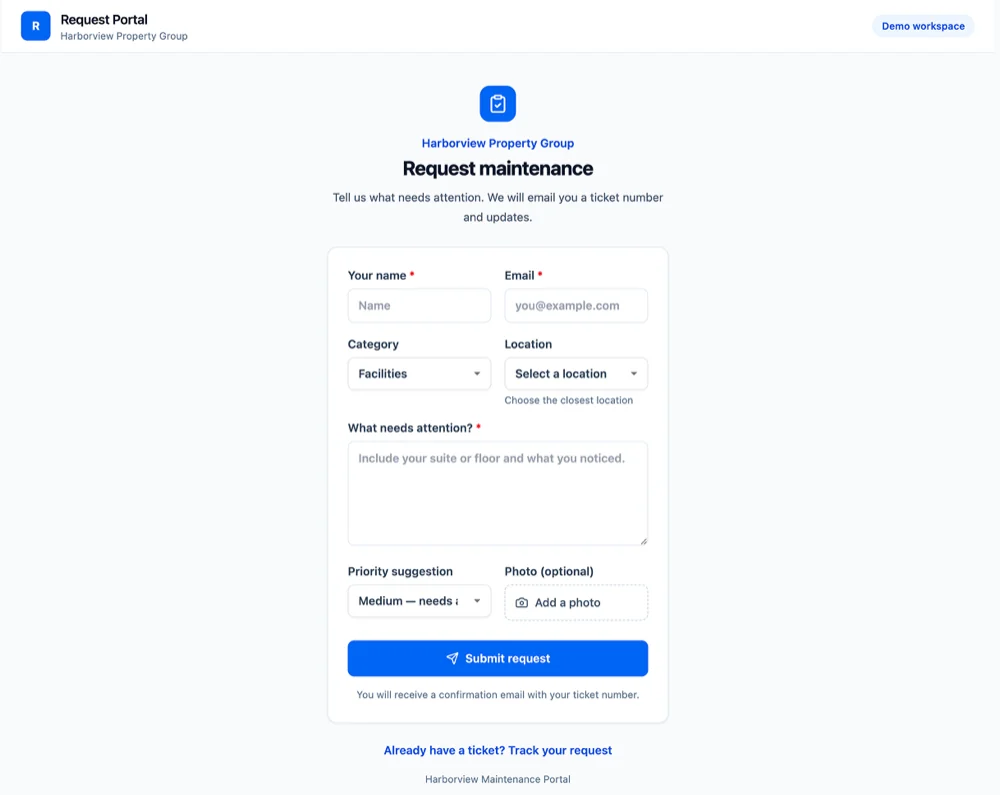
A branded request form for tenants, occupants, and staff. No account and no app: submit with a location, a description, and a photo, get a ticket number by email, and track it from there.
- No login, no seat
- Branded per property
- Lands in the queue you already work








SOLUTIONS
How the work arrives, before anyone triages it
Most maintenance teams have a queue. What they do not have is one door into it, which is why half the work starts as a conversation in a corridor.
Requests arrive by text message, hallway conversation, and three different email addresses.
One form, one queue. Everyone outside the maintenance team uses the same way in, so the work that arrives is visible instead of depending on which inbox a coordinator happens to be reading.
A tenant emails a photo and the detail the technician needs is missing.
The form asks for the things a technician cannot work without: a category, a location, what was noticed, and a photo. The first visit stops being a fact-finding trip.
The person who reported the problem has to call to find out what happened.
Submitting returns a ticket number by email, and that ticket can be tracked without an account. Status chasing is the largest hidden cost of taking requests by email, and it is the requester’s time as well as yours.
Three people report the same broken door and it becomes three work orders.
Requests arrive with a location attached and sit in a triage queue, so the coordinator can see the other open requests for that space before creating a second job for the same problem.
Every property wants its own form with its own name on it.
Each site or property gets its own portal, with its own name and logo and its own link, all feeding the same operation. Tenants see the building they rent from; you see one queue.
Giving every occupant a login was never going to happen.
No account, no app, no seat. The portal is a web page anyone can use, and requester seats inside UpKeep are free and unlimited for the staff who do have accounts.
FEATURES
One form, one ticket, one queue
Everything between somebody noticing a problem and your coordinator having enough information to act on it.
Public request form
A hosted page that works in any phone browser with no login. Share it as a link, print it as a QR code, or post it at a service desk.
Branded per property
Each portal carries the name and logo of the building, campus, or property it serves, so the people using it recognize whose form it is.
The fields a technician needs
Category, location, a description prompted for the specifics, an optional photo, and the requester’s name and email. Required where it matters, short everywhere else.
Ticket number by email
Every submission gets a confirmation with a ticket number, which is also the receipt that proves the request was made.
Tracking without an account
A requester can look up their ticket and see where it stands, so nobody has to phone the office to find out whether anything is happening.
Straight into triage
Requests land in the same queue your team already works, where they are approved, prioritized, and turned into work orders. Nothing becomes a job on its own.
Priority suggested, not set
The requester says how urgent it feels to them. The coordinator decides what it actually is, which keeps the queue honest.
Free unlimited requesters
Staff who submit and follow requests inside UpKeep use free requester seats. You license the people working the queue, not the people reporting to it.
Where requests come from
Volume by location, category, and time of day, so a space that generates constant complaints is visible as a pattern rather than as a run of unrelated tickets.
CONNECTED WORKFLOWS
Built to work with the rest of UpKeep
The portal is intake. What it hands off to is where the work actually happens.
Request Portal CMMS
A submitted request lands in the CMMS request queue, where it is approved and becomes a work order with the photo, location, and requester carried over. The requester is notified when it closes, without anyone writing an email.
Explore UpKeep CMMS →Request Portal Facilities
The location on a request is a real space in the building record, so a request against Suite 300 joins that space’s history and counts toward the service level you report to the tenant.
Explore UpKeep Facilities →Request Portal Forms
The portal is intake from people outside the system; Forms is structured recordkeeping by people inside it. A request about a hazard can raise the inspection that has to follow it.
Explore UpKeep Forms →Request Portal Safety
An occupant reporting an unsafe condition, a spill, a blocked exit, a broken handrail, routes into the Safety record rather than sitting in a maintenance queue as an ordinary repair.
Explore UpKeep Safety →Request Portal Field Service
For work performed on behalf of a customer, a request from that customer’s site becomes a dispatchable job with the site and contact already attached, and the labor on it can be billed.
Explore UpKeep Field Service →Request Portal Nova
Ask which buildings generate the most requests, or what has been open longest with a tenant waiting. Nova reads the same request record the queue does.
Explore UpKeep Nova →CUSTOMER STORIES
Teams taking requests from everyone on site
Runs maintenance, fleet, and inventory together, with every staff member able to submit a request.
Link Associates
Read the story →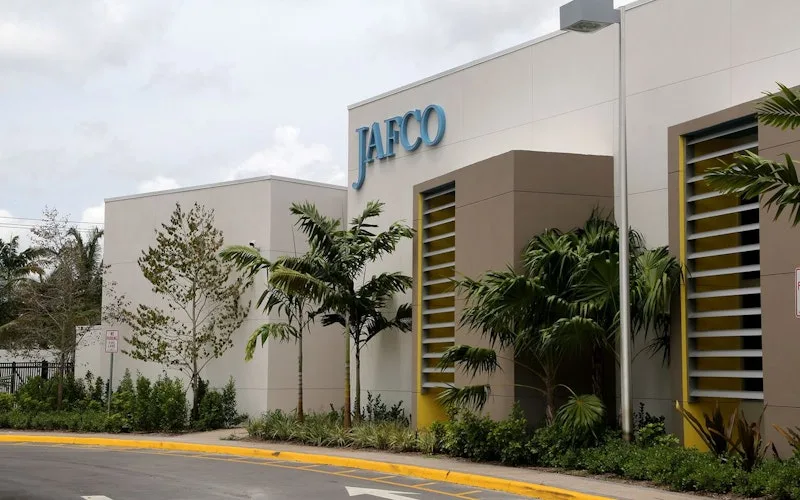
Gave a small facilities team one queue for every building request.
JAFCO
Read the story →
Improved communication between a maintenance team and the people relying on it.
Union Rescue Mission
Read the story →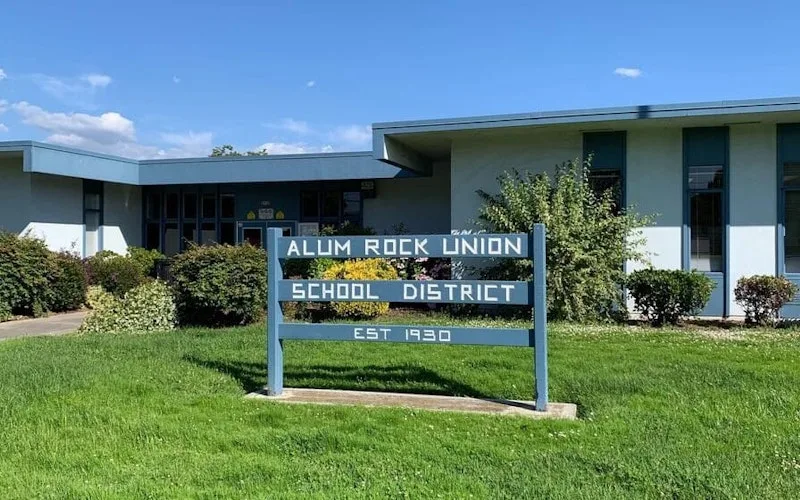
Kept track of work orders arriving from schools across the district.
Alum Rock Union School District
Read the story →
Standardized maintenance across one of the largest custom restorative labs in the world.
Glidewell
Read the story →
Moved from 60% reactive work to 20% by putting every asset on a recurring PM schedule.
Industrial manufacturer
Read the story →
Shifted work from reactive to preventive and brought maintenance costs down with it.
Layfield Group
Read the story →
Replaced paper tracking and manual data entry across the plant using Nova.
Sprinturf
Read the story →Frequently asked questions
How is this different from the request queue already in CMMS?
CMMS is where a request is triaged: approved, prioritized, assigned, and turned into a work order. The Request Portal is how it arrives. They are two halves of the same flow, and neither replaces the other, if your requesters all have UpKeep accounts you may not need a portal at all. It earns its place when the people reporting problems are outside your organization or will never log in to anything.
Do requesters need an account or a paid seat?
No. The portal needs no login at all, a tenant, visitor, or contractor submits from a browser. For staff inside UpKeep, requester seats are free and unlimited on every plan. You pay for the technicians and coordinators working the queue.
Can each building or property have its own form?
Yes. Each site or property gets its own portal with its own name, logo, and link, and its own set of locations and categories. A property management company can hand every building a form that looks like it belongs to that building while running one operation behind them.
What stops the portal filling up with junk?
Every submission needs an email address, because that is where the ticket number goes, which removes most casual noise. Beyond that, submissions are requests and not work orders: they wait in a triage queue, so a bad one costs a coordinator a single dismissal rather than polluting the schedule.
Can we use QR codes instead of a link?
Yes, and it is the most effective way to deploy it. A code on a door, a machine, or a restroom sign opens the portal with the location already set, so the request arrives with the one field people most often get wrong.
Does a submitted request become a work order automatically?
Not by default, and most teams should leave it that way. Requests are approved first, which is what stops duplicates and non-issues from reaching technicians. Teams who want certain categories to convert straight through, a fire door, a power outage, can set that up deliberately.
Can requesters see what is happening with their request?
Yes. The confirmation email carries a ticket number, and the status can be checked without an account. Requesters are notified when the request is approved and when the work is complete, which is what stops the follow-up phone call.
Can we put the request portal on our own website?
The portal is hosted by UpKeep and lives at its own address, which you link to from your tenant site, your intranet, or a printed sign. There is no embedded widget to install and nothing for your web team to maintain, which is deliberate, the portal has to keep working when the site around it is redesigned.
FREE RESOURCES
Go deeper on maintenance
Practical guides and research from the UpKeep team. No cost, no sales call required.
 Guide
GuideThe Reliability Playbook: Capturing 20 Years of Know-How Before It Walks Out the Door
A fully staffed plant still loses hours to failures a retired technician would have caught in minutes. This playbook reframes the problem: knowledge is disappearing because no system was built to capture it. It lays out a three-part framework for closing that gap and shows what changed at one plant that stopped hiring its way out and instead started capturing what its people already knew.
Get the guide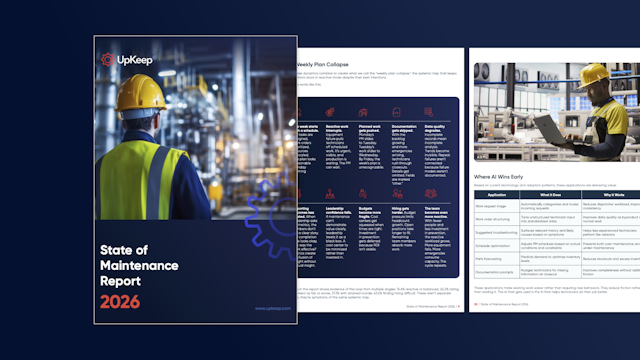 Report
The 2026 State of Maintenance Report
This year's report reflects a fundamental shift in how maintenance creates competitive advantage. While 90% of teams recognize what drives reliability, only 25% can consistently execute it. The gap between knowing and doing has become the defining challenge and opportunity of 2026.
Get the report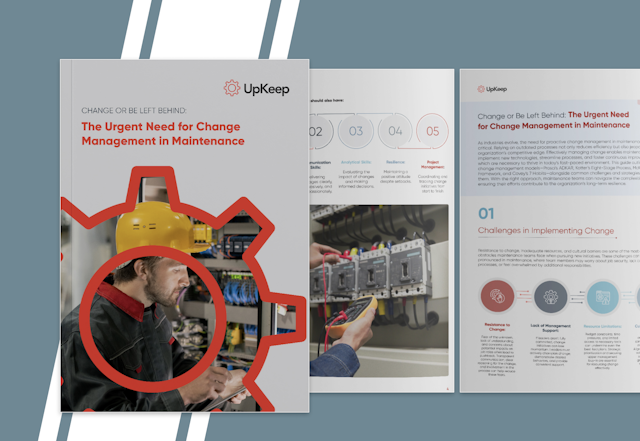 Guide
GuideChange or Be Left Behind: The Urgent Need for Change Management in Maintenance
Effectively managing change enables maintenance teams to implement new technologies, streamline processes, and foster continuous improvement, all of which are necessary to thrive in today’s fast-paced environment. This guide outlines essential change management models
Get the guide
See it with one of your own buildings on it
Bring a property and the way requests reach you today. We will stand up a branded portal for it and show where a request lands.