
UPKEEP CONTRACTS
See a renewal coming before it lapses
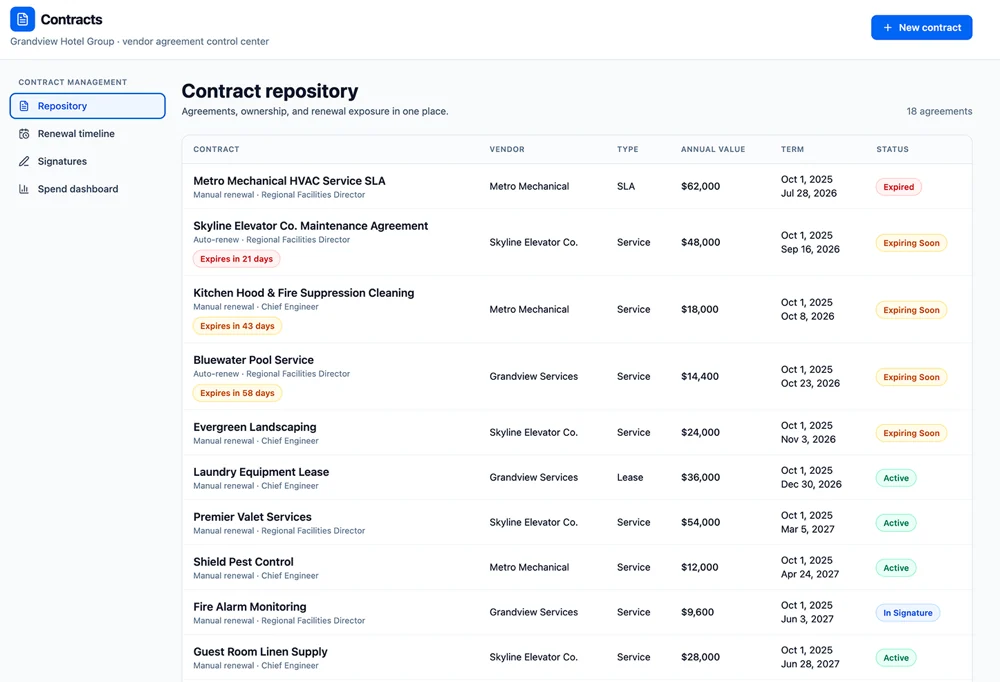
Service agreements, SLAs, and leases in one repository, each with its renewal date, notice period, annual value, and a named owner. What is expiring is the first thing the page shows you.
- Notice deadlines, not just end dates
- A named owner per agreement
- Contract spend in one view








SOLUTIONS
Renewals stop being surprises
Nearly every contract problem an operations team has is a date that passed without a decision. This is built around the dates.
An agreement auto-renewed for another year and nobody decided to.
Auto-renewing contracts carry their notice deadline, not just their end date. The window in which you can still cancel or renegotiate arrives as a task with a name on it, months before it closes.
An SLA expired and the vendor kept working anyway.
Expired and expiring agreements sit at the top of the repository with the annual value and the owner beside them, so the gap between what has lapsed and who is still on site is visible in one screen.
Nobody can say who owns the elevator contract.
Every agreement has a named owner and a reviewer. When a renewal comes up, the reminder goes to a person rather than to a shared inbox that everyone assumes someone else is reading.
The total you spend on service agreements is not a number anyone has.
Annual value rolls up by vendor, contract type, site, and cost center, so committed service spend is a figure you can bring to a budget conversation instead of an estimate assembled the night before.
The signed copy is in somebody’s email.
The executed document, its version history, and its signature status live on the contract record, next to the terms someone will need to quote back to a vendor two years from now.
Renewal talks start two weeks out, with no use.
The renewal timeline shows what is coming months ahead, and the vendor’s own performance record is attached. You go into the conversation knowing they missed a third of their response targets.
FEATURES
What you hold, what it costs, and when it renews
A repository is only useful if it tells you what needs attention. This one leads with exposure.
Contract repository
Service agreements, SLAs, leases, warranties, and maintenance contracts with their terms, values, and executed documents in one place.
Renewal timeline
What expires in the next 30, 60, and 90 days, and what renews automatically unless someone acts. Sorted by exposure, not alphabetically.
Notice periods
The date by which you must give notice, tracked separately from the expiry date, because that is the deadline that actually costs money to miss.
Ownership and reviewers
A named owner and reviewers per agreement, with reminders that escalate rather than expire quietly.
Signature status
Track what is drafted, out for signature, executed, and superseded, with the signed file attached to the record.
Contract spend
Annual and total contract value by vendor, type, site, and cost center, including what is committed for next year.
Linked assets and sites
Which equipment and which locations an agreement covers, so the technician working on a chiller can see whether it is still under a service contract.
Obligations
Response times, covered scope, exclusions, and inclusions recorded as terms you can check work against, rather than prose nobody reads twice.
Renewal exposure
How much annual value comes up for decision each quarter, and which of it is with vendors whose record does not justify a renewal.
CONNECTED WORKFLOWS
Built to work with the rest of UpKeep
A contract is only worth recording if the people doing the work can see it. These are the hand-offs that put it in front of them.
Contracts Vendor Management
The contract holds the term and the value; the vendor record holds the performance. A renewal decision reads both, so an agreement is not renewed on price alone when the on-time score has been falling for a year.
Explore UpKeep Vendor Management →Contracts Procurement
Contracted rates and price lists carry into requisitions and POs, so buying against an agreement uses the agreed price. Off-contract purchasing shows up as exactly that.
Explore UpKeep Procurement →Contracts CMMS
An asset under a service agreement says so on the work order. A technician sees the coverage and the response time before calling a vendor, and warranty-covered repairs stop being paid for twice.
Explore UpKeep CMMS →Contracts Facilities
Building service agreements, janitorial, landscaping, elevators, fire systems, attach to the site they cover, so the facilities manager for a property sees every contract touching it.
Explore UpKeep Facilities →Contracts Capital Planning
A service agreement on aging equipment is part of the cost of keeping it. Contract value feeds the operating side of a repair-or-replace case rather than being left out of it.
Explore UpKeep Capital Planning →Contracts Nova
Ask what renews in the next quarter, what it is worth, and which of those vendors underperformed. Nova reads the same contract and performance records the dashboards do.
Explore UpKeep Nova →CUSTOMER STORIES
Teams running maintenance on UpKeep
Keeps kitchen equipment running across a footprint measured in thousands of sites.
Chick-fil-A
Read the story →
One operator runs maintenance across every restaurant he owns from a phone.
McDonald's
Read the story →
Moved campus crews off paper and onto digital preventive maintenance and work orders.
Caltech
Read the story →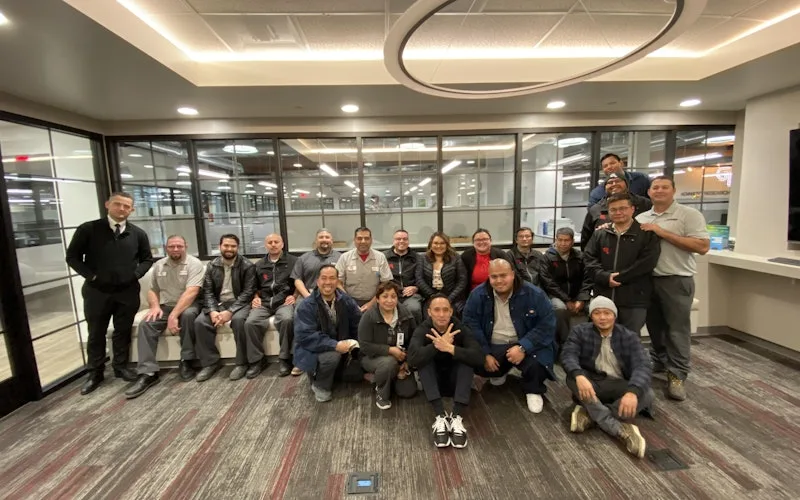
Standardized maintenance across one of the largest custom restorative labs in the world.
Glidewell
Read the story →
Moved from 60% reactive work to 20% by putting every asset on a recurring PM schedule.
Industrial manufacturer
Read the story →
Shifted work from reactive to preventive and brought maintenance costs down with it.
Layfield Group
Read the story →
Replaced paper tracking and manual data entry across the plant using Nova.
Sprinturf
Read the story →
Moved maintenance off paper and onto a system the whole team can see.
Old Trapper
Read the story →Frequently asked questions
Is this a legal contract lifecycle management system?
No. There is no clause library, no redlining, no negotiation workflow, and no legal template authoring. This is the operational side of a contract: what you have, what it covers, what it costs, when it renews, and who owns it. Legal teams running full CLM should keep that system; this is for the facilities and maintenance leaders who currently keep it in a spreadsheet.
Does UpKeep Contracts do lease accounting?
No. Equipment and property leases are held as agreements with their terms, values, and renewal dates, which is what an operations team needs. It does not produce ASC 842 or IFRS 16 schedules, right-of-use asset values, or journal entries. That stays with your finance system, the same boundary UpKeep Capital Planning states.
Does UpKeep Contracts send contracts out for signature?
It tracks signature status and stores the executed document, so the record shows what is drafted, out for signature, and in force. The signing itself happens in your e-signature tool; UpKeep records the outcome rather than replacing DocuSign or Adobe Sign.
What kinds of agreements do teams keep in it?
Most commonly vendor service agreements and SLAs, planned maintenance contracts, equipment and property leases, warranties, and consumable supply agreements. If it has a term, a value, a renewal date, and someone who should be watching it, it belongs here.
Can UpKeep Contracts stop an auto-renewal on its own?
No, and it should not. It surfaces the notice deadline early and assigns it to the owner, with escalation if nothing happens. Canceling or renegotiating is a decision a person makes and communicates to the vendor; software that did it automatically would be a liability rather than a feature.
Who gets notified, and when?
The named owner and any reviewers, on a schedule set per contract type, service agreements are usually watched from 90 days out, leases considerably earlier. Reminders escalate to a manager if the owner does not act, because the failure mode here is a notification nobody opened.
Can we import the contracts we already have?
Yes. Contracts import from a spreadsheet with their documents attached, and the fields that matter most, renewal date, notice period, annual value, owner, are validated on import, since a repository with half its renewal dates missing is not a repository. Customer success does this mapping with you before go-live.
Can a technician see whether an asset is under contract?
Yes. Agreements link to the assets and locations they cover, and the coverage shows on the work order. That is the point at which knowing matters, before someone pays for a repair a vendor was already obliged to make.
FREE RESOURCES
Go deeper on maintenance
Practical guides and research from the UpKeep team. No cost, no sales call required.
 Guide
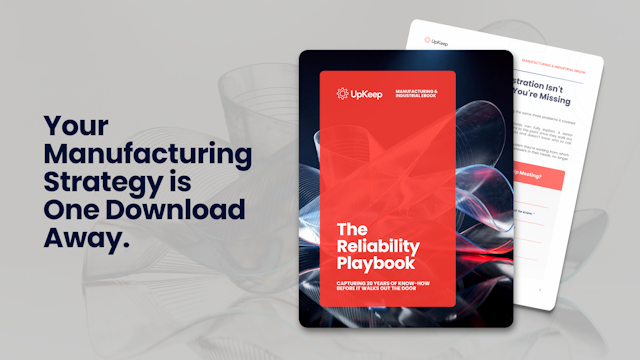
GuideThe Reliability Playbook: Capturing 20 Years of Know-How Before It Walks Out the Door
A fully staffed plant still loses hours to failures a retired technician would have caught in minutes. This playbook reframes the problem: knowledge is disappearing because no system was built to capture it. It lays out a three-part framework for closing that gap and shows what changed at one plant that stopped hiring its way out and instead started capturing what its people already knew.
Get the guide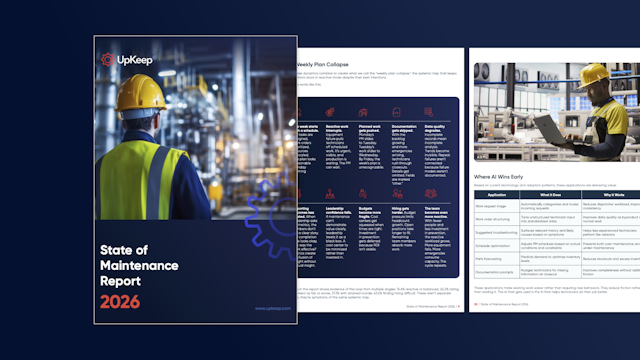 Report
The 2026 State of Maintenance Report
This year's report reflects a fundamental shift in how maintenance creates competitive advantage. While 90% of teams recognize what drives reliability, only 25% can consistently execute it. The gap between knowing and doing has become the defining challenge and opportunity of 2026.
Get the report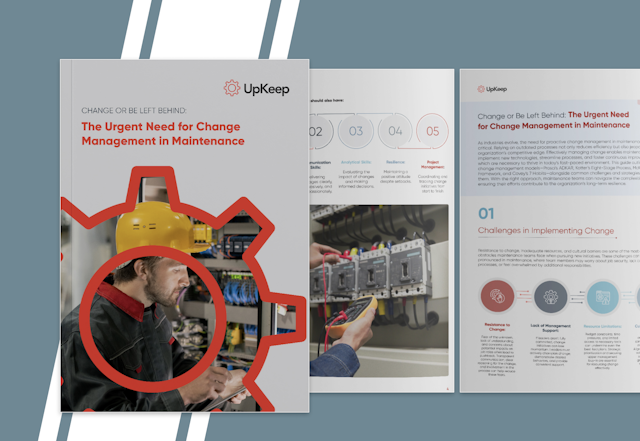 Guide
GuideChange or Be Left Behind: The Urgent Need for Change Management in Maintenance
Effectively managing change enables maintenance teams to implement new technologies, streamline processes, and foster continuous improvement, all of which are necessary to thrive in today’s fast-paced environment. This guide outlines essential change management models
Get the guide
Start with what renews this quarter
Bring the agreements you can find and the ones you suspect exist. We will show you what the renewal timeline looks like once they are in one place.