
AI MAINTENANCE MANAGEMENT
AI that works inside your maintenance records
Ask a question in plain language, hand over a review that runs every morning, or have the work drafted for you. Everything it produces waits for a person to approve it.
- Runs on your live records
- Nothing posts without approval
- Same permissions as the rest of UpKeep







SOLUTIONS
Where the time actually goes
Most of the day-to-day loss in maintenance happens around the repair: the retyping, the chasing, and the reading of queues that turned out to be fine.
A technician types a two-word work order description, and nobody can plan from it.
Nova reads the asset, its history, and the request, then drafts a description a planner can act on. The technician keeps working; the planner stops chasing people for detail.
The same fault gets raised three times because nobody spotted the duplicate.
Incoming requests are checked against open work on the same asset before they become separate jobs, so three reports of one problem stay one work order.
A manager spends the first hour of every morning reading the same reports.
Set the review up once and it runs on a schedule. On-hold work orders, stale PMs, parts about to go short: the check happens before the day starts and only the exceptions need a person.
The answer to a straightforward question takes a report request and a two-day wait.
Ask in plain language and get the answer from your own records. Which assets ate the most labor last quarter, which PMs keep getting skipped, which vendor slipped on lead time.
Your process is specific, so the standard screen never quite fits it.
Install an app from the marketplace, clone one and edit it, or describe what you need and have it built. It works on your live records and your existing permissions.
IT will not approve a tool that writes to production data on its own.
Nothing posts without a person approving it. AI output lands in a review queue, respects the same role permissions as the rest of UpKeep, and every action is logged.
FEATURES
What Nova does
Nova is what this capability is called inside UpKeep. One assistant across the applications you already run, working on your live records.
Conversational agent
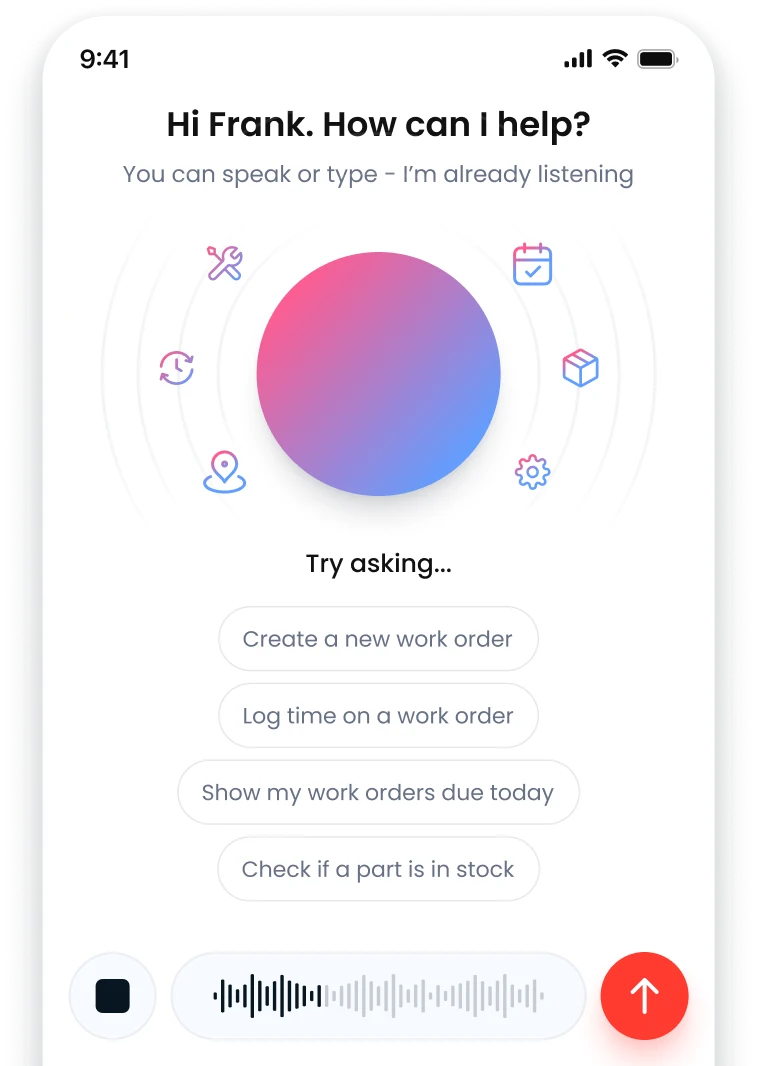
Ask questions and give instructions in plain language, by voice or by typing. Nova answers from your live work orders, assets, parts, and history.
Scheduled tasks
Describe a check once and pick the days it should run. Nova does the review on schedule and returns results as a feed you read when it suits you. Pause or resume it at any time.
Workflow automation
Move data between apps without anyone re-entering it, and trigger the next step when the last one finishes. The hand-offs run on their own; the decisions still come to a person.
App marketplace
Install a pre-built app in one click and it works against your UpKeep data straight away, with no syncing and no middleware. Clone one and edit it when it is close but not exact.
Custom apps
Describe what you need the way you would explain it to a new hire, and Nova builds the screens, the logic, and the connection to your data and permissions. No code required.
Meeting capture
Record a safety talk, a planning meeting, or a walkdown. Nova pulls out the action items and puts them in a review queue. Nothing reaches UpKeep until a reviewer approves it.
Knowledge that accumulates
Nova picks up your naming conventions, approval steps, and who handles what as you work with it, then applies them next time. You stop repeating the same context.
Condition-based alerts
With Edge sensors on the asset, a reading crossing a threshold raises the work order itself, so the equipment starts the job instead of a calendar or a complaint.
Analytics you can question
Dashboards for the numbers you track every week, and plain-language follow-up when a number looks wrong and you want to know which assets are behind it.
CONNECTED WORKFLOWS
How Nova works with the rest of UpKeep
AI here is not only Nova. Edge sensors watch equipment condition and Intelligence handles reporting. Nova is the part you give instructions to, and these are the hand-offs it makes.
Nova CMMS
A work order Nova drafts becomes an ordinary work order the moment someone approves it: same asset, same PM schedule, same assignment rules. Nothing about it stays a special AI record.
Explore UpKeep CMMS →Nova Intelligence
Intelligence shows the trend. Ask Nova the follow-up and the answer comes from the records that dashboard counted, so the number does not change between the chart and the explanation.
Explore UpKeep Intelligence →Nova Edge Sensors
A vibration or temperature reading crossing its threshold raises the work order itself. Nova reads that same sensor history when you ask why an asset keeps coming back.
Explore UpKeep Edge Sensors →Nova Safety
Action items Nova hears in a recorded safety talk arrive in a review queue. Approve one and it becomes a safety record. Nothing is filed on a model’s say-so.
Explore UpKeep Safety →Nova Parts & Inventory
Ask what is about to go short and Nova answers from live stock, reorder points, and what is already on order. Run it as a scheduled check and the answer arrives before the stockout instead of after.
Explore UpKeep Parts & Inventory →Nova Learn
Nova checks training records before it suggests an assignment, so a job needing a certification is not offered to somebody who does not hold it.
Explore UpKeep Learn →CUSTOMER STORIES
Teams running maintenance on UpKeep
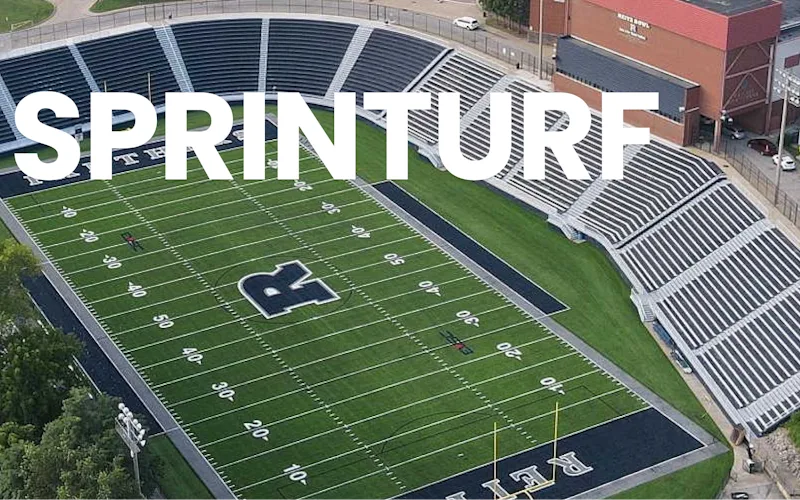
Replaced paper tracking and manual data entry across the plant using Nova.
Sprinturf
Read the story →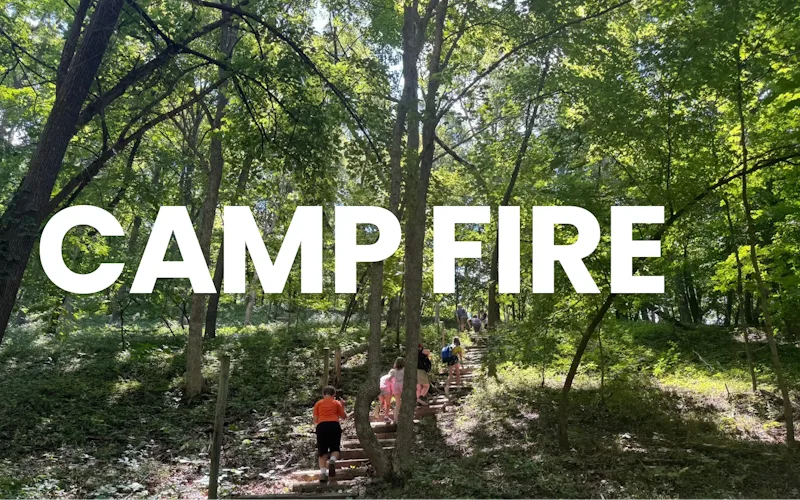
Went from sticky notes to decisions made on maintenance data.
Camp Fire Heart of Iowa
Read the story →
Keeps kitchen equipment running across a footprint measured in thousands of sites.
Chick-fil-A
Read the story →
One operator runs maintenance across every restaurant he owns from a phone.
McDonald's
Read the story →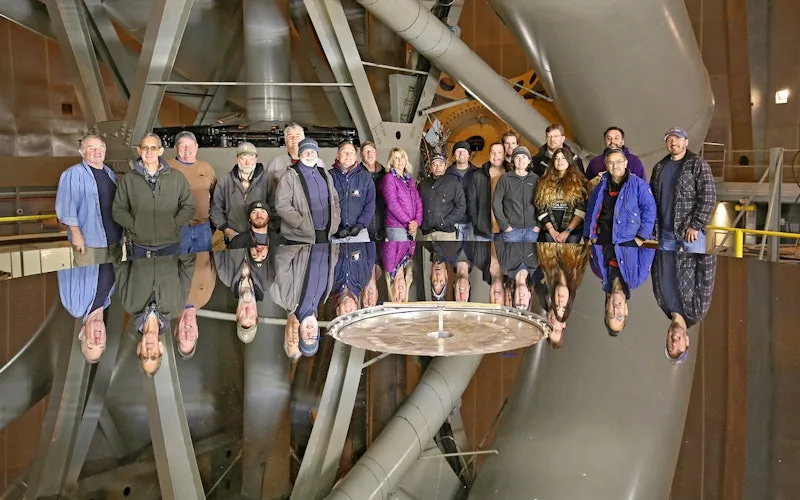
Moved campus crews off paper and onto digital preventive maintenance and work orders.
Caltech
Read the story →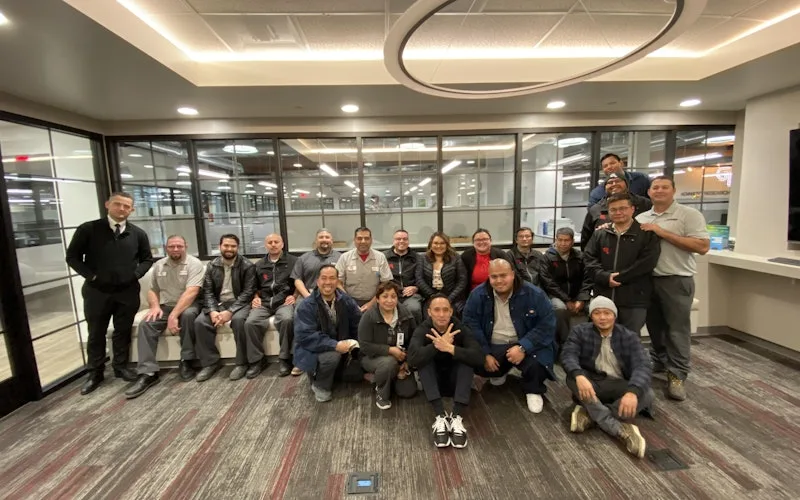
Standardized maintenance across one of the largest custom restorative labs in the world.
Glidewell
Read the story →
Moved from 60% reactive work to 20% by putting every asset on a recurring PM schedule.
Industrial manufacturer
Read the story →
Shifted work from reactive to preventive and brought maintenance costs down with it.
Layfield Group
Read the story →Frequently asked questions
What is AI maintenance management?
It means putting AI inside the system that already holds your maintenance records, instead of bolting a separate tool alongside it. Day to day that looks like three things: asking questions of your own data in plain language, handing routine review work to a schedule, and getting drafts back (descriptions, work orders, action items) that a person approves before they count.
What separates it from a general chatbot is the source. A chatbot knows how maintenance usually works. This reads your work orders, your assets, and your parts.
Is AI maintenance management the same thing as Nova?
Inside UpKeep, yes. Nova is what this capability is called in the app. When you open UpKeep to ask a question, set up a scheduled check, or install an app, you are in Nova.
The one caveat is that AI is not only Nova. Edge sensors do the condition monitoring on your equipment and Intelligence handles the reporting. Nova is the part you give instructions to, and it reads what those two produce.
There is no AI edition and no separate SKU to buy. Nova Apps run on credits; the rest comes with your plan.
Can the AI change our data on its own?
No. Output arrives as a draft or a recommendation, and a person approves it before anything is created or changed. That applies to work orders, to safety records, and to action items pulled out of a recording.
It also respects the same role permissions as the rest of UpKeep, so it cannot do something on a technician’s behalf that the technician could not do themselves.
Is our data used to train models for other customers?
No. Your records are used to answer your questions and run your scheduled tasks. Nova builds up context about how your team works, covering naming conventions, approval steps, and who handles what. That context stays with your organization.
Is this predictive maintenance?
Only where you have the sensors for it. Predicting a failure needs condition data off the equipment, which is what UpKeep Edge sensors provide: a reading crosses a threshold and work is raised automatically.
On an asset with no sensors, you get faster review of what already happened and better scheduling of what you know is due. Useful, but a different claim, and we would rather keep the two separate.
Do we need clean data before any of this is useful?
It helps, and improving it is one of the things the AI is good at. A scheduled task that audits asset naming, finds duplicate parts, or flags work orders missing a cost center will do more for your data in a month than a cleanup project usually does. Start there if your records are messy.
Will this replace our planners or technicians?
No. It removes the administrative work around the job: the retyping, the report requests, the daily read-through of the same queues. Deciding what to work on, diagnosing what is wrong, and doing the repair are still the job. Teams generally use the time it frees on backlog they were never getting to.
How do we get started?
Nova is already in your UpKeep account. Open it, describe the check you want, and it writes the prompt for you. Most teams start with a daily review of on-hold work orders or a weekly PM audit. If you want it configured around your own workflows, book a consultation and we will do it with you.
FREE RESOURCES
Go deeper on maintenance
Practical guides and research from the UpKeep team. No cost, no sales call required.
 Guide
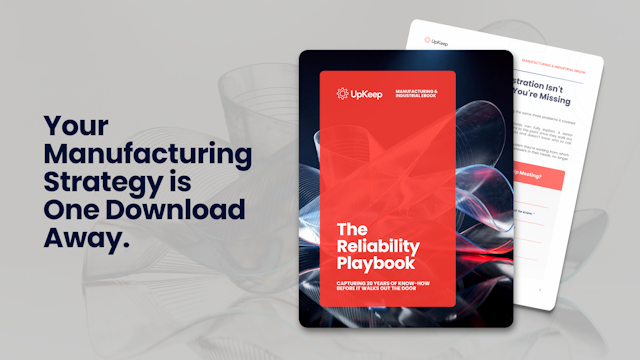
GuideThe Reliability Playbook: Capturing 20 Years of Know-How Before It Walks Out the Door
A fully staffed plant still loses hours to failures a retired technician would have caught in minutes. This playbook reframes the problem: knowledge is disappearing because no system was built to capture it. It lays out a three-part framework for closing that gap and shows what changed at one plant that stopped hiring its way out and instead started capturing what its people already knew.
Get the guide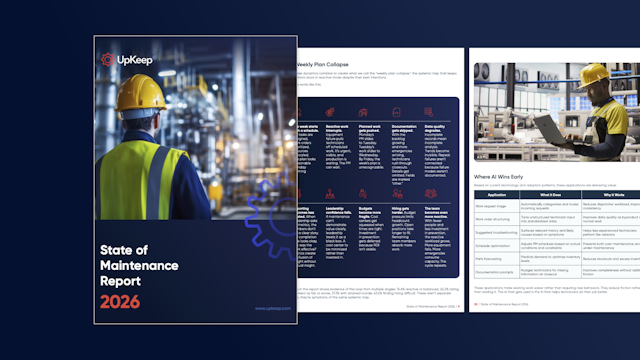 Report
The 2026 State of Maintenance Report
This year's report reflects a fundamental shift in how maintenance creates competitive advantage. While 90% of teams recognize what drives reliability, only 25% can consistently execute it. The gap between knowing and doing has become the defining challenge and opportunity of 2026.
Get the report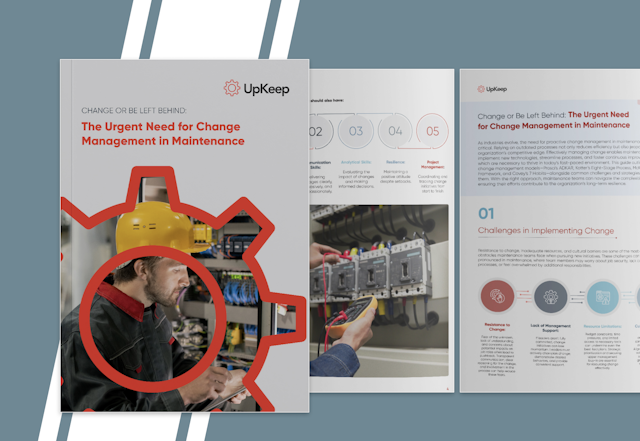 Guide
GuideChange or Be Left Behind: The Urgent Need for Change Management in Maintenance
Effectively managing change enables maintenance teams to implement new technologies, streamline processes, and foster continuous improvement, all of which are necessary to thrive in today’s fast-paced environment. This guide outlines essential change management models
Get the guide
See it run on your own data
Pick a review you do by hand every day. We will set it up as a scheduled task against your own data and you can judge the output for yourself.