
UPKEEP PROCUREMENT
Purchasing built into the work that needs it
Requisitions, approvals, purchase orders, and receiving, tied to the work order and the storeroom that triggered them. The technician who asked for the part can see when it arrives.
- Approval routing by site and amount
- Three-way match
- Works alongside your ERP








SOLUTIONS
Close the loop between the floor and the buyer
Maintenance purchasing goes wrong in the gaps between systems. Procurement removes the gaps rather than adding another tool to check.
A technician needs a part, and the request disappears into email.
Requisitions start on the work order that needs the part, so the request carries the asset, the job, and the reason with it. Nothing gets retyped and nothing gets lost between the floor and the buyer.
Nobody can tell the technician when the part is arriving.
Order status shows on the work order itself. The technician sees the part is on a PO and due Thursday instead of asking the planner, who asks the buyer, who checks an inbox.
Approvals sit in an inbox for three days.
Requisitions route by amount, site, and category to whoever actually has authority, with a record of who approved what and when. Approvers can clear a queue from a phone.
You find out you were overcharged after the invoice clears.
Purchase order, receipt, and invoice are matched automatically, and only the exceptions come to a person. Price and quantity variances surface before payment rather than during a year-end review.
Maintenance spend is invisible until the budget review.
Committed spend is tracked against the cost center or project the moment a PO is issued, not when the invoice lands, so the number a manager sees mid-quarter is the real one.
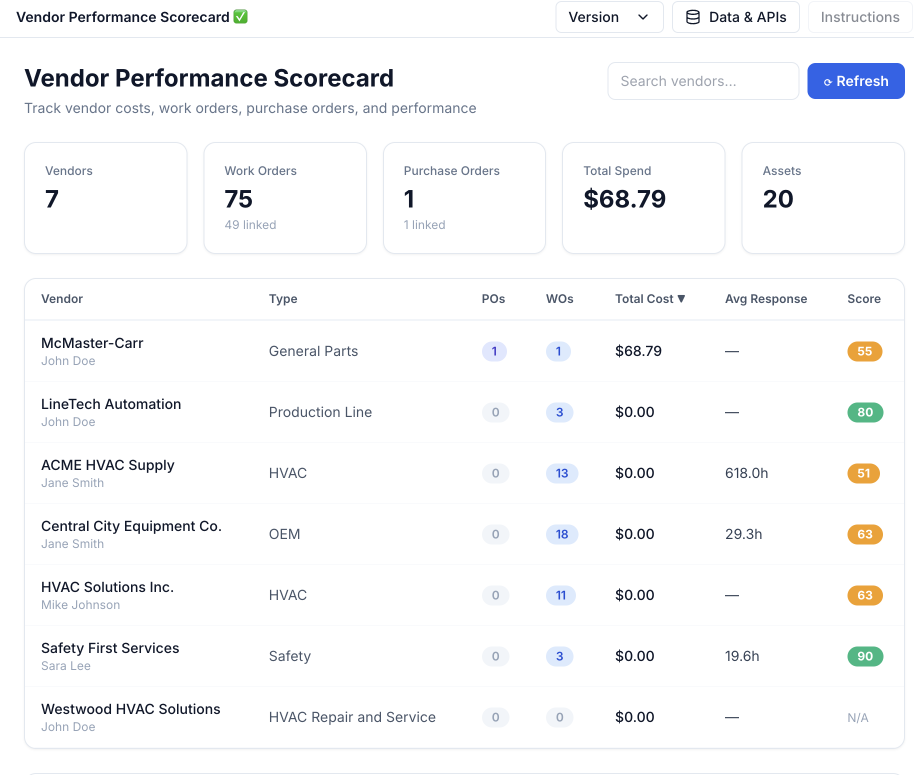
Vendor performance is a matter of opinion.
On-time delivery, price variance, and reject rates accumulate per vendor from your own receiving history, so the annual conversation with a supplier starts from a record instead of a recollection.
FEATURES
From request to receipt
Everything between a technician asking for a part and that part being on the shelf with the right cost against it.
Requisitions
Raise a request from a work order, from a part hitting its reorder point, or from scratch. Multi-line, multi-vendor, with the requester and the reason attached.
Approval routing
Rules by dollar amount, site, category, and cost center. Escalation when an approver sits on something, and a permanent audit trail on every decision.
Purchase orders
Issue, revise, and close POs. Blanket and standing orders with scheduled releases for the parts and services you buy on repeat.
Vendor management
Contacts, payment terms, lead times, contracts and price lists, plus insurance certificates and W-9s with expiry tracking.
RFQs and quote comparison
Send one request to several vendors, compare what comes back side by side, and award without rebuilding the comparison in a spreadsheet.
Receiving
Receive against the PO, including partial receipts, over-shipments, rejections, and returns. Stock and cost update in the same step.
Three-way match
PO, receipt, and invoice reconciled automatically. Matches clear on their own; only variances route to a person for review.
Spend analytics
Spend by vendor, category, site, and asset. Off-contract purchasing, price drift, and the parts quietly costing more each year.
Budgets and commitments
Check available budget before a PO is issued and track committed against remaining spend by cost center, site, or project.
CONNECTED WORKFLOWS
Built to work with the rest of UpKeep
Purchasing touches almost every other part of an operation. These are the hand-offs that happen without anyone re-entering data.
Procurement CMMS
A part needed on a work order becomes a requisition without leaving the job. Order status comes back to that work order, so the technician knows whether to wait or work around it.
Explore UpKeep CMMS →Procurement Inventory
A part crossing its reorder point drafts a requisition on its own. Receiving a PO puts the stock away, updates quantity on hand, and carries the real landed cost onto the part record.
Explore UpKeep Inventory →Procurement Providers
Contractor work is procured the same way parts are: a scope, a rate card, a PO, and a receipt against the work performed. Insurance and compliance documents live on the vendor record.
Explore UpKeep Providers →Procurement Vendor Management
Both applications read one vendor record, so there is no second vendor master. Purchasing raises the POs and receipts; Vendor Management holds the insurance and compliance documents and turns that receiving history into a performance grade.
Explore UpKeep Vendor Management →Procurement Projects
Material and contractor POs raised for a shutdown or a capital project roll into that project budget, so committed spend is visible while the work is still running.
Procurement Production
Consumption on the line draws down stock, which drives replenishment. Long-lead items for a scheduled run get ordered against the schedule rather than after a stockout.
Procurement Nova
Ask which vendors slipped on lead time last quarter, or have a requisition drafted from a description of what broke. Nova reads the same purchasing record your reports do.
Explore UpKeep Nova →CUSTOMER STORIES
Teams running maintenance on UpKeep

Moved campus crews off paper and onto digital preventive maintenance and work orders.
Caltech
Read the story →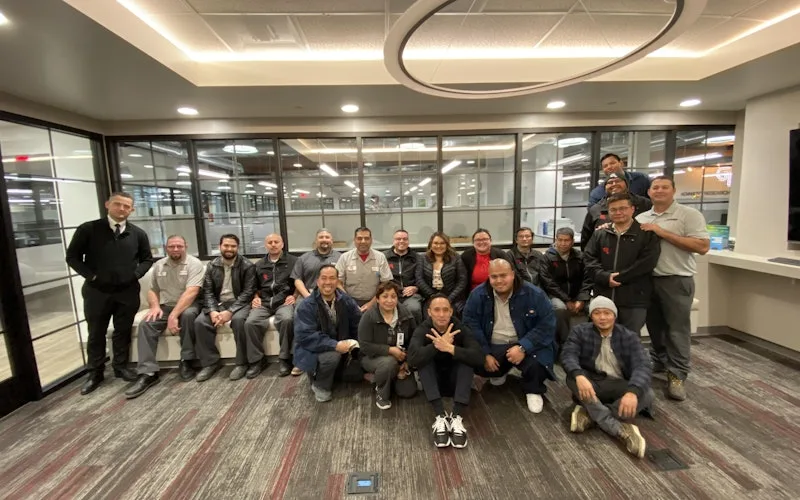
Standardized maintenance across one of the largest custom restorative labs in the world.
Glidewell
Read the story →
Moved from 60% reactive work to 20% by putting every asset on a recurring PM schedule.
Industrial manufacturer
Read the story →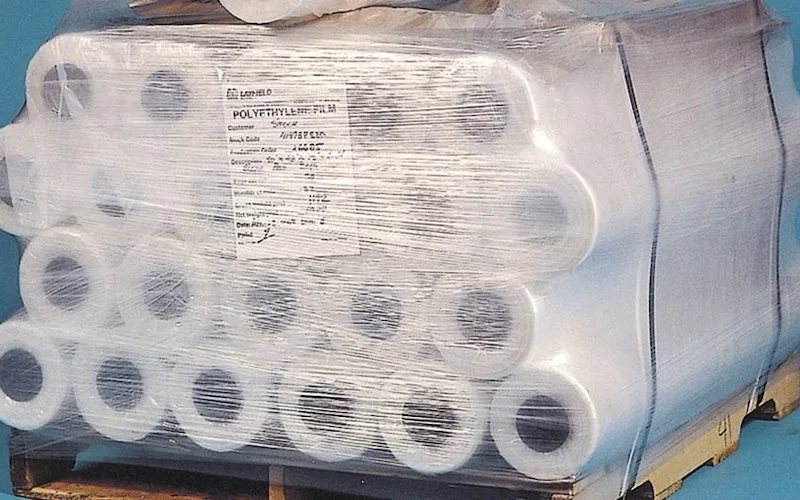
Shifted work from reactive to preventive and brought maintenance costs down with it.
Layfield Group
Read the story →
Replaced paper tracking and manual data entry across the plant using Nova.
Sprinturf
Read the story →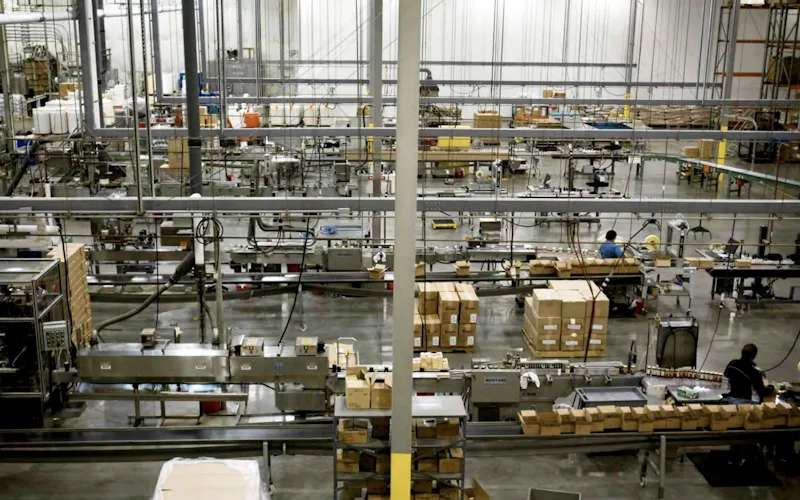
Moved maintenance off paper and onto a system the whole team can see.
Old Trapper
Read the story →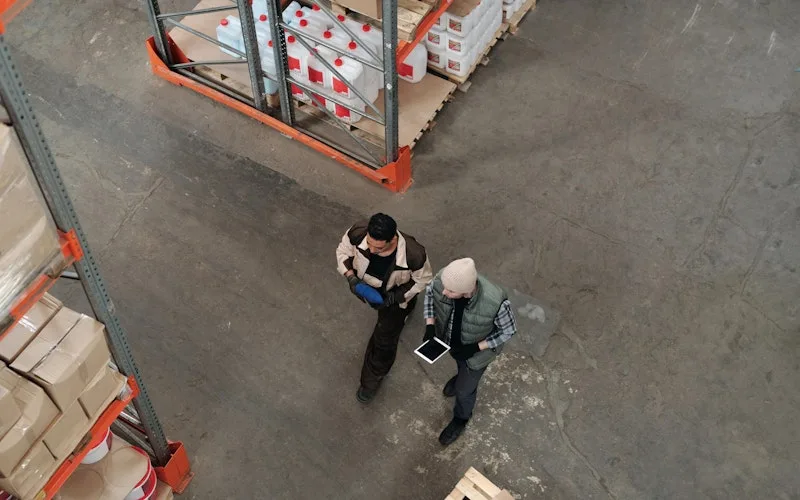
Standardized work orders and asset records across a multi-product distribution operation.
Distribution company
Read the story →
Traced a recurring building problem to its root cause instead of repairing it again.
FMLY
Read the story →Frequently asked questions
Does UpKeep Procurement replace our ERP?
No, and it is not trying to. UpKeep handles the operational side of buying: the request from the floor, the approval, the PO, and the receipt against a real asset and storeroom. Financial records still belong in your ERP or accounting system, and UpKeep exports to them. Most teams keep the ERP as the book of record and use UpKeep because the ERP was never usable by a technician standing in front of a broken pump.
How does UpKeep Procurement connect to SAP, NetSuite, or Dynamics?
Through the API and prebuilt connectors. Vendors, cost centers, and the chart of accounts typically sync in from the ERP so UpKeep is not inventing a second vendor master. Approved POs, receipts, and matched invoices sync back out. Which system owns which record is set during implementation, and UpKeep is happy to be downstream of the ERP for master data.
Does UpKeep Procurement handle invoices and accounts payable?
It handles invoice capture and three-way matching against the PO and receipt, and it flags variances. It does not issue payments. Matched invoices export to AP so payment stays where your controls already are.
Can we route approvals differently by site or by amount?
Yes. Rules combine dollar thresholds, site, category, and cost center, and a single requisition can require more than one approver. Larger operations usually run different chains per plant, with a corporate threshold above which everything escalates.
Can technicians raise a purchase request without a purchasing license?
Yes. Raising a request from a work order is part of ordinary technician use. Approving, issuing POs, and receiving are permissioned roles, so the person on the floor can ask for what they need without being able to commit company money.
Do you support supplier catalogs and punchout?
Catalog and price-list imports are supported for the distributors most maintenance teams buy from, so requisitions can pull a real part number and a contracted price rather than free text. Punchout integrations are handled case by case during implementation.
Can we buy services and contractors through it, not just parts?
Yes. Service POs carry a scope of work, a rate card or a fixed price, and not-to-exceed limits, and they are received against work completed rather than goods delivered. This is the same flow used for vendors sourced through UpKeep Providers.
What happens to purchasing history from our current system?
Open POs, vendor records, price lists, and historical spend can all be imported. UpKeep customer success handles the mapping and validates it with you before go-live, which matters most for open commitments since those need to land accurately on day one.
FREE RESOURCES
Go deeper on maintenance
Practical guides and research from the UpKeep team. No cost, no sales call required.
 Guide
GuideThe Reliability Playbook: Capturing 20 Years of Know-How Before It Walks Out the Door
A fully staffed plant still loses hours to failures a retired technician would have caught in minutes. This playbook reframes the problem: knowledge is disappearing because no system was built to capture it. It lays out a three-part framework for closing that gap and shows what changed at one plant that stopped hiring its way out and instead started capturing what its people already knew.
Get the guide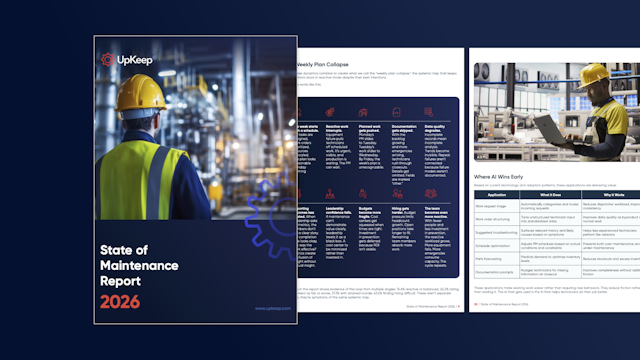 Report
The 2026 State of Maintenance Report
This year's report reflects a fundamental shift in how maintenance creates competitive advantage. While 90% of teams recognize what drives reliability, only 25% can consistently execute it. The gap between knowing and doing has become the defining challenge and opportunity of 2026.
Get the report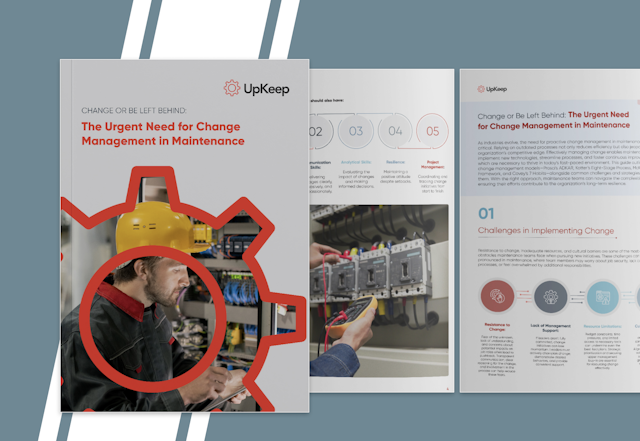 Guide
GuideChange or Be Left Behind: The Urgent Need for Change Management in Maintenance
Effectively managing change enables maintenance teams to implement new technologies, streamline processes, and foster continuous improvement, all of which are necessary to thrive in today’s fast-paced environment. This guide outlines essential change management models
Get the guide
See it against your own purchasing
Bring a recent parts order that took too long. We will walk through what the same request looks like end to end in UpKeep.