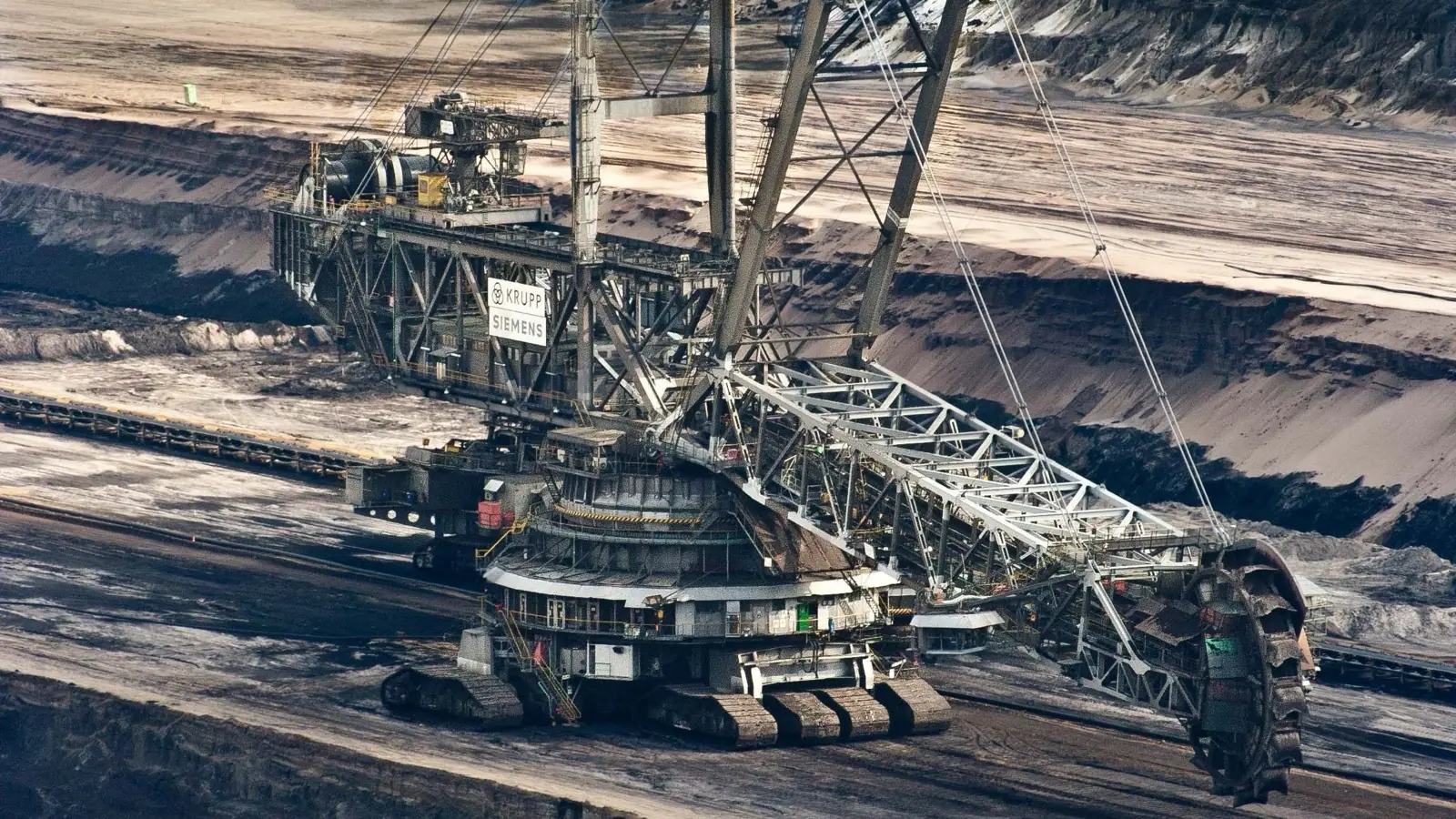







Bucket wheel excavator working a bench in an open pit mine

MINING

CMMS Software for Mining

A haul truck down is a shift of tonnes you do not get back.

Mobile fleet, fixed plant, and conveyors maintained on the same record, with condition data from the equipment and work that keeps going when the pit has no signal.

  • Works with no signal
  • PMs on engine hours
  • Fleet and fixed plant together
McDonald'sCaterpillarPepsiChevronUnileverYamahaShellStratasys

Trusted by 4,000+ industrial teams

WHAT CHANGES

What a CMMS changes on a mine site

Mining runs two maintenance problems at once: a mobile fleet that moves and fixed plant that cannot stop. These are the four things maintenance superintendents tell us they are trying to fix.

The pit has no coverage, so work is written on paper and typed up at the end of shift, if at all.

Assigned work, asset history and procedures are on the device before the crew goes down. Updates queue and sync on reconnect, so the record is written where the work happened.

Haul trucks and excavators are serviced on a calendar while the fixed plant is serviced when it breaks.

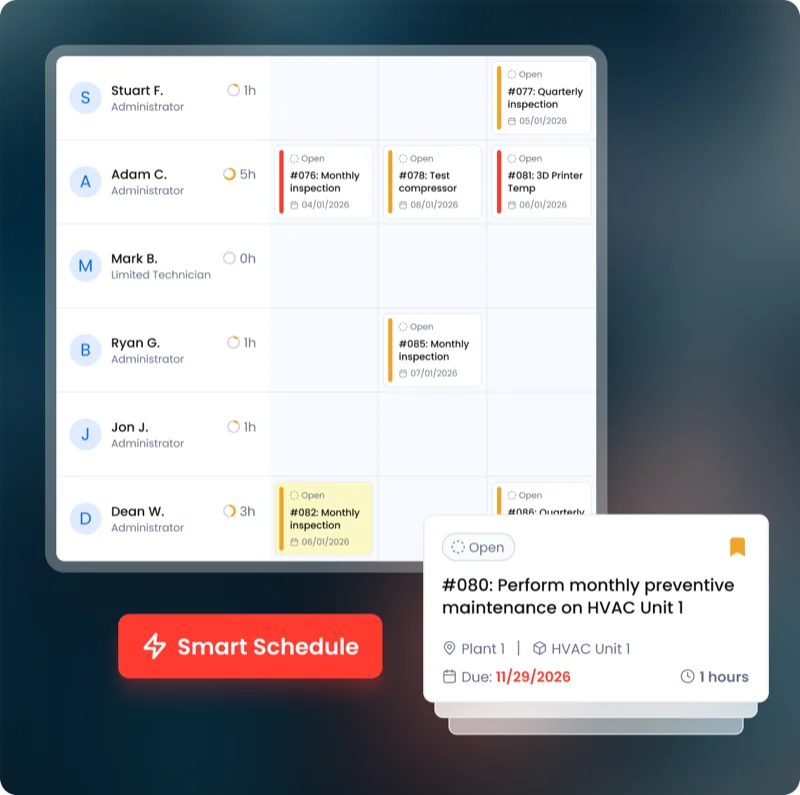
Mobile equipment triggers on engine hours or odometer and fixed plant on runtime or condition, both in the same queue so one planner can see all of it.

A conveyor or crusher fails and nobody can say whether it was warned about.

Vibration and temperature readings sit on the asset next to the work done against it, so a trend and the repairs answering it are in one place.

Contractors do half the work and their records live in their own systems.

Contractor work is assigned, evidenced and closed in the same system as your own crews, so the asset history is complete rather than partial.

RESULTS

Results from operators running maintenance on UpKeep

Measured across UpKeep customers in an independent Forrester study.

$638K

Savings from downtime avoided across the study period

Forrester Total Economic Impact study

315%

Return on investment from moving maintenance onto UpKeep

Forrester Total Economic Impact study

90%

Reduction in technician time spent filing work orders and finding asset information

Forrester Total Economic Impact study

KEY WORKFLOWS

Maintenance workflows on a mine site

Fleet, fixed plant and the people who service them are the same operation. These are the hand-offs that happen without anyone re-entering data.

A haul truck comes due on engine hours

  1. Fleet Service triggers on engine hours read from the machine rather than a date on a whiteboard.
  2. CMMS The job opens with the last three services and the parts that fit already attached.
  3. Parts & Inventory Parts come off the shelf against the job, so cost lands on that unit rather than on the site.
A crusher bearing starts running hot

  1. Edge A temperature or vibration reading crosses the threshold set on that asset.
  2. CMMS A work order opens against the crusher with the reading attached, before the circuit stops.
  3. Nova Ask what this asset has cost in downtime this year before approving another repair.

A pre-start finds a defect underground

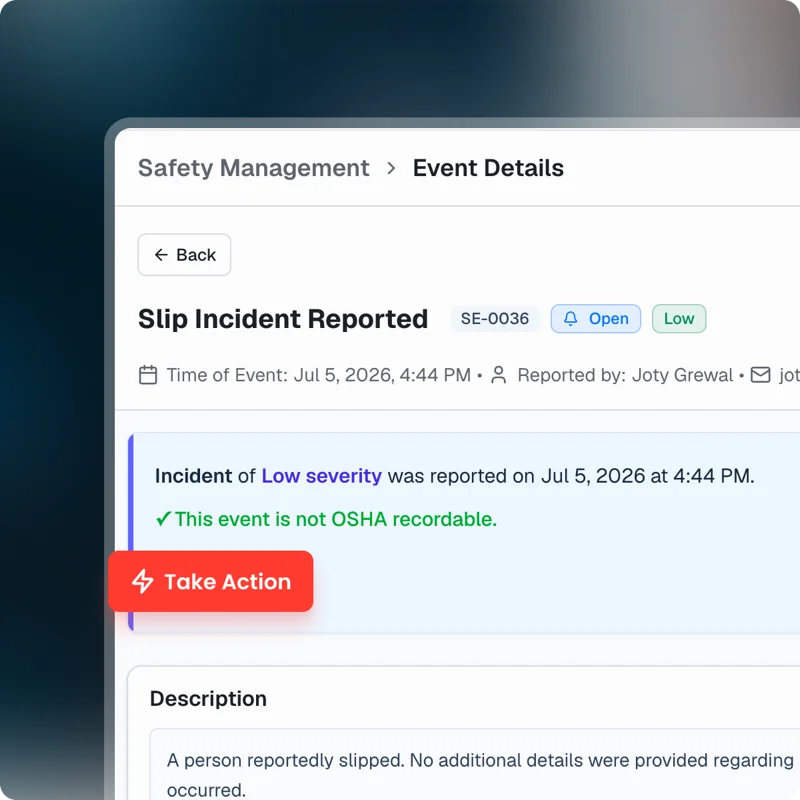
  1. Safety The operator logs it from a phone with a photo, offline, and it syncs when they surface.
  2. CMMS It is triaged into the same queue as scheduled work, so priorities are compared honestly.
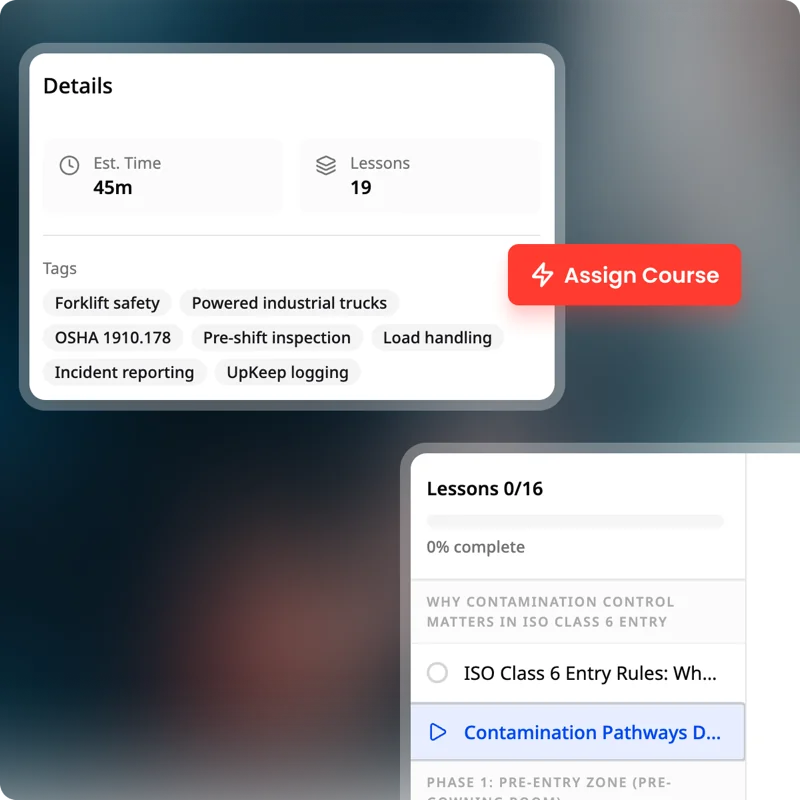
  3. Learn Whoever is assigned has the procedure, and the record shows they are signed off to do it.

NOVA

Ask what the fleet is really costing

Nova is UpKeep's AI assistant, and it builds apps. Describe the tracker or report you need in plain language and Nova builds it against your own equipment and work order data.

See how Nova works
  • Which haul trucks cost the most per operating hour last quarter?
  • Build a pre-start inspection that logs hours and flags defects.
  • What has the primary crusher cost us in downtime this year?

Mining maintenance software: common questions

What is mining maintenance software?

It is the system a mine uses to schedule and record maintenance on both its mobile fleet and its fixed plant, and to keep the asset history that availability and compliance reporting are built from.

The distinguishing requirement is that it has to work with no connection. If it only works on the surface, the record gets written from memory at the end of shift and the data is worth less than the effort of collecting it.

Does UpKeep work underground or in the pit with no signal?

Yes. Assigned work, asset records and procedures are cached on the device, and updates queue and sync when it reconnects. This is the feature to test hardest in a trial, because it is where most systems quietly fail.

Can UpKeep schedule on engine hours rather than dates?

Yes. Preventive maintenance triggers on engine hours, odometer, runtime or meter readings, which is what mobile equipment actually wears on. Calendar schedules are available where they make more sense, such as statutory inspections.

Can UpKeep manage mobile fleet and fixed plant in one system?

Yes, and that is usually the reason a site moves. Haul trucks, excavators and light vehicles live alongside crushers, conveyors and pumps in one queue, so one planner sees the whole workload rather than reconciling two systems.

Does UpKeep support condition monitoring on crushers and conveyors?

Yes, through Edge. First-party wireless sensors for vibration, temperature and current put readings on the same asset record as the work history, so a trend and the repairs against it sit together. Existing sensors and historians can be brought in by API instead.

Can contractors record their work in UpKeep?

Yes. Contractor work is assigned, evidenced and closed in the same system as your own crews, so the asset history is complete. Requesters are free and unlimited, so reporting a defect never needs a paid seat.

What does UpKeep not do for a mining operation?

It is not a fleet management system in the dispatch and payload sense, and it is not a mine planning or geology package. It does not replace the OEM telematics on your equipment; it takes the data those systems produce and turns it into maintenance that gets done and recorded.

GET STARTED

See it against your own equipment

Bring the unit that keeps coming back to the workshop. We will walk through what its record would look like and what you could ask of it.