
INTEGRATIONS
Connect UpKeep to the Systems You Already Run
Work orders, costs, and asset data move between UpKeep and your ERP, accounting, and ticketing tools automatically. Connect through native integrations, Zapier, or the public API, whichever fits how your team works.








HOW TEAMS CONNECT
Three Ways to Plug UpKeep Into Your Stack
There is no single right way to integrate. Some teams want connectors that just work, some want to click automations together, and some want raw API access. UpKeep supports all three.
Out-of-the-Box Connectors
First-party connections for ERP, procurement, and identity systems, maintained by UpKeep.
Close a work order in UpKeep and the parts and labor costs post to your ERP without anyone re-keying them.
Zapier, No Code Required
Wire UpKeep to thousands of everyday apps with point-and-click automations.
A form submission becomes a triaged work order before anyone has to check an inbox.
Public API + Nova
Full programmatic access for your developers, or let Nova build the connection for you.
If your building management system speaks REST, it can read and write work orders directly. For anything custom, Nova builds it without an engineering ticket.
CAPABILITIES
From ERP Sync to Webhooks, the Full Toolkit
Zapier Automations
Connect UpKeep to thousands of apps with no-code workflows: turn form submissions into work orders, copy completed jobs to a spreadsheet, or ping a chat channel when a critical asset goes down.
REST API
Token-authenticated and fully documented at developers.onupkeep.com. Create, read, update, and delete work orders, assets, parts, locations, and users from your own code.
Webhooks
Subscribe to work order, asset, and part events and get notified the moment data changes. External systems react in real time instead of polling on a schedule.
ERP Connectors
First-party connections to SAP, Oracle, NetSuite, and Microsoft Dynamics keep work orders, inventory, and costs in sync in both directions.
Accounting Sync
Purchase orders, labor costs, and invoices flow to your accounting platform automatically, so finance stops reconciling maintenance spend by hand.
Custom Connections via Nova
For SCADA, building automation, and proprietary systems, Nova can build the connection without an engineering ticket on your side.
systems connect to UpKeep through native integrations, Zapier, and a public REST API. If a tool in your stack can speak HTTP, it can share data with your maintenance operation.
Browse the API documentation →INTEGRATIONS FOR EVERY ROLE
Who Gets What When Your Systems Talk
IT wants control and security, operations wants numbers it can trust, and maintenance wants less admin. The same connections serve all three.
For IT Teams
Token-based API keys, webhook configuration, and single sign-on through your identity provider. Integrations follow the access rules you already enforce instead of working around them.
Integrations →For Operations Leaders
Maintenance costs, asset performance, and procurement live in one consistent picture. When the ERP and the CMMS agree, the monthly spend review stops being an argument about whose number is right.
Operations teams →For Maintenance Managers
Work orders, parts requests, and purchase orders move between UpKeep and the ERP on their own. The hour a week spent copying numbers into a second system goes back to actual maintenance.
Maintenance teams →CUSTOMER STORIES
Teams running maintenance on UpKeep

Traced a recurring building problem to its root cause instead of repairing it again.
FMLY
Read the story →
Built a safety-focused culture on the same platform running cleanroom maintenance.
Innovative Micro Technology
Read the story →
Organized technician workload and built a preventive schedule around cold storage equipment.
Columbia Fruit
Read the story →
Keeps kitchen equipment running across a footprint measured in thousands of sites.
Chick-fil-A
Read the story →
One operator runs maintenance across every restaurant he owns from a phone.
McDonald's
Read the story →
Moved campus crews off paper and onto digital preventive maintenance and work orders.
Caltech
Read the story →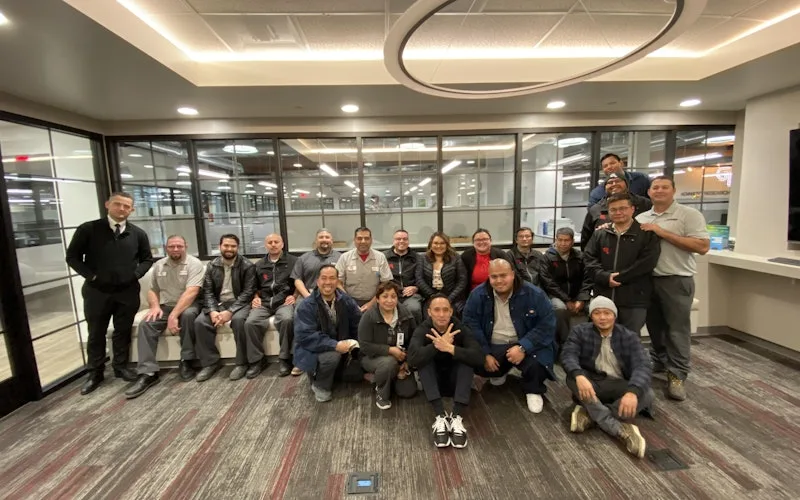
Standardized maintenance across one of the largest custom restorative labs in the world.
Glidewell
Read the story →
Moved from 60% reactive work to 20% by putting every asset on a recurring PM schedule.
Industrial manufacturer
Read the story →Frequently asked questions
What systems does UpKeep integrate with?
UpKeep connects to 1,000+ systems through native integrations, Zapier, and a public API. Common connections include ERPs like SAP, Oracle, NetSuite, and Microsoft Dynamics, accounting platforms, identity providers for single sign-on, and procurement and SCADA systems.
How does the UpKeep API work?
UpKeep has a public REST API with token-based authentication and full create, read, update, and delete access to work orders, assets, parts, locations, and users. Documentation lives at developers.onupkeep.com, and webhooks push real-time events so external systems react to changes instead of polling for them.
Can I build automations without writing code?
Yes. The Zapier integration connects UpKeep to thousands of apps with no code: trigger a work order from a form submission, copy completed jobs to a spreadsheet, or send a notification when a part runs low. If you can describe the workflow, you can usually wire it up in an afternoon.
Does UpKeep support single sign-on?
Yes. UpKeep connects to identity providers for single sign-on, so your team logs in with the credentials they already use and IT manages access from one place.
Can IoT sensor data flow into UpKeep?
Yes, through UpKeep Edge. Sensors monitoring vibration, temperature, and other conditions feed readings into the platform, and a reading that drifts out of range can open a work order automatically with the data attached.
What if the integration we need doesn't exist yet?
Two paths. The public API gives your own developers full programmatic access to build it themselves. Or, for anything custom, Nova can build the connection, so it doesn't require an engineering ticket on your side.
FREE RESOURCES
Go deeper on maintenance
Practical guides and research from the UpKeep team. No cost, no sales call required.
 Guide
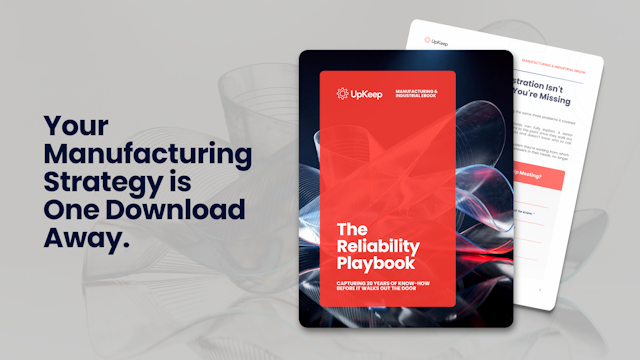
GuideThe Reliability Playbook: Capturing 20 Years of Know-How Before It Walks Out the Door
A fully staffed plant still loses hours to failures a retired technician would have caught in minutes. This playbook reframes the problem: knowledge is disappearing because no system was built to capture it. It lays out a three-part framework for closing that gap and shows what changed at one plant that stopped hiring its way out and instead started capturing what its people already knew.
Get the guide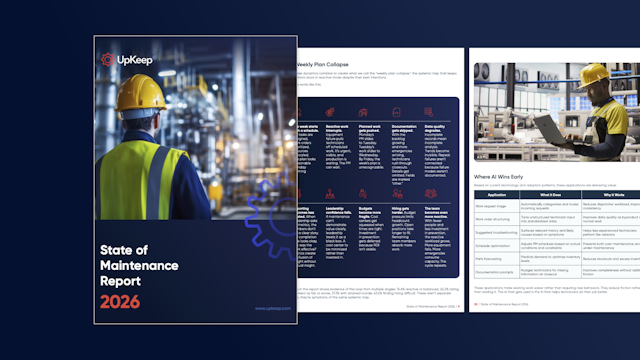 Report
The 2026 State of Maintenance Report
This year's report reflects a fundamental shift in how maintenance creates competitive advantage. While 90% of teams recognize what drives reliability, only 25% can consistently execute it. The gap between knowing and doing has become the defining challenge and opportunity of 2026.
Get the report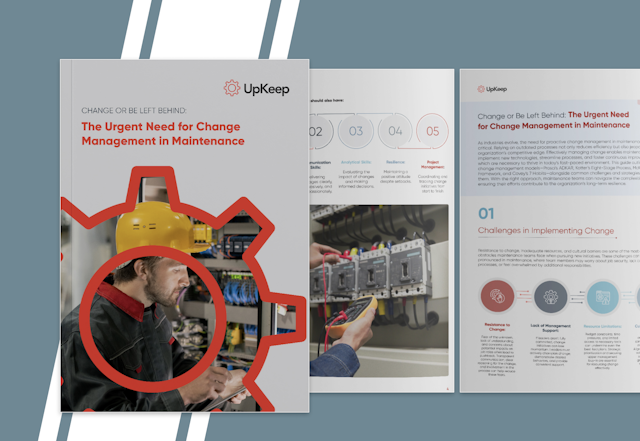 Guide
GuideChange or Be Left Behind: The Urgent Need for Change Management in Maintenance
Effectively managing change enables maintenance teams to implement new technologies, streamline processes, and foster continuous improvement, all of which are necessary to thrive in today’s fast-paced environment. This guide outlines essential change management models
Get the guide
4,000+ COMPANIES RELY ON UPKEEP
Stop Re-Typing the Same Data Into Two Systems
If technicians close work orders in one tool and someone copies the costs into another, that handoff is the first integration to fix. Bring your stack to a demo and we'll show you how it connects.