
PREVENTIVE MAINTENANCE SOFTWARE
Prevent Breakdowns Before They Happen
Automate PM schedules by time, meter readings, or AI-recommended intervals. UpKeep's preventive maintenance software helps teams maximize uptime and extend asset life.
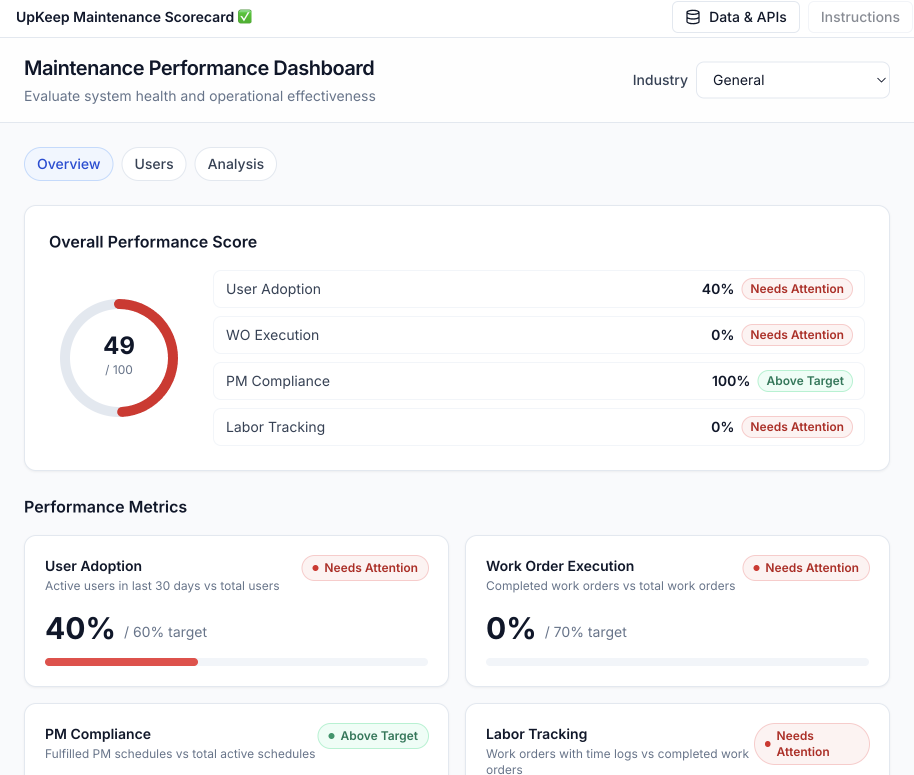











WHY UPKEEP PREVENTIVE MAINTENANCE
The PM Schedule That Runs Itself
From Due Date to Done Without a Planner Touching It
Set the trigger once: every 90 days, every 250 runtime hours, or when a sensor reading drifts. When the threshold hits, UpKeep generates the work order, attaches the checklist and parts list, and assigns the right technician. The PM binder and the wall calendar can retire.
PM Due
WO Auto-Created
Completed
Runtime-Based Triggers
Schedule service by hours run, cycles completed, or miles driven. Equipment that pulled double shifts gets serviced sooner; idle equipment doesn't get serviced for no reason.
Mobile PM Checklists
Technicians work through step-by-step checklists on their phones, capturing readings, photos, and sign-offs at the asset. Offline mode keeps it all working in basements and remote sites.
AI-Optimized Intervals
Nova AI analyzes failure history and sensor data to flag PMs that fire too often or not often enough, then recommends an interval that fits how the asset actually behaves.
CAPABILITIES
Everything a PM Program Needs
Recurring Schedules
Set daily, weekly, monthly, or custom-interval PM schedules once. UpKeep generates the work orders on time, every time, with no manual follow-up.
Meter-Based PMs
Trigger maintenance from real usage: hours run, miles driven, or cycles completed. Assets get serviced based on actual wear instead of the calendar alone.
Checklist Templates
Build reusable checklists with pass/fail criteria, numeric readings, photo capture, and required sign-offs. Every technician on every shift follows the same procedure.
Auto-Generated Work Orders
When a PM trigger fires, UpKeep creates and assigns the work order with the right procedures, parts, and priority already attached. No one has to remember the due date.
Parts Association
Link required parts and materials to each PM task. Technicians see what they need before starting, and inventory gets reserved or reordered automatically.
PM Analytics
Track PM compliance rates, completion times, and cost per asset. See which schedules are working and where an adjustment will pay off first.
HIT YOUR PM COMPLIANCE TARGETS
Calendar, Meter, or Condition: Pick the Right Trigger per Asset
Most teams run all three side by side. Calendar PMs cover the routine work, meters catch the heavily used equipment, and sensors watch the assets that fail expensively. UpKeep tracks compliance across all of them in one schedule.
Time-Based
Fixed calendar intervals for routine care. Lubricate the conveyor gearbox every 90 days, with the work order generated a week early so parts and labor are lined up.
Meter-Based
Usage thresholds for equipment that wears by the hour, mile, or cycle. Service the forklift every 250 engine hours, from readings technicians log or telematics push in automatically.
Condition-Based
Live sensor data for critical assets. An Edge vibration sensor catches a pump drifting out of range and opens a work order with the reading attached, before the bearing lets go.
FROM THE FIELD
What Our Customers Say
Customer story · Primal Pet Foods
A single day of unplanned production downtime put $160,000 at risk. With UpKeep Edge monitoring asset health in real time, Primal Pet Foods moved from reactive repairs to condition-based preventive maintenance, catching equipment problems before they became shutdowns.
Read their story →
PREVENTIVE MAINTENANCE FOR EVERY ROLE
One PM Program, Three Jobs to Do
The planner who builds the schedule, the technician who works it, and the engineer who tunes it all look at the same PM data from different angles. Nobody reconciles spreadsheets to find out what got done.
For Maintenance Planners
Build and manage PM programs across every asset and location. Set triggers, assign resources, track compliance, and adjust schedules based on real performance data.
Maintenance teams →For Technicians
PM assignments arrive with step-by-step checklists, required parts, and asset history attached. Complete tasks, capture readings, and sign off from the phone, even offline.
Maintenance teams →For Reliability Engineers
Analyze PM effectiveness, failure trends, and mean time between failures. Use the data to refine intervals, eliminate recurring issues, and extend asset life.
Reliability teams →CUSTOMER STORIES
Teams that moved from reactive to planned

Moved campus crews off paper and onto digital preventive maintenance and work orders.
Caltech
Read the story →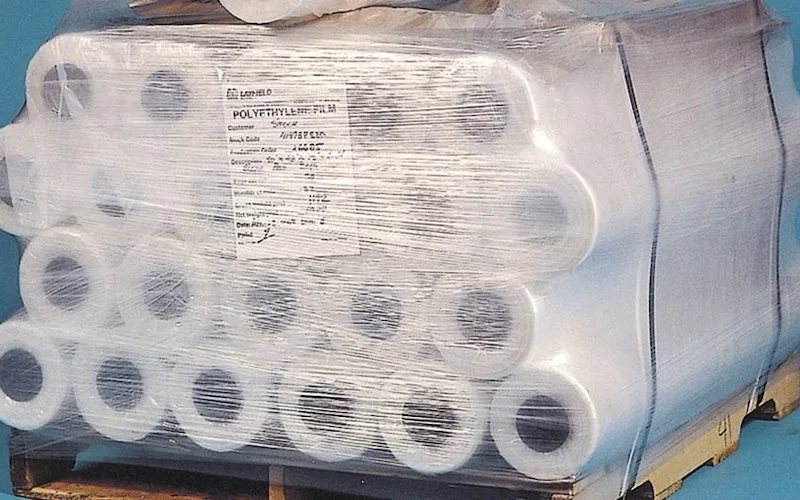
Shifted work from reactive to preventive and brought maintenance costs down with it.
Layfield Group
Read the story →
Moved from 60% reactive work to 20% by putting every asset on a recurring PM schedule.
Industrial manufacturer
Read the story →
Moved 44 sites off spreadsheets and onto proactive maintenance while scaling toward 200.
Raceway Car Wash
Read the story →
Organized technician workload and built a preventive schedule around cold storage equipment.
Columbia Fruit
Read the story →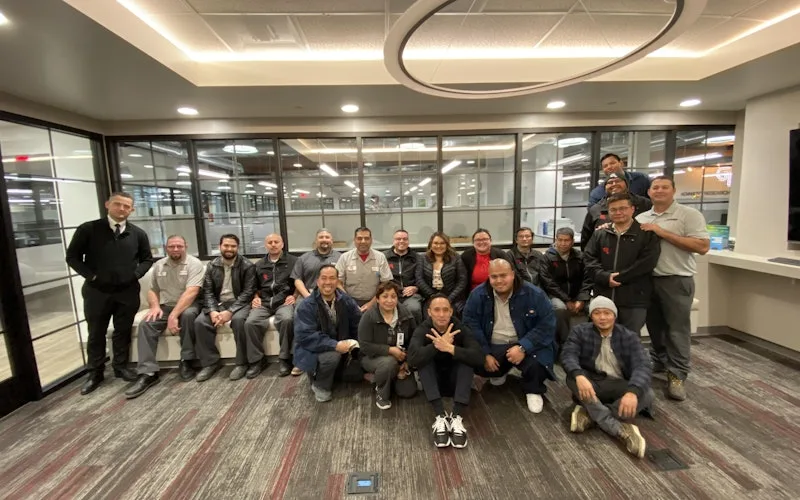
Standardized maintenance across one of the largest custom restorative labs in the world.
Glidewell
Read the story →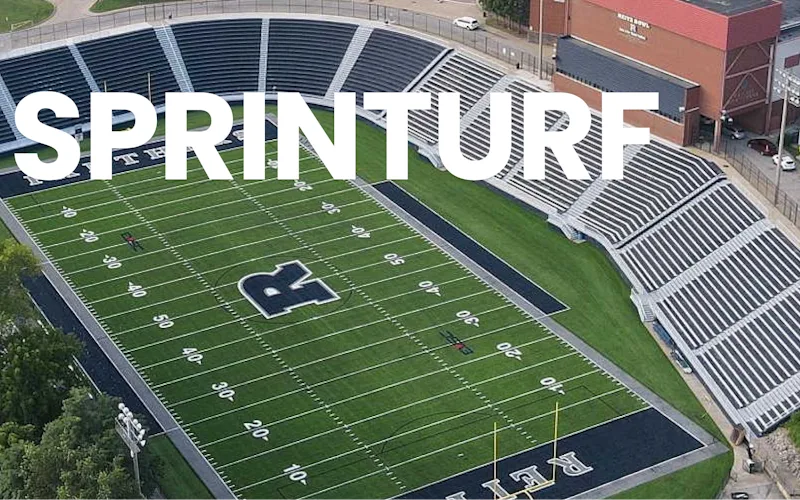
Replaced paper tracking and manual data entry across the plant using Nova.
Sprinturf
Read the story →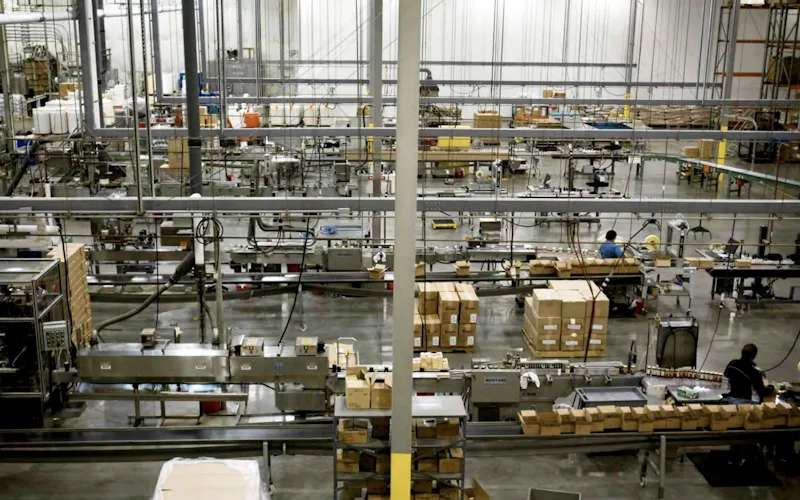
Moved maintenance off paper and onto a system the whole team can see.
Old Trapper
Read the story →Frequently asked questions
What is preventive maintenance software?
Preventive maintenance software schedules recurring maintenance before equipment fails, instead of after. You define when each asset should be serviced, by calendar date, meter reading, or sensor condition, and the system generates the work order with the right checklist, parts, and technician attached. It replaces the PM binder, the wall calendar, and the spreadsheet someone has to remember to check.
How does UpKeep trigger preventive maintenance?
Three ways. Time-based triggers fire on calendar intervals, like every 90 days. Meter-based triggers fire on usage, like every 250 engine hours, from readings technicians log or telematics push in automatically. Condition-based triggers fire when an Edge IoT sensor reading, such as vibration or temperature, drifts out of range. Most teams run all three side by side.
Can work orders be created automatically from PM schedules?
Yes. When a PM trigger fires, UpKeep generates the work order with the procedure checklist, required parts, priority, and assigned technician already attached. Nobody has to notice the due date and create the job by hand, which is where most PM programs leak compliance.
Is UpKeep 'preventive' or 'preventative' maintenance?
Both. 'Preventive maintenance' and 'preventative maintenance' are used interchangeably in the industry, and they mean the same thing: scheduled maintenance performed before failure. Whichever spelling your team uses, the software supports the same workflows, recurring schedules, meter triggers, checklists, and auto-generated work orders.
Is UpKeep a good fit as preventive maintenance software for small companies?
Yes, small teams are where UpKeep started. Plans begin at $24 per user per month, requester seats are free and unlimited, and single-site teams typically go live in under 30 days without an IT project. A two-person crew gets the same PM scheduling, mobile checklists, and Nova AI as an enterprise, and the platform scales if you add sites later.
Can technicians complete PM checklists offline?
Offline mode is built in. Technicians can open PM work orders, work through checklists, capture meter readings and photos, and sign off with no signal, in basements, walk-in freezers, or remote sites, and everything syncs automatically when connectivity returns.
Can AI help optimize PM intervals?
Nova AI analyzes your failure history and sensor data to flag schedules that fire too often or not often enough, then recommends better intervals. Over-maintenance wastes parts and labor; under-maintenance causes breakdowns. Nova helps you land the interval in between, per asset, based on how the equipment actually behaves.
How long does implementation take?
Most teams go live in 2 to 6 weeks. Single-site operations typically launch in under 30 days; multi-site enterprises with integrations take 60 to 90 days. UpKeep's customer success team handles asset import, PM schedule setup, and technician training throughout.
FREE RESOURCES
Go deeper on maintenance
Practical guides and research from the UpKeep team. No cost, no sales call required.
 Guide
GuideThe Reliability Playbook: Capturing 20 Years of Know-How Before It Walks Out the Door
A fully staffed plant still loses hours to failures a retired technician would have caught in minutes. This playbook reframes the problem: knowledge is disappearing because no system was built to capture it. It lays out a three-part framework for closing that gap and shows what changed at one plant that stopped hiring its way out and instead started capturing what its people already knew.
Get the guide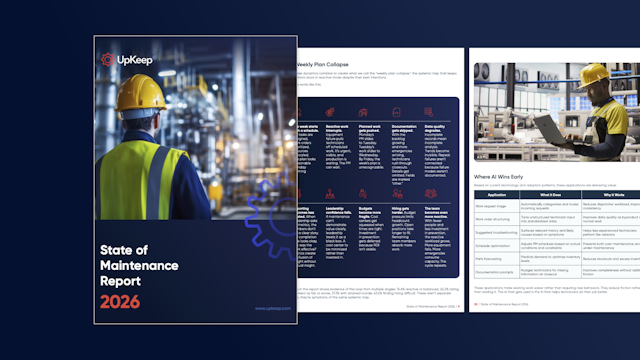 Report
The 2026 State of Maintenance Report
This year's report reflects a fundamental shift in how maintenance creates competitive advantage. While 90% of teams recognize what drives reliability, only 25% can consistently execute it. The gap between knowing and doing has become the defining challenge and opportunity of 2026.
Get the report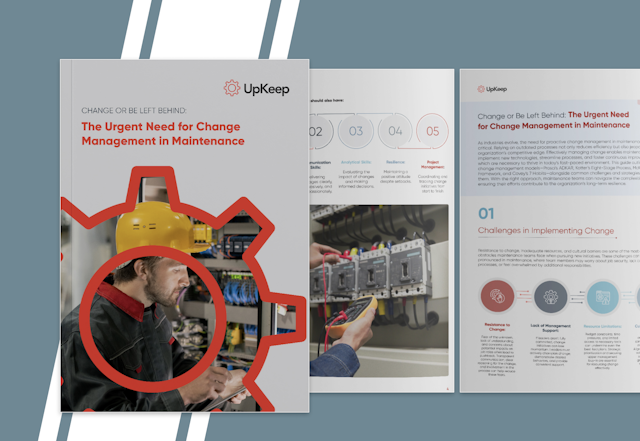 Guide
GuideChange or Be Left Behind: The Urgent Need for Change Management in Maintenance
Effectively managing change enables maintenance teams to implement new technologies, streamline processes, and foster continuous improvement, all of which are necessary to thrive in today’s fast-paced environment. This guide outlines essential change management models
Get the guide
4,000+ COMPANIES RELY ON UPKEEP
Stop Reacting. Start Preventing.
Set the schedule once and let UpKeep generate, assign, and track every PM. See what your week looks like when breakdowns stop running it.