
MRO INVENTORY MANAGEMENT
Spare Parts Inventory Management for Maintenance Teams
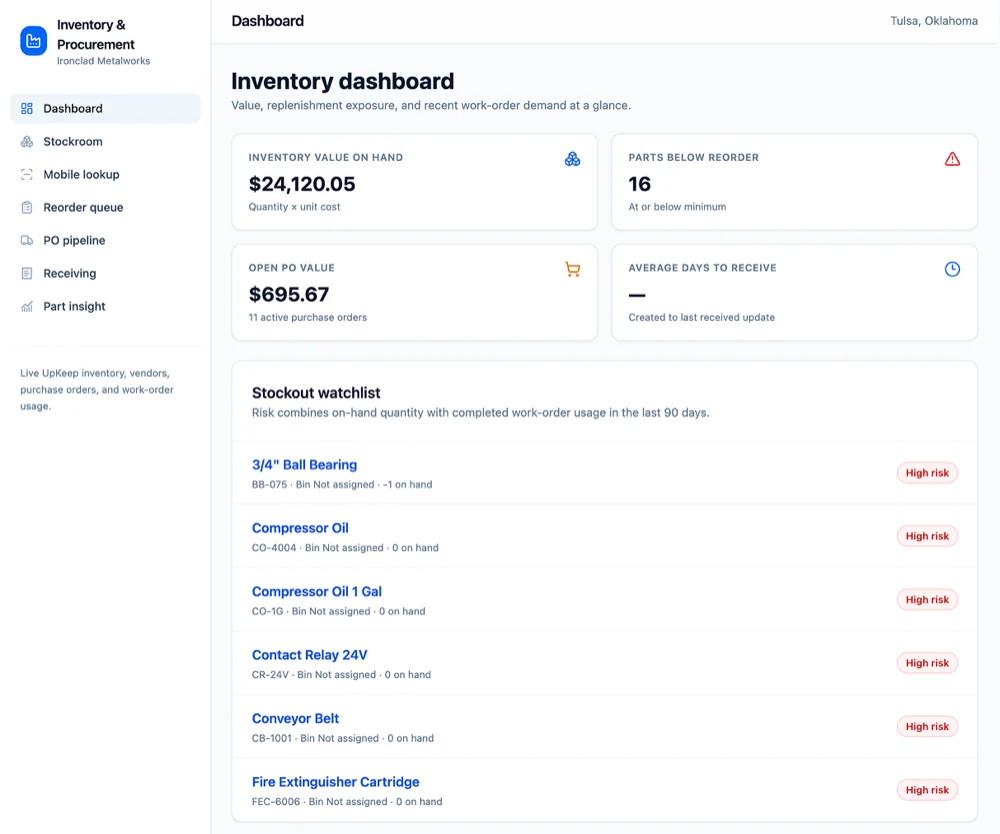
Track every spare part across every storeroom, set min/max thresholds that trigger reorder points on their own, and tie parts usage to work orders. The count on the screen finally matches the count on the shelf.










THE BASICS
What counts as MRO inventory?
Maintenance, repair, and operations inventory is everything your team consumes to keep equipment running but never sells to a customer. It splits into three buckets, and a real storeroom holds all three.
Maintenance
Parts consumed by planned, preventive work.
- Bearings and belts
- Filters and lubricants
- Seals and O-rings
Repair
Parts that fix unplanned breakdowns.
- Gaskets and valves
- Motors and fuses
- Hoses and fittings
Operations
Supplies that keep the facility itself running.
- PPE and gloves
- Cleaning and shop supplies
- Fasteners and shop rags
WHY UPKEEP FOR MRO INVENTORY
Stockouts Stall Repairs. Overstock Buries Budget.
Live Counts Across Every Storeroom
Quantities update as technicians pull parts and purchase orders get received, so the number on the screen matches the number on the shelf. Min/max thresholds warn you before a stockout, and one dashboard covers every storeroom, warehouse, and service truck.
Track
Alert
Reorder
Barcode & QR Scanning
Scan parts in and out from the mobile app. Quantities, bin locations, and the assets a part fits are one scan away, with no manual data entry to drift out of date.
Automatic Purchase Orders
When stock hits its minimum, UpKeep can draft the purchase order for you. Approve it, send it, and receive it in the same system that tracks the parts.
Parts Tied to Work Orders
Attach spare parts to work orders so technicians know what the job needs before they walk to the storeroom. Used parts deduct from stock at close-out, and the cost lands on the asset's history.
CAPABILITIES
Spare Parts Inventory, Covered End to End
Parts Catalog
A complete record for every spare part: quantities, unit costs, vendors, bin locations, and the assets each part fits. Searchable from a desk or a phone.
Min/Max Thresholds
Set minimum and maximum stock levels per part, per storeroom. Alerts fire before the shelf goes empty, not after a technician finds it bare.
Automatic Reorder Points
Low stock can trigger a draft purchase order for the refill quantity. Approve it, send it to the vendor, and track it through receipt without leaving the platform.
Barcode & QR Scanning
Check parts in and out, run cycle counts, and look up bin locations by scanning a label with the mobile app. Counts stay accurate because updating them takes seconds.
Multi-Storeroom Stock
Hold separate quantities and thresholds in every storeroom, warehouse, and service truck. Transfer stock between locations with the movement logged automatically.
Parts Cost Tracking
Part costs flow into work orders and asset history as technicians close jobs. See total inventory value, spend by vendor, and which assets eat the most parts.
FROM THE FIELD
What Our Customers Say
Customer story · Raceway Car Wash
Forty-four car wash locations means a lot of pumps, motors, and brushes that can fail. Raceway calls smarter maintenance its growth secret: fewer costly repairs across all 44 sites, with UpKeep tracking the work behind every fix.
Read their story →
"The work order analytics alone provided incredible value, showing us exactly where we could improve efficiency and reduce costs."
Customer story · Addison HVAC
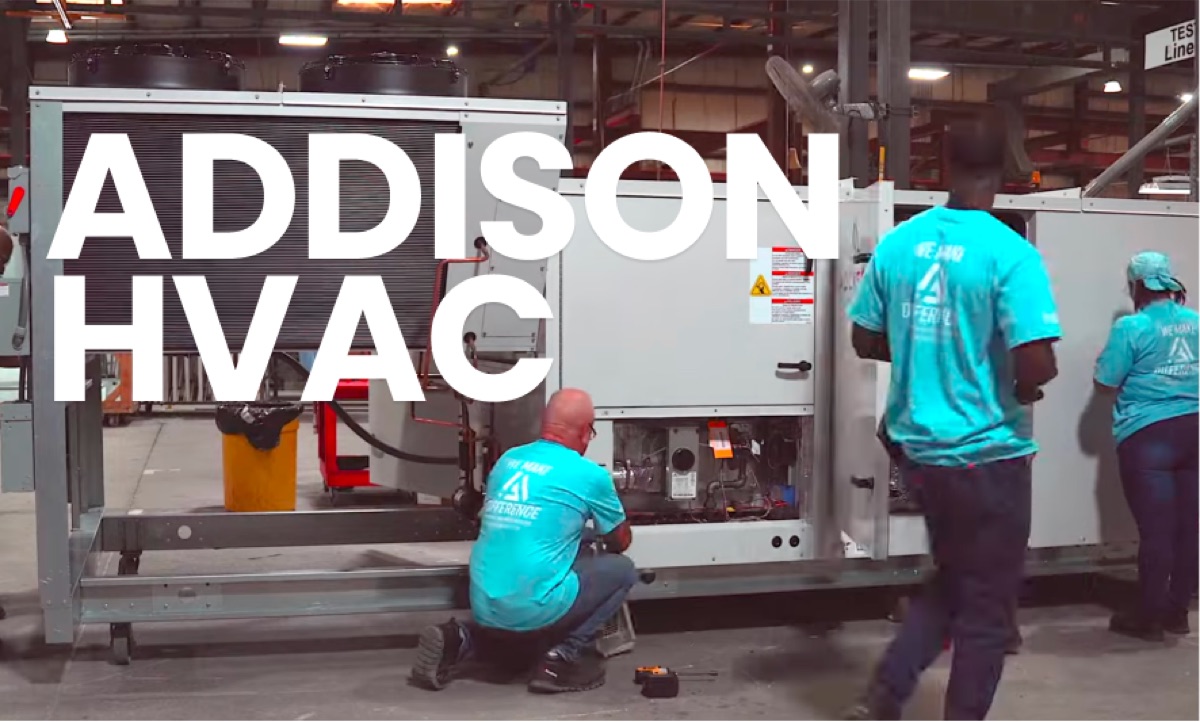
Addison HVAC's field teams work out of trucks, not storerooms. With UpKeep mobile working offline, technicians check parts and work orders from the road, even with no signal.
Read their story →MRO INVENTORY FOR EVERY ROLE
One Storeroom, Three Jobs to Do
The parts manager counting stock, the technician pulling it, and the procurement lead replacing it all read the same live numbers. Nobody reorders blind, and nobody finds an empty shelf mid-repair.
For Parts Managers
Live stock levels, reorder points, and vendor performance across every storeroom in one view. Purchase orders draft themselves from low-stock alerts, and the spreadsheet finally retires.
Parts & Inventory →For Technicians
Scan a barcode to see which storeroom has the part and exactly where it sits. Parts attach to the work order from the phone, and the count adjusts the moment the job closes.
Maintenance teams →For Procurement Teams
Requisition to receipt in one workflow, with vendor lead times, cost comparisons, and approval trails attached. When parts arrive, receiving the PO updates the count in the same step.
UpKeep Procurement →CUSTOMER STORIES
Teams that stopped running out of parts
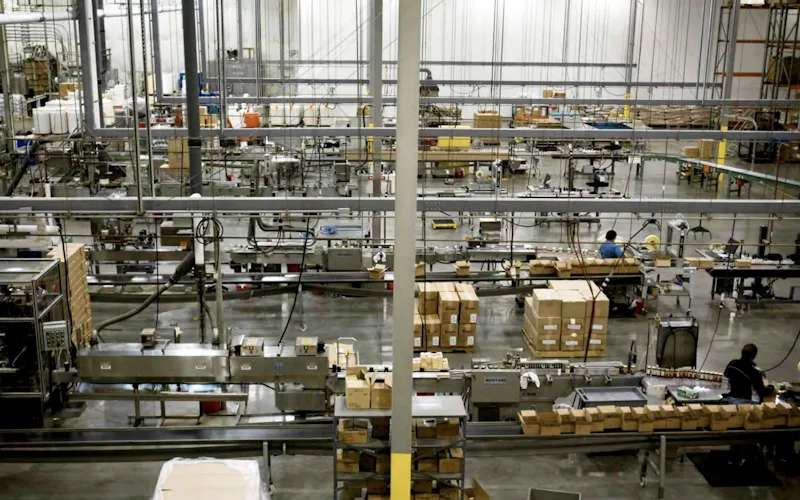
Moved maintenance off paper and onto a system the whole team can see.
Old Trapper
Read the story →
Organized technician workload and built a preventive schedule around cold storage equipment.
Columbia Fruit
Read the story →
Keeps kitchen equipment running across a footprint measured in thousands of sites.
Chick-fil-A
Read the story →
One operator runs maintenance across every restaurant he owns from a phone.
McDonald's
Read the story →
Runs maintenance, fleet, and inventory together, with every staff member able to submit a request.
Link Associates
Read the story →
Moved 44 sites off spreadsheets and onto proactive maintenance while scaling toward 200.
Raceway Car Wash
Read the story →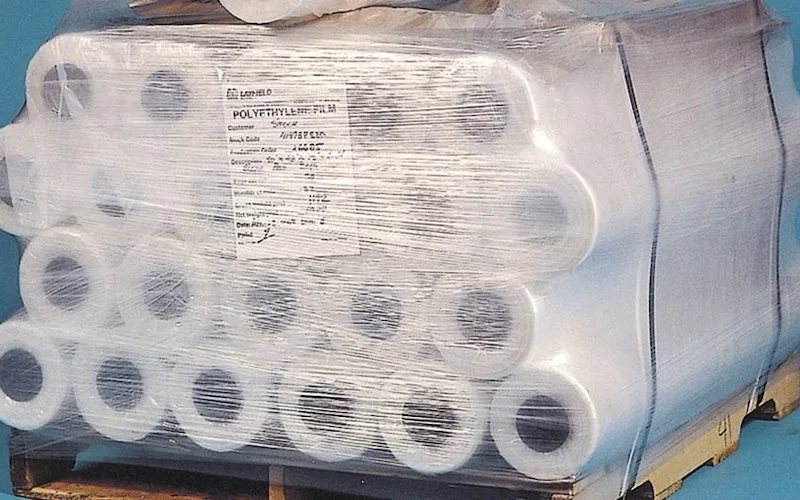
Shifted work from reactive to preventive and brought maintenance costs down with it.
Layfield Group
Read the story →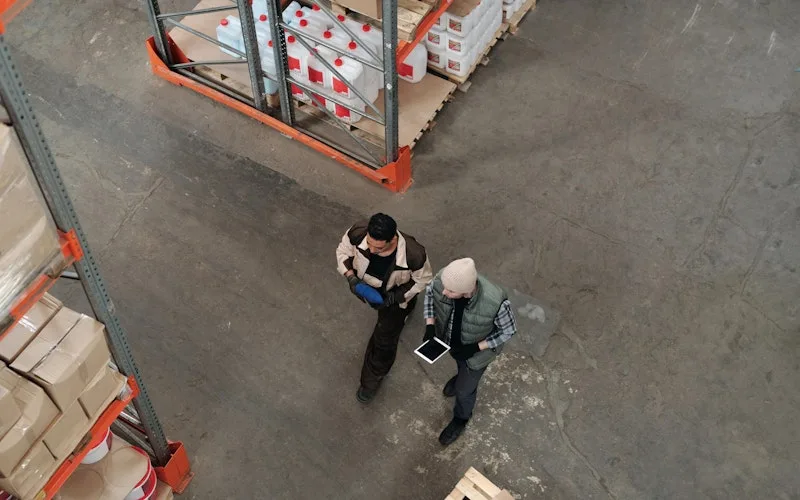
Standardized work orders and asset records across a multi-product distribution operation.
Distribution company
Read the story →Frequently asked questions
What is MRO inventory?
MRO stands for maintenance, repair, and operations. MRO inventory is everything a maintenance team consumes to keep equipment and facilities running: spare parts like bearings and belts, repair materials like gaskets and seals, and operating supplies like lubricants, filters, and PPE. None of it gets sold to customers, which is why retail-style inventory tools handle it so poorly.
How is spare parts inventory management different from retail inventory software?
Retail inventory software optimizes for selling stock. Spare parts inventory management optimizes for availability, because the cost of a stockout is not a lost sale, it is a down production line waiting on a $40 bearing. That changes the whole design: parts link to assets and work orders, reorder points reflect vendor lead times and criticality instead of sales velocity, and usage gets recorded by technicians closing jobs rather than a point-of-sale system.
How do min/max thresholds and reorder points work in UpKeep?
You set a minimum and maximum quantity for any part. When stock drops to the minimum, UpKeep alerts the parts manager and can generate a purchase order for the quantity needed to return to max. Thresholds are set per part, per location, so the same v-belt can carry different reorder points at plants with different lead times.
Do parts connect to work orders?
Yes, and this is the core of the workflow. Parts attach to a work order when it is created, so the job reserves what it needs and the technician knows what to pull before walking to the storeroom. At close-out, the parts actually used deduct from the right storeroom automatically, and their cost rolls into the work order and the asset's maintenance history.
Can I manage MRO inventory across multiple storerooms and sites?
Yes. Every part can hold separate quantities, thresholds, and bin locations per storeroom, and you can transfer stock between locations with the movement logged. A unified view shows total on-hand across the organization, so before you reorder, you can check whether the part is already sitting on a shelf at a sister site.
Does UpKeep support barcode and QR code scanning for parts?
Technicians scan a barcode or QR label from the mobile app to check parts in and out, look up quantities and bin locations, and record cycle counts. Scanning replaces the manual data entry that lets counts drift away from reality, which is where most stockouts actually start.
Can I track vendors and purchase orders in UpKeep?
Each part carries vendor records, costs, and lead times. Purchase orders can be created manually or generated from low-stock alerts, then routed for approval and tracked through receipt. Receiving parts against the PO updates stock counts in the same step, so nothing arrives without the count moving.
Does UpKeep integrate with our ERP?
UpKeep connects to 1,000+ systems through native integrations, Zapier, and a public API. Common inventory connections include ERPs such as SAP, Oracle, and NetSuite for purchasing and financials, so parts data stays consistent between the storeroom and the back office.
FREE RESOURCES
Go deeper on maintenance
Practical guides and research from the UpKeep team. No cost, no sales call required.
 Guide
GuideThe Reliability Playbook: Capturing 20 Years of Know-How Before It Walks Out the Door
A fully staffed plant still loses hours to failures a retired technician would have caught in minutes. This playbook reframes the problem: knowledge is disappearing because no system was built to capture it. It lays out a three-part framework for closing that gap and shows what changed at one plant that stopped hiring its way out and instead started capturing what its people already knew.
Get the guide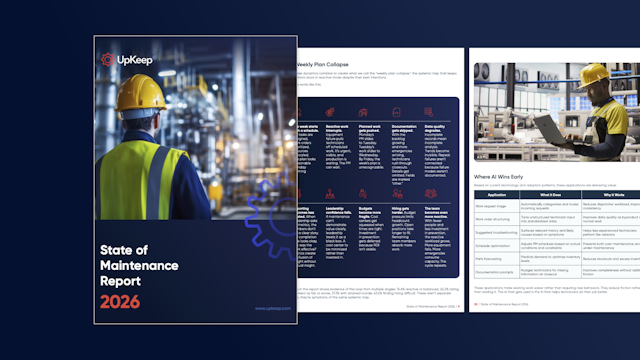 Report
The 2026 State of Maintenance Report
This year's report reflects a fundamental shift in how maintenance creates competitive advantage. While 90% of teams recognize what drives reliability, only 25% can consistently execute it. The gap between knowing and doing has become the defining challenge and opportunity of 2026.
Get the report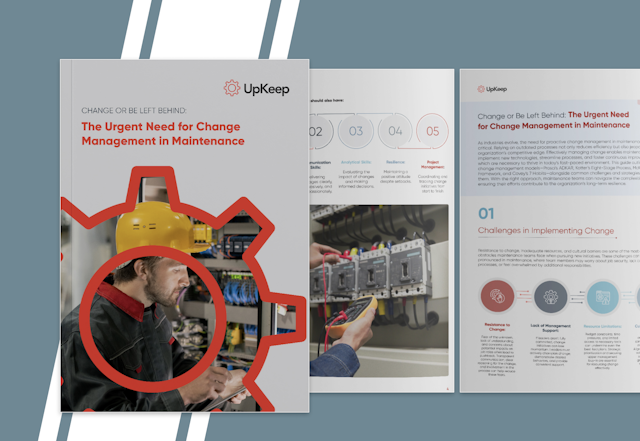 Guide
GuideChange or Be Left Behind: The Urgent Need for Change Management in Maintenance
Effectively managing change enables maintenance teams to implement new technologies, streamline processes, and foster continuous improvement, all of which are necessary to thrive in today’s fast-paced environment. This guide outlines essential change management models
Get the guide
4,000+ COMPANIES RELY ON UPKEEP
The Part Is Either on the Shelf or It Isn't
UpKeep tells you which before the work order stalls. Live counts in every storeroom, reorder points that fire on their own, and parts history tied to every asset. See it running on your own equipment.