
Bulk File Attacher
Search and select files already in UpKeep, then pick multiple assets using type-ahead location multi-select, category dropdown, file-name multi-select, and no-files toggle, and attach those files to all selected assets at once. Exports a CSV summary on completion.
Asset Checkout Manager
Bulk checkout/check-in with custom home location picker, status filter dropdown, CSV export with Asset ID, and illustrated how-to instructions modal.
Asset Location Tracker
Track and manage asset locations across your organization. Search and filter assets, click any asset to view its current location, relocation history, and completed work orders. Use "Re-Assign Asset Location" to move a single asset, or enable "Bulk Select" to move multiple assets at once. Export the relocation log as CSV or print the detail view as a PDF. Filter completed work orders by preset (All Time, Last 30 Days, Last 90 Days) or Custom date range. Tap ? to re-open the About this App banner at any time. Hit Refresh to pull in newly added assets or locations from UpKeep.
Cumulative Meter Reading ✅
Track and log cumulative meter readings for equipment like odometers, hour meters, and production counters. Search and filter meters by name, location, or linked asset. Click any meter to view its full reading history and submit new readings. The app automatically calculates the running total by adding your entered amount to the last recorded value. Use Refresh to pull the latest data from UpKeep at any time.
Warranty Asset Tracker ✅
Use this app to look up any asset in your UpKeep account and instantly see its warranty status — In Warranty, Expired, or No Warranty. You can also set, update, or remove warranty expiration dates directly from the app. When to use it: Use this app when you need to check or manage warranty coverage before scheduling service, responding to a breakdown, or planning maintenance. How to use it: 1. The app loads all assets and locations automatically on open. 2. Use the Search bar to find an asset by name, serial number, or barcode. 3. Use the Location filter (dropdown) and Category filter (type-ahead text box) to narrow results — type any part of a category name to instantly filter. 4. Use the Status and Year filters to narrow further — all filters combine automatically. 5. Click "Edit Warranty" on any card to set or update the warrantyExpiration date for that asset. Changes save directly to UpKeep. 6. Click "Work Order" on any asset card to open a pre-filled service request with title, description, due date, and optional photos — linked to that asset. 7. Click the green "Export to CSV" button to download all currently visible assets as a CSV file — includes Asset ID, Warranty Status, expiration date, and more. 8. Click the ⓘ icon in the header for a full How to Use guide inside the app. 9. Click Refresh at any time to reload the latest data from UpKeep.
Asset Replacement Prioritization ✅
Identify which assets should be repaired or replaced based on total maintenance cost, age, and performance trends. Automatically score assets by urgency and drill into cost history to support smarter capital planning decisions.
Asset Downtime Tracker
Use this app to log historical downtime events for assets tracked in UpKeep. Select the affected asset, enter the start and end time of the downtime, choose a category, and submit. Each event writes status records directly to UpKeep and gives you the option to create a linked work order with event details pre-filled. Use the History tab to view previously created downtime work orders and export them to CSV. Customize the work order title prefix, default priority, default work order category, and shift names in Settings.
Asset Tag Studio
Industrial Asset Label Maker — full printer library (Avery, Brady, Brother, DYMO, Epson, Honeywell, Rollo, Sato, TSC, Zebra + Custom), exact label stock sizes, roll & sheet print modes, drag-to-reorder fields, auto-scaling text, asset filtering, name-based sorting (A-Z/Z-A), and step-by-step help modal.

Asset Data Quality Auditor ✅
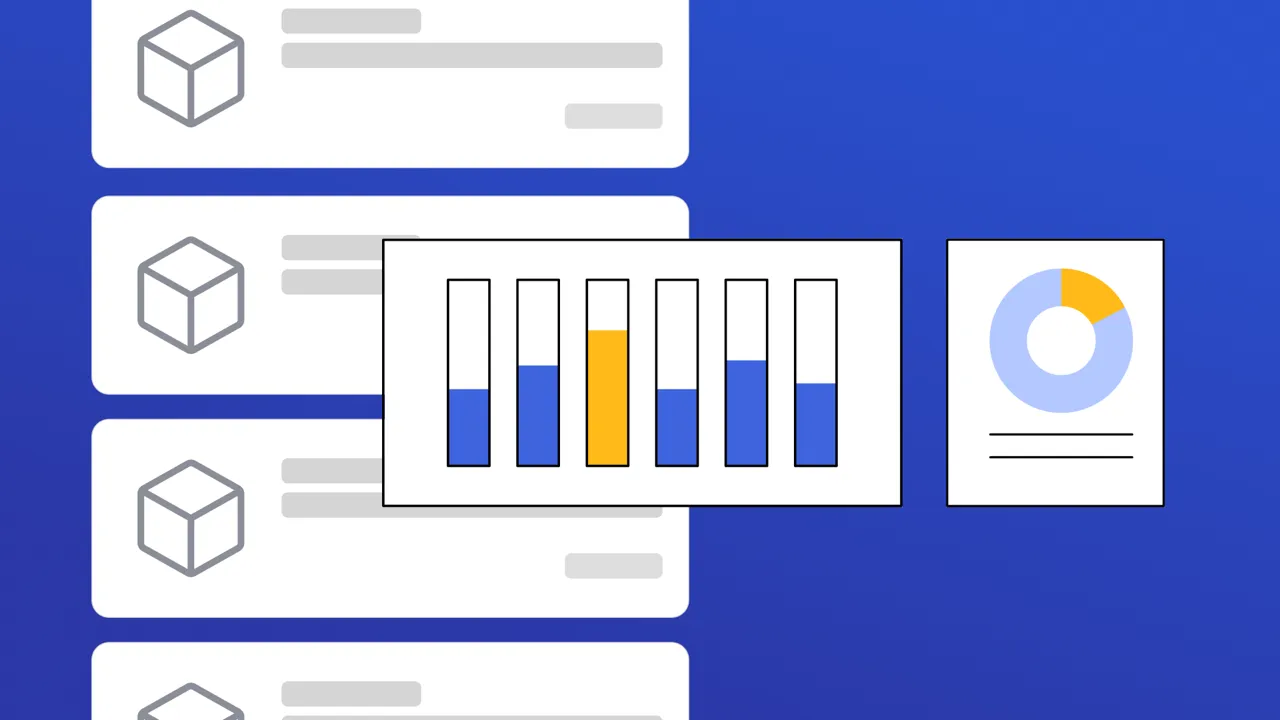
Review Asset records against quality rules to identify missing information and structural gaps. View scores, drill into flagged records, and correct issues to ensure reliable maintenance tracking.
Multi-Asset Work Order Builder
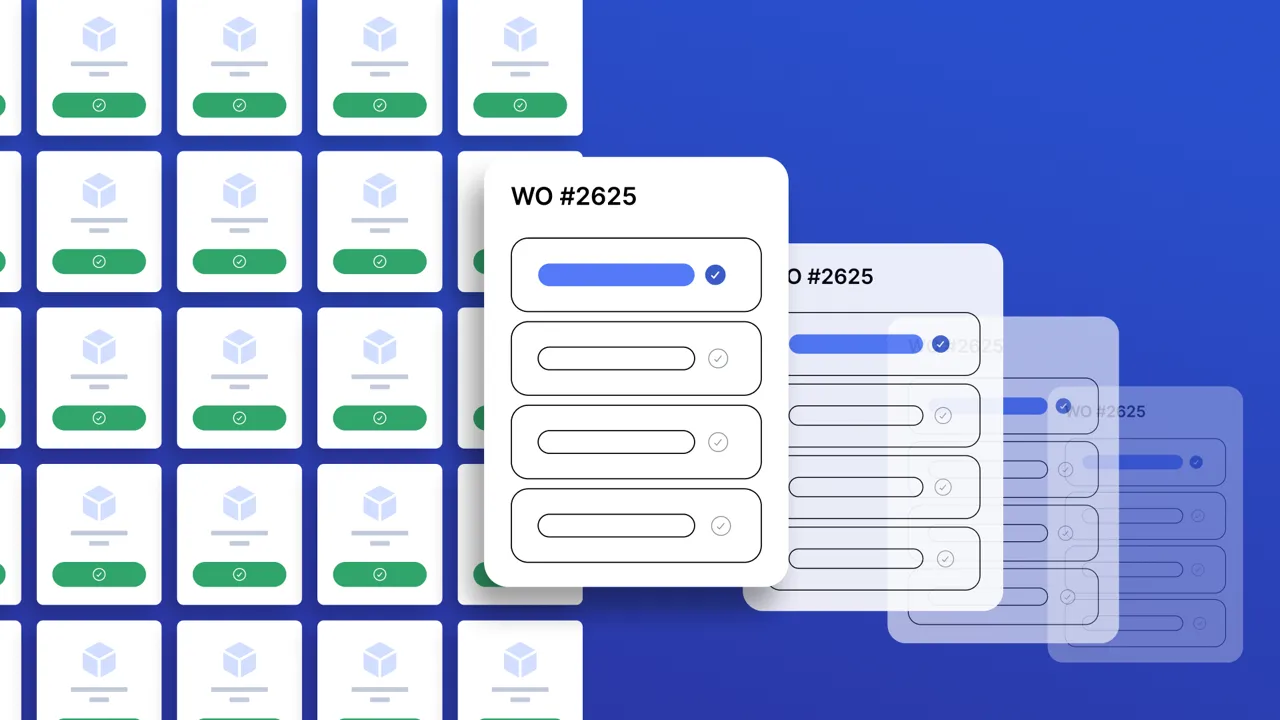
Create work orders across multiple assets in one step. Fill in shared work order details first, then select assets — one work order is automatically created per asset. Categories are sourced from your last 1000 created work orders merged with a built-in list, so the category dropdown always has real options and auto-selects the first one.

Asset Plate Scanner ✅
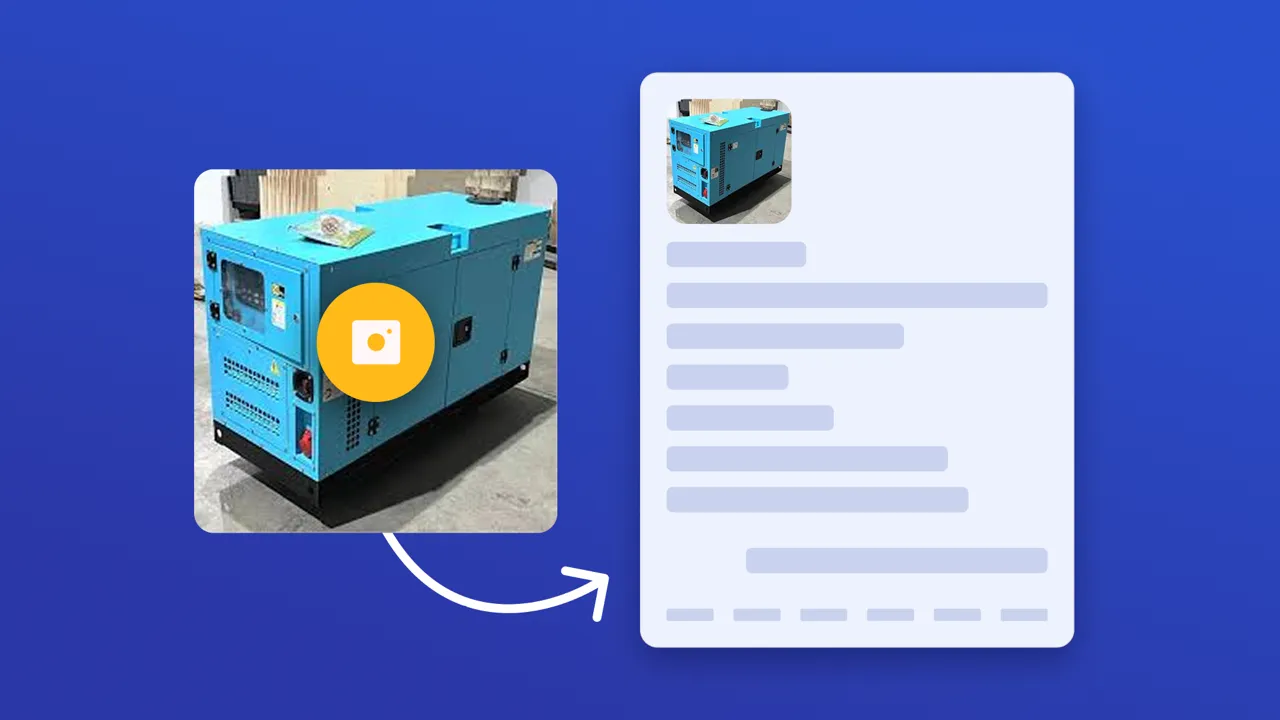
Capture equipment data plates with a quick photo and instantly create structured Asset records in UpKeep. The app automatically extracts key details like manufacturer, model, serial number, and asset name, then maps them to the correct fields.