
Vendor Performance Scorecard ✅
Use this app to evaluate and compare every vendor in your UpKeep account on a single performance scorecard. **What it does:** Links each vendor to their purchase orders, work orders (via vendor-type user assignments), and asset associations — then scores them on response time, repeat visits, and average cost. **When to use it:** During vendor reviews, budget planning, or when deciding whether to renew a vendor relationship. Ideal for maintenance managers who want a quick, data-driven picture of vendor performance. **How to use it:** 1. The app loads automatically and pulls all vendors, work orders, purchase orders, and assets from UpKeep. 2. Use the Search field to filter by vendor name, type, email, or contact. 3. Use the Vendor Type dropdown to narrow results to a specific category. 4. Click any vendor row to expand linked purchase orders, work orders, and full vendor details. 5. Click **Export CSV** to download the currently filtered vendors as a spreadsheet-ready CSV file (includes Vendor ID). 6. Click Refresh (↺) at any time to pull the latest data and recalculate all scores. 7. Click the ? icon next to Refresh for a quick in-app guide. **Score:** Composite 0–100 based on Response time (40%), Repeat visits (35%), and Avg cost (25%). Higher = better. Vendors with no linked activity show N/A.


UpKeep Maintenance Scorecard ✅
Get a complete health check of your UpKeep account in one view. The Maintenance Scorecard analyzes your work orders, assets, preventive maintenance, and user activity — then scores your team's performance against industry benchmarks. Instantly see what's working, what's underutilized, and where the biggest opportunities are to improve operations.

Technician Performance Coach ✅
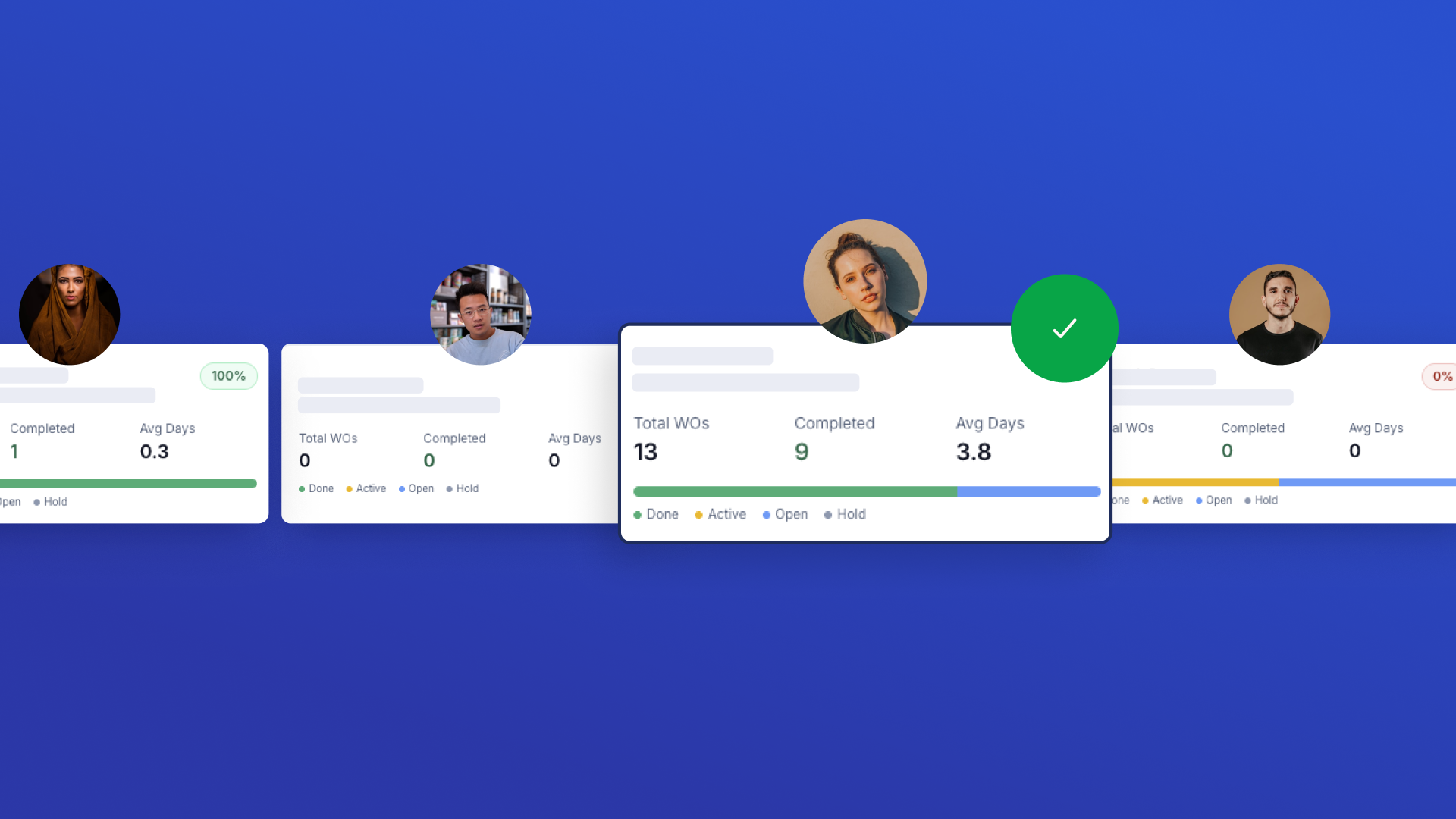
Use this app to monitor and coach your maintenance technicians using live UpKeep work order data. When to use: In weekly team reviews, 1-on-1 check-ins, or any time you need a quick read on how your team is performing. Steps: 1. Select a Timeframe (Last 30 Days, 90 Days, 12 Months, or All Time) to control which work orders feed into the metrics. 2. Browse the roster — each card shows the technician's completion rate, total WOs, and average resolution time. Use Search to find a specific person, or Sort to rank the team. 3. Click any technician card to open their detail view: status and priority breakdowns, category distribution, and a table of recent work orders. 4. Tap "Generate Coaching Report" at the bottom of the detail view to get a personalised performance rating, key strengths, improvement areas, and actionable recommendations. 5. Use Refresh (↻) at any time to reload all technicians and work orders from UpKeep so your metrics reflect the latest activity.