
PM Planning Gantt Chart
Professional PM Planning Gantt Chart with full paginated data loading, multi-select type-ahead filters, sortable rows, saved filter views, compliance metrics, inline WO detail/status-update modal, PM schedule detail panel with predicted occurrences, manual refresh, CSV export, and PDF/Print support.
PM, Maintenance Planning & Compliance Dashboard
A professional maintenance planning dashboard with multi-month lookahead, PM compliance tracking, and interactive drilldown panels. Projected PMs respect pause state, start dates, and show whether they are calendar-based or completion-based. All WO, Asset, Location, and PM Schedule details open inline. Supports status updates and assignee reassignment from within the detail panel.
Cumulative Meter Reading ✅
Track and log cumulative meter readings for equipment like odometers, hour meters, and production counters. Search and filter meters by name, location, or linked asset. Click any meter to view its full reading history and submit new readings. The app automatically calculates the running total by adding your entered amount to the last recorded value. Use Refresh to pull the latest data from UpKeep at any time.

Asset Replacement Prioritization ✅
Identify which assets should be repaired or replaced based on total maintenance cost, age, and performance trends. Automatically score assets by urgency and drill into cost history to support smarter capital planning decisions.
Asset Downtime Tracker
Use this app to log historical downtime events for assets tracked in UpKeep. Select the affected asset, enter the start and end time of the downtime, choose a category, and submit. Each event writes status records directly to UpKeep and gives you the option to create a linked work order with event details pre-filled. Use the History tab to view previously created downtime work orders and export them to CSV. Customize the work order title prefix, default priority, default work order category, and shift names in Settings.

UpKeep Maintenance Scorecard ✅
Get a complete health check of your UpKeep account in one view. The Maintenance Scorecard analyzes your work orders, assets, preventive maintenance, and user activity — then scores your team's performance against industry benchmarks. Instantly see what's working, what's underutilized, and where the biggest opportunities are to improve operations.


Impact Dashboard ✅
The Impact Dashboard turns your UpKeep work orders into a role-based KPI summary — giving maintenance managers, supervisors, technicians, reliability engineers, facilities leads, and EHS teams the metrics they need at a glance.
UpWord 🔧
UpWord 🔧 is your daily maintenance brain teaser. Guess a 5-letter word pulled from your UpKeep data — assets, parts, locations, and more. Six tries. Build your streak. Challenge your team.


Repair or Replace Cost Evaluator ✅
A specialized decision-support tool for maintenance managers to compare repair estimates against replacement costs using the industry-standard 50% rule. Features inline field guidance, a collapsible How to Use panel, a ratio tooltip, contextual recommendation reasons, and live calculations. Saves analysis decisions as update messages to work orders.
Open Work Order Assignment Board ✅
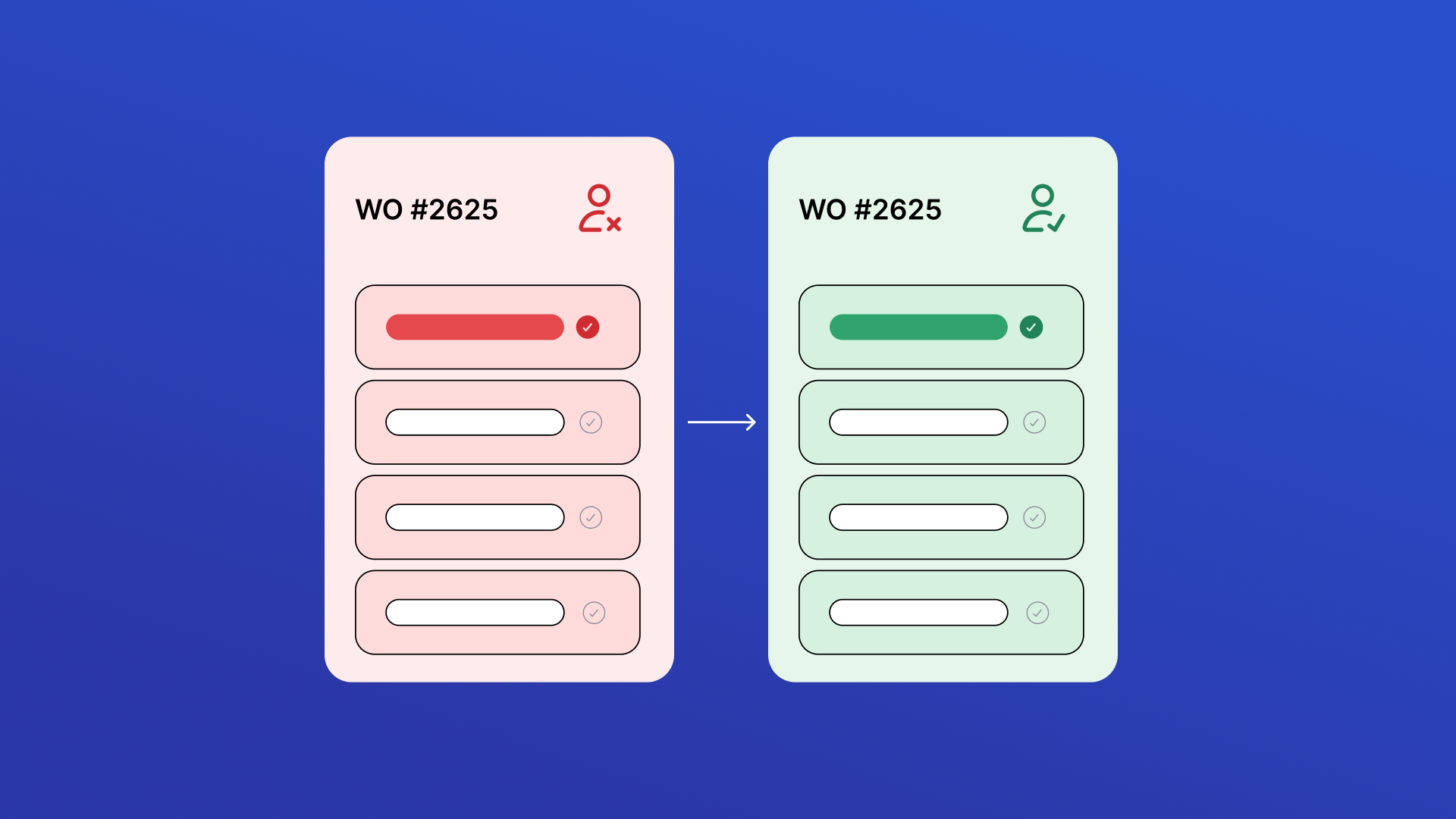
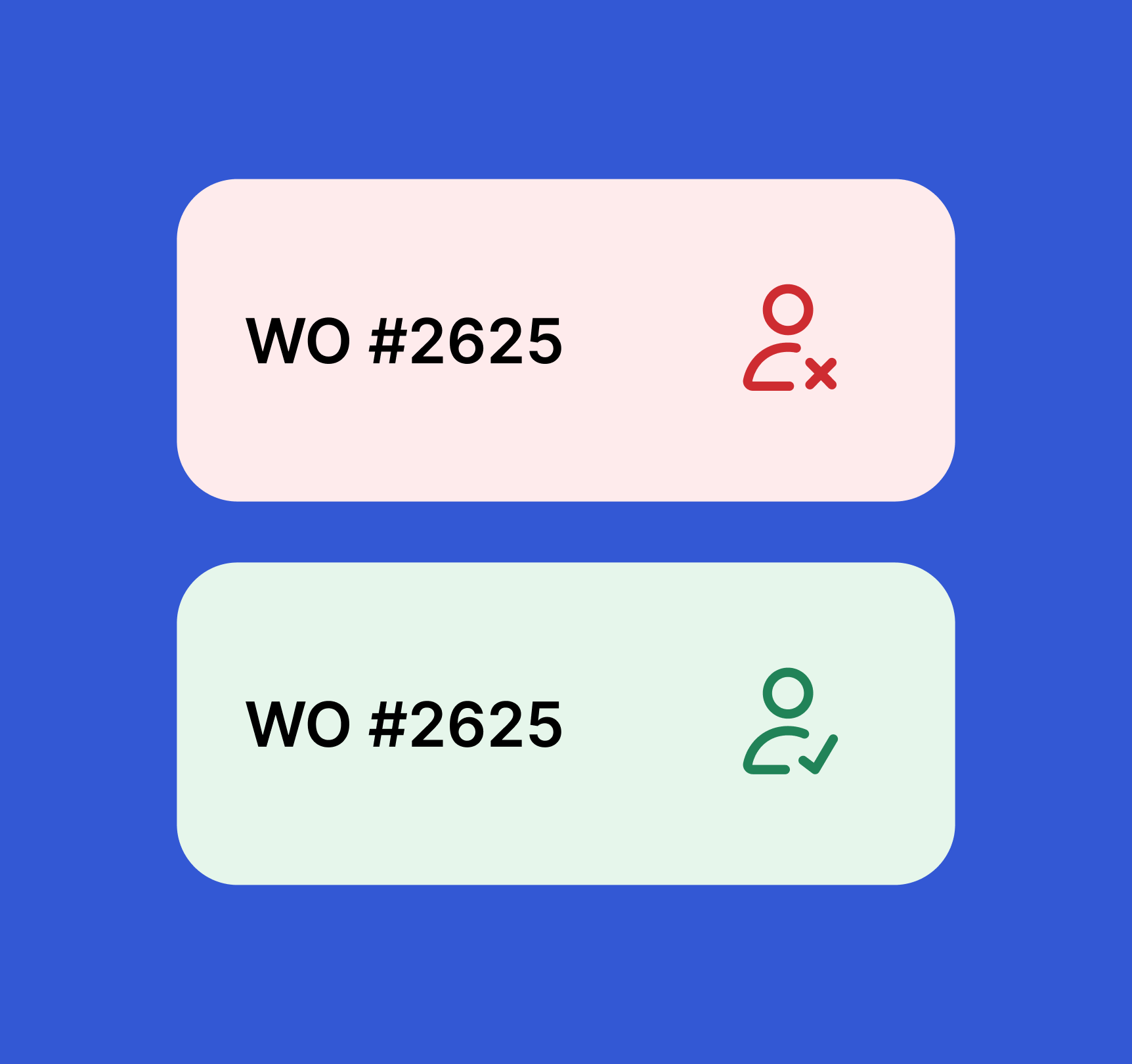
View all open, unassigned work orders in one place and quickly take ownership. Review job details, priority, due dates, and location before assigning work to keep maintenance moving and reduce dispatch delays.


Location Data Quality Auditor ✅
Review Location records against quality rules to identify missing data, inconsistencies, and structural issues. Configure rules in the Rules tab, click Run Audit to evaluate all locations, then review your quality score and fix issues inline. Rules are saved locally and applied on every audit run.
Maintenance Unit Converter ✅
A lightweight, mobile-first utility for fast and accurate unit conversions tailored for maintenance professionals. Supports 8 categories — Pressure, Temperature, Torque, Length, Volume, Weight/Mass, Flow Rate, and Speed — with live results, a swap button, and a 5-item conversion history. Clean, accessible UI aligned with UpKeep design standards.