
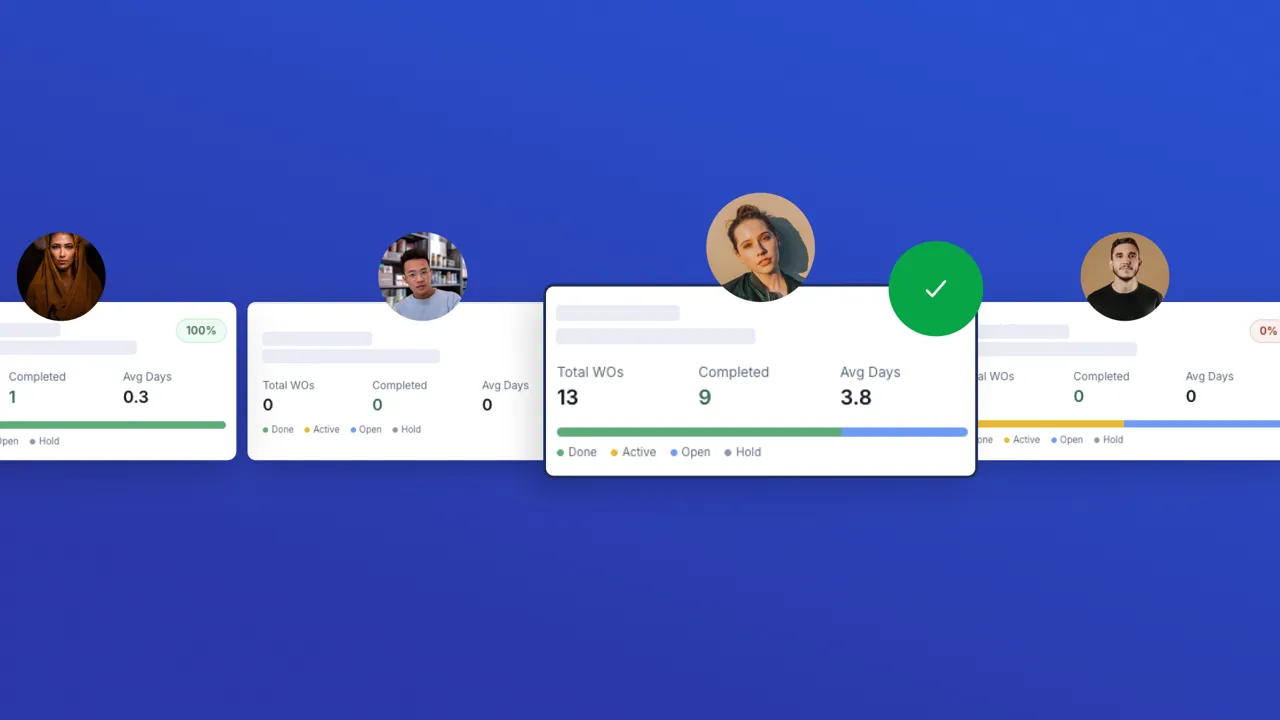

Technician Performance Coach ✅
Use this app to monitor and coach your maintenance technicians using live UpKeep work order data. When to use: In weekly team reviews, 1-on-1 check-ins, or any time you need a quick read on how your team is performing. Steps: 1. Select a Timeframe (Last 30 Days, 90 Days, 12 Months, or All Time) to control which work orders feed into the metrics. 2. Browse the roster — each card shows the technician's completion rate, total WOs, and average resolution time. Use Search to find a specific person, or Sort to rank the team. 3. Click any technician card to open their detail view: status and priority breakdowns, category distribution, and a table of recent work orders. 4. Tap "Generate Coaching Report" at the bottom of the detail view to get a personalised performance rating, key strengths, improvement areas, and actionable recommendations. 5. Use Refresh (↻) at any time to reload all technicians and work orders from UpKeep so your metrics reflect the latest activity.