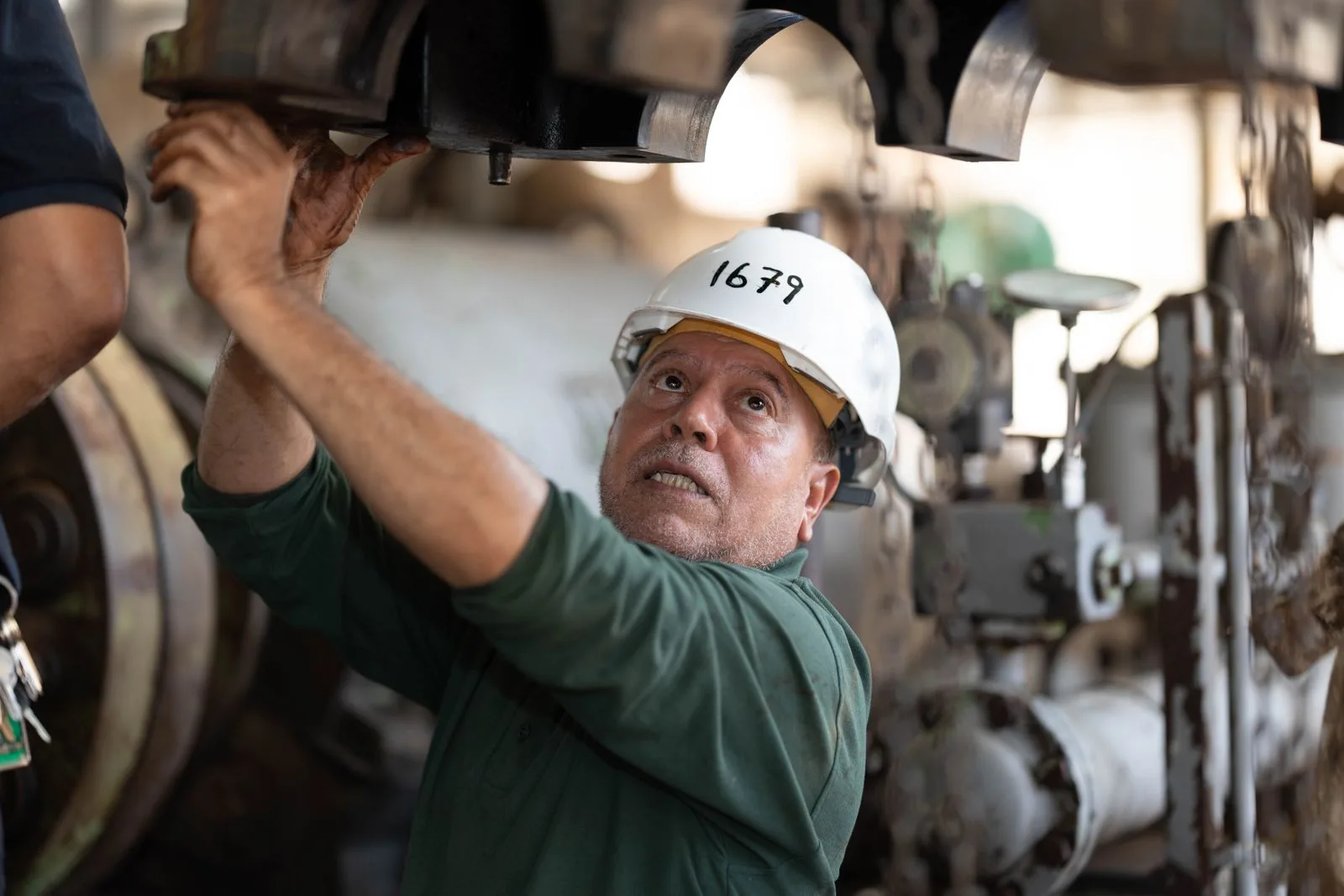







Maintenance technician working on industrial equipment with a tablet

FOR MAINTENANCE TEAMS

CMMS Software for Maintenance Teams

The work happens on a phone, in front of the asset.

Work orders, asset history, and parts in one place, on a phone that works in a basement. Built so a technician spends the shift on the equipment rather than on the paperwork about it.

  • Works offline
  • Free unlimited requesters
  • Setup in days
McDonald'sCaterpillarPepsiChevronUnileverYamahaShellStratasys

Trusted by 4,000+ industrial teams

WHAT CHANGES

What a technician actually needs from a CMMS

Most systems are bought by someone who will never use them on a shift. These are the four things maintenance teams tell us decide whether a rollout survives.

The system is a desktop app, so work gets written on paper and typed up at the end of the day, if at all.

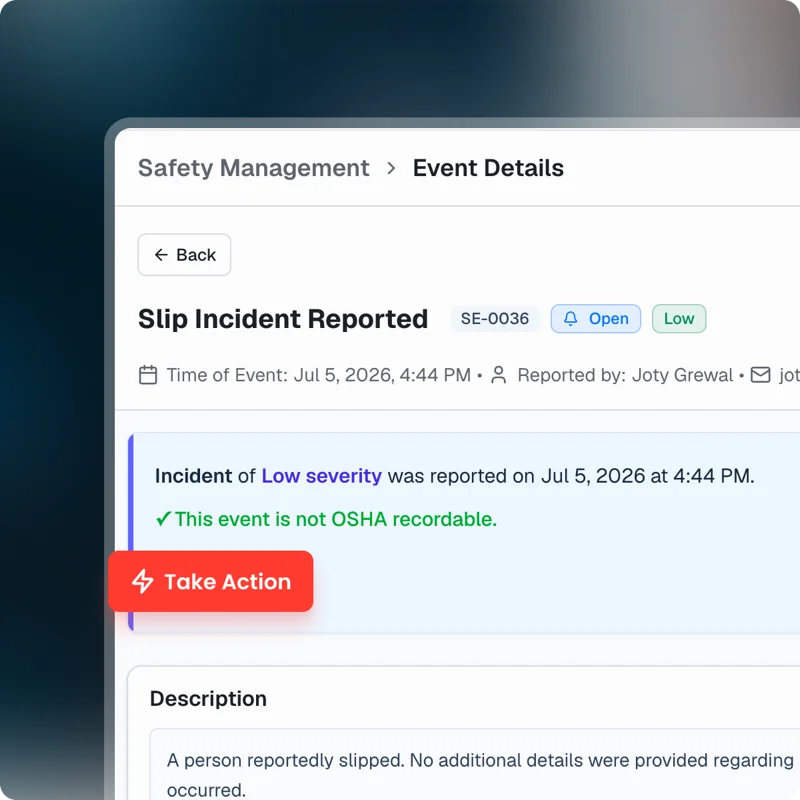
The job is opened, updated and closed on a phone in front of the asset, with photos attached where they were taken.

Finding the manual, the last repair and the part number means three systems and a phone call.

Asset history, procedure and parts sit on the asset record, reachable by scanning the QR code on it.

Requests arrive by text, email and hallway, so the queue is whatever the lead remembers.

Anyone submits through one intake without a seat, and the queue is the queue.

Nobody can show what the team did last month, so headcount is argued from memory.

Completed work, wrench time and backlog come out of the record, without anyone compiling them.

RESULTS

What teams get back

Measured across UpKeep customers in an independent Forrester study.

90%

Reduction in technician time spent filing work orders and finding asset information

Forrester Total Economic Impact study

315%

Return on investment from moving maintenance onto UpKeep

Forrester Total Economic Impact study

$638K

Savings from downtime avoided across the study period

Forrester Total Economic Impact study

KEY WORKFLOWS

A shift, end to end

The point of one system is that nothing gets re-entered. These are the hand-offs a technician never has to think about.

A request comes in mid-shift

  1. CMMS An operator submits from a phone with a photo, and it lands in the same queue as scheduled work.
  2. CMMS The lead triages against what is already assigned, so priorities are compared honestly.
  3. Parts & Inventory The part is checked before anyone walks to the storeroom.
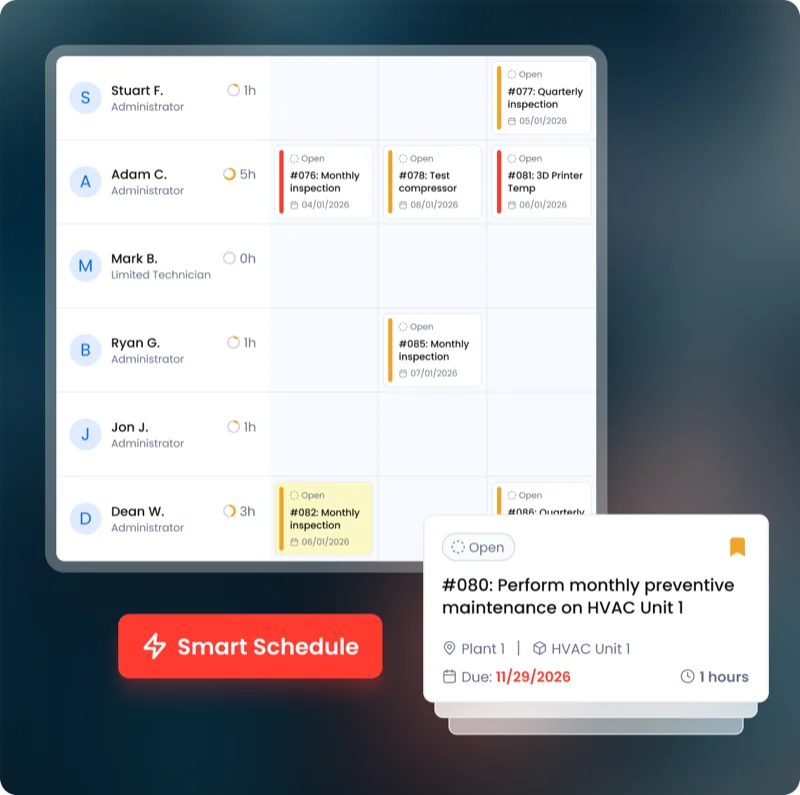
A PM comes due on a critical asset

  1. CMMS The job opens on schedule with the checklist and the last three completions attached.
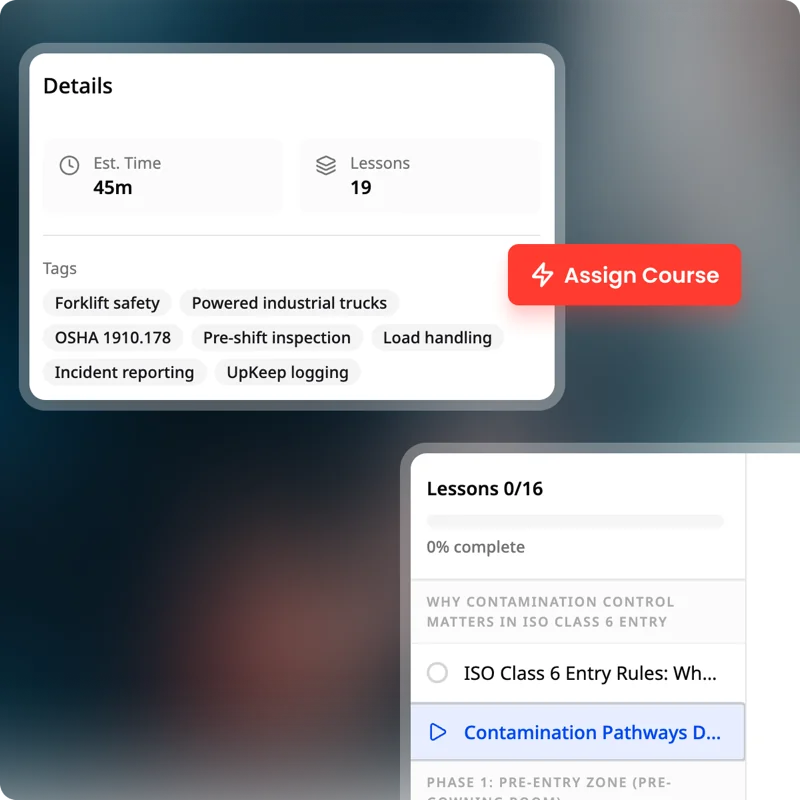
  2. Learn The procedure is on the job, and the record shows whether the assigned technician is signed off on it.
  3. CMMS Readings and photos are captured as the work happens, not written up afterwards.

A repair needs a part you do not have

  1. Parts & Inventory On-hand quantity is wrong or zero, and the job is flagged rather than abandoned.
  2. Procurement A requisition starts from the work order, so the request carries the asset with it.
  3. CMMS Order status shows on the job, so the technician knows whether to wait or work around it.

NOVA

Ask the question instead of building the report

Nova is UpKeep's AI assistant, and it builds apps. Describe the tracker or report you need in plain language and Nova builds it against your own work order and asset data.

See how Nova works
  • What did we spend the most hours on last month?
  • Build a shift handover form for the night crew.
  • Which assets have needed the same repair more than twice this year?

CMMS for maintenance teams: common questions

What is a CMMS for a maintenance team?

It is the system a team uses to receive requests, schedule preventive maintenance, record what was done, and keep asset history in one place.

The thing that decides whether it works is whether technicians will use it on a shift. A CMMS nobody updates is a worse record than the paper it replaced.

Will technicians actually use UpKeep?

That is the right question to ask, and the honest answer is that it depends on the phone experience rather than the feature list. Ask to see a technician open, update and close a job on a phone, offline, in front of an asset. If that is awkward in a demo it will not survive a shift.

Does UpKeep work without a signal?

Yes. Work can be viewed and updated offline and syncs when the device reconnects, which matters in basements, plant rooms and anywhere with thick walls.

Do people who report problems need a license?

No. Requesters are free and unlimited. Operators, tenants and staff submit by QR code or link with no account, and only technicians consume a paid seat.

How long does UpKeep take to get running?

Teams are usually running on work orders within days, because that part needs assets and people and nothing else. Preventive maintenance and parts take longer, since they depend on how good your existing asset list is.

What does UpKeep not do for a maintenance team?

It is not an ERP and it is not an accounting system. It records the cost of maintenance work and hands the purchase off; it does not run your general ledger or your payroll.

GET STARTED

See it the way a technician would

Bring a job your team ran last week. We will walk through it on a phone, from request to close, with your own kind of assets.