THE ASSET OPERATIONS PLATFORM
Run your entire operation on UpKeep
Maintenance, safety, inventory, condition monitoring, labor, and procurement on one platform. Every application shares the same login, the same data, and the same permissions.
- No coding required
- Deploy in minutes
- SOC 2 compliant






BUILT TO WORK TOGETHER
Full applications that work as one
Most operations run on a stack of tools that were never meant to talk to each other. UpKeep applications are built on shared infrastructure, so the data lines up from the start.
Configurable interfaces
Each application adapts to how your team already works, down to the fields and screens they see.
One source of truth
An asset in Maintenance is the same asset in Safety, Inventory, and Edge. One record, one history.
Enterprise permissions
Roles, sites, and approvals carry across every application, so access stays consistent as you add more.
UPKEEP ASSET OPERATIONS PLATFORM
Every application your operation runs on
One login, one set of assets, one set of permissions. Every application reads the same record, so adding another is a switch you turn on rather than an integration project.
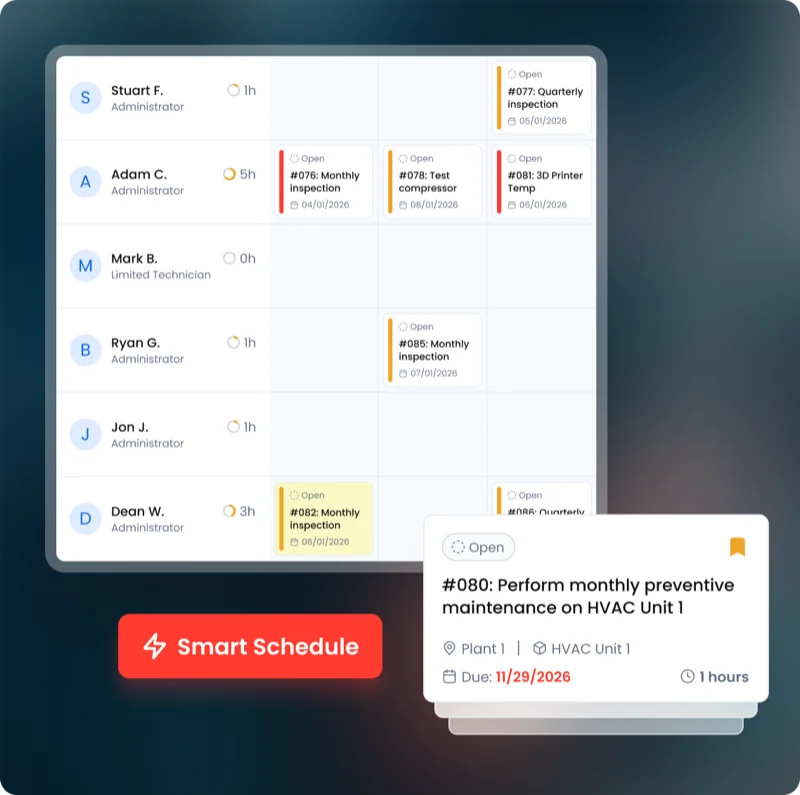 Maintenance CMMS
 Work orders, assets, and preventive maintenance.
Explore CMMS →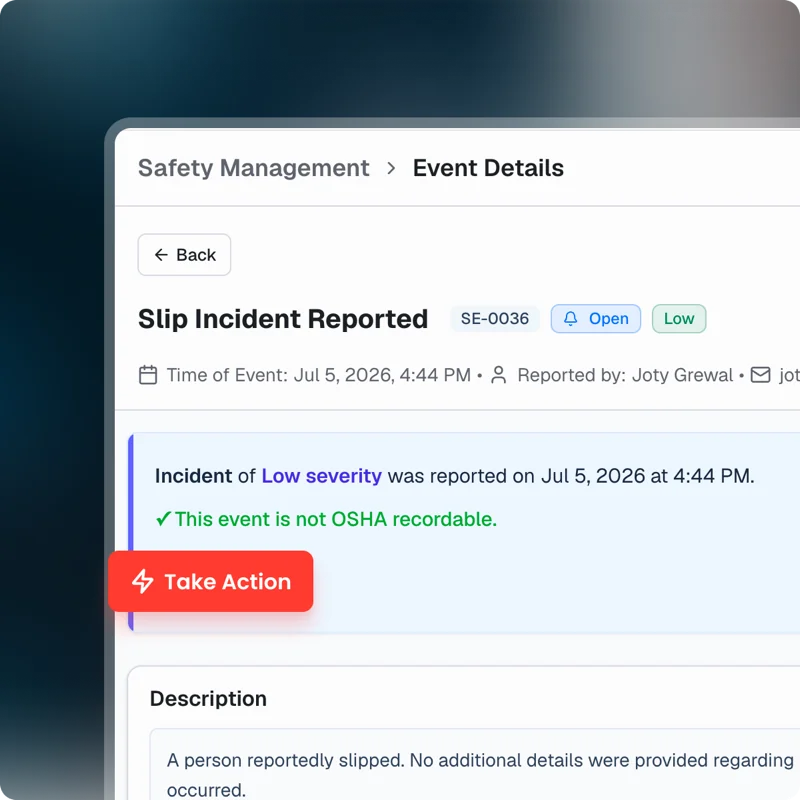 EHS Safety
 Incidents, inspections, and compliance evidence.
Explore Safety →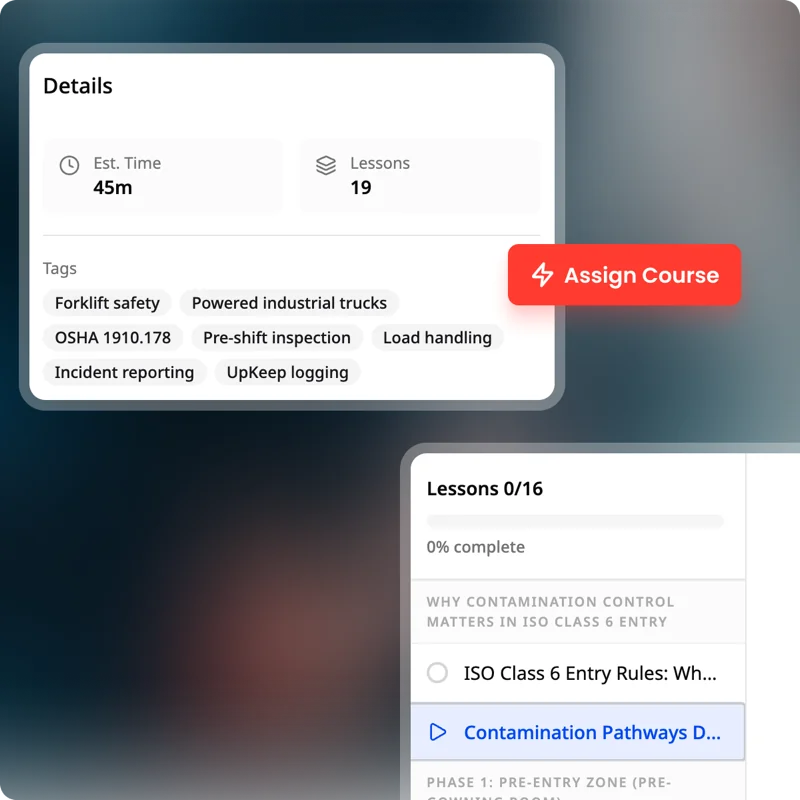 Training Learn
 Courses, certifications, and skills tracking.
Explore Learn →Sensor data and condition monitoring.
Explore UpKeep Edge →Vehicle and mobile asset maintenance.
Explore UpKeep Fleet →Spare parts, stock levels, and storerooms.
Explore UpKeep Inventory →Production scheduling, downtime, and OEE.
Explore UpKeep Production →Nonconformance, CAPA, calibration, and audits.
Explore UpKeep Quality →Requisitions, purchase orders, and vendors.
Explore UpKeep Procurement →Shifts, certifications, timecards, and job costing.
Explore UpKeep Workforce →Shutdowns, turnarounds, and capital projects.
Explore UpKeep Projects →Condition, deferred backlog, and funding scenarios.
Explore UpKeep Capital Planning →Buildings, spaces, and occupant requests.
Explore UpKeep Facilities →Dispatch, customer sites, routes, and invoices.
Explore UpKeep Field Service →Vendor directory, insurance compliance, and scorecards.
Explore UpKeep Vendor Management →Agreements, renewal dates, and contract spend.
Explore UpKeep Contracts →Tool check-out, returns, and overdue tracking.
Explore UpKeep Tool Tracking →Form builder, routing, and response records.
Explore UpKeep Inspection Forms →A public request form for people outside the system.
Explore UpKeep Request Portal →Controlled SOPs, versions, and review dates.
Explore UpKeep SOP Library →Not seeing what your operation needs? Tell us the problem and we will build the application for you.
CONFIGURE WITH NOVA
Start from a template. Make it yours.
The suite covers the work most operations share. For everything specific to yours, describe it to Nova and it builds the application on top of your existing data.
Describe it
Tell Nova what you need in plain language, the way you would explain it to a new hire.
Nova builds it
Nova lays out the screens, writes the logic, and wires it to your existing data and permissions.
Review and deploy
Check the result, adjust anything, and put it in front of your team.
What teams build
- Inspection forms that match your exact equipment
- Shift handoffs that follow your own process
- Dashboards that pull across several applications
- Compliance workflows built to your audit requirements
For the complex ones
Some applications need deeper integration or logic than a description can cover. Our team builds those with you, on the same platform, with the same security and permissions as everything else.
INFRASTRUCTURE
One data model, one permission set, one platform to run
UpKeep operates the APIs, data model, permissions, security, and compliance underneath every application. Customization is additive, so extending the platform does not put the core at risk.
Your team decides how the work should run. We keep what is underneath fast, secure, and ready for the next application you turn on.
More on the platform →- SOC 2 compliantAudited controls across the platform.
- Role and site permissionsConsistent access rules in every application.
- Single sign-onOne login for your whole operation.
- Open APIsConnect the systems you already run.
CUSTOMER STORIES
Teams who stopped working around their software
Keeps kitchen equipment running across a footprint measured in thousands of sites.
Chick-fil-A
Read the story →
One operator runs maintenance across every restaurant he owns from a phone.
McDonald's
Read the story →
Moved campus crews off paper and onto digital preventive maintenance and work orders.
Caltech
Read the story →
Standardized maintenance across one of the largest custom restorative labs in the world.
Glidewell
Read the story →
Moved from 60% reactive work to 20% by putting every asset on a recurring PM schedule.
Industrial manufacturer
Read the story →
Shifted work from reactive to preventive and brought maintenance costs down with it.
Layfield Group
Read the story →
Replaced paper tracking and manual data entry across the plant using Nova.
Sprinturf
Read the story →
Moved maintenance off paper and onto a system the whole team can see.
Old Trapper
Read the story →FREE RESOURCES
Go deeper on maintenance
Practical guides and research from the UpKeep team. No cost, no sales call required.
 Guide
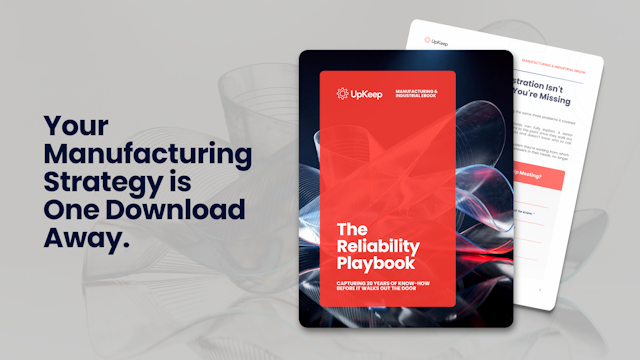
GuideThe Reliability Playbook: Capturing 20 Years of Know-How Before It Walks Out the Door
A fully staffed plant still loses hours to failures a retired technician would have caught in minutes. This playbook reframes the problem: knowledge is disappearing because no system was built to capture it. It lays out a three-part framework for closing that gap and shows what changed at one plant that stopped hiring its way out and instead started capturing what its people already knew.
Get the guide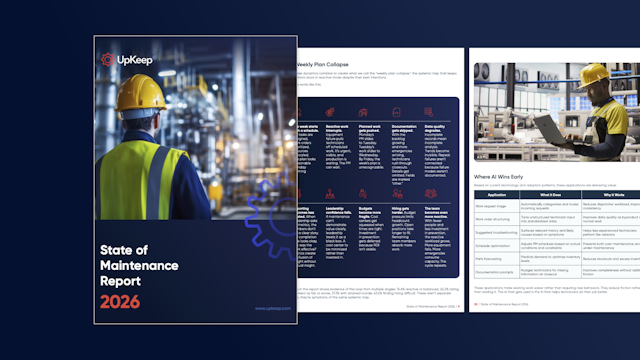 Report
The 2026 State of Maintenance Report
This year's report reflects a fundamental shift in how maintenance creates competitive advantage. While 90% of teams recognize what drives reliability, only 25% can consistently execute it. The gap between knowing and doing has become the defining challenge and opportunity of 2026.
Get the report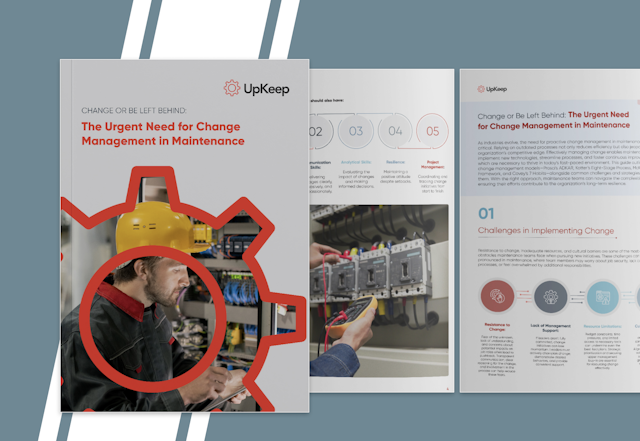 Guide
GuideChange or Be Left Behind: The Urgent Need for Change Management in Maintenance
Effectively managing change enables maintenance teams to implement new technologies, streamline processes, and foster continuous improvement, all of which are necessary to thrive in today’s fast-paced environment. This guide outlines essential change management models
Get the guide
EVALUATING
Platform or point solution
The questions that decide it, including the ones where a point solution is the better answer.
When is a point solution the better choice?
When one team needs one job done and nothing else touches the data. A standalone inspection app for a single site, or a fleet tool for vehicles nobody else reports on, will be quicker to set up and cheaper than a platform you use a tenth of.
The case changes once the same asset turns up in more than one workflow. When a pump has work orders, an incident, a spare part and a sensor reading against it, holding those in four systems costs more than the four tools saved.
What do we lose by integrating best of breed tools instead?
Integrations move data between systems. They do not make it one record. Each tool keeps its own copy of the asset, its own id for it and its own permission rules, and somebody spends part of every week reconciling them.
On a platform an asset in Maintenance is the same record in Safety, Inventory and Edge: one history, one id, one set of permissions. That is the thing being bought, and it is worth paying for only when several teams touch the same asset.
We only need maintenance today. Is a platform overkill?
No, and it is the usual starting point. Most teams turn on maintenance first and add safety, inventory or condition monitoring once it is running.
Because the data model is shared, adding an application later is not a migration. The assets, sites and people are already there, and you are not paying for what you have not turned on.
What if one application is weaker than the specialist tool we would buy?
Sometimes it will be. A dedicated MES goes deeper than Production, and a validated eQMS goes deeper than Quality. Where that depth is the reason the project exists, buy the specialist.
The trade is depth in one place against one record everywhere. For most maintenance and operations teams the reconciliation work costs more than the missing features, but that is a judgement about your operation rather than a rule.
Is it ready to roll out across sites?
UpKeep is SOC 2 compliant, supports single sign-on, and applies role and site permissions consistently across every application rather than per tool. Open APIs are there for the systems you are keeping, so the platform does not have to be the only thing you run.
Technicians work from the web, iOS and Android, including offline, and the record syncs when the device is back on a network.
What if we need something none of the applications do?
Describe it to Nova and it builds it against your existing data and permissions. Teams use it for inspection forms that match their equipment, shift handoffs that follow their own process, and dashboards that pull across several applications.
Customization is additive, so what you build does not put the core at risk or hold back upgrades.
Ready to run your operation on UpKeep?
Start with the applications you need today. Add the rest as you grow.