On Demand
Your App, Your Rules: A Hands-On Studio Build Session
Duration: 30 minutes
Published on: June 01, 2026


Most CMMS platforms leave gaps. There’s the reporting you need and the reporting you can actually get — and the distance between them usually requires a ticket, a developer, or a workaround that never quite works. UpKeep Studio closes that gap. In this 45-minute session, Customer Education Manager Meline and Studio SME Diego show you exactly how.
The first part of the session is the app store: 60-plus ready-made applications you can install in one click, organized by most-installed, category, and what’s newly launched. Diego walks through standout apps including the Impact Dashboard, Technician Scorecard, Asset Downtime Tracker, and the PM Maintenance Planning and Compliance Dashboard — and explains which ones read data, which ones write it back into UpKeep, and why that distinction matters for your workflows.
The second part is the live build: Watcha live build of a PM compliance dashboard from zero to published using nothing but plain-language prompts. You’ll see the AI builder’s planning mode, how to iterate on filters and visualizations, how to add PDF and CSV export, how to troubleshoot a runtime error in real time, and how to publish a finished app so your whole team can use it the same day.
What You’ll Learn:
-
How UpKeep Studio works and what it’s built for — an app marketplace inside UpKeep where you can browse 60-plus ready-made applications, install them in one click, or build your own using the AI builder with no code and no developer required.
-
How to navigate the app store effectively: sort by most-installed to see what other customers find valuable, filter by category (reporting, maintenance, inventory), and check the newly launched section where new apps ship every week.
-
Which ready-made apps are worth installing first — including the Impact Dashboard, Maintenance Scorecard, Technician Coach, Asset Downtime Tracker, Asset Warranty Tracker, and PM Maintenance Planning and Compliance Dashboard — and how some of them write data directly back into UpKeep.
-
How to build a custom app from a plain-language prompt: describe what you need, review and approve the AI’s execution plan, iterate using the “ask for changes” input, add exports and filters, and publish to your whole organization — all in one session.
-
How to troubleshoot, manage, and maintain your apps — including how to screenshot and paste runtime errors for the AI to self-diagnose, how to save drafts vs. publish, how to clone an app before editing, and how to delete apps you’ve built.
Explore More Events


Event
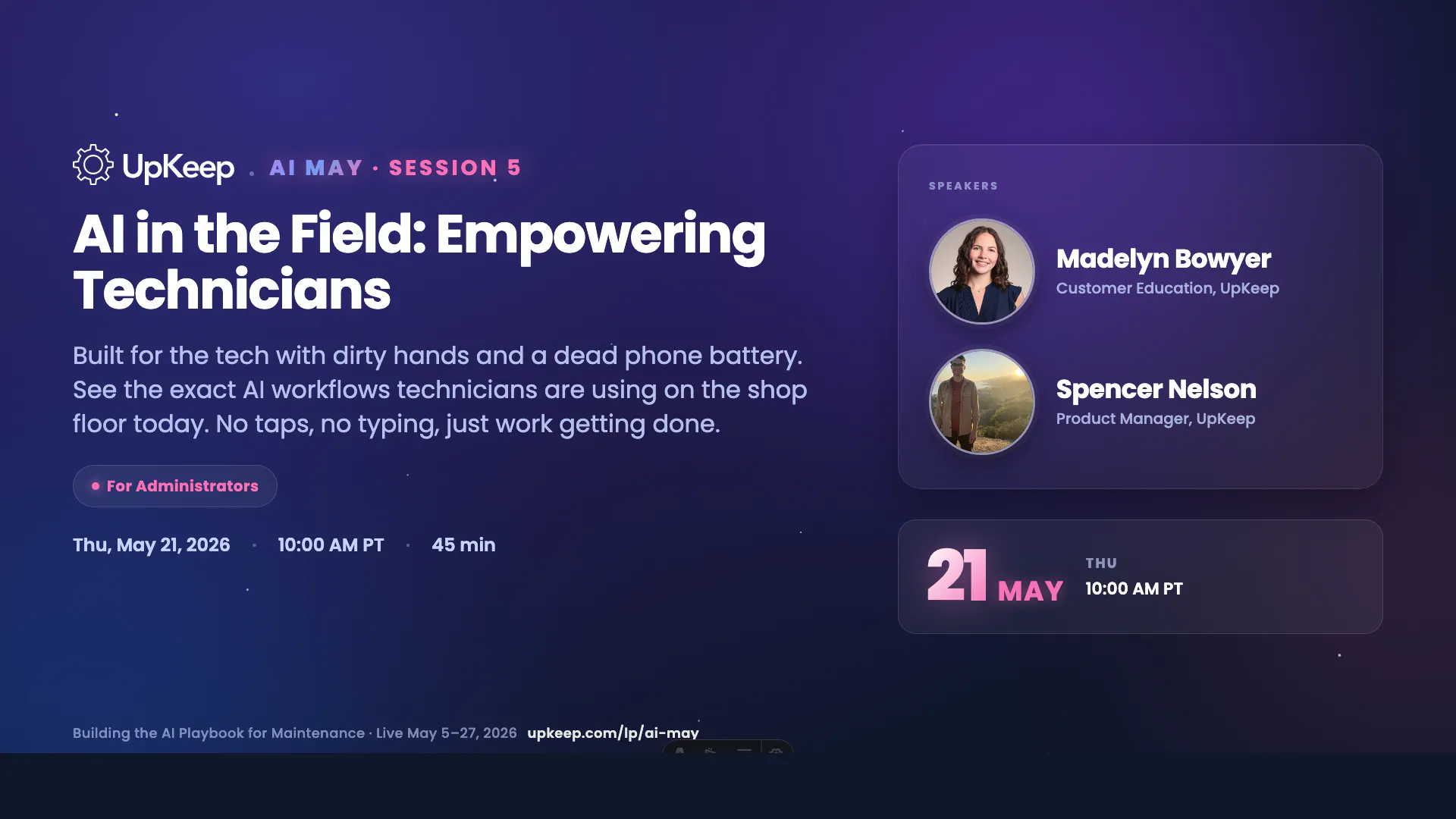
AI in the Field: Empowering Technicians
Watch a walkthrough on six AI workflows your technicians can use in the field today — from voice work order creation to instant asset history to hands-free job closeout. 35 minutes of live demo, no theory.


Event
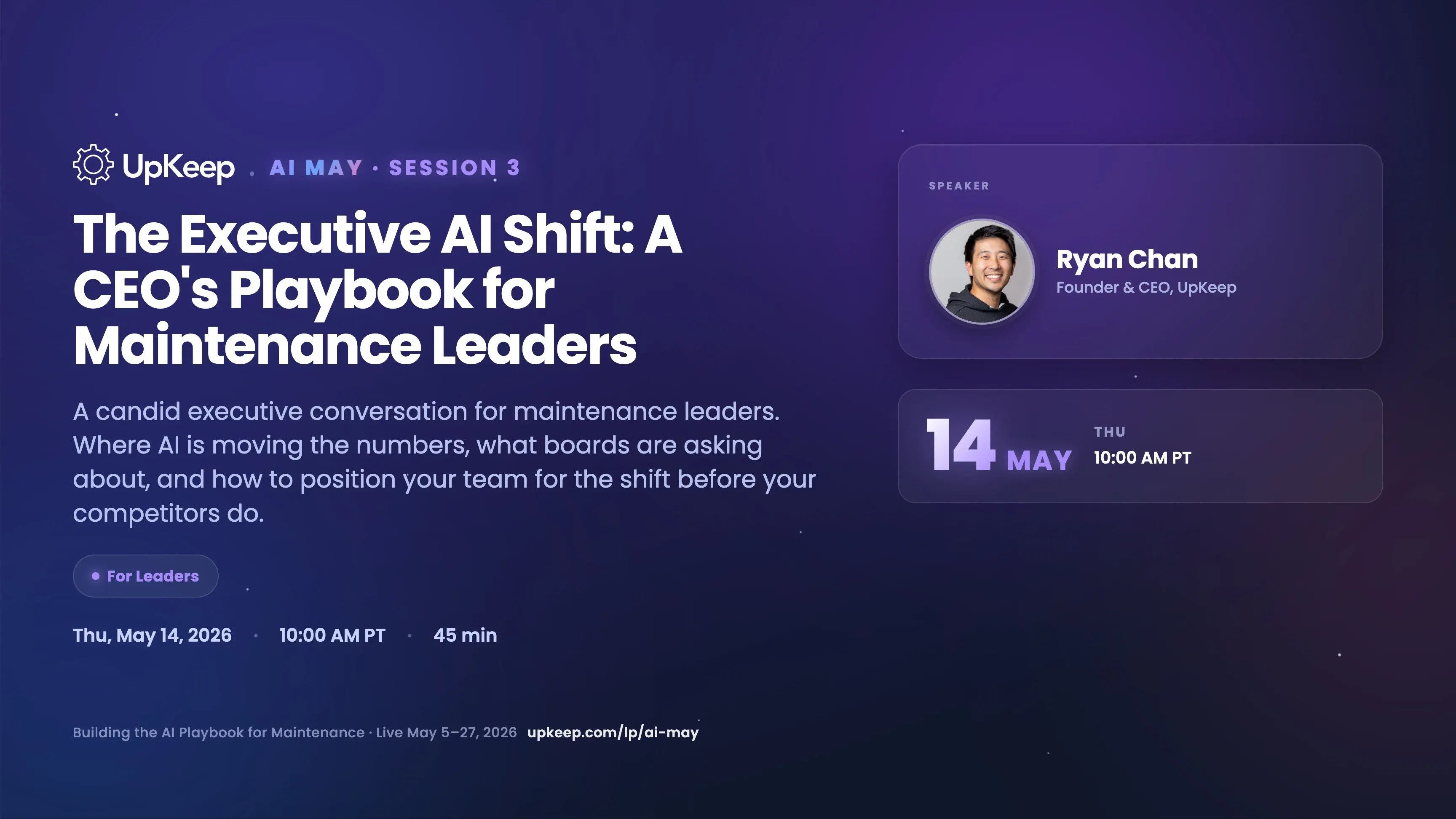
The Executive AI Shift: The CEO's Playbook for Maintenance Leaders
Ryan Chan, founder and CEO of UpKeep, on 7 real AI workflows live in production today — spanning customer support, recruiting, documentation, implementation tracking, account-based marketing, and executive assistance — and the persistent AI agent coming for the deskless workforce.

Event
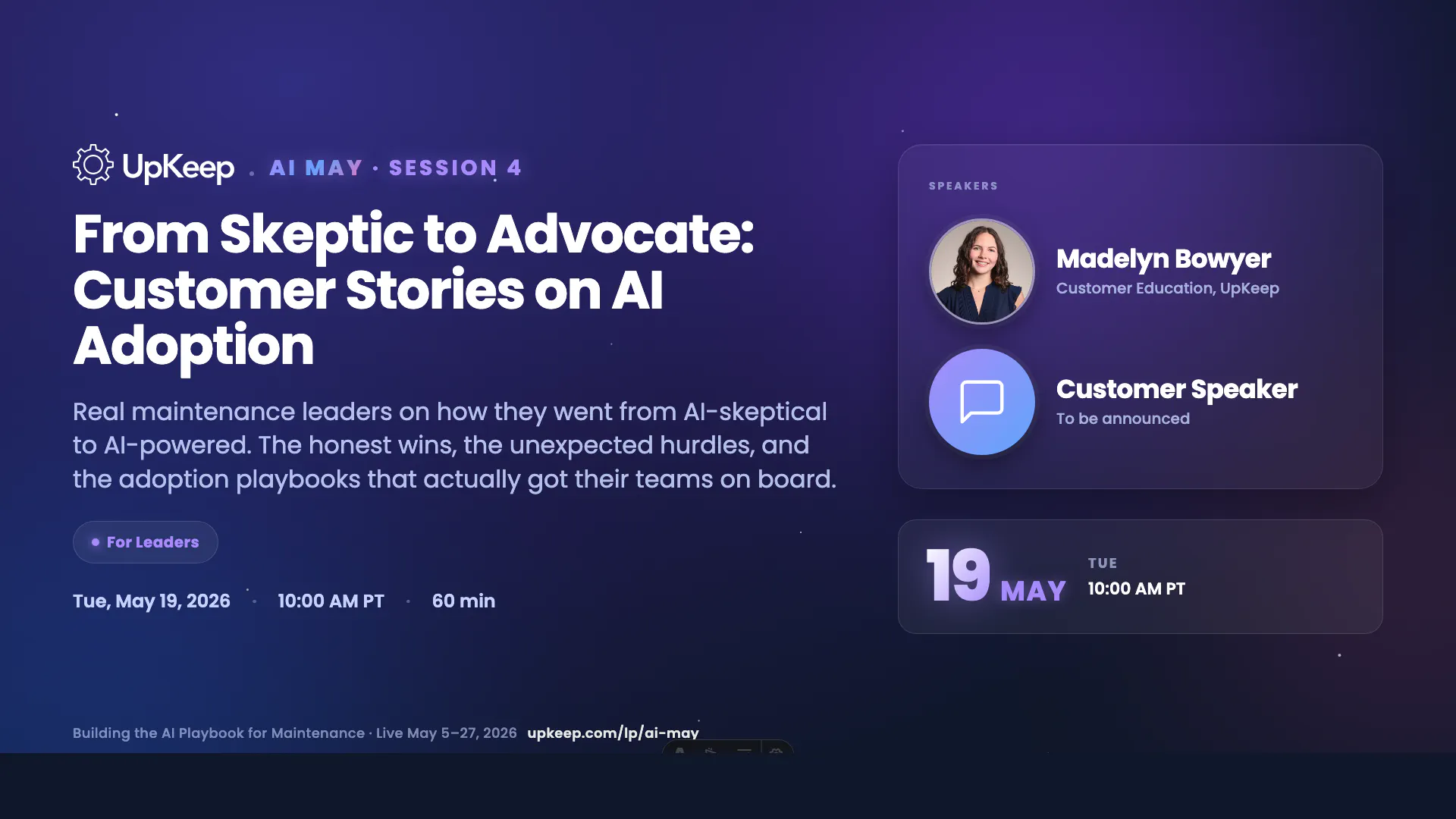
From Skeptic to Advocate: Customer Stories on AI Adoption
Brent Soaper, IT Systems Manager at Welch Packaging, on what AI adoption actually looks like on the factory floor — the resistance, the breakthroughs, and the workflows that changed everything. 45 minutes, straight from someone who’s done it twice.






![[Review Badge] Gartner Peer Insights (Dark)](https://www.datocms-assets.com/38028/1673900494-gartner-logo-dark.png?auto=compress&fm=webp&w=336)



