
UPKEEP STUDIO
Build the tools your CMMS is missing
Studio fills the gaps. Install ready-made apps or describe what you need and build it yourself. No developers required.
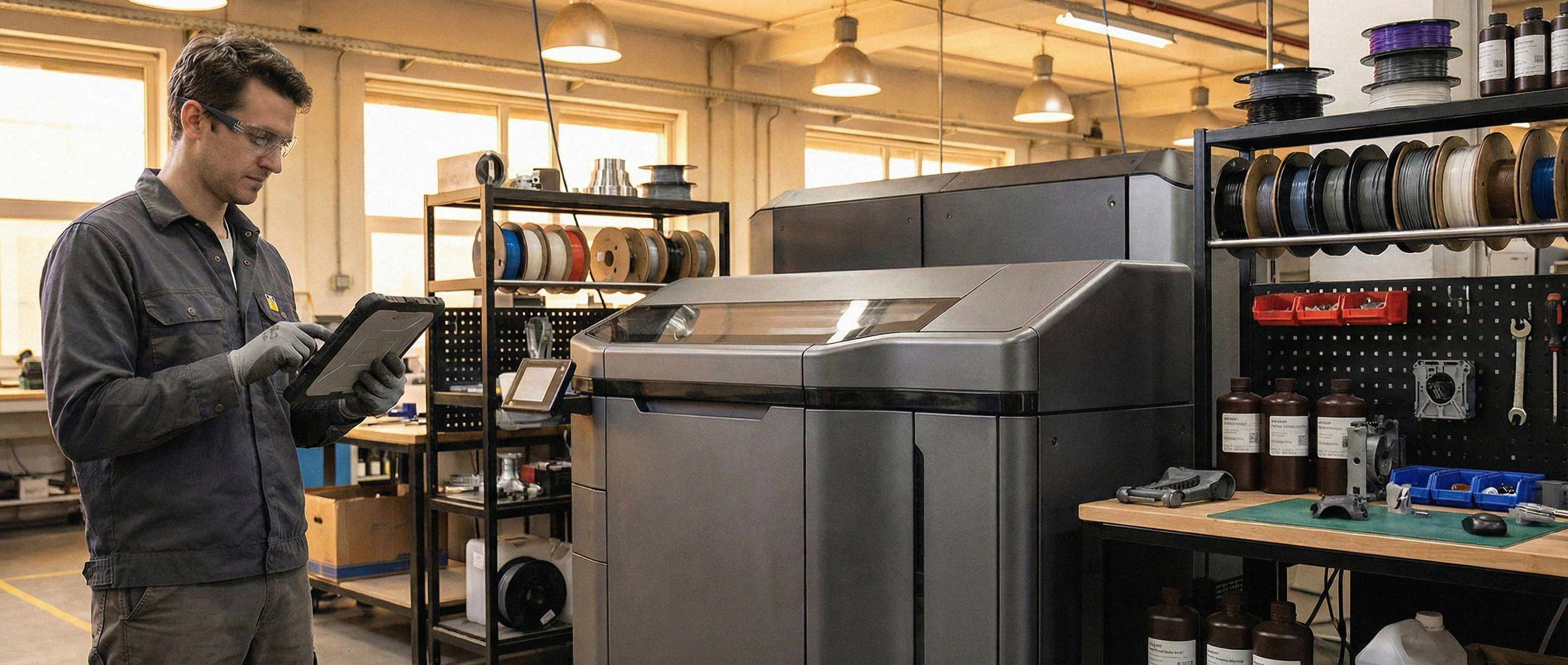
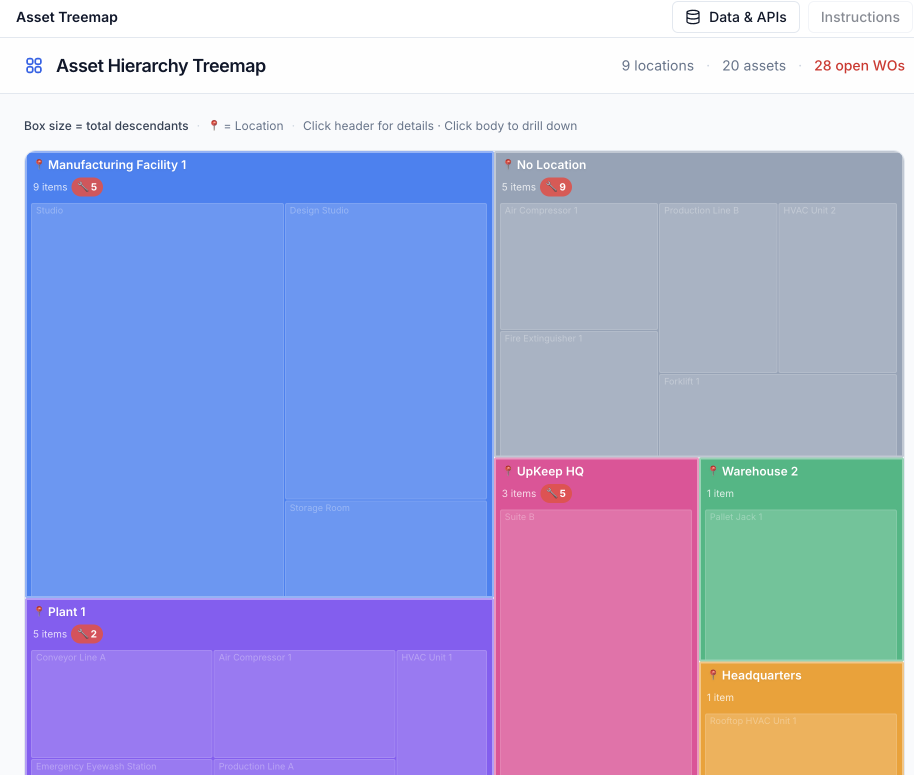
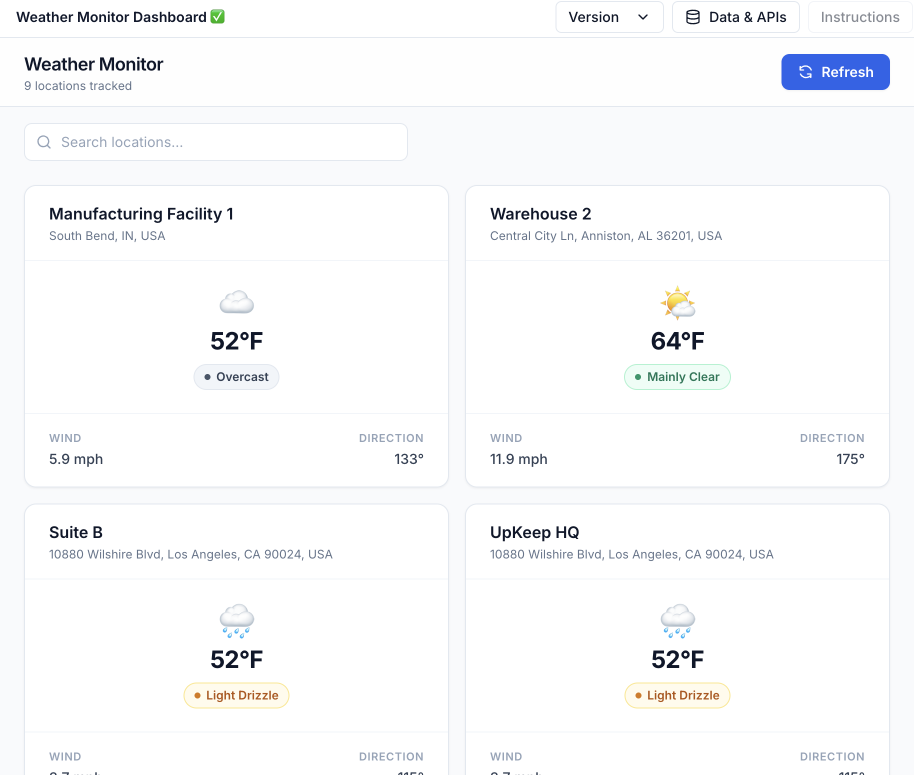
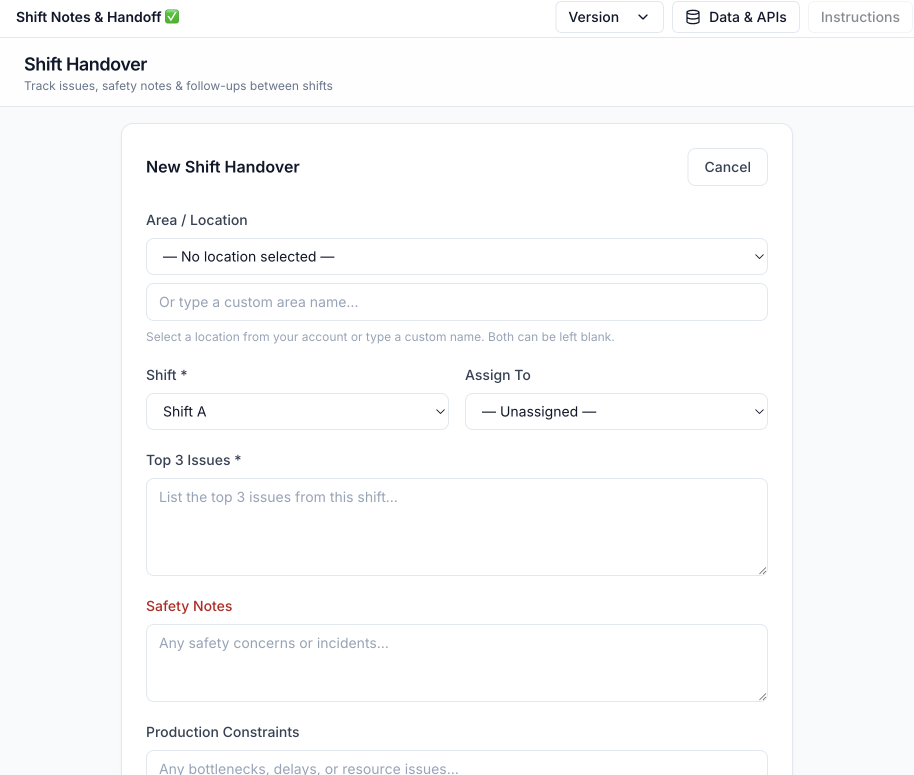
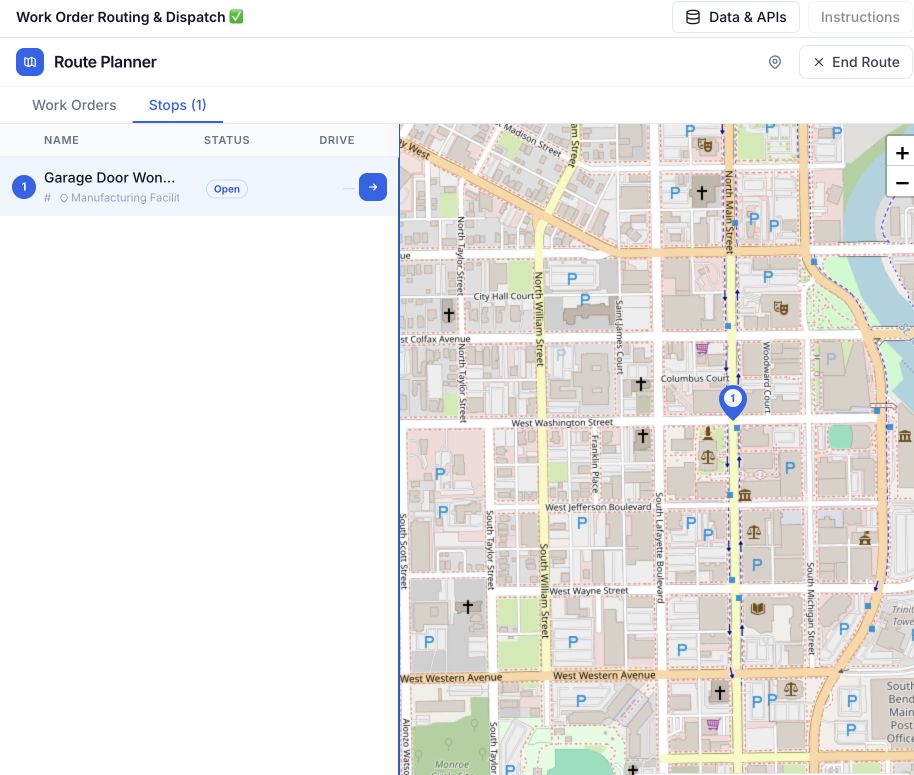
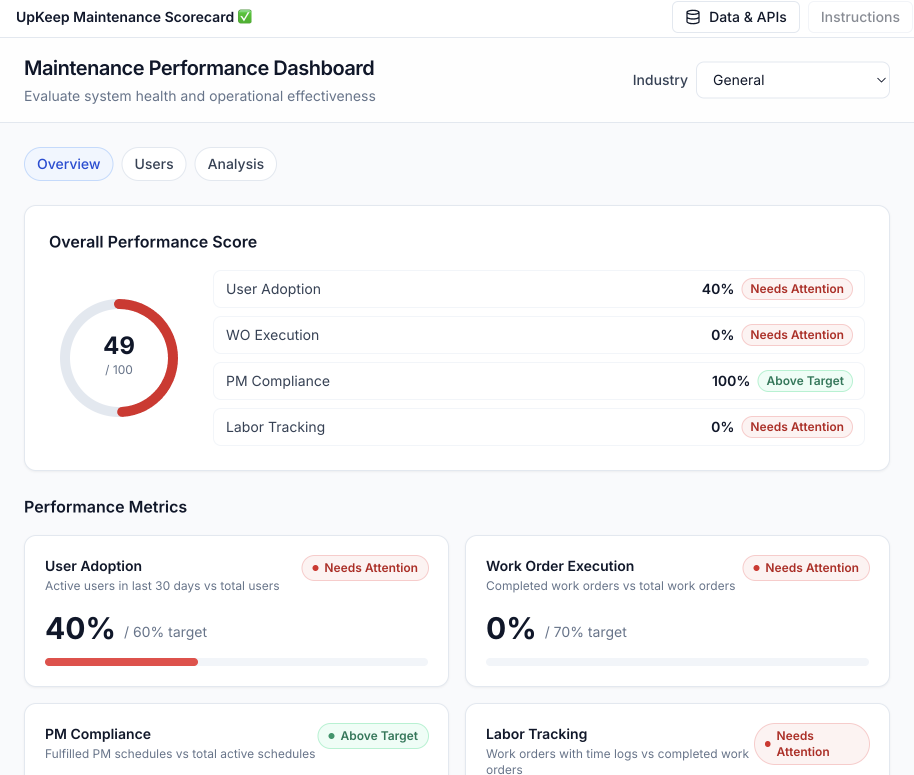
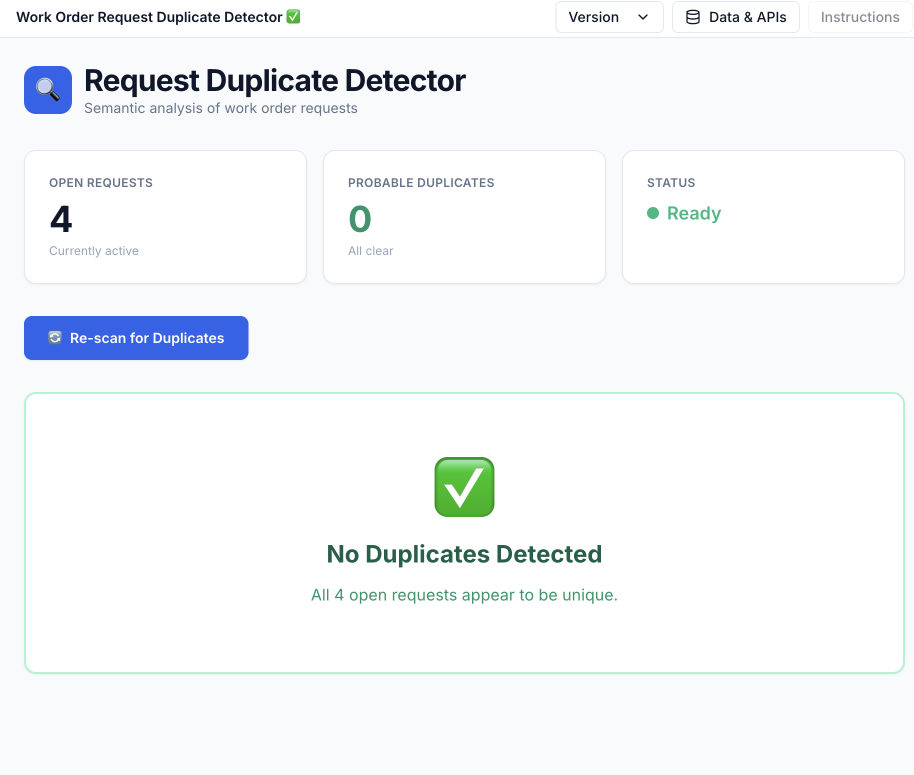
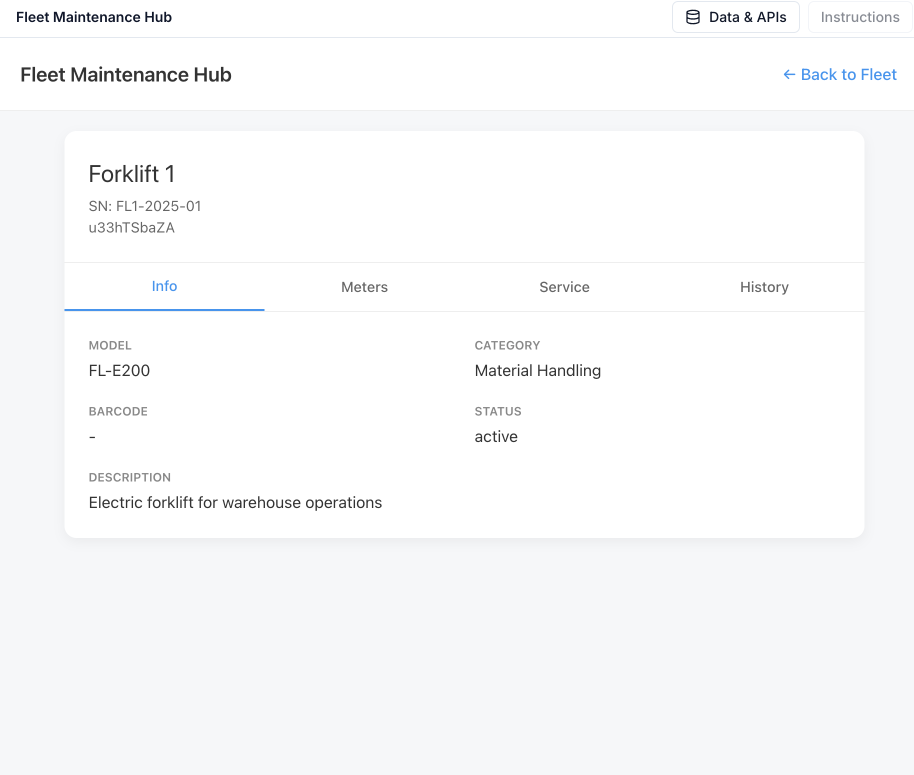
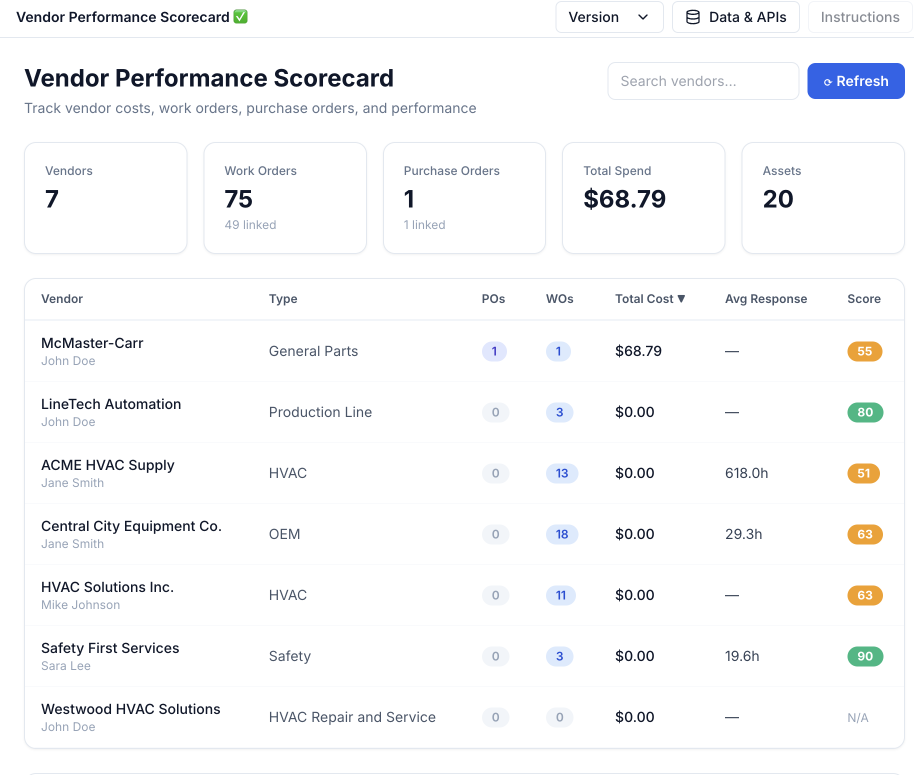
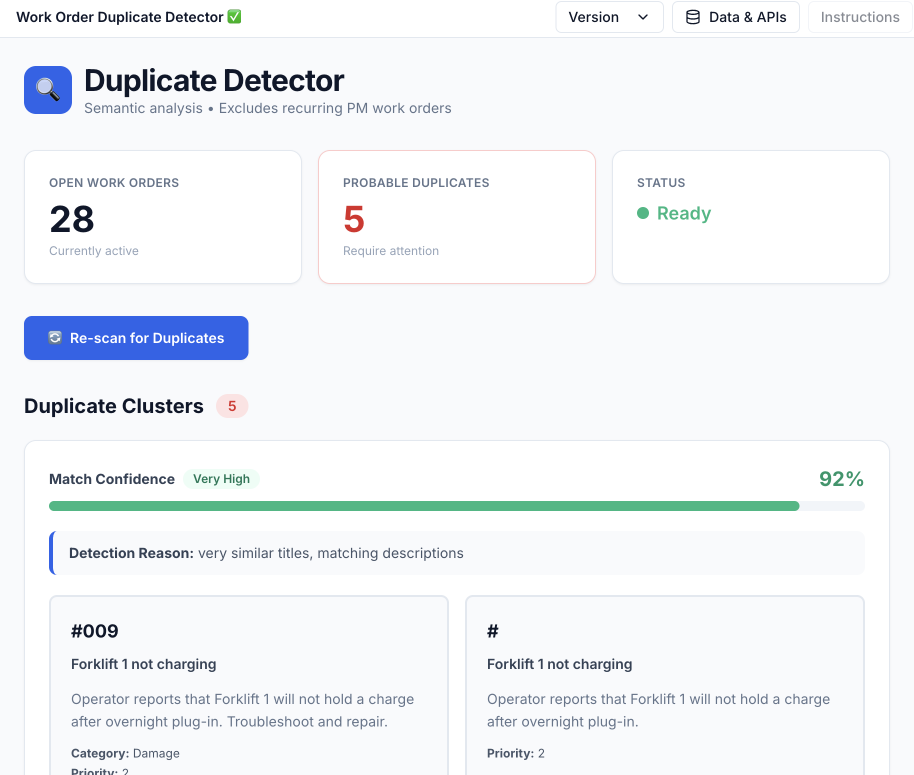
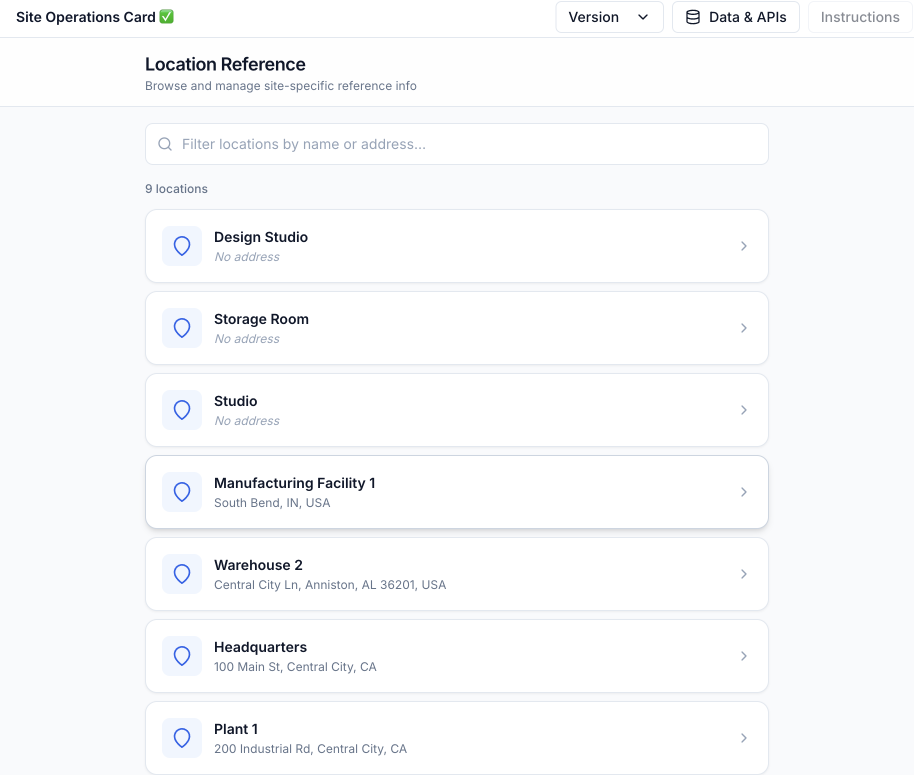
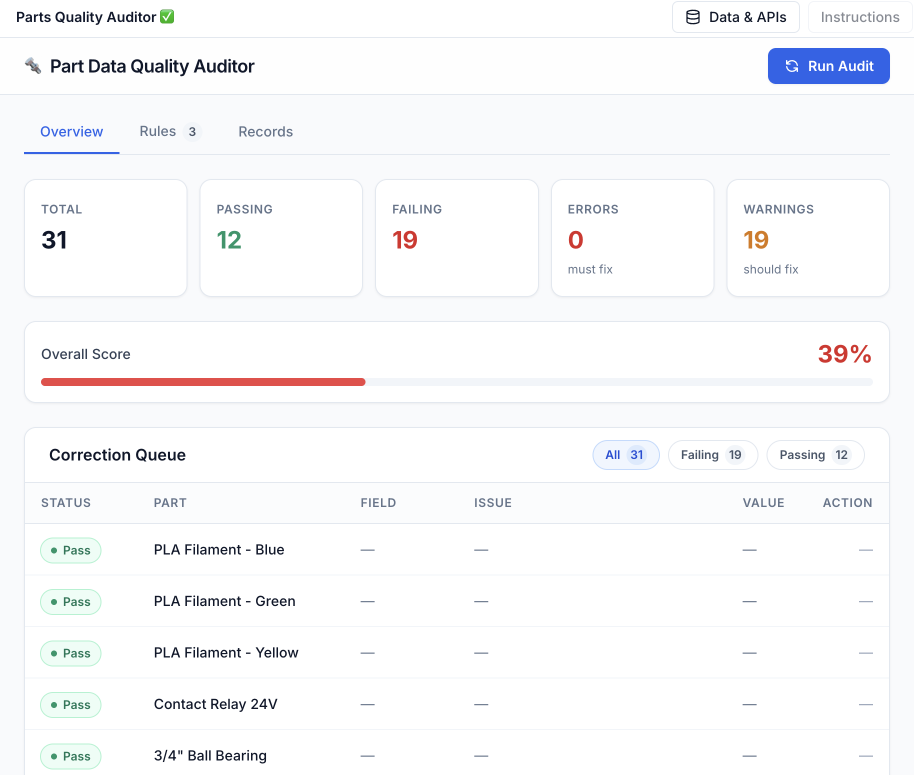
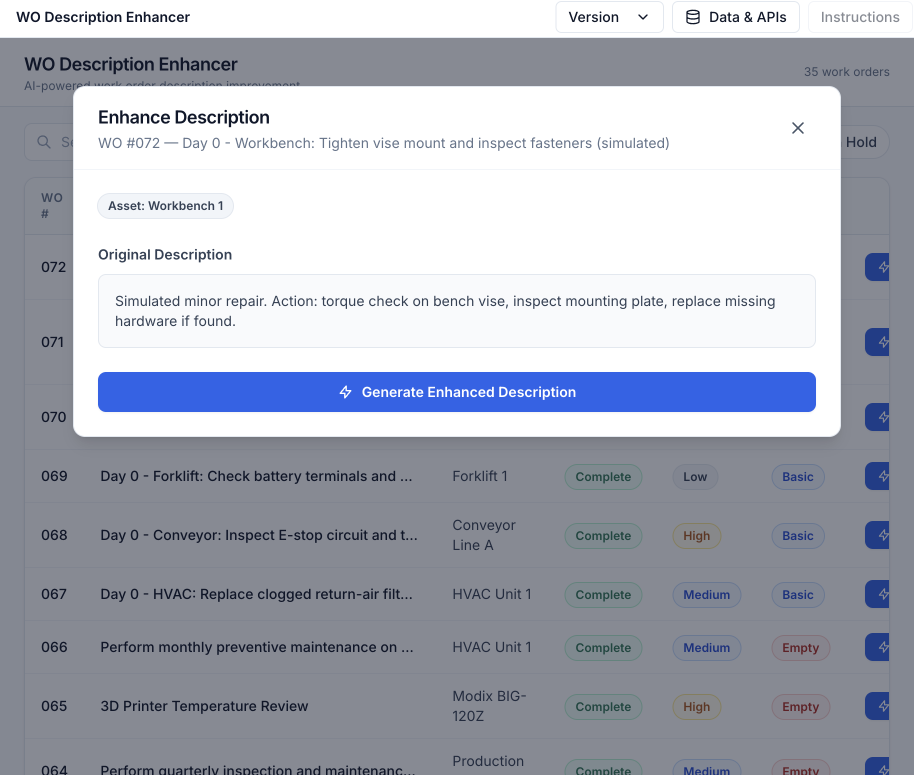
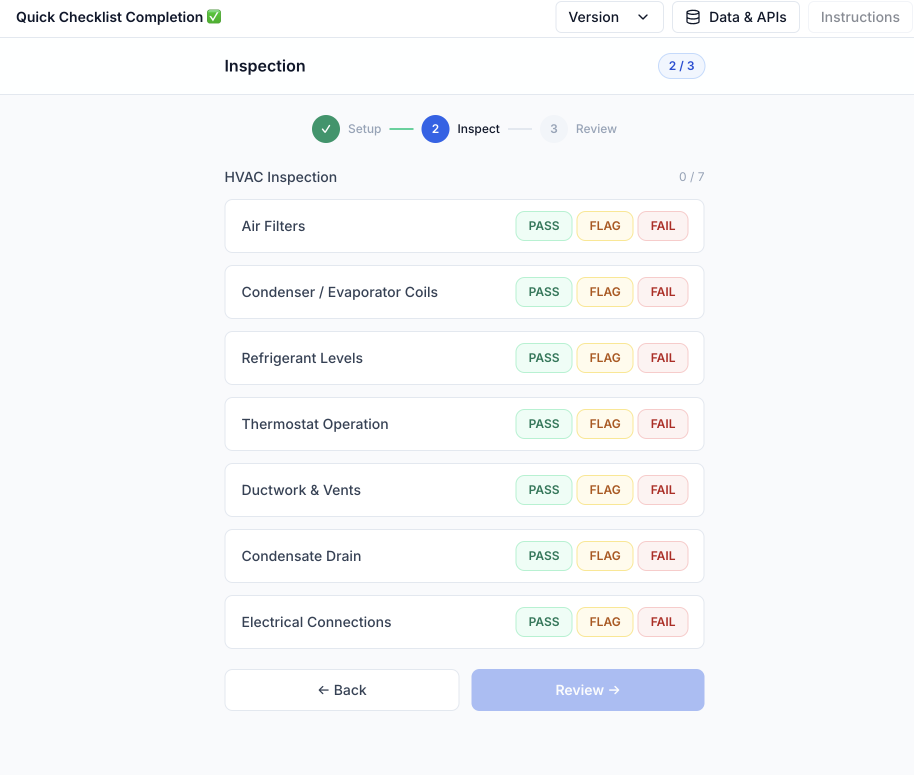
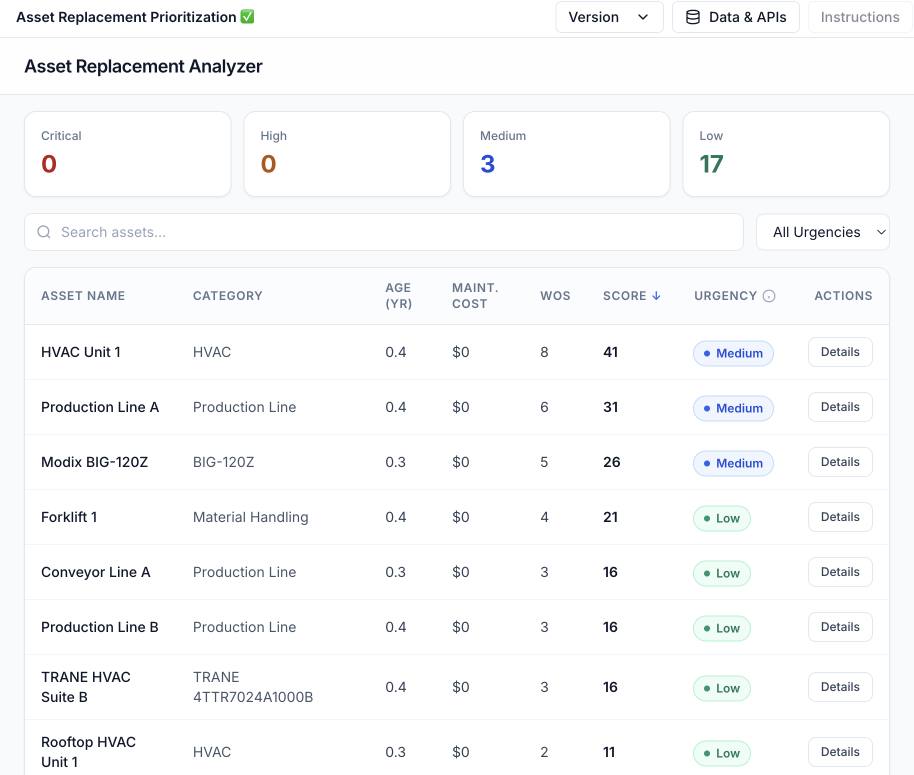
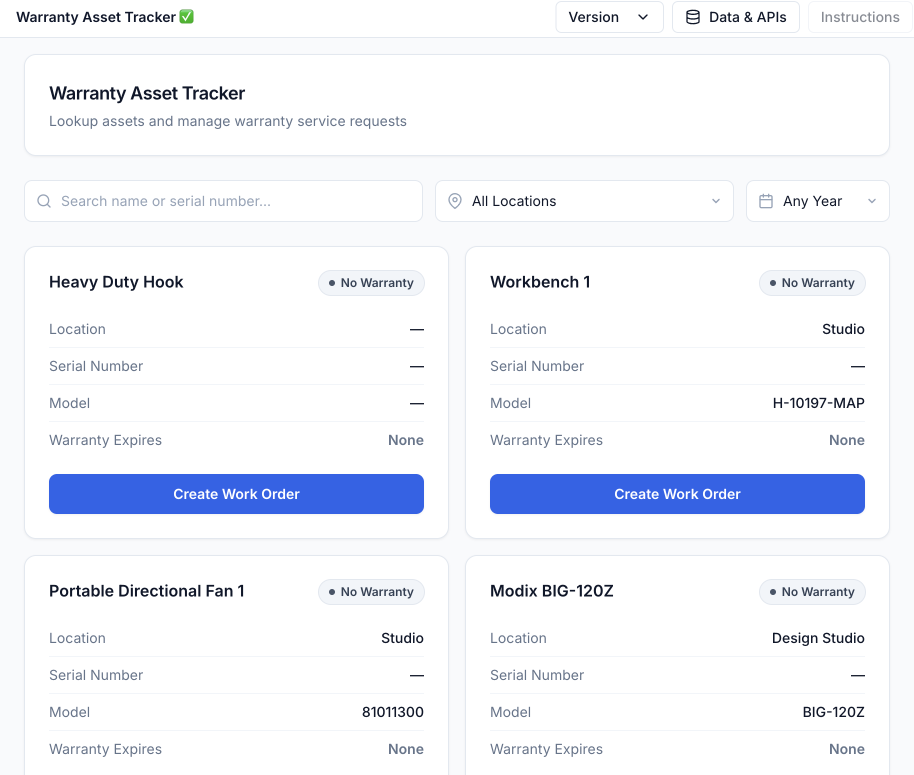
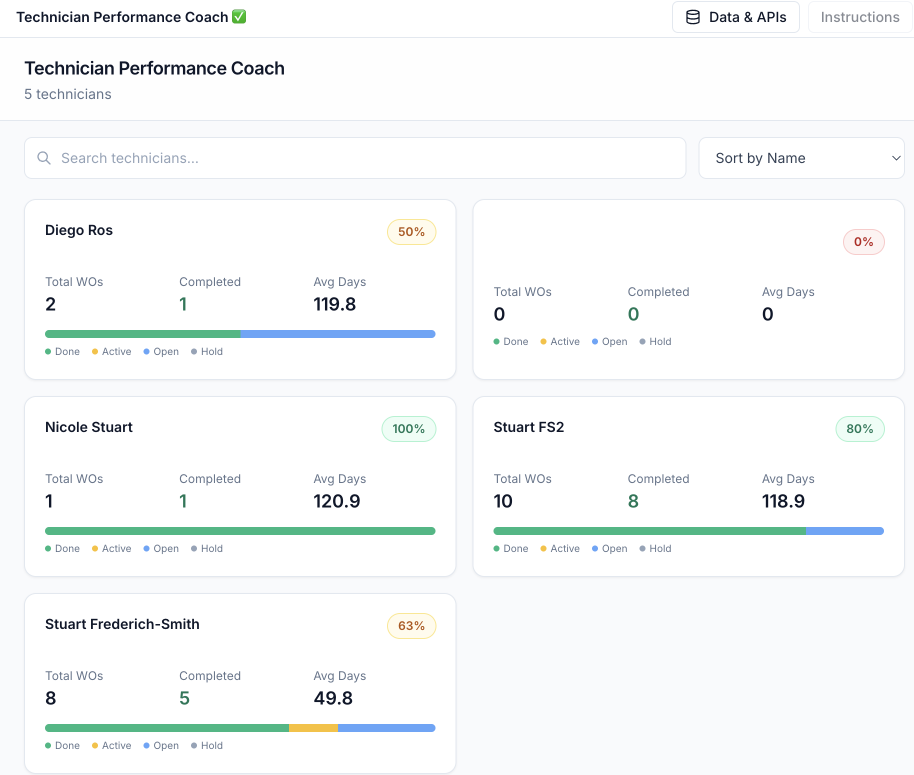
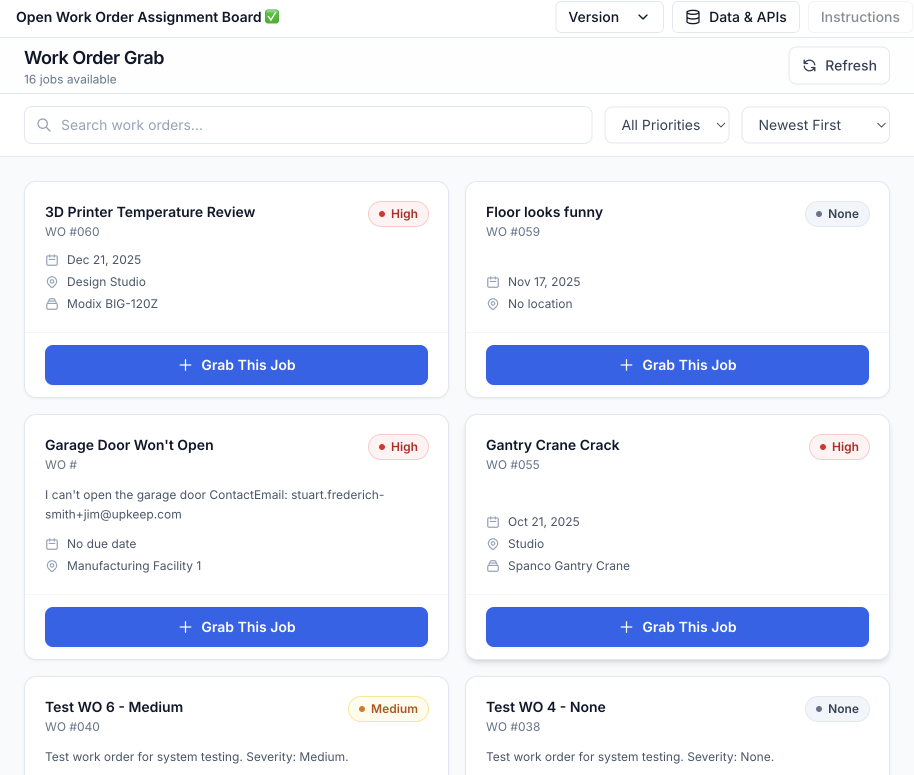
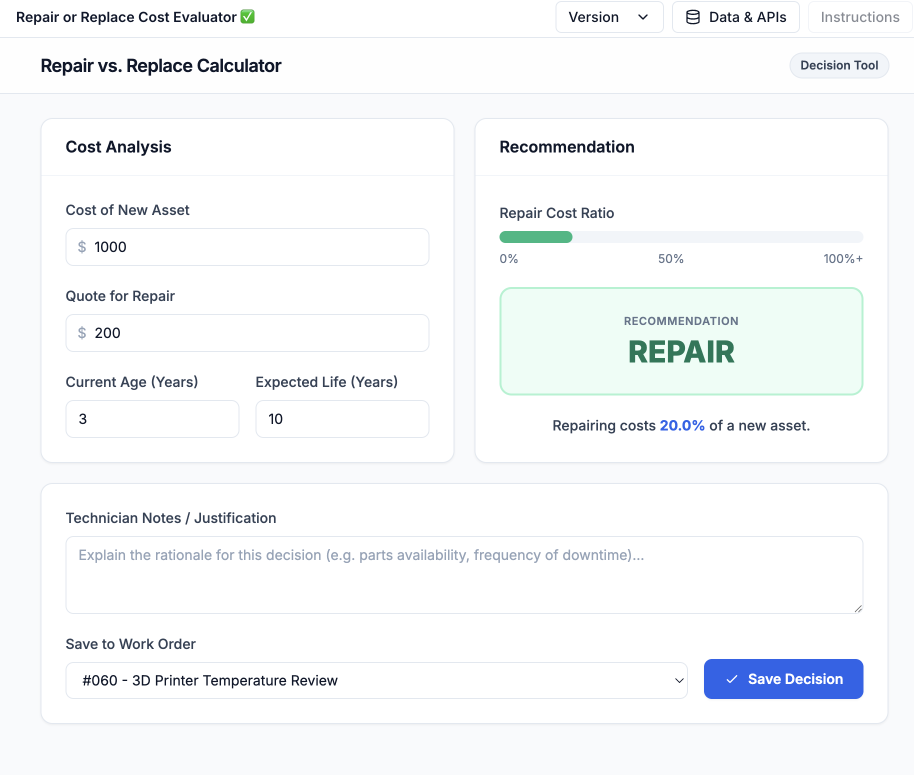
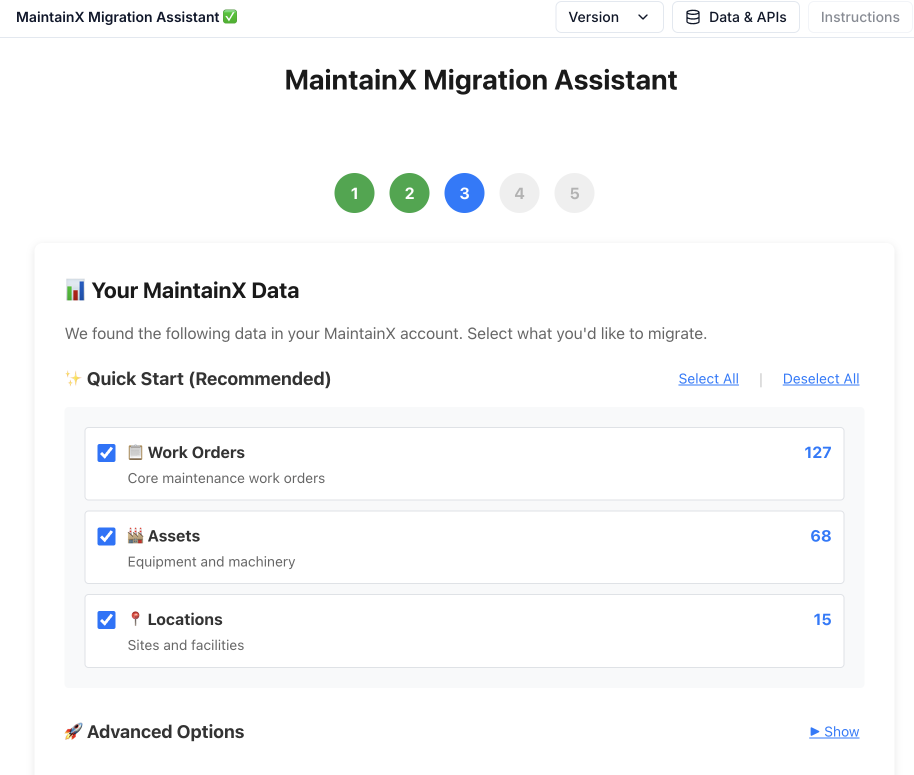
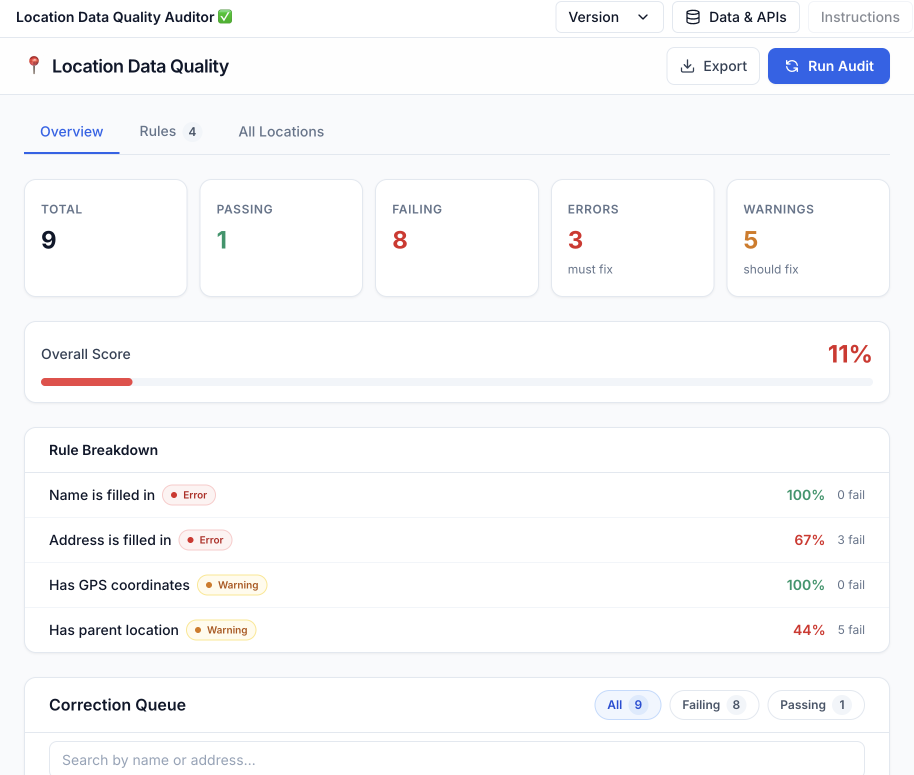






THE PLATFORM
An app platform that connects to your UpKeep data.
Your team gets tools that actually fit how they work.
App Marketplace
Ready-made apps that solve real problems. Install in one click. Browse apps built for maintenance, safety, and operations teams.
Explore Apps → App Builder
Describe what you need in plain language. Build in minutes.
Cross-Domain
Span CMMS, EHS, LMS, Fleet, and other Studio apps.
Enterprise-Grade
Same login, permissions and security your team already uses.
WHY STUDIO
Instant Apps, not configuration nightmares.
Every operation is different. But most software forces you to choose: flexibility that slows your team down, global settings that break something else, or integrations that decay over time.
UpKeep Studio takes a different approach. Instead of burying customization in configuration menus, workflows live as apps. Install what you need. Build what's unique. Nothing touches the rest of your system unless you want it to.

MARKETPLACE
Apps built for real maintenance workflows.
Install and customize in minutes.
PM Quality Auditor
Audit active PM Templates for data quality, score 0–100 with severity-weighted rules, fix issues inline — edit template details, every schedule field, and view full checklist task breakdowns directly from the audit view.
Asset Checkout Manager
Bulk checkout/check-in with custom home location picker, status filter dropdown, CSV export with Asset ID, and illustrated how-to instructions modal.
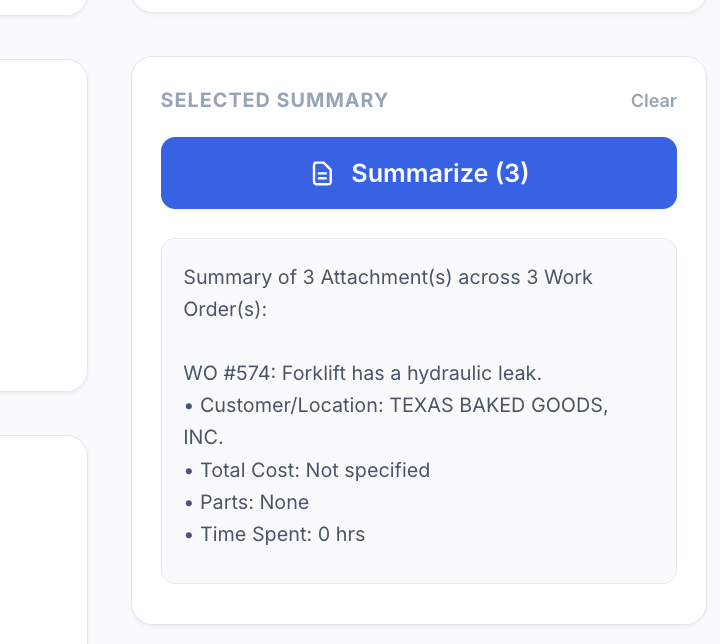
File Management Dashboard (V 1.2)
Manage and analyze work order attachments with filtering, multi-select, and automated detail summarization (cost, parts, labor). Inline file preview modal for images and PDFs with Print/Save as PDF and Copy Link support. Fetches ALL work orders with no cap, filtered to last 30 days by default. CSV export of all WO attachment links.
PDF Builder
Generate professional PDFs from work orders with a visual drag-and-drop builder. Supports single and multi-WO batch printing.


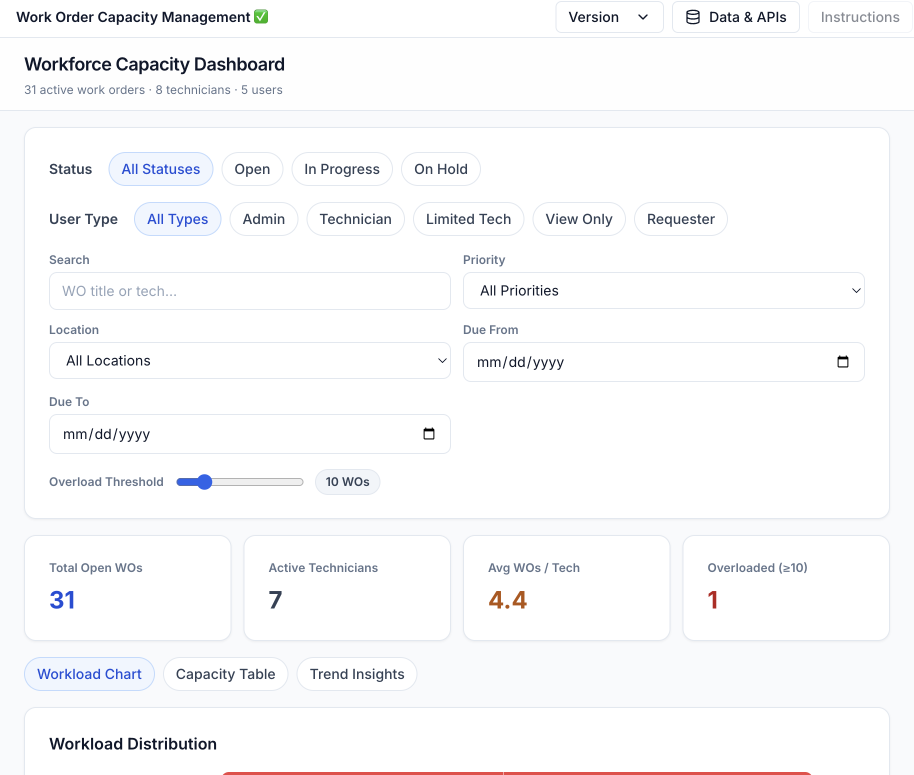
Work Order Capacity Management
This app gives supervisors a real-time view of team capacity by grouping active work orders by technician. Use it to spot overloaded team members, identify unassigned work, and reassign work orders without leaving the app.
Work Order Heatmap
Heatmap visualization of work orders by category and location with interactive filters, drill-down, inline category editing, and CSV/PDF export.
APP BUILDER
Describe it. Build it. Deploy it.
Your operation has quirks. Your CMMS doesn't care. Studio lets you build what's missing instead of waiting for a feature request that'll never ship.
Describe
Describe what you need in plain language
Build
Studio's AI builds the app logic
Deploy
Review, customize, and deploy in minutes
What you can build:
- Custom inspection forms for your specific equipment
- Shift handoffs tailored to your process
- Dashboards that show what matters to your team
- Compliance workflows that match your regulations
For complex apps:
Partner with UpKeep's team to build custom Studio apps for workflows that need deeper integration or specialized logic. You bring the workflow. We bring the platform, security, and infrastructure.
INFRASTRUCTURE
We handle the hard stuff.
UpKeep operates the APIs, data models, permissions, security, and compliance. Even if you could manage these layers yourself, you shouldn't have to.
This isn't a low-code bolt-on or a fancy settings page. It's a platform architecture built for scale. Customization is additive, not destructive. Integrations become durable apps, not fragile pipes. The core product stays fast and simple while you extend it however you need.
Your team focuses on workflows. We make sure everything underneath is fast, secure, and scales with you.
Ready to build what's missing?
See how Studio can help your team work smarter. Schedule a demo with our team.