

Quick Checklist Completion ✅
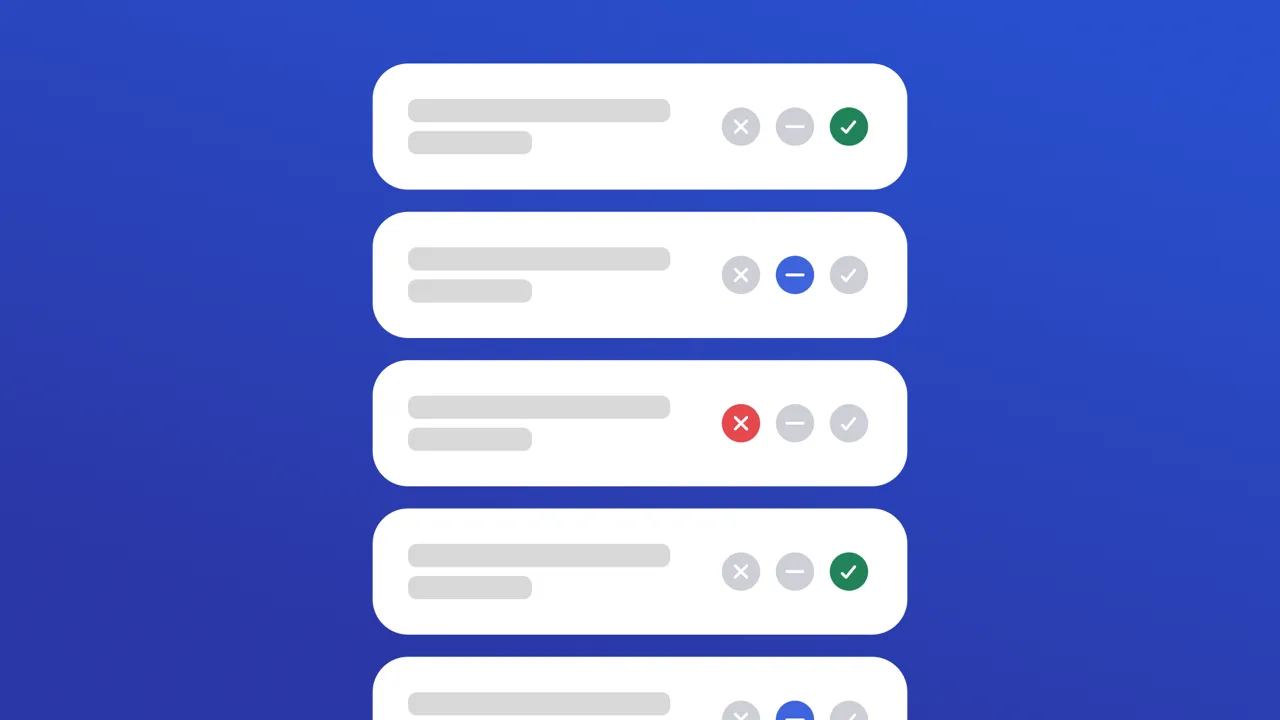
Use this app to run structured field inspections and automatically log results as a completed Work Order in UpKeep. When to use: Any time a technician needs to perform a scheduled or ad-hoc inspection — daily equipment checks, HVAC, fire safety, plumbing, or electrical walkthroughs. How to use: 1. Setup — Choose an inspection type (required). Optionally select a location and asset to link the work order to a specific site or piece of equipment. 2. Inspect — Mark every checklist item as Pass, Flag (needs attention), or Fail (immediate action required). All items must be marked before proceeding. 3. Review & Submit — Confirm results, add optional notes, and tap Submit. A completed Work Order is created in UpKeep with priority set automatically based on results (High if any Fail, Medium if any Flag, Low if all Pass).
Preview
App Info
- App ID
daily-tech-checklist-free- Source
- cache
- Created
- January 1, 2026
- Last Updated
- January 1, 2026