Blog Post
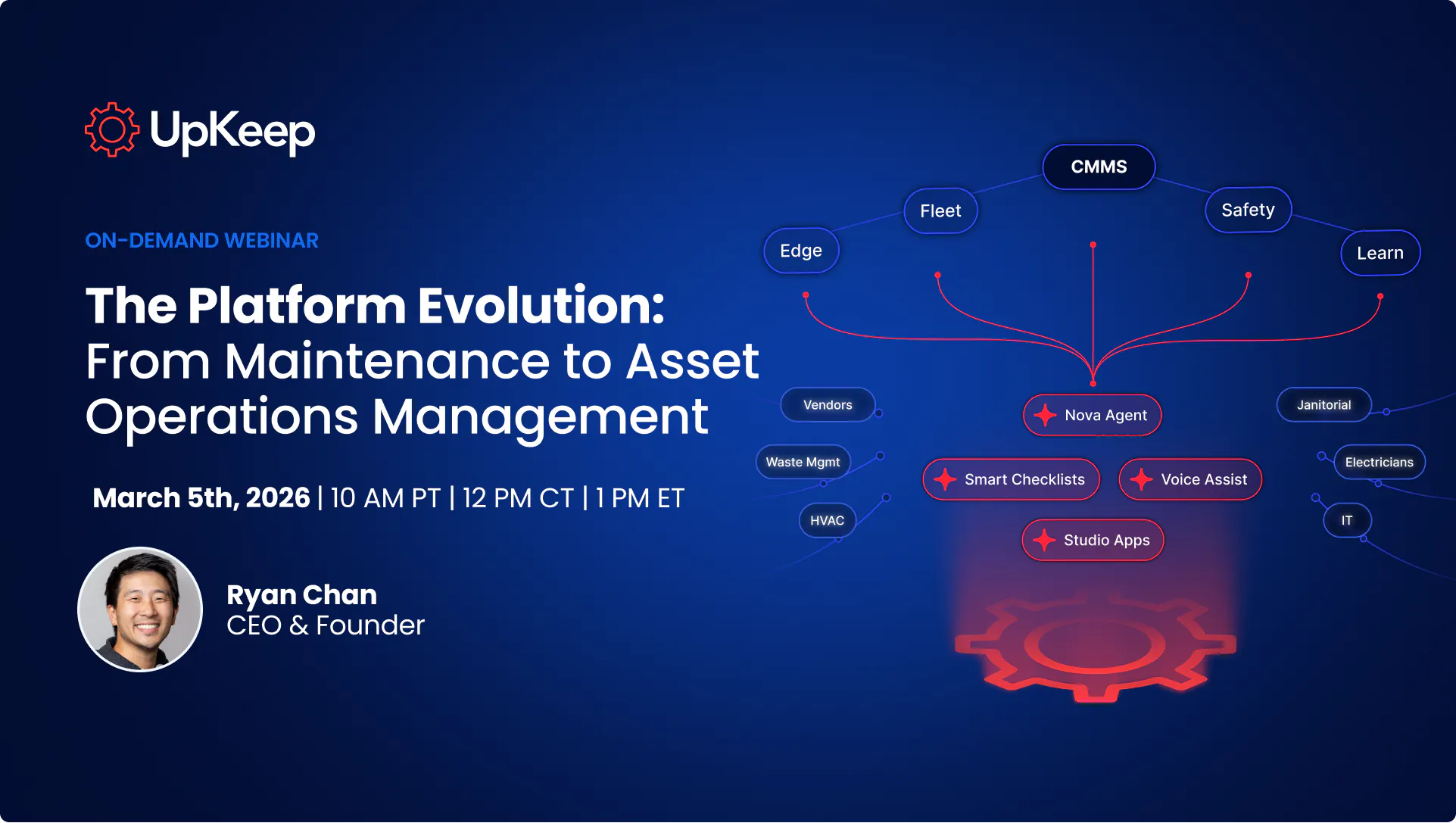
The Platform Evolution: From Maintenance to Asset Operations Management
How leading maintenance teams are moving beyond fragmented tools to a single, intelligent, and adaptable system — and what that means for the future of your operations.


The Scenario That Started It All
You get into work and there's a safety incident. One of your operators is working on a critical asset. What do you do?
If you're like most maintenance managers, you probably log into your safety tool to file a report, switch over to your CMMS to create a corrective work order, check your HR system to see who's on shift, and then verify certifications before you can even assign the job to the right person.
Or… you skip all of that. Because you have a full backlog, you're already behind, and doing all of that logging is just too cumbersome. So you go off memory. You pull from what you remember about who's certified, what the last inspection said, and what the protocol should be.
And that's the root of the problem.
Too many systems. Too much friction. And too many critical decisions made from memory instead of data.
Why the Current Approach Is Broken
Over the past decade, the promise of technology was that it would make operations easier. Instead, what most maintenance teams got was a new login for every new problem.
Today, the average mid-sized business runs roughly 100 different SaaS products. That's 100 different logins, 100 different slices of data, managed by different teams and updated on different timelines. And while 75% of organizations expect AI to improve their margins, only 6% report widespread AI adoption.
Why the gap? Because AI is only as good as the data you feed it. And right now, that data is scattered across dozens of disconnected systems.
The result? When your team needs answers — who's certified for this asset? when was the last inspection? what's the protocol? — they either spend 20 minutes hunting through five different platforms, or they make their best judgment call and move on. Most of the time, that call is right. But sometimes it isn't. And you don't find out until it's too late.
As Upkeep CEO and Founder Ryan Chan put it during the webinar:
"You and your people shouldn't be the integration layer between the different tools that you have."
The Evolution: From CMMS to Asset Operations Management
This is the inflection point the industry is at right now. And it's one of the biggest shifts since the move to mobile software.
The answer isn't yet another point solution. It's consolidation. It's having maintenance, safety, fleet, IoT monitoring, and training all living under one roof — not as stitched-together modules, but as a single connected platform with one data model and one database.
That's exactly what the Asset Operations Management Platform is built to be. It's structured around three core layers:
1. System of Record
The foundation. A single governed data model that captures everything happening across your operation — work orders, safety incidents, asset history, certifications, meter readings, and more. This is your one source of truth, replacing the seven half-truths you're currently working with.
2. System of Intelligence
Once you have clean, unified data, you can layer intelligence on top of it. This means AI-powered insights, predictive maintenance recommendations, and analytics that surface patterns no human would have the bandwidth to find manually. The key distinction here is that this isn't a chatbot bolted onto the side of your software — it's AI functioning as an orchestration layer across your entire operation.
3. System of Action
Intelligence is only valuable if it drives execution. The system of action is the workflow engine that closes the loop — turning insights into corrective action plans, work orders, PMs, purchase orders, and notifications. The goal is that insights never just sit in a dashboard. They actually get something done.
Real Customers, Real Stories
To bring this vision to life, Upkeep hosted two customers who are living this evolution every day.
Robert Parsons — Director of Maintenance & Engineering
Robert leads a team of 9 at a family-owned Chicago manufacturing business that's been around since 1963. When he stepped into his role, there was no maintenance system in place. Work requests came in via text message, phone calls, or someone passing by in the hallway. Things got lost. Nothing was documented.
The catalyst for change? An audit.
"There was a lot of paper to sort through, it was very time-consuming, and there was a lot of things that were missing," Robert shared. "So I started looking. I said, there's gotta be something better."
After implementing Upkeep, Robert's team went from scrambling through paperwork during audits to pulling up complete work order history and PM schedules on the spot. His technicians, especially the younger ones, quickly embraced the mobile-first experience — and now use Upkeep's AI assistant Nova to ask questions like "what work do I have due today?" or "what work am I behind on?" directly from their phones.
"It saves them a lot of time from searching," Robert said. "And for me, I can just go in and ask, hey, who hasn't done their work? And I can see it."
Mark Hammaker — Facilities Manager
Mark's world looks a little different.
Mark manages facilities maintenance and leads EHS initiatives across multiple production facilities, all while being, as he puts it, "not a safety guy."
That's where Upkeep's EHS platform made a significant difference. Rather than spending weeks developing job hazard analyses from scratch, Mark's team used UpKeep's AI to generate baseline JHAs in a fraction of the time.
"It took us a day and a half to write 26 JHAs instead of 26 days," Mark said. "So it was pretty impressive."
His department managers — who also weren't safety professionals — quickly appreciated having a guided, AI-assisted process for incident reporting, corrective actions, and verification of effectiveness, all accessible from a shared platform.
The Problem With One-Size-Fits-All Software
Even when teams do get their tools connected, there's a second problem that doesn't get talked about enough: most software is built for everyone, which means it's optimized for no one.
Your operation doesn't run the same way as your competitor down the road. You have your own workflows, your own quirks, your own standards. But most software vendors hand you a rigid UI and say, "here's our solution — now use it."
Both Robert and Mark ran into this wall. Robert needed a better way to track miscellaneous costs and manage capital projects without jumping between platforms. Mark needed a way to manage complex Department of Defense supplier funding, change orders, and compliance reporting all in one place.
These aren't unusual requests. They're the norm. And until now, the answer was usually: "submit a feature request and wait months."
Introducing UpKeep Studio: Build the Workflows You've Always Wanted
That changes today.
UpKeep Studio is an AI-powered application builder that sits on top of the entire Upkeep platform. You describe what you want in plain English. It builds a fully functional application connected to your real UpKeep data in minutes.
No engineering team required. No months-long development cycles. No feature request backlog.
During the webinar, Ryan demoed three pre-built apps from UpKeep's App Store — which already features around 50 customer-built applications — and then built a brand new one live on the call.
App #1: Custom Impact Dashboard
Every maintenance manager cares about slightly different metrics. Instead of a fixed dashboard, Studio lets you describe exactly what you want to see. Open backlog, overdue work, PM compliance, reactive vs. preventative ratios, all surfaced and arranged the way you think about your operation.
App #2: Work Order Duplicate Detector
Duplicate work orders are a silent time drain. Someone reports a broken pump, and 15 minutes later, two more people report the same thing. The duplicate detector scans all open work orders, surfaces likely matches with a confidence score, and lets you archive duplicates with a single click.
App #3: Field Technician Dispatch & Routing
For teams managing work across multiple locations, this app routes open work orders on a map, estimates drive times, and pushes turn-by-turn directions directly into the assigned work order. Technicians can pull it up on their mobile device and go.
Built Live: Status Update Workflow
Ryan described the app in one sentence: "Find all high-priority and past-due open work orders, and allow me to post a status update request comment with one click." Five minutes later, the app existed — pulling real work orders from his UpKeep account and sending live push notifications to assigned technicians.
The reaction from Robert and Mark said it all.
What This Means for Your Team
Whether you're a frontline technician, a maintenance manager, or an operations executive, the Asset Operations Platform changes what's possible.
For technicians: The tools you use every day should be built around your workflow and not a generic process someone else designed. Less time in systems. More time doing the actual work.
For maintenance managers and reliability engineers: Better data means better insights. Better insights mean better actions. And a system that tells you exactly where to focus.
For executives: One login. One system of record. One source of truth instead of 17 half-truths spread across a dozen SaaS platforms.
And when that safety incident happens again? Your team won't be working off memory. Incidents automatically trigger work orders, routed to the right person based on real-time availability, geolocation, and verified certifications. Not a gut feeling but actual data.
The Future of Asset Operations
Ten years ago, Ryan Chan saw that the future of maintenance was mobile. That insight built UpKeep into a platform trusted by over 400,000 people across 60 countries, with customers like Unilever, Shell, and McDonald's.
Today, he sees something even bigger.
"The future of asset operations isn't just about having the best individual tool," Ryan said. "It's about having something that's connected, that's intelligent, and that has this adaptable system that learns from your data and acts on it."
And most importantly, the technology should change to fit how you work. Not the other way around.
Ready to See It for Yourself?
Whether you're just getting started with maintenance management, already deep in it, or looking to expand into safety, fleet, or IoT monitoring, everything we covered in this post is just the beginning.
Want to keep reading?


Article
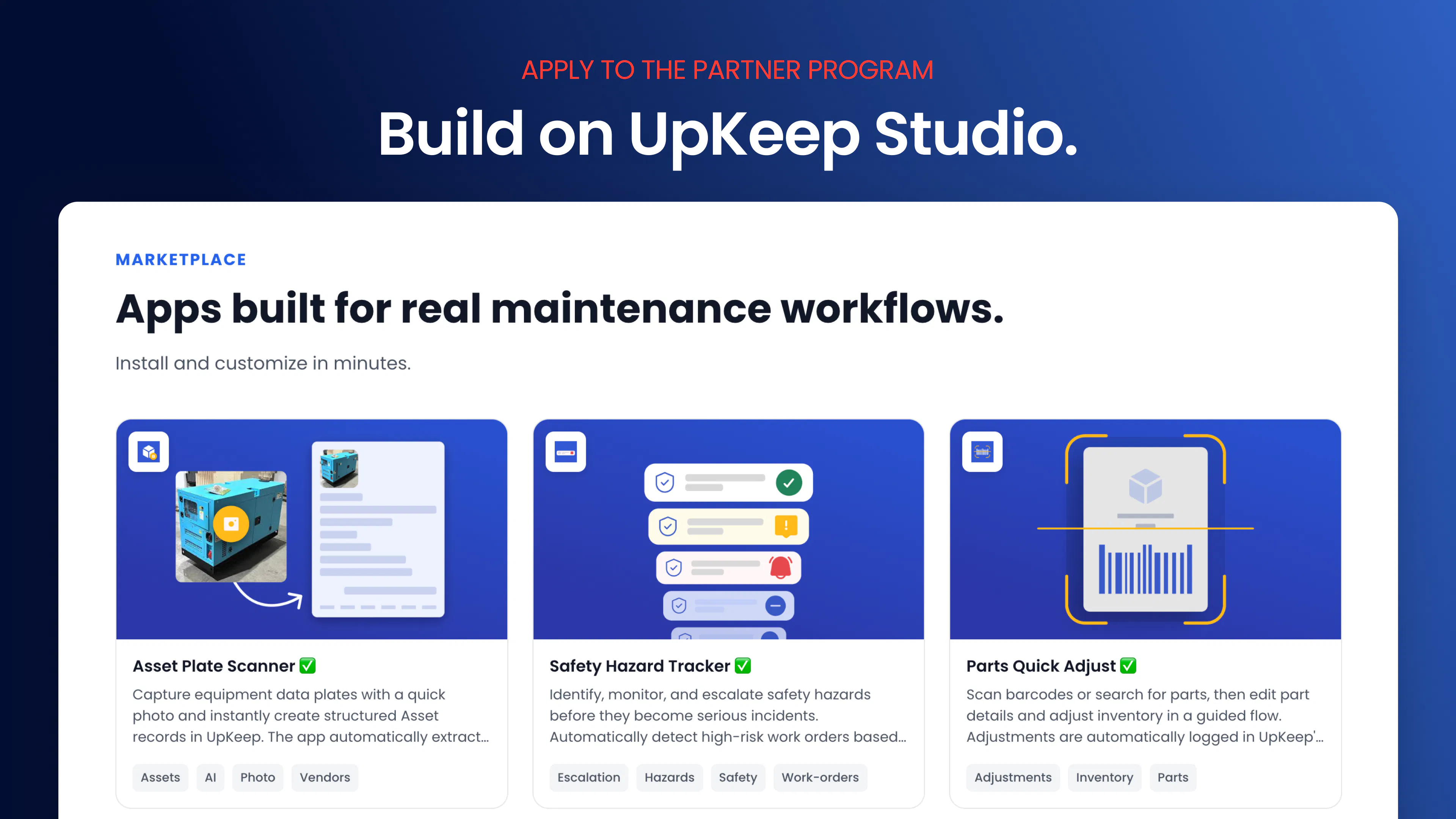
What's New in UpKeep Studio: New Apps + Partner Program


Article
Introducing UpKeep Studio: An App Platform Built on Your CMMS Data

Article
What is Asset Performance Management Software? Reduce Downtime with APM
4,000+ COMPANIES RELY ON ASSET OPERATIONS MANAGEMENT
Leading the Way to a Better Future for Maintenance and Reliability
Your asset and equipment data doesn't belong in a silo. UpKeep makes it simple to see where everything stands, all in one place. That means less guesswork and more time to focus on what matters.






![[Review Badge] Gartner Peer Insights (Dark)](https://www.datocms-assets.com/38028/1673900494-gartner-logo-dark.png?auto=compress&fm=webp&w=336)



