Blog Post
Best EHS Software Solutions for Safety and Compliance: Top 10 Ranked & Reviewed
Find the best EHS software to centralize safety, health, and compliance. See the complete rankings and reviews of the top platforms, including UpKeep EHS, SafetyCulture, and VelocityEHS.



Key Takeaways
EHS software is a digital platform designed to centralize and automate an organization's environment, health, and safety processes.
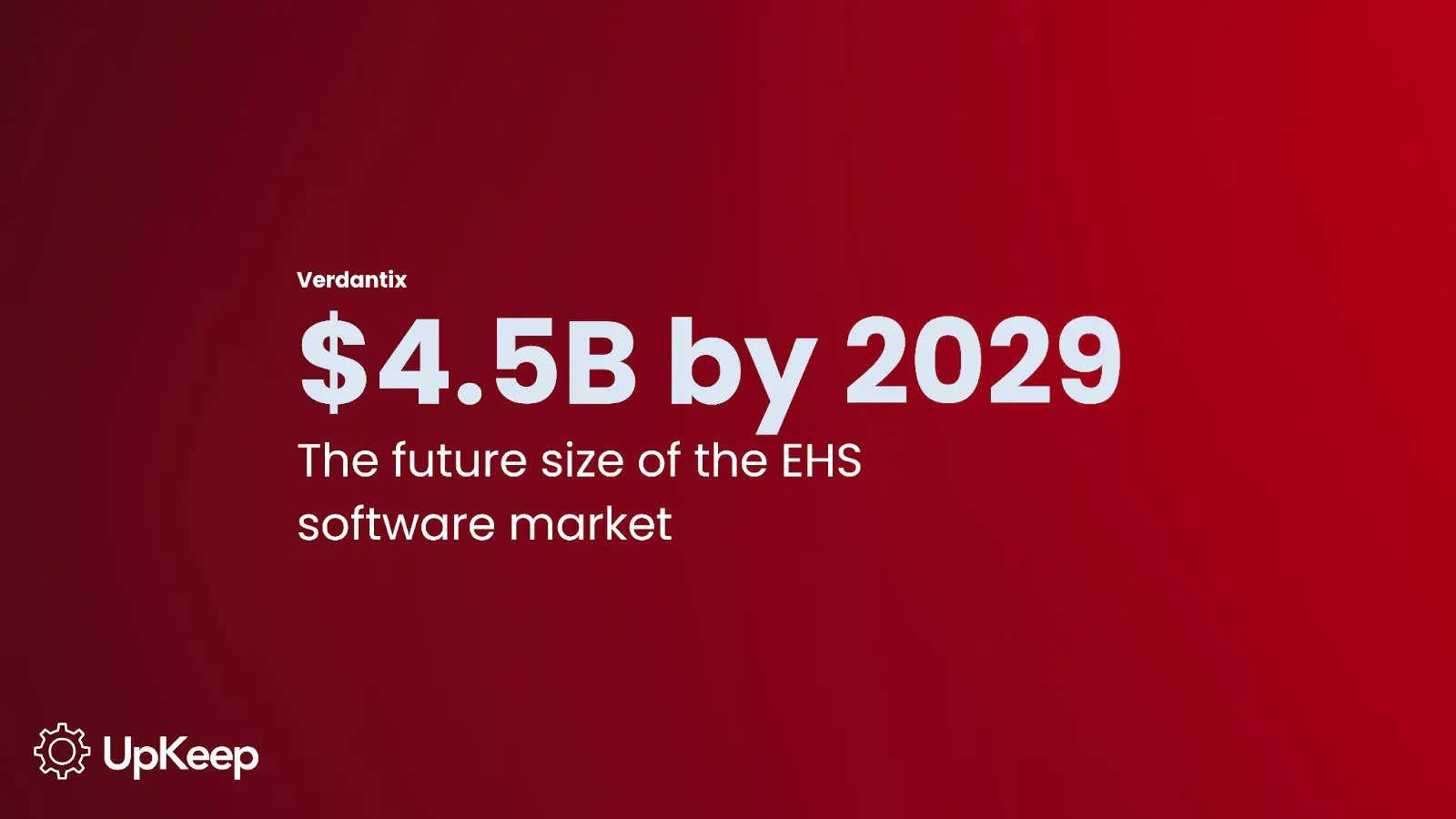
The EHS software market is booming, projected to reach $4.5 billion by 2029.
The 2026 EHS software market is defined primarily by AI-driven automation and mobile accessibility. Offline access and QR code reporting are becoming standard features to empower frontline workers to report hazards instantly.
UpKeep EHS is the top pick and best for bridging the gap between identifying a hazard and preventing future incidents through maintenance work orders.
Environment, Health, and Safety (EHS) refers to a specialized regulatory framework and corporate function dedicated to protecting employees and the public from workplace hazards.
Modern EHS management typically covers several critical areas of operations:
Environmental Protection: Managing emissions, waste disposal, and the organization's overall carbon footprint to meet local and federal regulations.
Occupational Health: Monitoring workplace conditions like noise levels, ergonomics, and air quality to prevent long-term illnesses.
Workplace Safety: Implementing physical safeguards and training programs to reduce immediate injuries, such as falls or equipment-related accidents.
What is EHS Software?
EHS software is a digital platform designed to centralize and automate an organization's environment, health, and safety processes. These systems provide a single source of truth for tracking incidents, audits, and regulatory compliance.
Learn more: EHS Software Meaning
Who Needs This Guide?
While developing this list, we thought about keeping the people who need it most in mind.
1. Executive Leadership and The C-Suite
Senior leaders focus on high-level outcomes such as corporate reputation, business performance, and overall financial health.
Why do they want the best EHS software?
They need centralized data that proves the value of their teams to the board.
They want solutions that address compliance gaps and avoid expensive OSHA fines, lost certifications, or downtime.
2. Information Technology Managers
The IT department evaluates software based on technical stability, security, and how the platform fits with the existing digital tools.
Why do they want the best EHS software?
They need their EHS platform to connect seamlessly with other systems.
IT prefers modern, cloud-based platforms that do not require heavy on-site hardware or lengthy implementation cycles.
3. Operations Management
Operations teams look for mobile-first interfaces that eliminate friction in daily tasks and provide real-time updates from the field.
Why do they want the best EHS software?
They need their EHS solution to integrate seamlessly with their CMMS to manage corrective action after an issue is identified.
They need a single source of truth to monitor asset status, technician workloads, and work order completion logs.
4. EHS And Maintenance Professionals
These users typically lead the vetting process to find tools that solve specific safety, reliability, and inventory challenges.
Why do they want the best EHS software?
They must ensure that inspections and preventive maintenance (PM) schedules never slip through the cracks.
They want to eliminate silos by unifying asset data, safety incident management, and root cause analysis in one place.
5. Finance And Human Resources
Financial and HR stakeholders evaluate the platform based on its impact on the bottom line and employee well-being. Finance teams specifically look for a clear return on investment (ROI) through improved asset life and reduced emergency parts orders.
Why do they want the best EHS platform?
They need to provide technicians with modern tools and prevent the frustration and burnout caused by outdated systems.
Both groups value features like Job Hazard Analysis (JHA) and other OSHA compliance modules to protect the organization and its people.
Best EHS Software Solutions For 2026
According to a report by Verdantix, the EHS software market is expected to reach $ 4.5 billion by 2029. The current market offers a diverse range of tools for managing operational risks.


Organizations must carefully compare these platforms to one another to prevent a failed investment.
To help you decide, we’ve ranked the best EHS software solutions, including key features and reviews from users from sites like Capterra and G2.
Top 10 EHS Software At a Glance
#1 - UpKeep EHS
UpKeep EHS is a safety management module designed to bridge the gap between hazard identification and physical repairs. This platform integrates safety reporting directly into the maintenance workflow, allowing organizations to track every incident until it is resolved.
Key Features
Frictionless Incident Reporting
Frontline employees can submit safety incidents and near-miss reports through a web-based interface, eliminating the need to download an app or remember account credentials.
Integrated Corrective And Preventive Actions (CAPA)
The core strength of the platform is its ability to link safety protocols directly to maintenance execution. Admins can convert a safety corrective action into a functional maintenance work order with a single click.
Upkeep EHS integrates directly with a CMMS, making corrective actions easy. When a physical hazard is reported, the system assigns the repair task directly to the maintenance team's queue.
Excellent Data Management
Safety managers utilize a centralized hub to monitor site health and technician compliance in real time. The dashboard provides instant alerts for all safety events, showing a color-coded timeline of severity and status.
Managers can filter events by location or priority and track every change through an internal audit log to maintain accountability.
Automated Regulatory Reporting
UpKeep EHS provides specialized tools to automate the creation of regulatory documentation and safety summaries. This functionality allows safety managers to generate accurate OSHA logs and compliance reports (Forms 300 and 300A) without manually transcribing data from paper files.
AI-Powered Safety Workflows
UpKeep uses Nova AI to reduce the administrative burden of documentation and incident analysis. Some modules that support this include:
Voice Dictation: Users can verbally describe an incident, such as an equipment failure or a slip hazard, and the system automatically transcribes the audio into text.
AI-Assisted Root Cause Analysis (RCA): The platform uses AI to analyze descriptions, automatically populate report fields, and identify underlying causes.
Smart Data Structuring: Artificial Intelligence evaluates severity and immediately takes actions to ensure the most critical hazards are prioritized for management review.
What People are Saying
“UpKeep helps the organization track and measure safety through near misses and hazard observations. The implementation of the program reduces risk to employees and potential violations. The program has created compliance across the facility as well as a stronger safety culture.”
- Robert Gaunta, Innovative Micro Technology
#2 - SafetyCulture EHS
SafetyCulture is an Australian-based EHS platform. It specializes in digitizing operations and ensuring the safety and compliance of small to mid-sized organizations.
Key Features
Device-Agnostic Checklists: Workers complete inspections and safety checks on various devices, including smartphones and tablets, regardless of the operating system.
Paperless Digitization: The system eliminates paper-based processes to support digitized safety workflows.
Audit Scheduling: Teams use specific features to schedule audits, which ensures that inspections happen on time and according to a set plan.
Instant Report Sharing: Users share reports immediately upon completion to facilitate faster communication of critical safety data.
Task Management: The software includes specialized tools to assign actions and track their progress through to resolution.
What Do Real SafetyCulture Users Think?
Great for HR Functions
“What I like most about SafetyCulture is the customizability of the inspection templates. While they’re typically used for plant floor inspections, I’ve found them incredibly versatile in my HR role. I’ve been able to create everything from interview templates and meeting forms to work injury reports and other HR tools.” - G2
Limited date range for analysis
“I don’t like the Analysis - limitations on date ranges. We need to be able to review data beyond a 1 -year limit.” - G2
Dashboard needs some work
"The summary view of all open incidents in the dashboard view is not very intuitive. Would like to see a calendar view of all open and closed incidents so that the overall status of incidents can be quickly understood." - Capterra
#3 - VelocityEHS
VelocityEHS is a leader in cloud-based Environmental, Health, and Safety (EHS) and Sustainability technology, based in Chicago. Its unified Accelerate Platform combines safety, ergonomics, and chemical management into one ecosystem.
Key Features
Chemical Management: The platform effectively manages Safety Data Sheets (SDSs) and tracks chemical inventory.
Industrial Ergonomics: This module uses sensorless 3D motion capture to identify musculoskeletal risks and suggest workplace optimizations.
Compliance Management: A centralized compliance calendar tracks permits, legal obligations, and inspection schedules to ensure no deadlines slip through the cracks.
Operational Risk Assessment: Teams conduct Job Safety Analysis (JSA) and bowtie assessments to visualize and control complex industrial risks.
What Do Real VelocityEHS Users Think?
User-friendly
“I love the user-friendly interface of VelocityEHS Accelerate that allows me to easily record videos and input data points, which is incredibly helpful in making recommendations to my management.” - G2
Limited Options
“I dislike the limited options available in the drop-down menus of solutions. Having more prompts to choose from would enhance the usability and efficiency when selecting solutions.” - G2
Superb for Chemical Management
“The chemical management capabilities, particularly searching the SDS library, are indispensable for my work.” - G2
#4 - Intelex
Intelex is one of North America's established software vendors, providing enterprise-grade solutions that help organizations minimize their social and environmental impacts. The platform acts as a tool for large enterprises that must manage regulatory issues across global operations.
Key Features
Incident and Near Miss Reporting: Facilitates data collection with offline access, voice notes, and image mapping to pinpoint injury locations.
Risk Management: Allows administrators to build dynamic risk registers that link directly to incidents, tasks, and corrective actions.
Compliance AI: Utilizes artificial intelligence to assist in data quality scoring and suggests improvements for incident documentation.
Business Intelligence (BI) Integration: Features open APIs and data connectors for tools like Power BI and Tableau to facilitate deep cross-functional analysis.
What Do Real Intelex Users Think?
Mobile App Functionality
“The mobile app has also been a significant challenge, especially lately, with offline mode failing and causing user frustration toward Intelex.” - G2
Robust to Handle Multiple Operations
“Intelex is an incredibly beefy platform for tracking compliance data. We have ~55 locations across the US, and Intelex allows us to track what is happening across our company in one location.” - G2
Low Customizations
“Report creation does not allow for much customization. The disconnect between the UI/UX from V6 to ACTS is apparent. They look completely different. Having to have more than one conversation about where to store equipment, for example, was frustrating. A truly integrated product would not have had that issue.” - Capterra
#5 - Cority EHS
Cority provides a comprehensive Environmental, Health, Safety, and Quality (EHSQ) ecosystem designed for large-scale industrial operations.
Key Features
Safety Cloud: This module manages incident reporting, investigations, and permits-to-work to prevent workplace harm.
Occupational Health Cloud: Specialized tools manage clinic visits, medical surveillance, and return-to-work timelines for the entire workforce.
Quality Management: Integrated workflows align corrective actions (CAPA) and document control with ISO 9001 standards.
Mobile-First Access: Workers use the myCority app to log hazards and complete checklists directly from the field.
What Do Real Cority Users Think?
Low-code No Code Features
“I appreciate the low-code/no-code strength of CorityOne. The platform is flexible enough that we can translate real-world clinical and occupational health processes directly into system logic, all through configuration. This has enabled us to iterate quickly, drive process improvement, and continuously enhance end-user experience.” - G2
Billing Module Needs Improvement
“The Billing module was added in last minute when my company purchased the software. It does not meet all the billing needs.” - G2
#6 - Enablon EHS
Enablon by Wolters Kluwer provides a modular, enterprise-grade suite that unifies risk, safety, and sustainability data across global operations.
Key Features
Incident and Event Management: Users can identify, report, and investigate workplace incidents or near misses with automated root cause analysis (RCA) tools.
Audit and Inspection Management: Safety teams plan and execute standardized audits via desktop or mobile, ensuring global consistency and audit-ready logs.
Environmental Management: This feature automates the tracking of air emissions, water quality, and hazardous waste disposal to align with ISO 14001 standards.
What Do Real Enablon Users Think?
Great Dashboard
“The software has an Awesome dashboard. Easy to use in escalating health and safety issues across the business. Safety metrics can be easily done just by exploiting the report automatically drafted by the software.” - Capterra
Steep Onboarding Process
“Enablon is a potent tool, but it needs to be matched with an equally robust and clear basic training and onboarding process for basic users to ensure that they can take full advantage of the system.” - G2
#7 - HSI DoneSafe
HSI Donesafe operates as a cloud-native EHS management platform that prioritizes user engagement through a mobile-first, no-code interface.
No-Code Configurability: Administrators can build and deploy custom forms and workflows in hours using a drag-and-drop editor that requires zero coding knowledge.
Automated Workflow Triggers: The system automatically sends alerts, reminders, and escalations for pending tasks to ensure corrective actions are completed on schedule.
Chemical and SDS Management: The platform digitizes Safety Data Sheets and tracks chemical inventories to maintain strict regulatory compliance.
Real-Time Reporting: Customizable dashboards provide instant visibility into site-level hazards, compliance status, and enterprise-wide risk metrics.
What Do Real HSI Donesafe Users Think?
Customizable
HSI’s system has been a game-changer for our safety management. I love how customizable it is: being able to tailor questions, workflows, and reporting makes it fit perfectly with our processes. - G2
Long Implementation Cycle
“Very long implementation, and one change can impact all automations. The Time investment - configuring system is not user-friendly/admin-friendly” - G2
#8 - EHS Insight
The platform is designed to empower organizations in compliance-intensive industries such as oil and energy, manufacturing, and construction to centralize their safety data.
Key Features
Interactive Dashboard and Analytics: Users access real-time Key Performance Indicators (KPIs) through clickable widgets.
Incident and CAPA Management: The system captures details for injuries, property damage, and environmental releases, automatically triggering alerts and tracking corrective and preventive actions.
Mobile and Offline Capabilities: A functional mobile app supports data entry for inspections and audits in remote locations.
Field Suggestion Copilot and AI Data Quality Analysis assist users in ensuring incident reports are thorough and accurate.
What Do Real EHS Insight Users Think?
Trial and Error to build Custom Reports
“The only tricky part has been building custom reports. The system can definitely do it, but it takes a lot of trial and error to get them just right, or you have to pay extra to have their team do it. Having more templates or step-by-step options would make it way easier.” - G2
Sometimes Cumbersome
“The dashboard is cumbersome and complicated. It is not user-friendly, and it doesn't allow you to "back-up" readily. You have to start over with every click while you are searching for the right area to access.” - Capterra
Adaptable and Configurable
“EHS Insight enabled our organization to bring all EHS applications under one platform and provides access to all employees while allowing the safety team to manage the process and data. The EHS Insight is adaptable and configurable to our specific needs without extra fees or significant IT support .” - G2
#9 - Benchmark Gensuite EHS
Benchmark Gensuite is a global provider of cloud-based Environmental, Health, and Safety (EHS) and sustainability software that empowers organizations to manage risk and maintain regulatory compliance.
Key Features
Embedded Genny AI: This platform-wide AI engine is built directly into workflows to automate incident report generation, extract data from safety documents, and suggest corrective action plans.
Safety Observations and Risk Management: The platform digitizes behavior-based safety processes, providing real-time risk analysis and integrating with the Action Tracking System to ensure assessment follow-ups.
Cross-Functional Unified Solution: Users can manage EHS, quality control, operational risk, and product stewardship within a single system.
Advanced Analytics and Dashboards: Interactive visualizations allow users to monitor leading and lagging indicators.
What Do Real Benchmark Gensuite EHS Users Think?
Excellent Incident Tracking
“Robust framework allows for excellent incident tracking. Compliance calendar is also very helpful, as is the inspection tool.” - Capterra
Steep Learning Curve
The learning curve of this program is pretty steep. I was given the beta program, and the interface can be confusing. - G2
Too Expensive for Small Organizations
“ESG Benchmark is expensive to implement with a high annual cost for a small organisation.” - Capterra
#10 - EcoOnline EHS
EcoOnline is a global software provider dedicated to making workplace safety and chemical management as user-friendly and cost-efficient as possible.
Key Features
Frictionless Incident Reporting: Workers capture incidents, hazards, and near misses instantly via a mobile app or web portal.
Advanced Safety Intelligence: An AI-powered reporting engine analyzes safety data to provide predictive insights, helping managers spot emerging trends before they lead to injuries.
EHS Learning Management System (LMS): This module embeds training directly into safety workflows, allowing for real-time competency tracking and self-enrollment for contractors.
Emerging Technology Integration: The platform supports IoT sensors for real-time environmental monitoring and utilizes VR/AR technology to conduct high-risk training and audits safely.
What Do Real EcoOnline EHS Users Think?
Provides Complete Visibility
“This tool provides complete visibility to any documentation that needs to be completed regularly. The ability to easily generate any record and trend the data from that record eliminates the need to enter data manually or review paper-based records.” - G2
Intuitive Platform
“The platform is intuitive, user-friendly, and packed with features that support compliance, incident tracking, and risk assessments” - G2
Sometimes Slow
“Slowness of the app. Takes forever to upload photos on sections.” - Capterra
Bottom Line: Why UpKeep Is The Top Choice For EHS
OSHA estimates that employers pay nearly $1 billion per week for direct workers' compensation costs alone. UpKeep protects organizations from these massive financial burdens by embedding safety compliance directly into the maintenance workflow technicians use every day.
UpKeep secures the top position through its AI-native safety tools, effortless adoption, a unified ecosystem, and scalability as businesses grow.
Need help choosing the right EHS software for your business? Talk to us today!
Best EHS Software Frequently Asked Questions (FAQs)
What is the best EHS software with mobile access?
UpKeep is a top contender for organizations requiring robust mobile functionality. It is frequently top-ranked for Mobile Usability" and "Ease of Use" on major software review sites. Technicians can operate fully in the field, even without an internet connection, to scan QR codes, attach photos, and log hours.
Which EHS systems help to improve efficiency?
Platforms like UpKeep focus on helping operational managers complete tasks faster. The system utilizes automation and intuitive design to eliminate friction in daily maintenance workflows.
Is UpKeep EHS a great choice for small businesses?
Yes, UpKeep is a leading choice for small businesses and mid-market organizations. Its typical customer base includes teams ranging from small field crews to multi-site operations. The platform offers quick speed to value, with most teams going live within one to two weeks.
What are the main benefits of EHS software?
EHS software transforms maintenance and safety from a cost center into a strategic advantage for the entire business.
Enhanced Compliance: Digital tools strengthen safety culture and help teams avoid accidents and expensive regulatory fines.
Reduced Downtime: Moving from reactive to proactive maintenance prevents costly equipment failures.
Centralized Data: Platforms create a single source of truth for all asset and safety data across multiple locations.
Increased Throughput: Streamlined work orders and automated reporting allow teams to accomplish more every day.
4,000+ COMPANIES RELY ON ASSET OPERATIONS MANAGEMENT
Leading the Way to a Better Future for Maintenance and Reliability
Your asset and equipment data doesn't belong in a silo. UpKeep makes it simple to see where everything stands, all in one place. That means less guesswork and more time to focus on what matters.






![[Review Badge] Gartner Peer Insights (Dark)](https://www.datocms-assets.com/38028/1673900494-gartner-logo-dark.png?auto=compress&fm=webp&w=336)



