Blog Post
How to Use a Fleet Maintenance Schedule Template: From Spreadsheet to Strategy
Learn how to set up a reliable fleet maintenance log in Excel, covering everything from vehicle ID organization to creating a preventive maintenance schedule for accountability.



Key Takeaways
A structured fleet maintenance log in Excel reduces human error, establishes accountability, and centralizes service history data, shifting your team from reactive repairs to proactive, cost-saving maintenance.
Setting up consistent data conventions and a regular review cadence makes your spreadsheet a more reliable fleet management tool.
Excel is a strong starting point, but automated computerized maintenance management systems (CMMS) save time by automating the manual work, triggering work orders, tracking sensor thresholds, and turning data into actionable intelligence.
The Importance of a Structured Fleet Maintenance Record
A fleet is only as reliable as its records. Without a uniform system for logging service history, maintenance teams are left guessing which vehicles are overdue, which repairs are recurring, and which assets are depreciating.
A structured fleet maintenance record reduces human error by standardizing how data is captured and stored. When every technician follows the same format, records stay clean, searchable, and trustworthy over time. It also establishes accountability by assigning every work order an owner and completion date, which protects both the team and the organization.
A well-maintained log directly supports compliance as well. Federal Motor Carrier Safety Administration (FMCSA) regulations require every motor carrier to systematically inspect, repair, and maintain all vehicles subject to its control. This means keeping accurate, organized maintenance records is not only a best practice but oftentimes a legal requirement.
In terms of budget, structured records support smarter decisions about repairing or replacing assets. Over time, that same data supports a shift from reactive to proactive maintenance. Logging every fleet maintenance work order in a database allows teams to pull up custom reports, monitor trends in vehicle maintenance needs, and find areas for improvement before problems occur.
Getting Started in Excel With Your Fleet Maintenance Log
For teams building their maintenance tracking process from the ground up, a fleet maintenance schedule template in Excel offers a centralized, low-barrier starting point.
To ensure a smooth setup:
Organize every vehicle by ID, make, model, year, and VIN so your team has full oversight across the entire fleet.
Create dedicated columns for last service date, service type, mileage at service, next service due date, labor hours, and estimated cost to cover the core of any preventive maintenance (PM) schedule.
Use Excel's table formatting, dropdown menus for service types, and conditional formatting to reduce manual data entry errors and make the log navigable for any technician, regardless of their technical experience.
Think of your spreadsheet as the single source of truth for your fleet's service history: It should serve as the foundation for tracking trends, monitoring costs, and moving from reactive breakdowns to planned, proactive maintenance.
View a detailed Fleet Maintenance Schedule Template
Tips to Use Your Fleet Maintenance Schedule Effectively
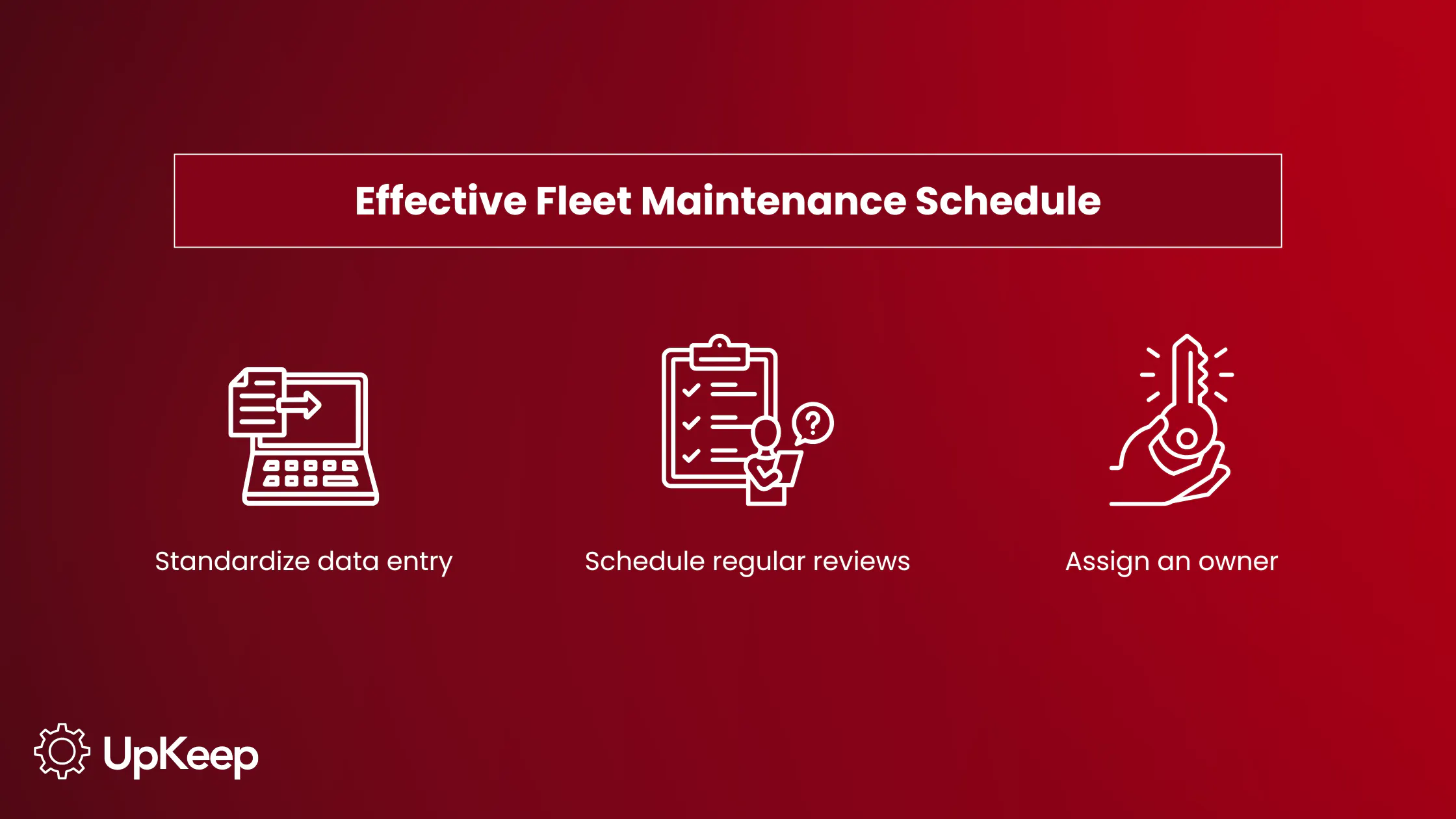
First, standardize your data entry with consistent service type names, date formats, and vehicle ID conventions. Clean inputs make filtering, sorting, and reporting more reliable as the log expands over time.
Next, set up a regular review cadence, such as weekly or monthly, to audit upcoming due dates, flag overdue maintenance, and update vehicle usage data like current mileage. Keeping records current transforms a static spreadsheet into a living maintenance management tool.
Lastly, assign ownership of the log to a specific role like the fleet manager or lead technician. This ensures records remain consistent and have a dedicated, accountable party. A fleet maintenance template with outdated or incomplete data loses its value.


Go Further by Automating Your Fleet Preventive Maintenance Spreadsheet
Excel is an excellent foundation, but spreadsheets eventually hit a ceiling: They can't alert your team when a vehicle hits a mileage threshold, flag a sensor reading that’s headed toward failure, or automatically generate a work order from a driver inspection. Moving from reactive to truly proactive maintenance requires a connected platform.
UpKeep can track meter readings or real-time sensor data to schedule PM tasks when preset mileage counts or thresholds are reached. The automation eliminates the need for manual follow-up that can delay spreadsheet-based systems. With UpKeep Edge, Internet of Things (IoT) sensor readings are automatically recorded, and if a reading falls outside a threshold, UpKeep can automatically generate a work order and notify the right technician to take immediate action.
Automated Fleet Preventive Maintenance Workflow
Inspection failure → CMMS automatically generates work order → Notifies technician → Logs the service
The system also automatically captures driver observations. Digital Driver Vehicle Inspection Reports (DVIRs) completed in under 30 seconds generate work orders from failed inspections. This creates a seamless link between what drivers notice in the field and what technicians act on.
For fleet-wide visibility, UpKeep Analytics delivers month-over-month trend data across your entire fleet, with data visualizations covering asset performance and health, time and cost reports, and parts consumption. Through automation, what you started manually in Excel becomes strategic intelligence that drives smarter decisions.
Move Beyond the Spreadsheet
A fleet maintenance log gets you started, but as your fleet grows and the cost of downtime increases, manual tracking will only take you so far. The real competitive edge lies in centralized data, automated workflows, and proactive action and maintenance.
UpKeep gives fleet managers a single platform to do all of it. From real-time IoT sensor monitoring and automated work order creation to digital DVIRs, predictive inventory planning, and fleet-wide analytics, UpKeep replaces the patchwork of spreadsheets and disconnected tools with one connected system built for how maintenance teams actually work.
See how UpKeep can transform your fleet maintenance operation. Schedule a demo today.
Frequently Asked Questions
What is the difference between a fleet maintenance log and a fleet preventive maintenance schedule?
A fleet maintenance log is a historical record of all service and repair activity performed on your vehicles. It tracks what was done, when, by whom, and at what cost. Meanwhile, a preventive maintenance schedule is more forward-looking. It outlines planned service intervals based on mileage, time, or usage thresholds to prevent failures before they happen.
When should I transition from using an Excel template to fleet maintenance software?
Excel works well for smaller fleets or teams just getting started with their maintenance tracking process. But as your fleet grows, manual spreadsheets become more time-consuming and prone to errors. They’re unable to send automated alerts, track real-time sensor data, or generate work orders from driver inspections.
What should a fleet maintenance schedule template include?
At minimum, a fleet maintenance schedule template should capture vehicle ID, make and model, current odometer reading, service type, last service date, next service due date by mileage or calendar, estimated cost, labor hours, and the assigned technician or vendor. A notes column adds important transparency for flagging irregular findings.
How can a CMMS improve fleet maintenance logs?
A CMMS replaces the manual effort that becomes a liability in spreadsheets. For example, UpKeep tracks the entire life cycle of an asset from original purchase through decommissioning, supporting PM schedules and maintaining a full history of every work order performed on a particular asset. With a CMMS, a vehicle's history, upcoming PMs, costs, and inspection results are accessible in one place from any device.
4,000+ COMPANIES RELY ON ASSET OPERATIONS MANAGEMENT
Leading the Way to a Better Future for Maintenance and Reliability
Your asset and equipment data doesn't belong in a silo. UpKeep makes it simple to see where everything stands, all in one place. That means less guesswork and more time to focus on what matters.






![[Review Badge] Gartner Peer Insights (Dark)](https://www.datocms-assets.com/38028/1673900494-gartner-logo-dark.png?auto=compress&fm=webp&w=336)



